
FlitKey
Week 35, 2026Free offline text expander for Windows & Linux
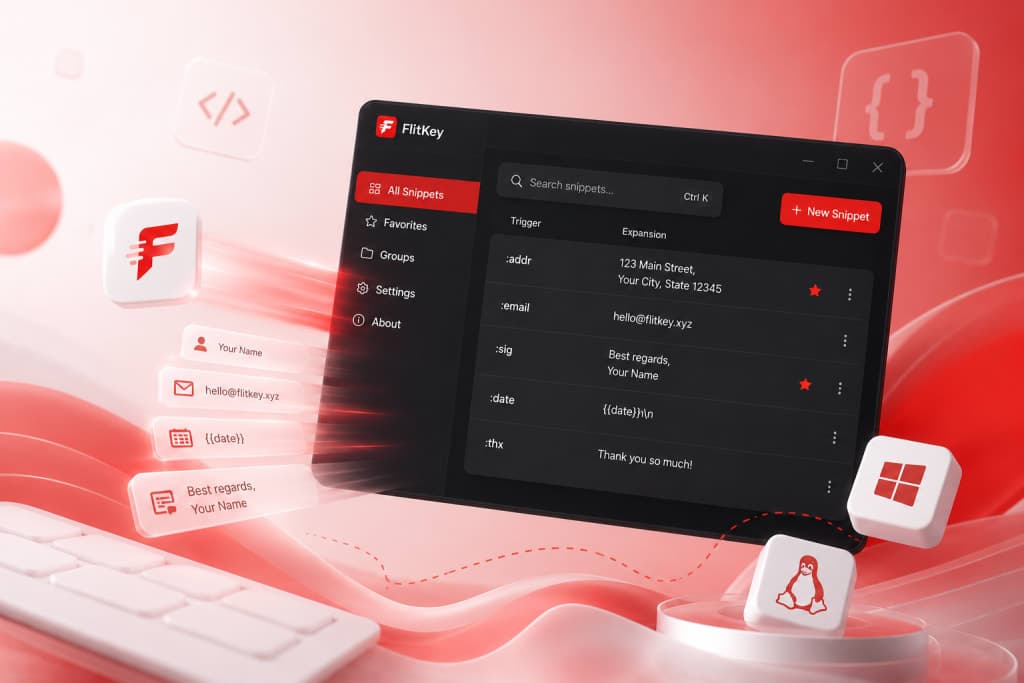
About FlitKey
Gallery
Overview
Who is it for?
Developers, writers, and support teams needing text expansion.
Problem
FlitKey addresses the repetitive task of typing the same phrases or blocks of text across various applications. It eliminates the need for manual copy-pasting, which can disrupt workflow and lead to errors.
Solution
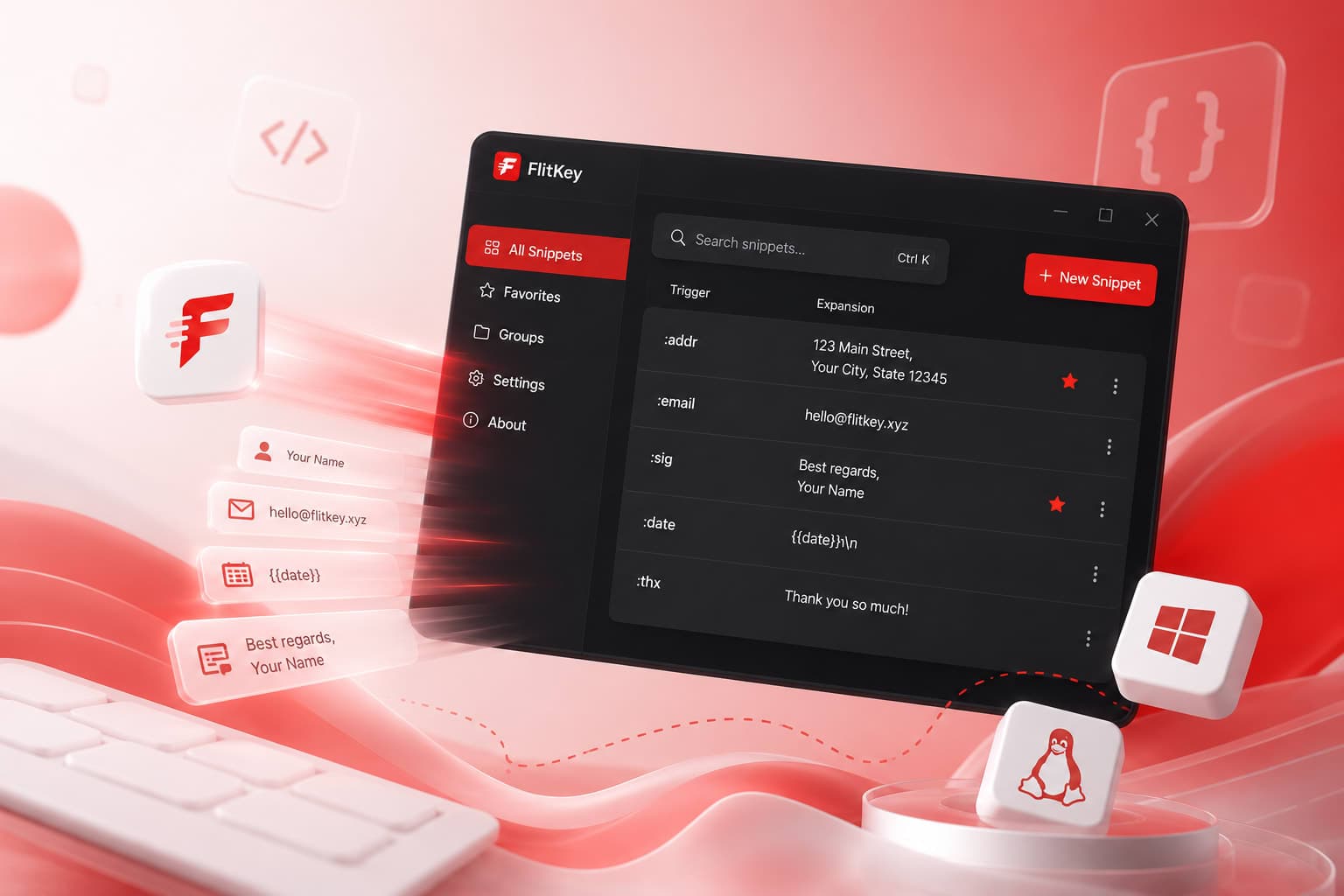
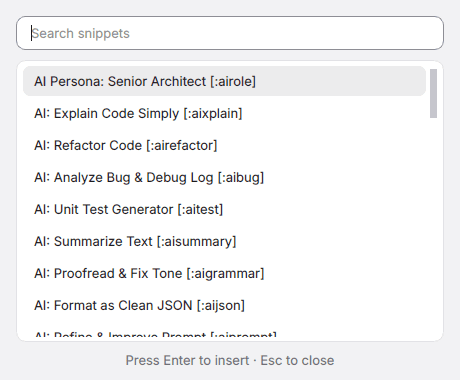
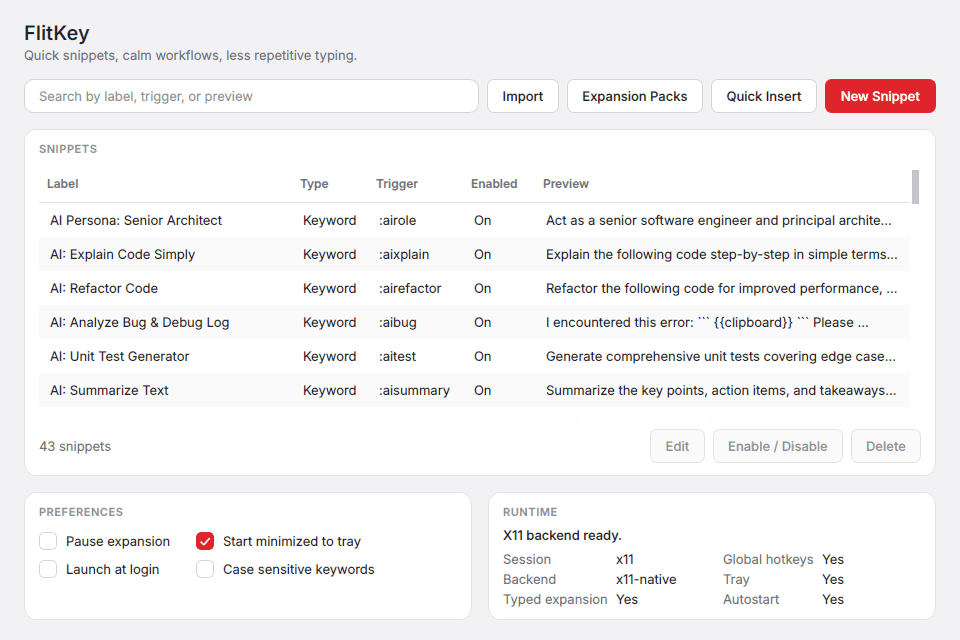
By allowing users to define short triggers that expand into longer text snippets, FlitKey streamlines the typing process. It works globally across desktop applications, enabling quick insertion of frequently used text without interrupting the user's flow.
What makes it unique
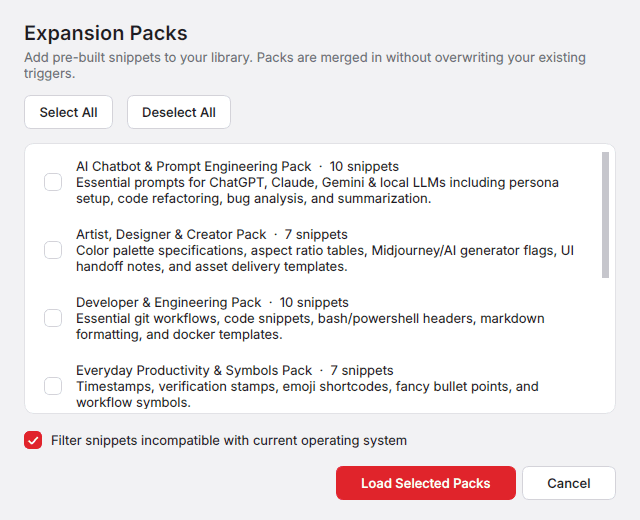
FlitKey stands out by being completely free and open-source, with no hidden fees or tiers. Its offline functionality ensures privacy, and it offers built-in packs for immediate use, unlike many competitors that require extensive setup or subscriptions.
FAQ
- Does FlitKey really work fully offline?
- Yes. FlitKey runs on your machine without any account or cloud service.
- Which Linux display servers are supported?
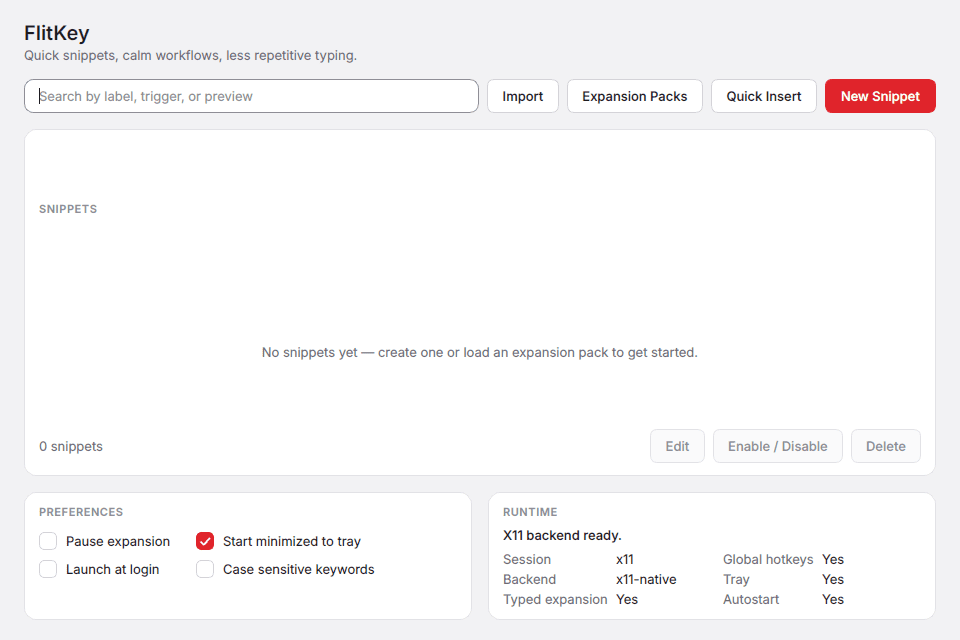
- X11: full support. Wayland: partial support with some limitations.
- Can I import my Espanso or AutoHotkey setup?
- Yes, FlitKey can import supported entries from Espanso, AutoHotkey, and CSV/TSV/JSON files.
- Do I have to build my snippet library from scratch?
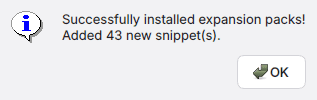
- No, FlitKey comes with six built-in expansion packs containing 46 snippets.
- How much does FlitKey cost?
- FlitKey is completely free and MIT-licensed, with all features included.
- How do I install FlitKey on Windows or Linux?
- On Windows, run the FlitKey-Setup installer. On Linux, use the .deb package.
Weekly rankings
36 products






