Cooldock vs Limitly
Cooldock and Limitly are both live Productivity launches on ScrollLaunch. Here's how they compare - what each one does, who it's for, pricing, platforms, and how the community voted. Both listings are maker-submitted; ScrollLaunch doesn't endorse either side.
At a glance
What is Cooldock?
Cooldock adds a second Dock to your Mac, packed with live widgets for music, todos, calendar events, weather, and more. It's designed for anyone looking to enhance their productivity with quick access to essential tools and information right beside their original Dock.
Customize your experience with a variety of widgets that cater to your daily workflow. Whether you need to manage tasks, check the weather, or control music, Cooldock keeps everything organized and accessible. Enjoy a beautiful interface that fits seamlessly into your macOS environment.
With a one-time purchase, you gain lifetime access to all features, ensuring you won’t be hit with recurring fees. Plus, a 14-day money-back guarantee lets you try it risk-free. Make your Dock truly yours with Cooldock.
Best for: Mac users seeking enhanced productivity and organization.
- Task management
- Weather updates
- Music control
- Calendar events
- Quick access to apps
See the full listing - Cooldock on ScrollLaunch.
What is Limitly?
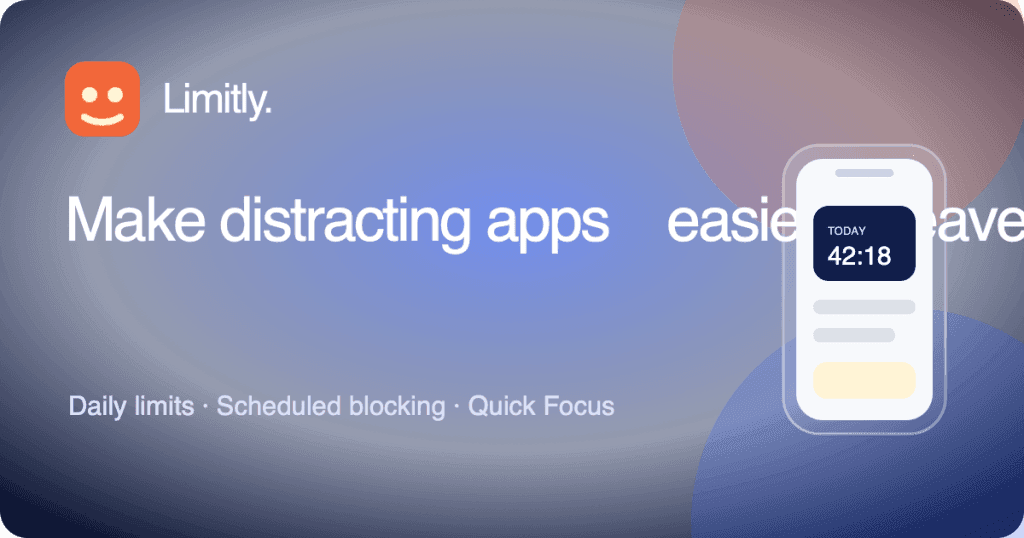
Limitly helps iPhone users create clear boundaries around distracting apps with Apple Screen Time. Start a one-off Quick Focus session or set a recurring schedule for apps you choose. The free plan allows one active recurring schedule, and Limitly Plus removes that cap with weekly or lifetime options. A Focused session allows one controlled 15-minute break; Strict does not. Limitly is available for iPhone on iOS 18.2 or later.
Best for: iPhone users wanting to manage screen time and reduce distractions.
- App blocking
- Scheduled focus
- Quick focus sessions
- Screen time control
See the full listing - Limitly on ScrollLaunch.
Explore these categories
More comparisons
Frequently Asked Questions
What's the difference between Cooldock and Limitly?
Cooldock is Smart second Dock with live widgets, while Limitly is Scheduled app blocking and Quick Focus for iPhone. Both are live launches in the Productivity space on ScrollLaunch - the full descriptions, pricing, and platforms for each are compared on this page.
Is Cooldock or Limitly more popular on ScrollLaunch?
Cooldock currently has more community upvotes (2 vs 1) on ScrollLaunch. Upvotes reflect community interest at launch, not an endorsement or a quality verdict.
Is Cooldock or Limitly free?
Limitly is Freemium, while Cooldock is Paid (from $15). Check each product page for current pricing details.
Should I choose Cooldock or Limitly?
It depends on your use case. Cooldock is built for Mac users seeking enhanced productivity and organization.; Limitly is built for iPhone users wanting to manage screen time and reduce distractions.. ScrollLaunch lists both as maker-submitted launches and doesn't endorse either - compare the descriptions above and visit each product page to decide.


