AppGrowthKit (formerly AppStyle)
Week 29, 2026Design App Store screenshots that are ready to ship with AI.

About AppGrowthKit (formerly AppStyle)
Gallery
Overview
Who is it for?
Indie developers and teams creating app store screenshots.
Problem
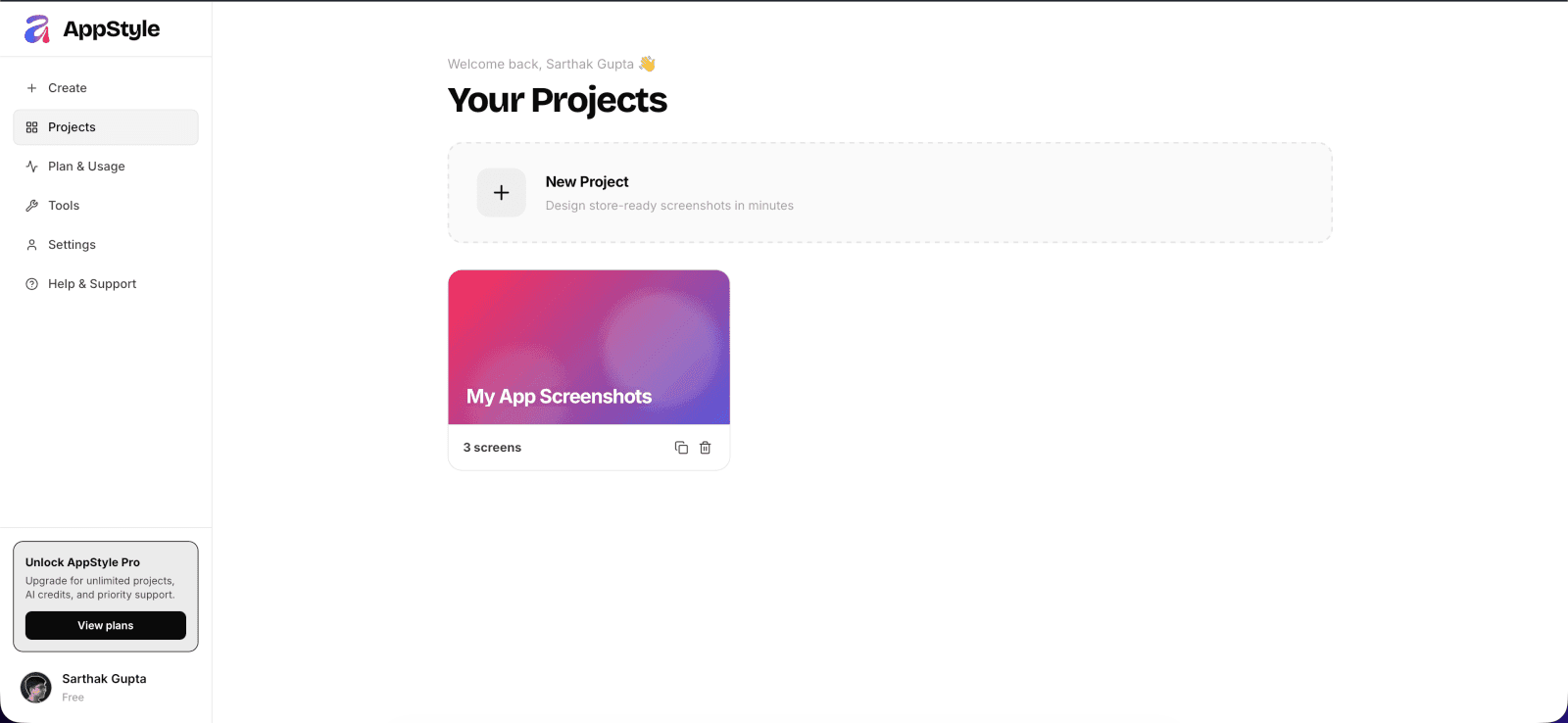
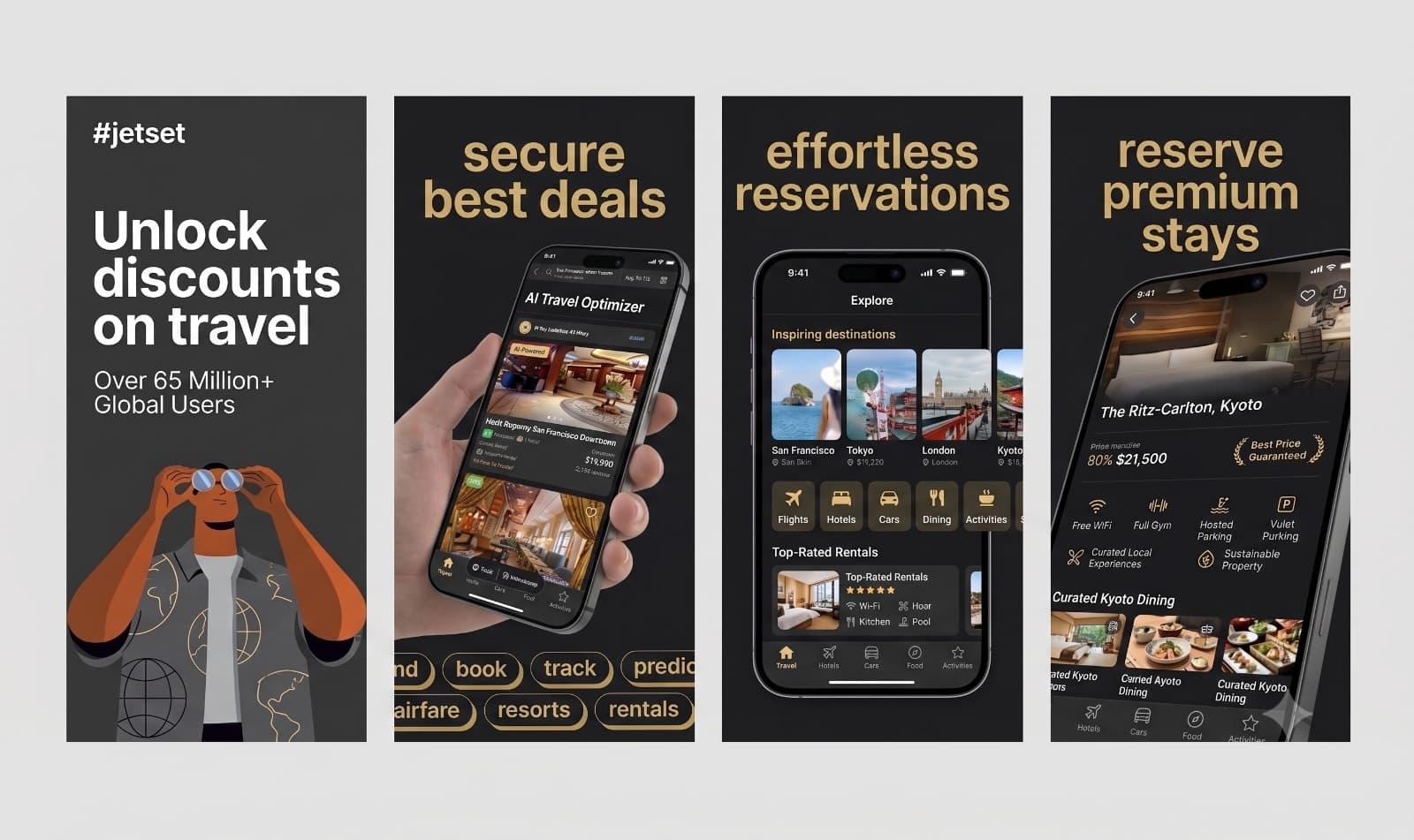
Designing app store screenshots can be time-consuming and complicated, often requiring multiple tools and formats. Developers need a streamlined process to create professional visuals that meet platform requirements.
Solution
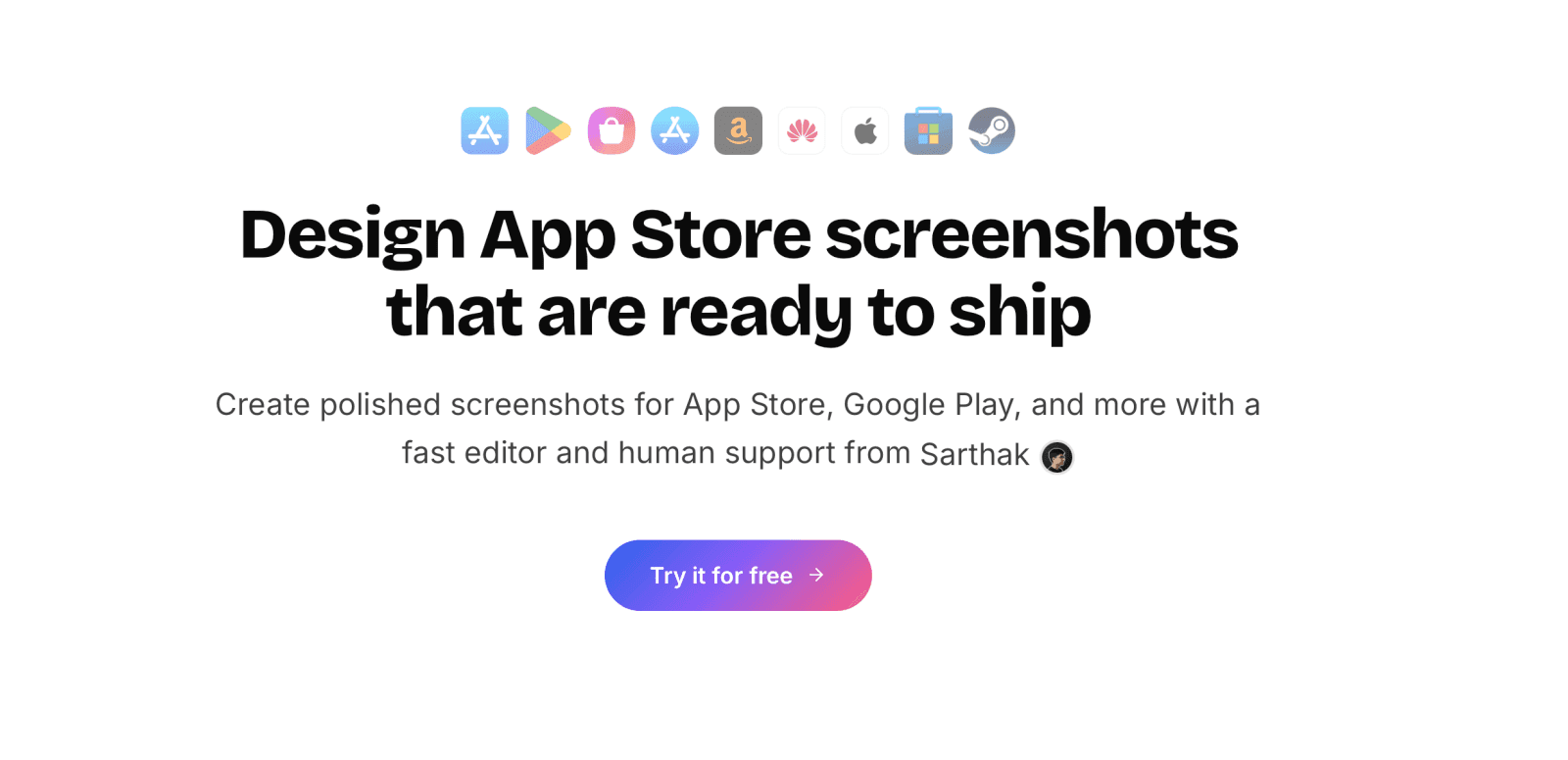
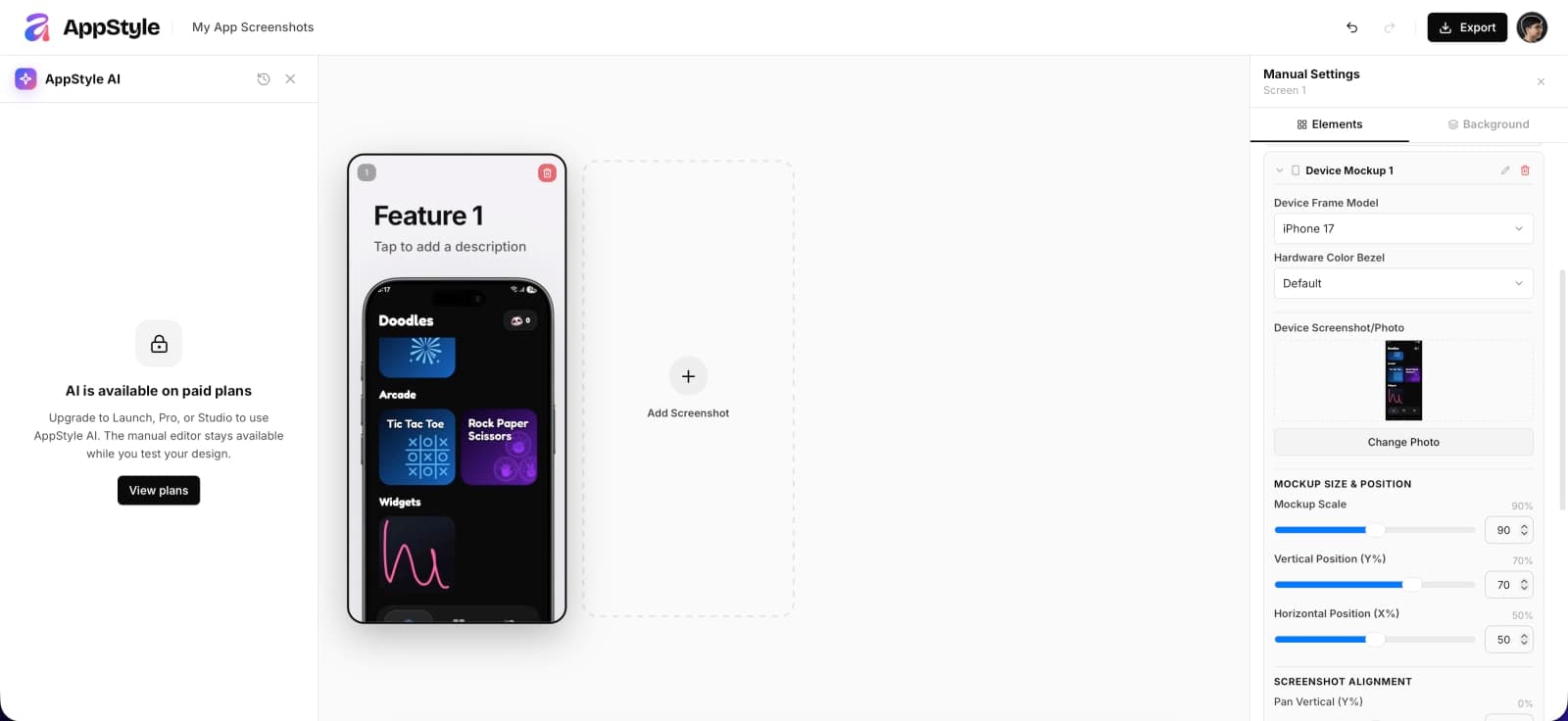
AppStyle simplifies the screenshot creation process by providing a fast editor along with AppStyle AI an ai that designs every element manually not generates images via nano banana like other alternatives that allows users to upload their app screens, apply polished layouts, and export ready-to-use assets for various platforms in just a few clicks.
What makes it unique
Unlike competitors, AppStyle offers a fast editing experience, AI Agent that edits in a harness unlike using nano banana. Its one-click export feature saves time by providing all necessary formats instantly, making it ideal for busy developers.
FAQ
- What platforms does AppStyle support?
- AppStyle supports App Store, Google Play, Mac App Store, and more.
- Can I try AppStyle for free?
- Yes, you can start designing for free with limited features.
- What is the one-click export feature?
- It allows you to download all your screenshots in the required formats instantly.
- Is there customer support available?
- Yes, all plans include support to help you with your projects.
- How many projects can I create?
- It depends on your plan; starting from 5 new projects per month.
- Do I need to resize images?
- No, AppStyle exports images in the exact sizes required by stores.
- What are AI credits?
- AI credits allow you to use additional features in the app, depending on your plan.
- Can I customize device frames?
- Yes, you can choose colors and layouts for device frames.
- Is it suitable for teams?
- Yes, AppStyle is designed for both individual developers and teams.
- How does the pricing work?
- There are multiple plans starting at $9/month, each with different features.
Weekly rankings
34 products