Gemini Omni AI Video Generator logo

Gemini Omni AI Video Generator

Scheduled · Week 37, 2026

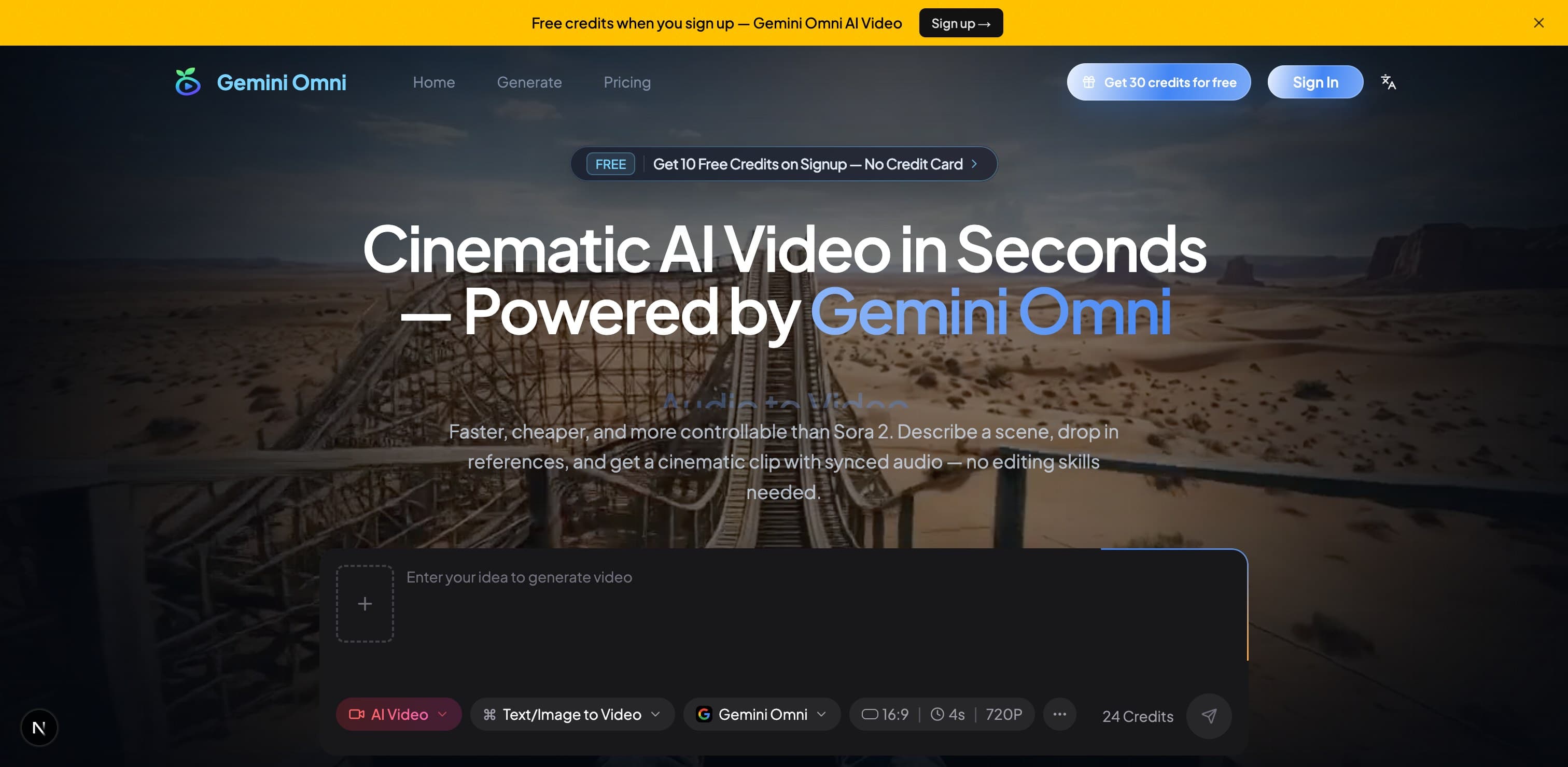
Cinematic AI Video in Seconds

AI, Video Editing, Other

Scheduled launch

Goes live Week 37, 2026

September 7 – September 13, 2026 · Leaderboard opens Monday 00:00 UTC

Browse Week 37, 2026

00

Days

00

Hours

00

Mins

00

Secs

Upvotes

Unlocks at launch

Dofollow backlink

Unlocks at launch

Leaderboard

Unlocks at launch

Comments

Unlocks at launch

Voting opens Week 37, 2026

Upvotes unlock when the launch week starts

Comments open at launch

Discussion unlocks with the leaderboard

Gemini Omni AI Video Generator — Cinematic AI Video in Seconds

About Gemini Omni AI Video Generator

Gemini Omni is Google's omni-modal AI video generator that allows users to create cinematic videos by combining text, images, video clips, and audio in one prompt. With features like native audio sync, in-chat editing, and character consistency, it simplifies the video creation process, making it accessible for everyone, from content creators to marketers. Users can generate high-quality videos quickly, with no editing skills required, and enjoy a free tier to experiment with the platform.

Overview

Who is it for?

Content creators, marketers, educators, and small business owners looking for an easy way to produce videos.

Problem

Creating high-quality videos can be time-consuming and requires technical skills. Many existing solutions do not provide seamless integration of audio and video or require extensive post-production work.

Solution

Gemini Omni streamlines the video creation process by allowing users to input multiple types of media in a single prompt. It generates videos with synchronized audio and maintains character consistency, eliminating the need for post-production editing.

What makes it unique

Gemini Omni stands out with its ability to combine text, images, video clips, and audio in one generation, providing native audio sync and in-chat editing capabilities. It also allows for up to 15 reference inputs, ensuring high-quality output that maintains continuity across scenes.

Use cases

  1. 1Product demos
  2. 2Social media videos
  3. 3Educational content
  4. 4Marketing videos
  5. 5Creative storytelling

Built by