Motionflare
Week 29, 2026On-brand marketing videos from any URL, ready in minutes
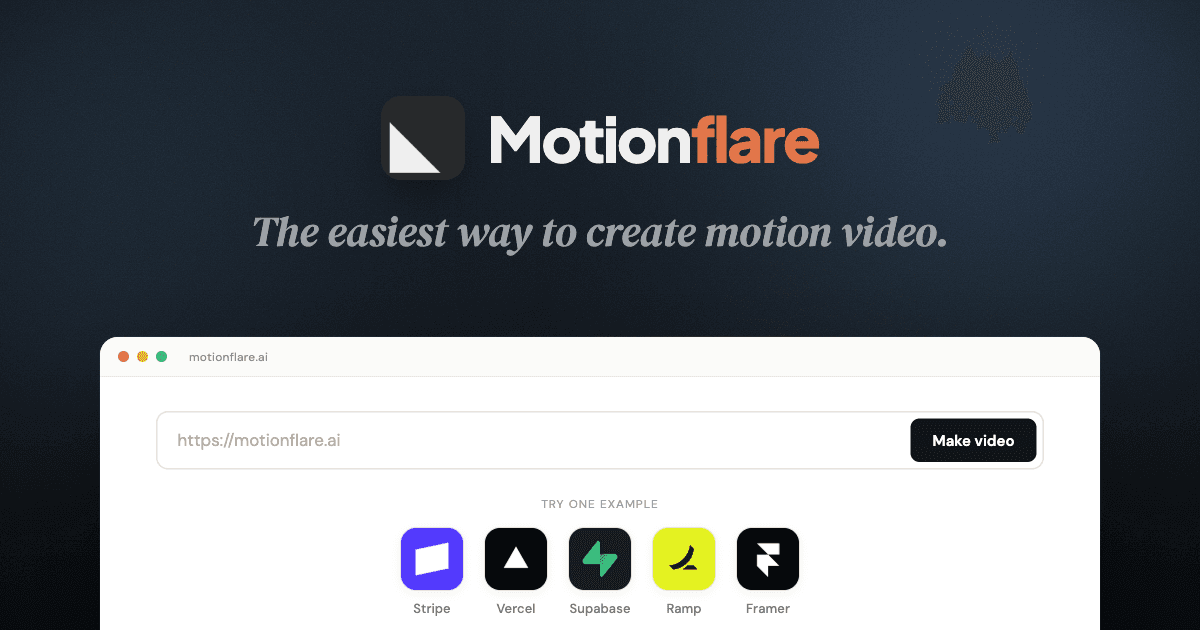
About Motionflare
Gallery

Demo video
Overview
Who is it for?
Businesses and marketers looking to create branded videos quickly.
Problem
Creating marketing videos can be time-consuming and challenging, especially maintaining brand consistency. Motionflare simplifies this process by automating video creation from any URL.
Solution
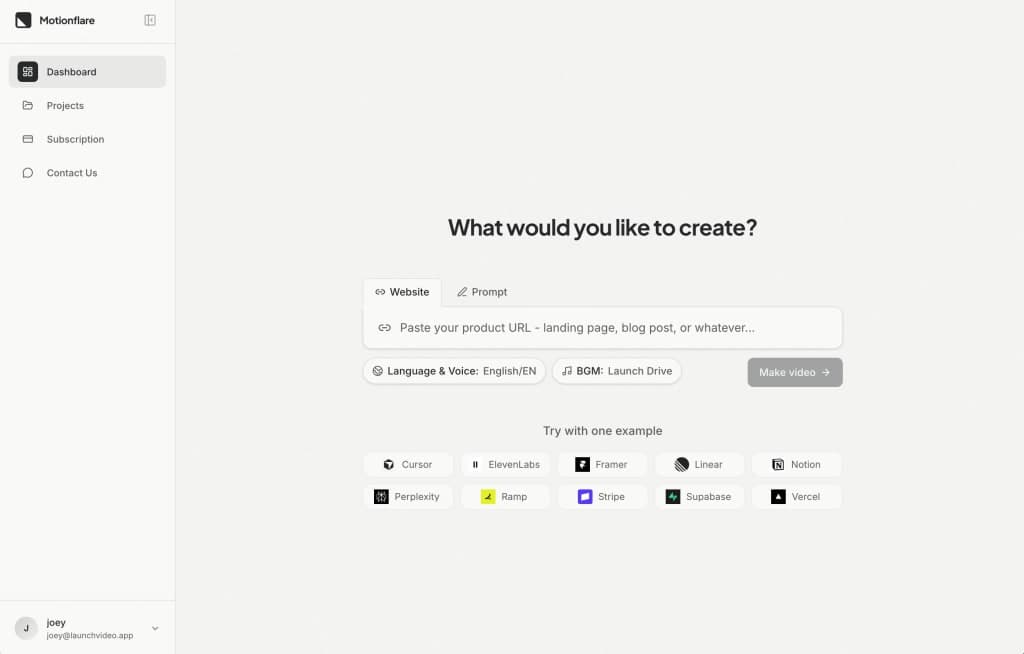
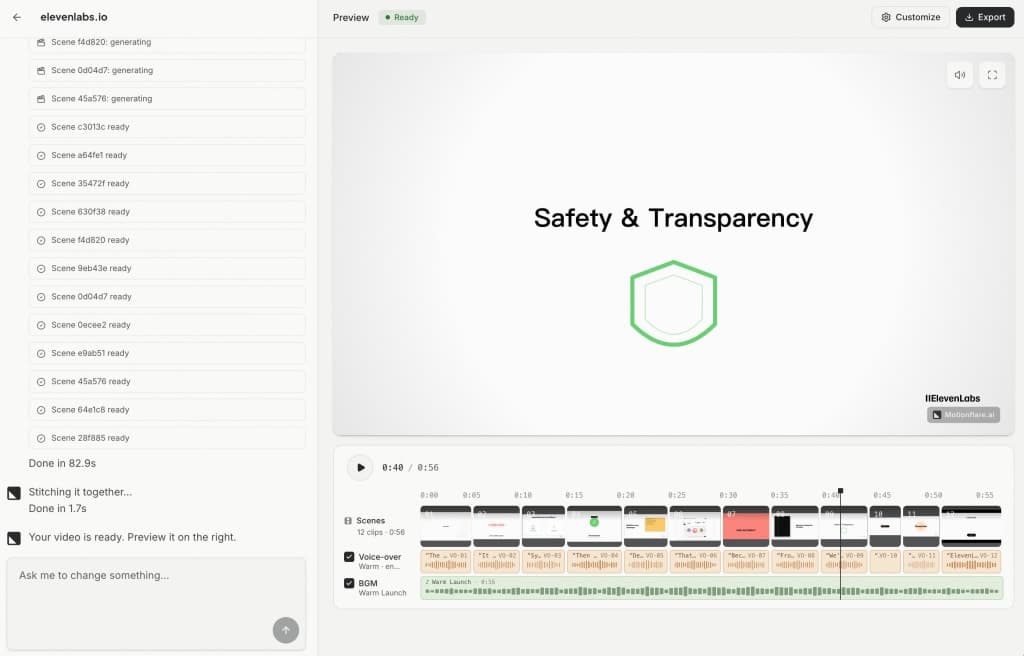
Motionflare automates the video creation process by extracting content from your website, including text and visuals, to produce a video that aligns with your brand identity. It allows for quick previews and easy sharing.
What makes it unique
Motionflare's unique approach lies in its ability to read and extract branding elements directly from your website, ensuring that every video is tailored to your brand without the need for extensive manual input.
FAQ
- How does Motionflare create videos?
- Motionflare reads your website to extract logos, colors, and text, using this information to generate a video that reflects your brand.
- Can I customize the voice and music in my videos?
- Yes, you can choose from various accents and music tracks to match your video's tone.
- What formats can I export my videos in?
- You can export your videos in 1080p or 4K resolution and download them as MP4 files.
- Is there a preview feature?
- Yes, you can preview your video inline in your workspace before finalizing it.
- Do I need an account to share videos?
- No, you can share a public link to your video without requiring the recipient to have an account.
Weekly rankings
34 products