
Homy
Scheduled · Week 43, 2026Finder alternative with smart search
Scheduled launch
Goes live Week 43, 2026
October 19 - October 25, 2026 · Leaderboard opens Monday 00:00 UTC
00
Days
00
Hours
00
Mins
00
Secs
Upvotes
Unlocks at launch
Dofollow backlink
Unlocks at launch
Leaderboard
Unlocks at launch
Comments
Unlocks at launch
Reviews
Unlocks at launch
Voting opens Week 43, 2026
Upvotes unlock when the launch week starts
Comments open at launch
Discussion unlocks with the leaderboard
About Homy
Gallery
Overview
Who is it for?
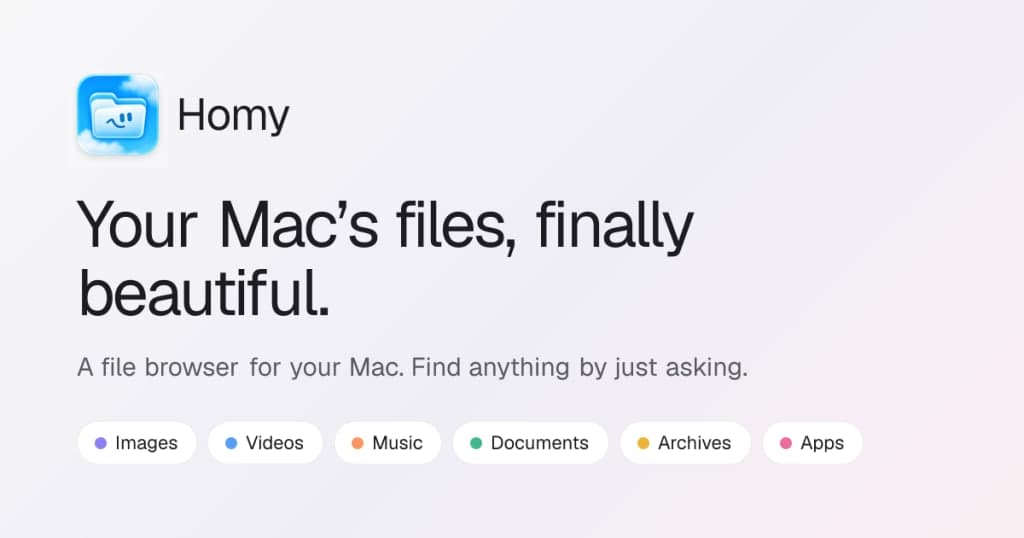
Mac users seeking better file organization and search.
Problem
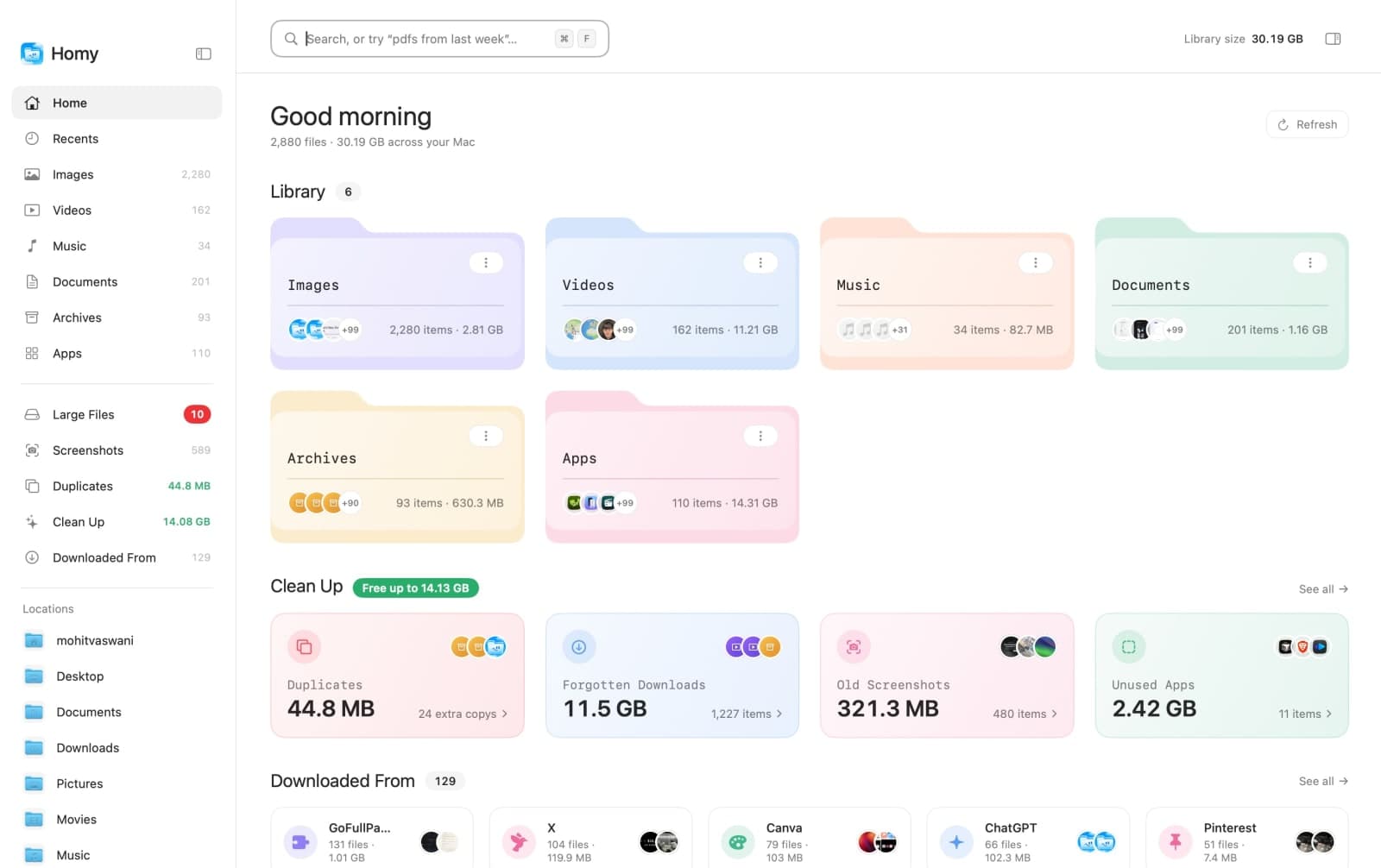
Finder's interface is cluttered and inefficient for file searches, making it hard to locate files quickly.
Solution
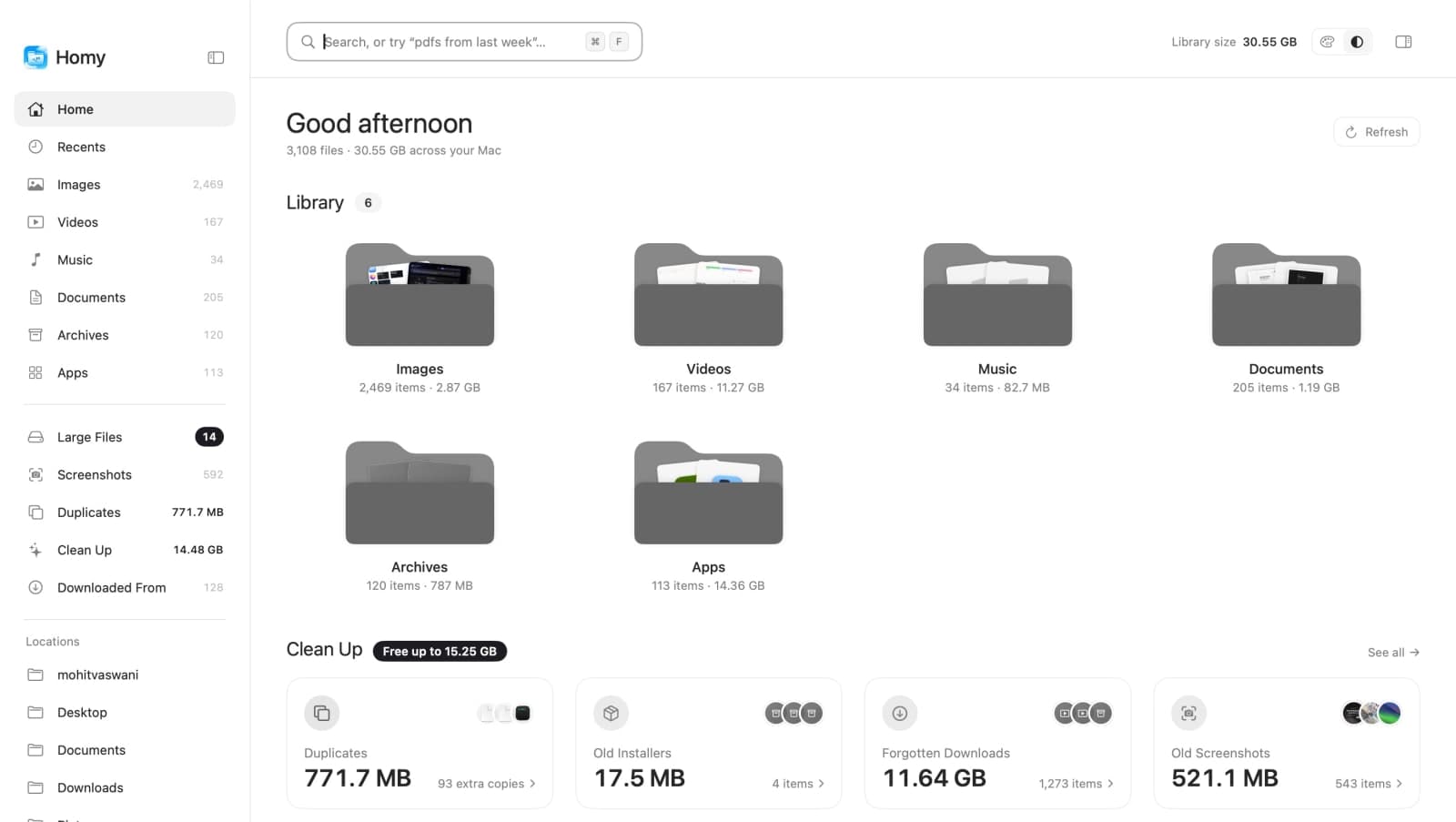
Homy offers a visually appealing interface with large thumbnails and a natural-language search feature, allowing users to find files easily without navigating through folders.
What makes it unique
Homy uniquely combines natural-language processing with on-device file management, ensuring privacy and ease of use without the need for complex commands or cloud storage.
FAQ
- Does Homy replace Finder?
- No, it works alongside Finder for better file visibility.
- Are my files uploaded anywhere?
- No, all processing is done on your Mac.
- Will it delete my files?
- Only if you choose to move them to the Trash.
- Can I search without opening Homy?
- Yes, use the Quick Search feature with a keyboard shortcut.
- Is it a subscription?
- No, it's a one-time payment for a license.
- Which macOS versions are supported?
- macOS 14 Sonoma and later.
- Can I use it on multiple Macs?
- Yes, you can choose a license for 1, 3, or 5 Macs.
- Does it work offline?
- Yes, it functions offline for up to 30 days.
- How do updates work?
- Updates are free and install automatically when you quit.
- What if I have more questions?
- Email epictools.io@gmail.com for support.