
ASCII Magic
Week 41, 2026Turn any photo or video into art, 100+ styles, live in your browser.
About ASCII Magic
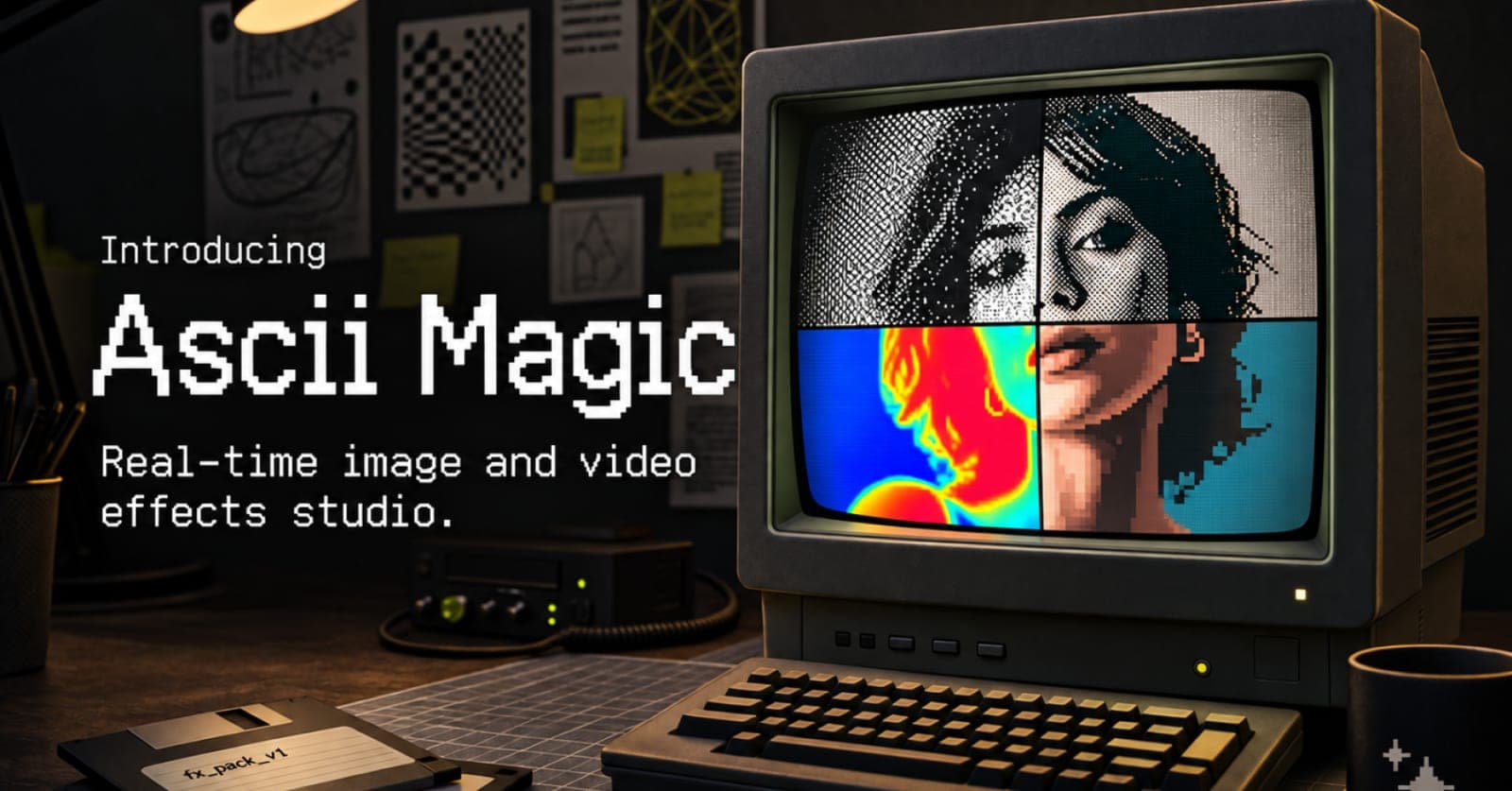
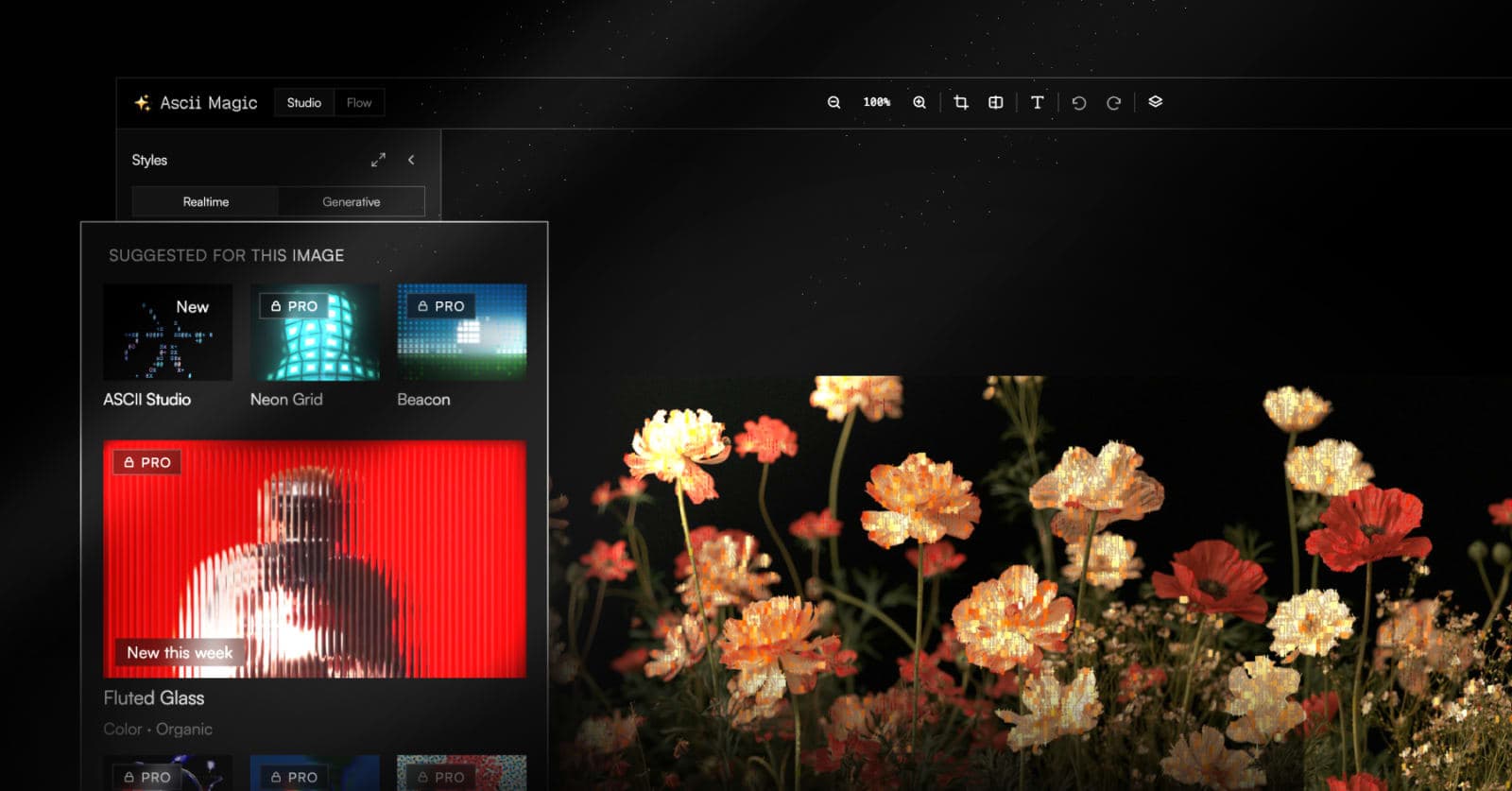
ASCII Magic is a browser-based image and video effects studio that turns any photo or video into art. Drop in a file and render it as ASCII characters, pixel art, halftone and CMYK dots, dithering, voxel cubes, LEGO bricks, LED and Braille matrices, glitch and scanline looks, and 100+ styles and shaders in total, all in real time with no signup and no watermark.
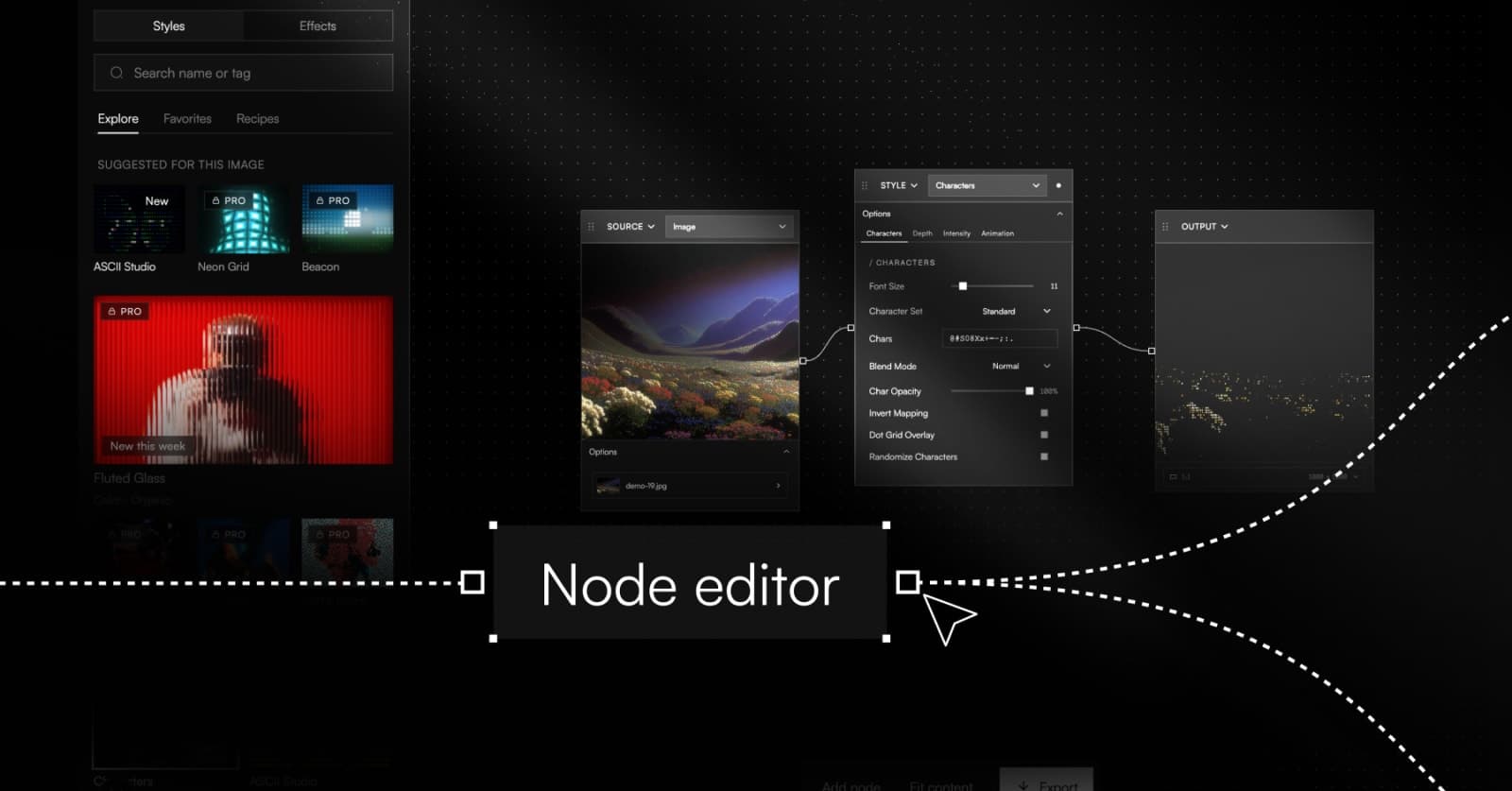
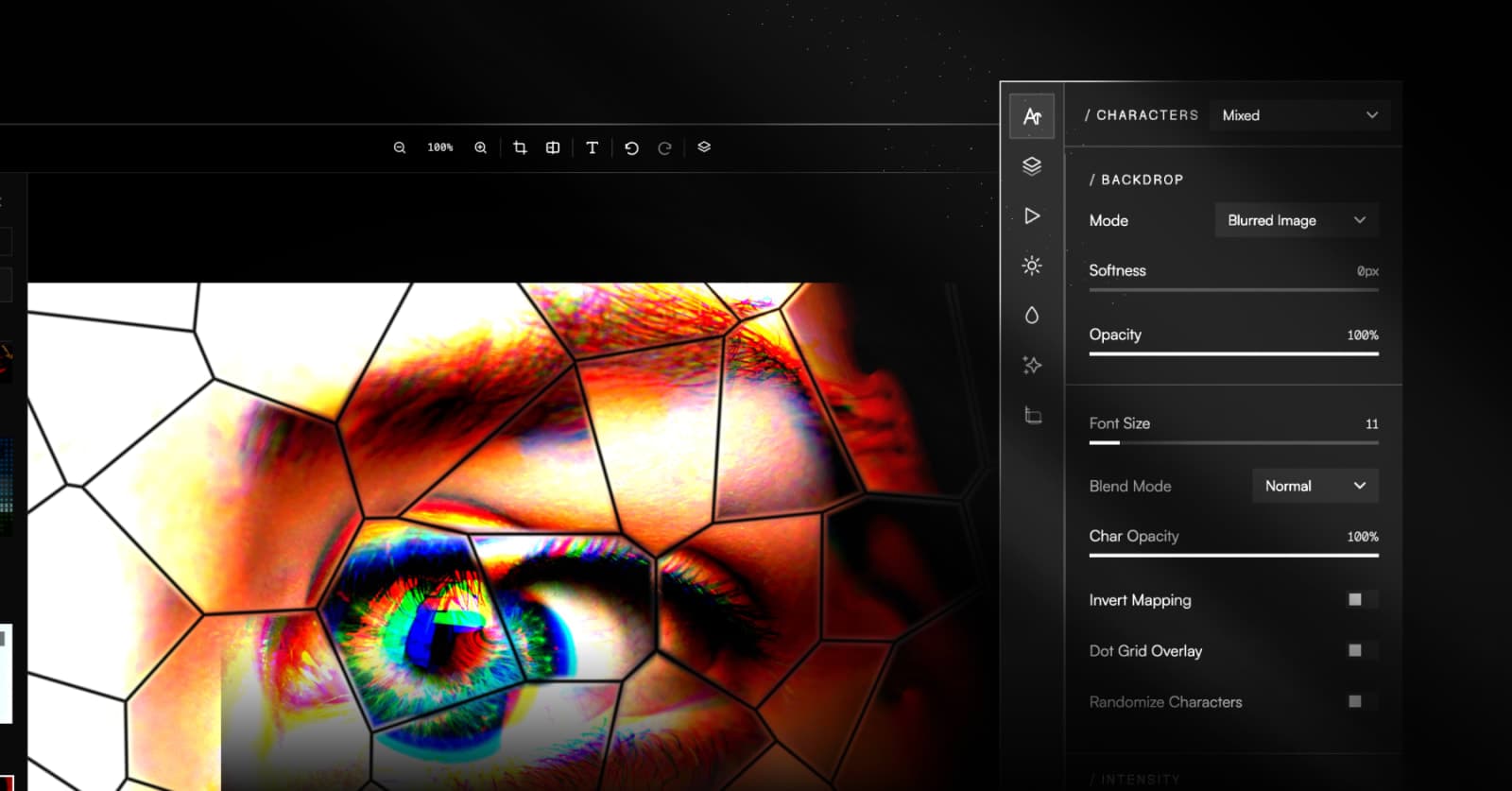
Every slider, style and post effect updates the live preview instantly. You can art-direct the result with on-canvas move, scale and rotate controls, stackable post effects (vignette, scanlines, CRT curvature, chromatic aberration, film grain, bloom, glitch), a built-in background library, and AI generative renders that reimagine a photo from a prompt. Export stills and video up to 4K, watermark-free on every plan.
The core editor and core styles are free forever. Pro unlocks the full 100+ effect library, 4K export and AI generative renders. It runs entirely in your browser on any device, with nothing to install.
Gallery
Demo video
FAQ
- What is ASCII Magic?
- A browser-based tool that turns photos and videos into ASCII art, pixel art, halftone, dithering and 100+ other styles, with live preview and 4K export.
- Does it work on video?
- Yes. Every effect runs live on video in the browser, and you can export the result as MP4 or GIF.
- Do I need to install anything?
- No. It runs entirely in your browser on desktop and mobile.
- What export formats are supported?
- PNG, JPG, GIF and MP4, at up to 4K resolution.
- Is there a free plan?
- Yes. The free plan includes a set of effects with no watermark, and Pro unlocks the full library, all post effects and AI generative renders.
- Can I reuse a look I made?
- Yes. Every look can be saved as a recipe code that reproduces it exactly, so you can reuse or share it.
- How do I convert an image to ASCII art?
- Upload your photo to ASCII Magic, pick an ASCII style, and adjust the character size, contrast and colours with a live preview. Then export it as PNG, JPG or GIF.
- How do I turn a photo into pixel art?
- Upload a photo, choose the Pixel Art effect, and set the pixel size and colour palette. The preview updates live, and you can export at up to 4K.
- What is the dithering effect?
- Dithering recreates an image using patterns of a few colours, which gives the grainy, retro look of old computers and newspapers. ASCII Magic includes several dithering styles for photos and video.
- Can I convert a video to ASCII art?
- Yes. Upload a video, apply any ASCII or retro style, and it plays back live in your browser. When you're happy with it, export it as MP4 or GIF.
Weekly rankings
#3
2026-W41
35 products
20