Isolate AppBlocker & BlockWiFi
Week 26, 2026Block Doom scroll Apps and Wi-Fi without Ads

About Isolate AppBlocker & BlockWiFi
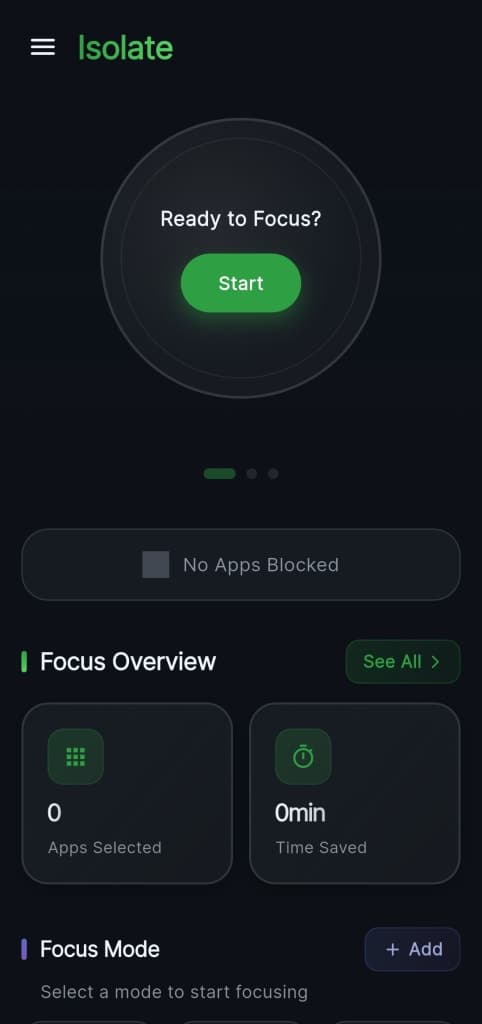
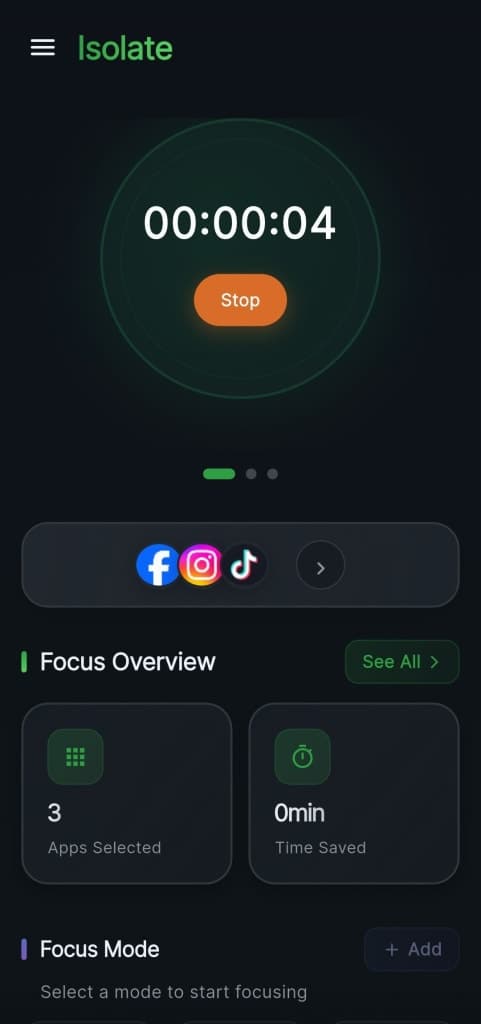
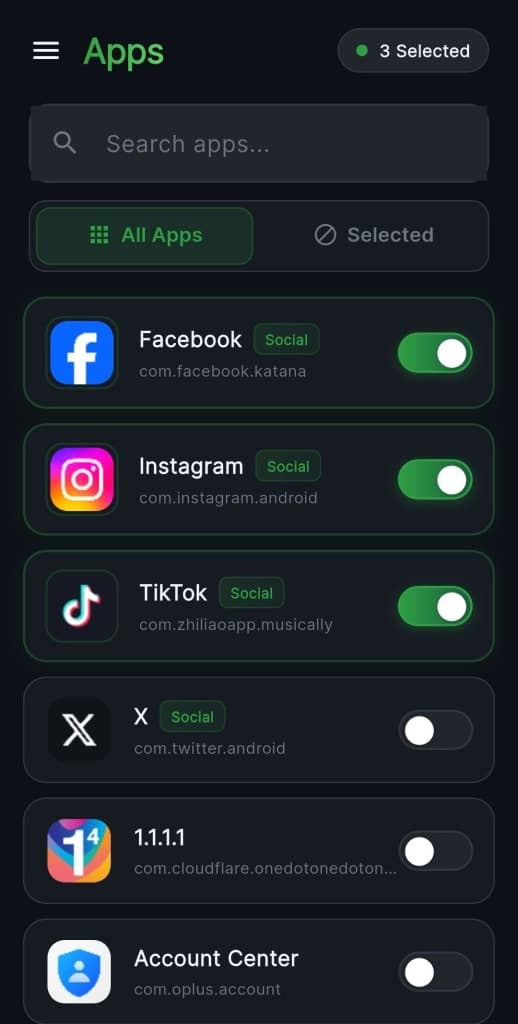
Isolate is an app blocker and no-root firewall that lets you block internet, WiFi, and mobile data for any app — one tap, no setup. Block WiFi, mobile data, or both per app without rooting your phone. Ideal for students, remote workers, and parents, it helps maintain focus by blocking distracting apps while allowing others to connect. With built-in focus modes like Work, Study, and Sleep, you can customize your app blocking schedule. Enjoy a clean, ad-free experience with no subscriptions or data collection.
Gallery
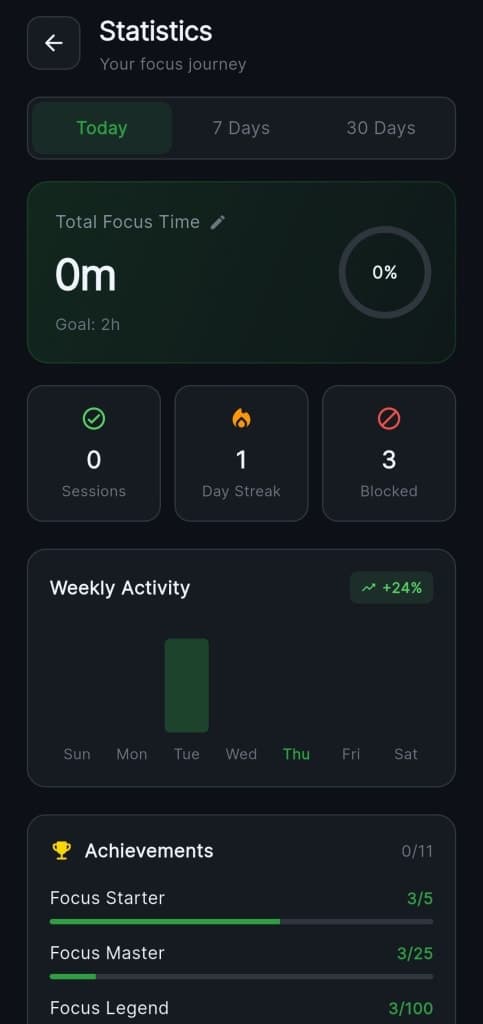
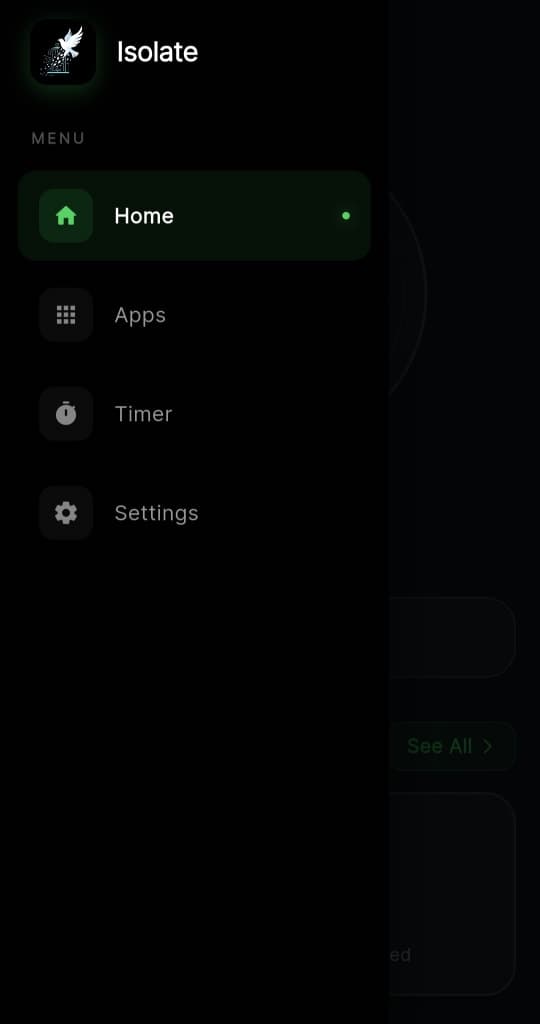
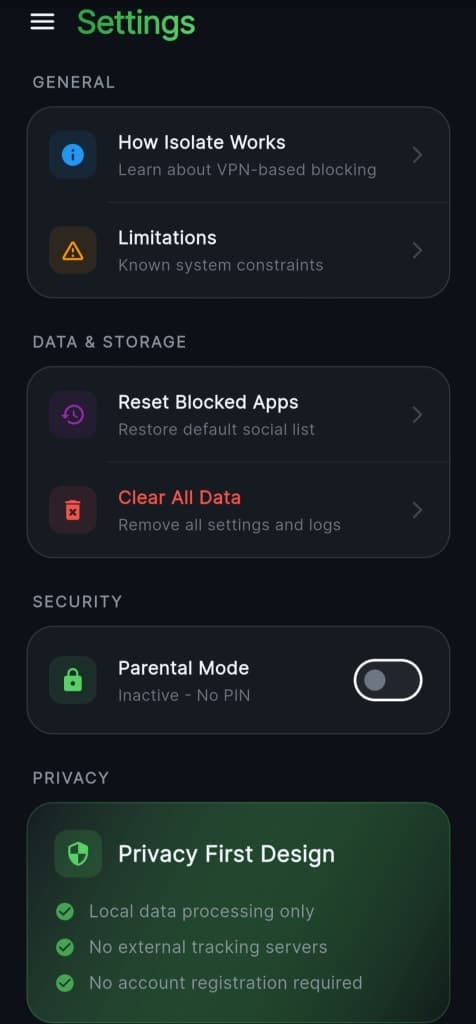
Overview
Who is it for?
Students, remote workers, parents, and anyone needing to focus.
Problem
Helps users avoid distractions from apps and manage their internet usage effectively.
Solution
By allowing users to block internet access for specific apps, Isolate helps maintain focus and saves data. It offers various modes for different situations, ensuring users can customize their experience.
What makes it unique
Isolate stands out with its no-root functionality, ad-free experience, and straightforward setup, making it accessible for everyone without compromising privacy.
FAQ
- Is Isolate free to use?
- Yes, Isolate is completely free with no ads or subscriptions.
- Do I need to root my device to use Isolate?
- No, Isolate works without rooting your phone.
- Can I block specific apps only?
- Yes, you can block internet access for individual apps.
- What are Focus Modes?
- Focus Modes allow you to block apps during specific times like work, study, or sleep.
- Does Isolate collect my data?
- No, Isolate does not collect or share any user data.
- How do I set up app blocking?
- Simply open Isolate, select the app you want to block, and choose your settings.
- Can I customize my blocking schedule?
- Yes, you can create a custom schedule for blocking apps.
- Is there a limit to how many apps I can block?
- No, you can block as many apps as you need.
- Who can benefit from using Isolate?
- Students, remote workers, parents, and anyone looking to minimize distractions.
- What platforms is Isolate available on?
- Isolate is currently available on Android.
Weekly rankings
#9
2026-W26
19 products
5