
Listing Quick
Week 29, 2026The easiest way to prepare your Chrome extension listing
About Listing Quick
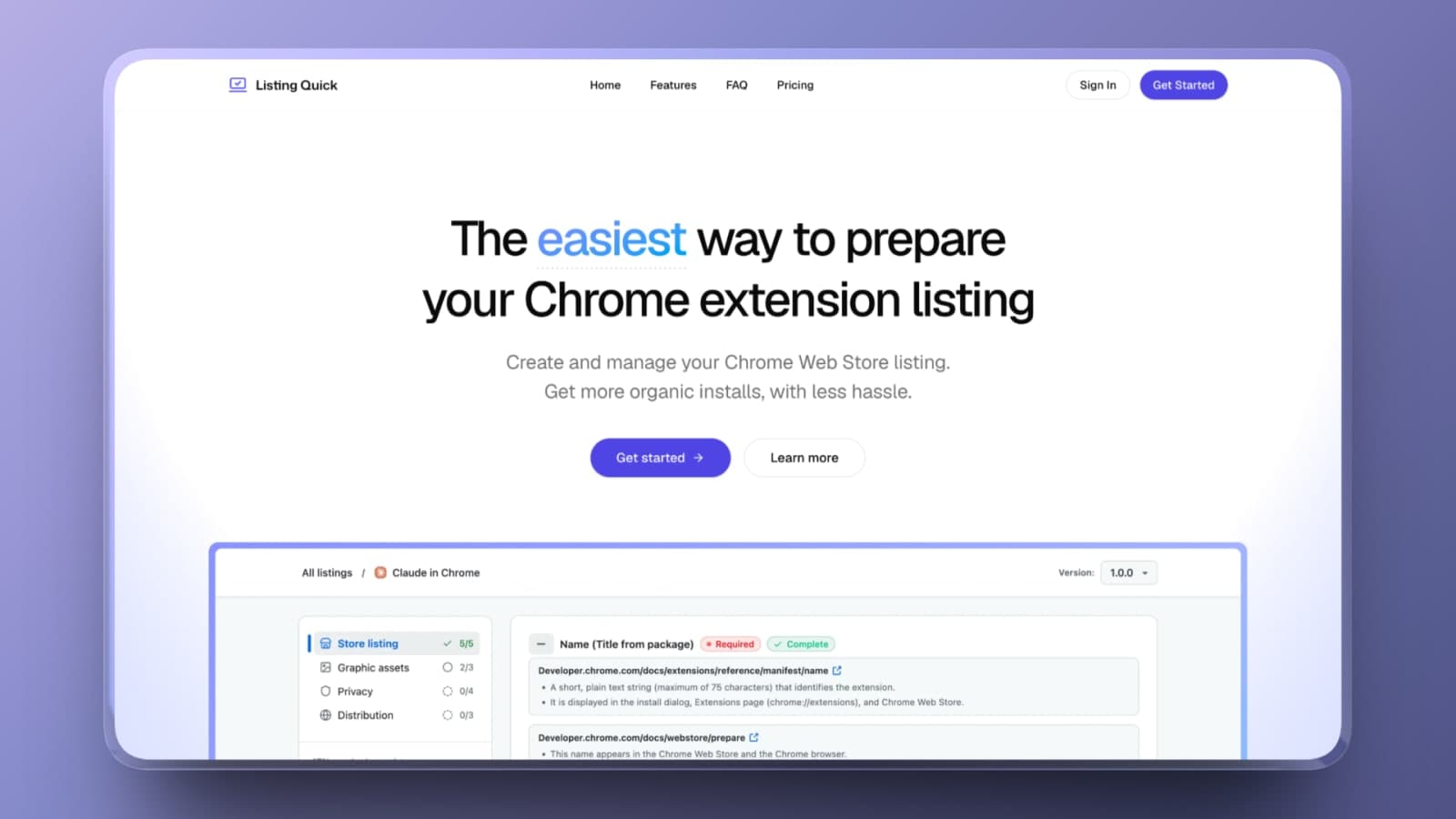
Create, manage, and optimize your Chrome Web Store listing with ease.
Tools to make your Chrome extension's listing stand out, get discovered, and get more installs.
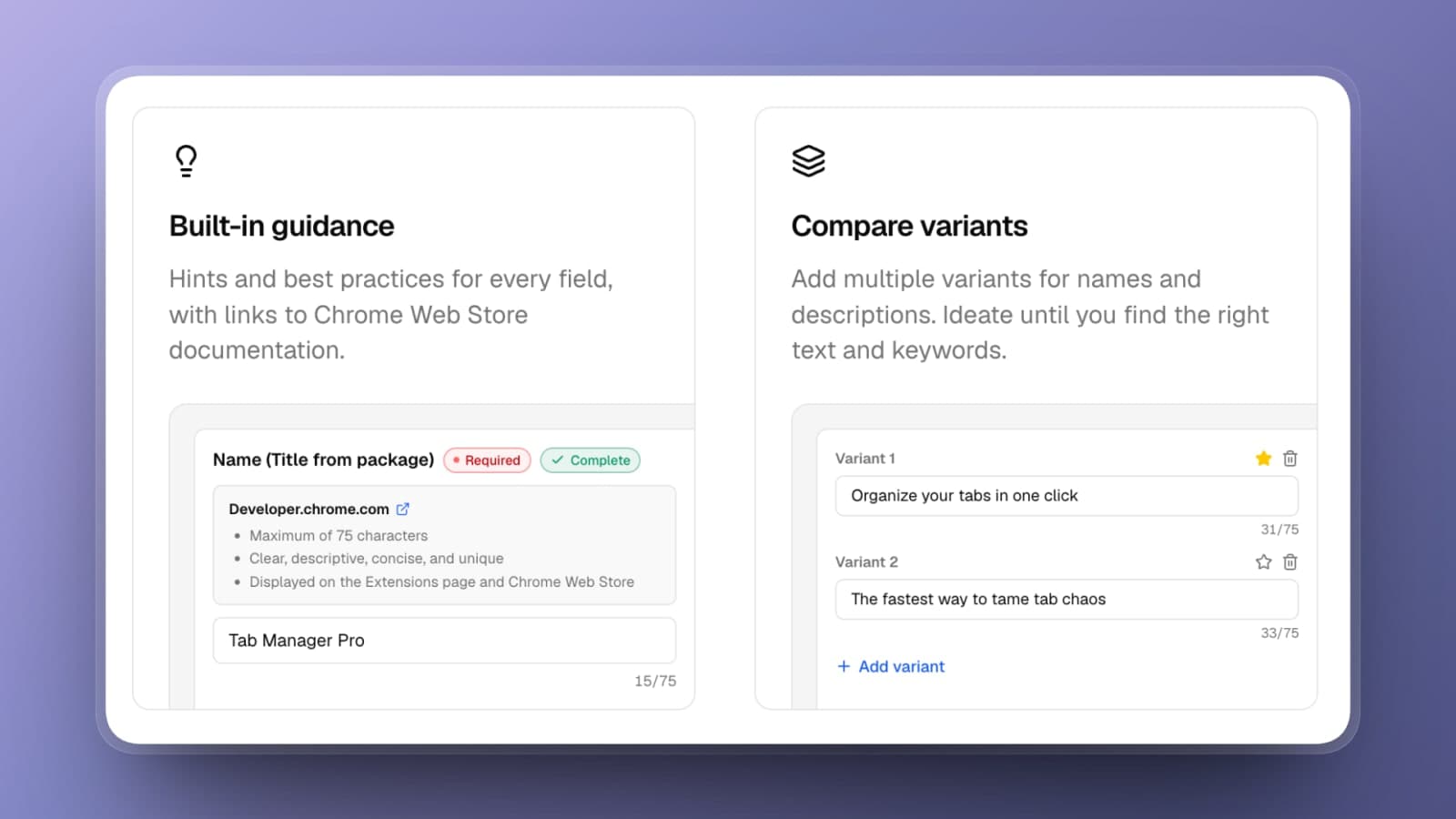
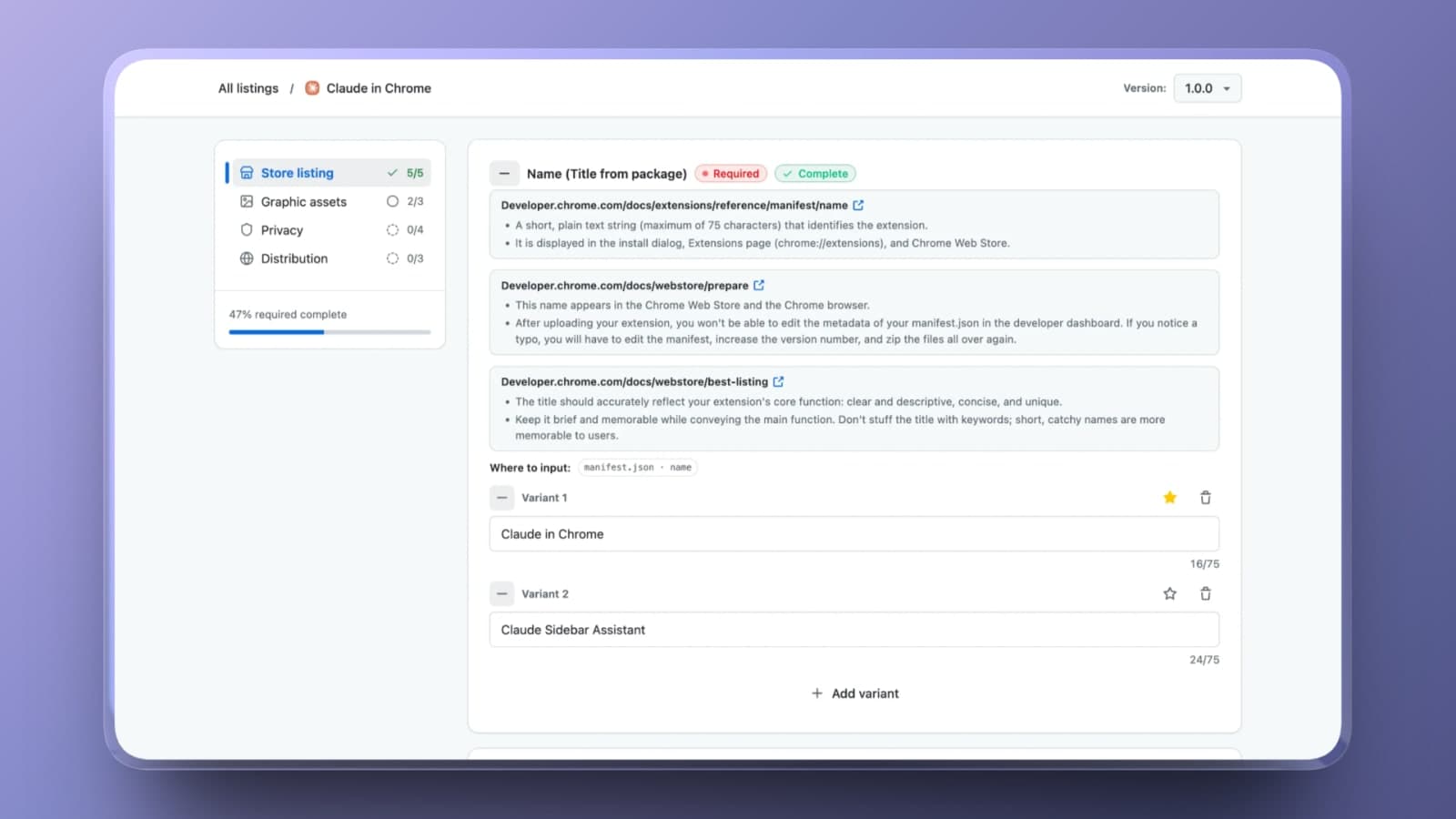
Built-in guidance - Hints and best practices for every field, with links to Chrome Web Store documentation.
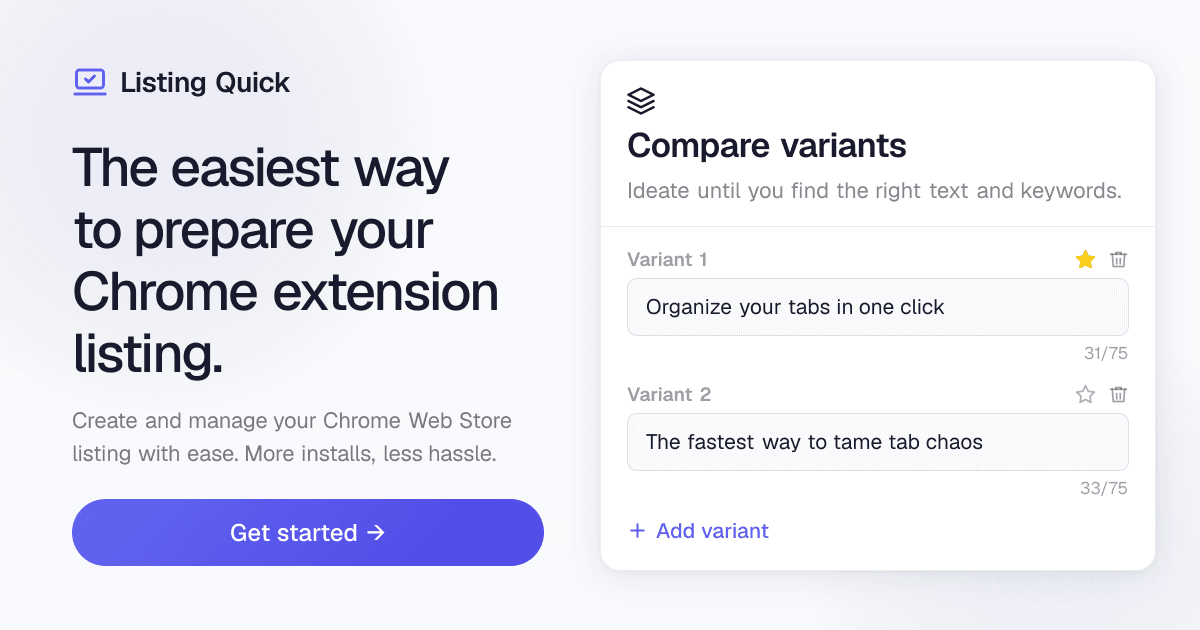
Compare variants - Add multiple variants for names and descriptions. Ideate until you find the right text and keywords.
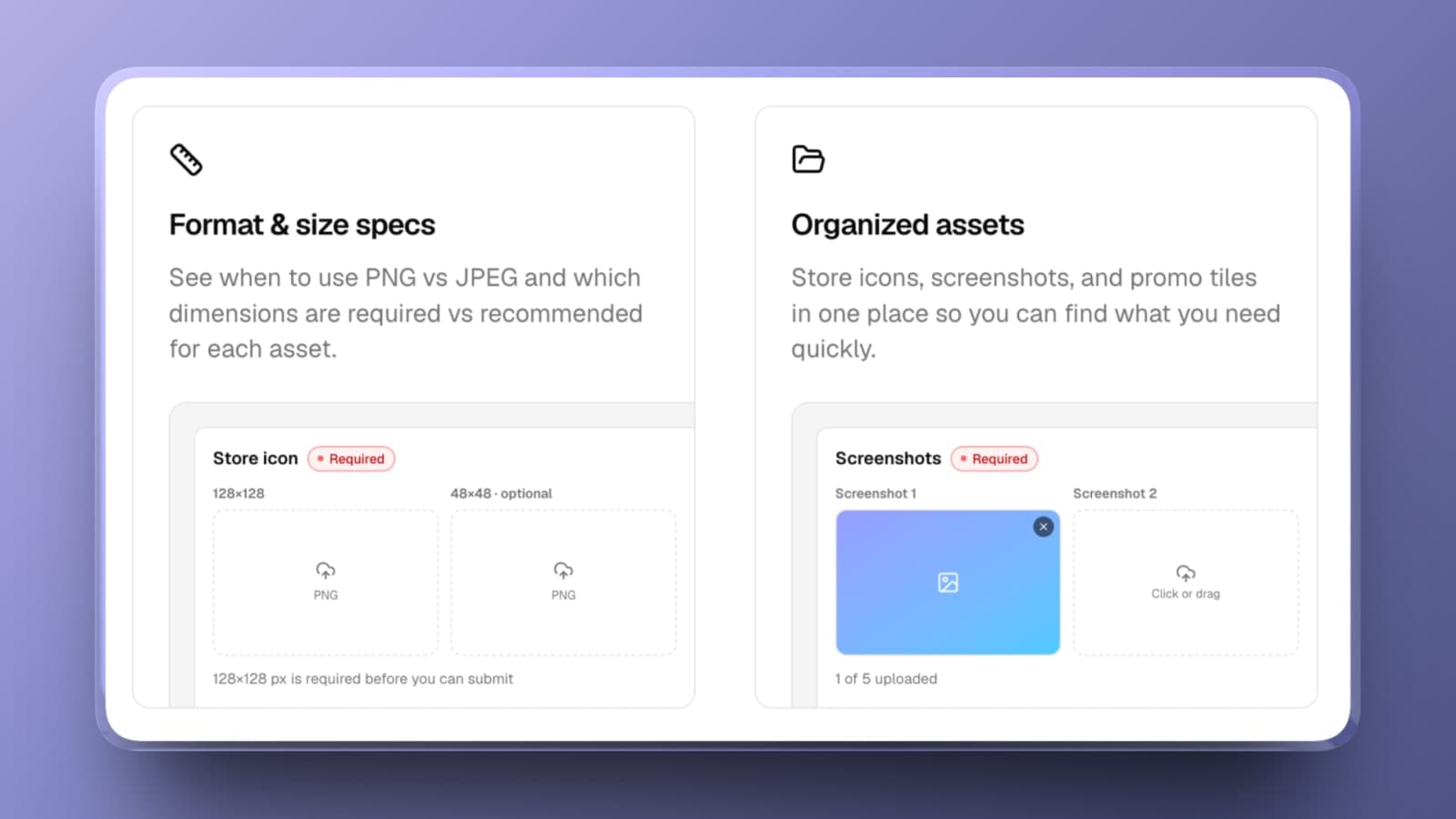
Graphics format & size specs - See when to use PNG vs JPEG and which dimensions are required vs recommended for each asset.
Organized assets - Store icons, screenshots, and promo tiles in one place so you can find what you need quickly.
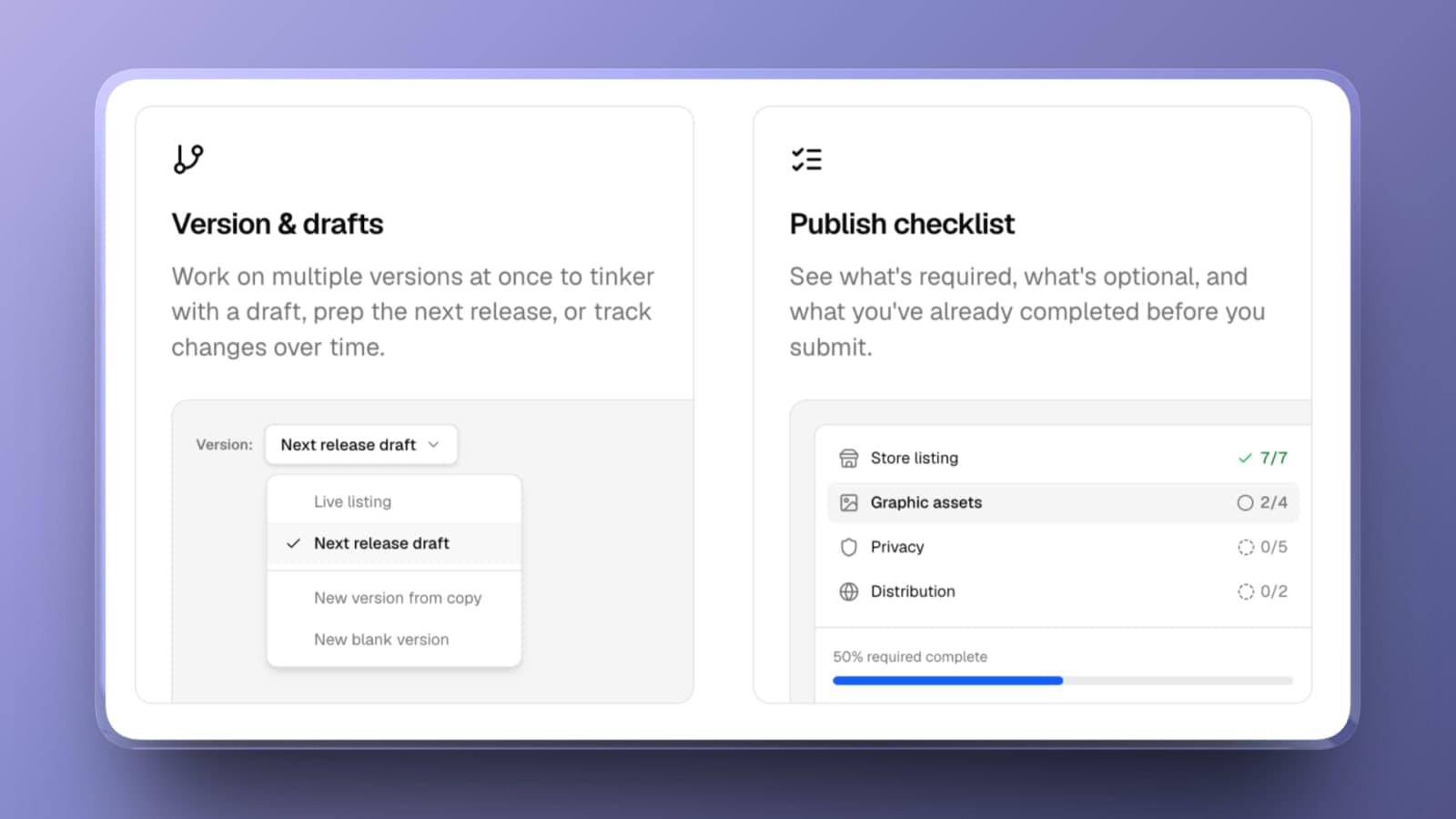
Versions & drafts - Work on multiple versions at once to tinker with a draft, prep the next release, or track changes over time.
Publish checklist - See what's required, what's optional, and what you've already completed before you submit.
Gallery
Overview
Who is it for?
Chrome extension developers looking to make it easier to create and optimize their Chrome Web Store listings.
FAQ
- What exactly does Listing Quick do?
- Listing Quick is a workspace for preparing your Chrome Web Store listing before you publish. Draft your store copy, compare keyword and description variants, get hints and best practices, organize screenshots and images assets, and track every required field in one place.
- How is this better than using the Developer Dashboard?
- The Chrome Web Store's Developer Dashboard is a submission form, not a writing tool. There's no way to save drafts of alternate copy, compare keyword variants side by side, or keep past versions of your listing. They also don't always provide the best guidance for each field (you often need to go digging through scattered documentation). With Listing Quick, you iterate safely outside the dashboard, then paste in your best version when you're ready to publish.
- Will this actually help me get more installs?
- Your listing is both your extension's sales page and how people find it in the first place. The keywords in your title and description determine whether you show up in Chrome Web Store search, and the copy and screenshots determine whether a visitor installs or bounces. Field variants let you test different keyword angles and copy, and versioning lets you refine your listing over time instead of guessing once and forgetting it.
- Do I need to connect my Chrome Web Store account?
- No. Listing Quick works alongside your Developer Dashboard. Nothing is connected to your Google account and nothing is published on your behalf. You stay in full control of what goes live and when.
- Which plan should I pick?
- If you're working on a single extension, Basic covers you. Most developers choose Pro for up to 5 active listings with unlimited versions per listing. Agencies and developers with large portfolios should go with Advanced for unlimited listings. You can change plans at any time.
- Can I cancel my subscription?
- Yes. You can cancel anytime from your billing portal in just a few clicks. Your plan stays active until the end of your current billing period.
- Do you offer refunds?
- Yes. If you're not happy with your purchase, contact us within 7 days of your first payment and we'll issue a full refund, no questions asked.
- I’m just getting started with my first extension. Is this for me?
- Absolutely. Listing Quick acts as a guide when creating your first listing. A strong listing matters most when you don't have installs and reviews yet. The required-field checklist walks you through everything the Chrome Web Store expects, so your first submission is complete and professional.
Weekly rankings
#12
2026-W29
34 products
10