MacFader logo

MacFader

Scheduled · Week 16, 2027

Faders on your trackpad edges

Productivity, Other
-

Scheduled launch

Goes live Week 16, 2027

April 19 - April 25, 2027 · Leaderboard opens Monday 00:00 UTC

Browse Week 16, 2027

00

Days

00

Hours

00

Mins

00

Secs

Upvotes

Unlocks at launch

Dofollow backlink

Unlocks at launch

Leaderboard

Unlocks at launch

Comments

Unlocks at launch

Reviews

Unlocks at launch

Voting opens Week 16, 2027

Upvotes unlock when the launch week starts

Comments open at launch

Discussion unlocks with the leaderboard
MacFader - Faders on your trackpad edges

About MacFader

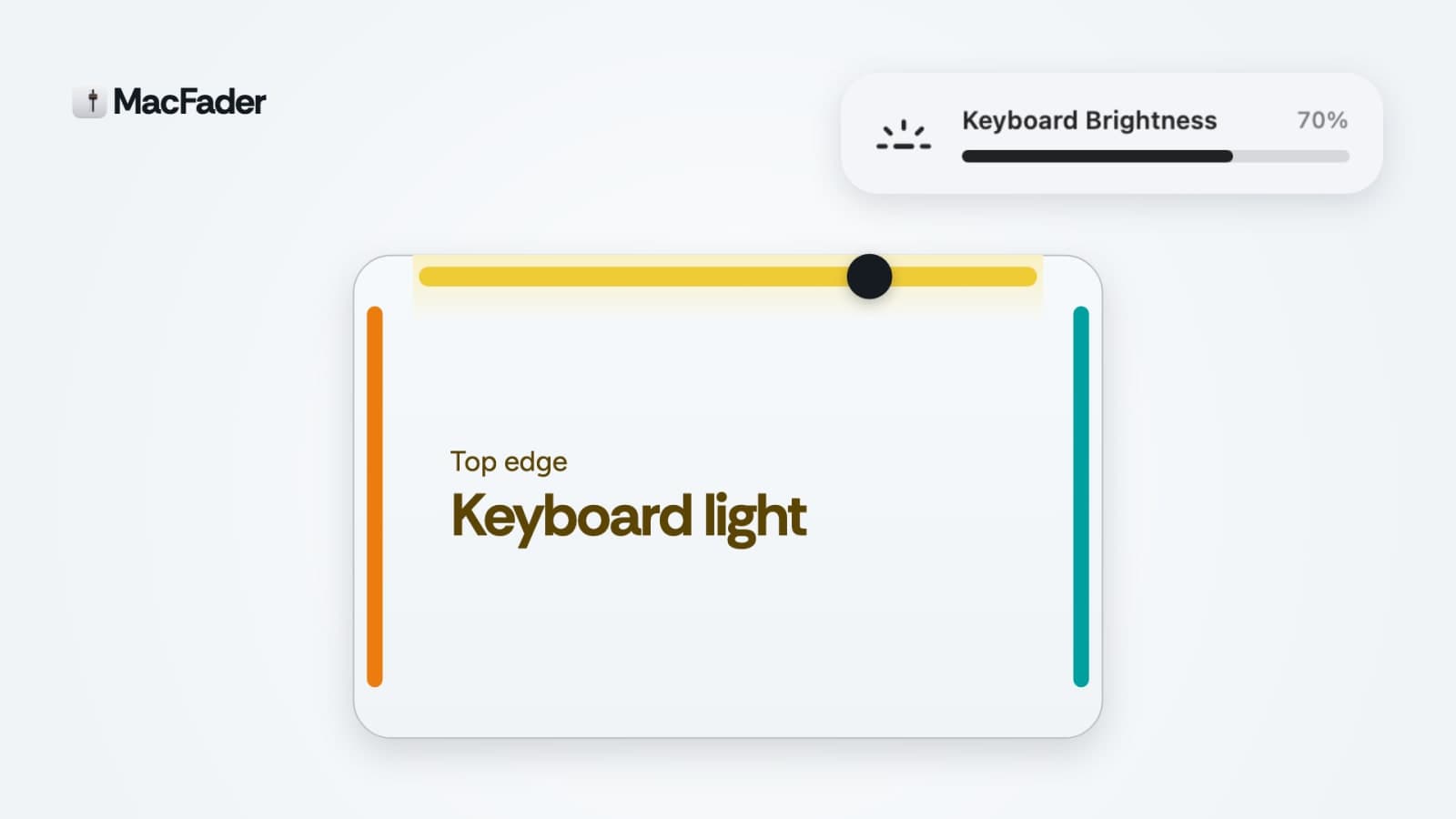
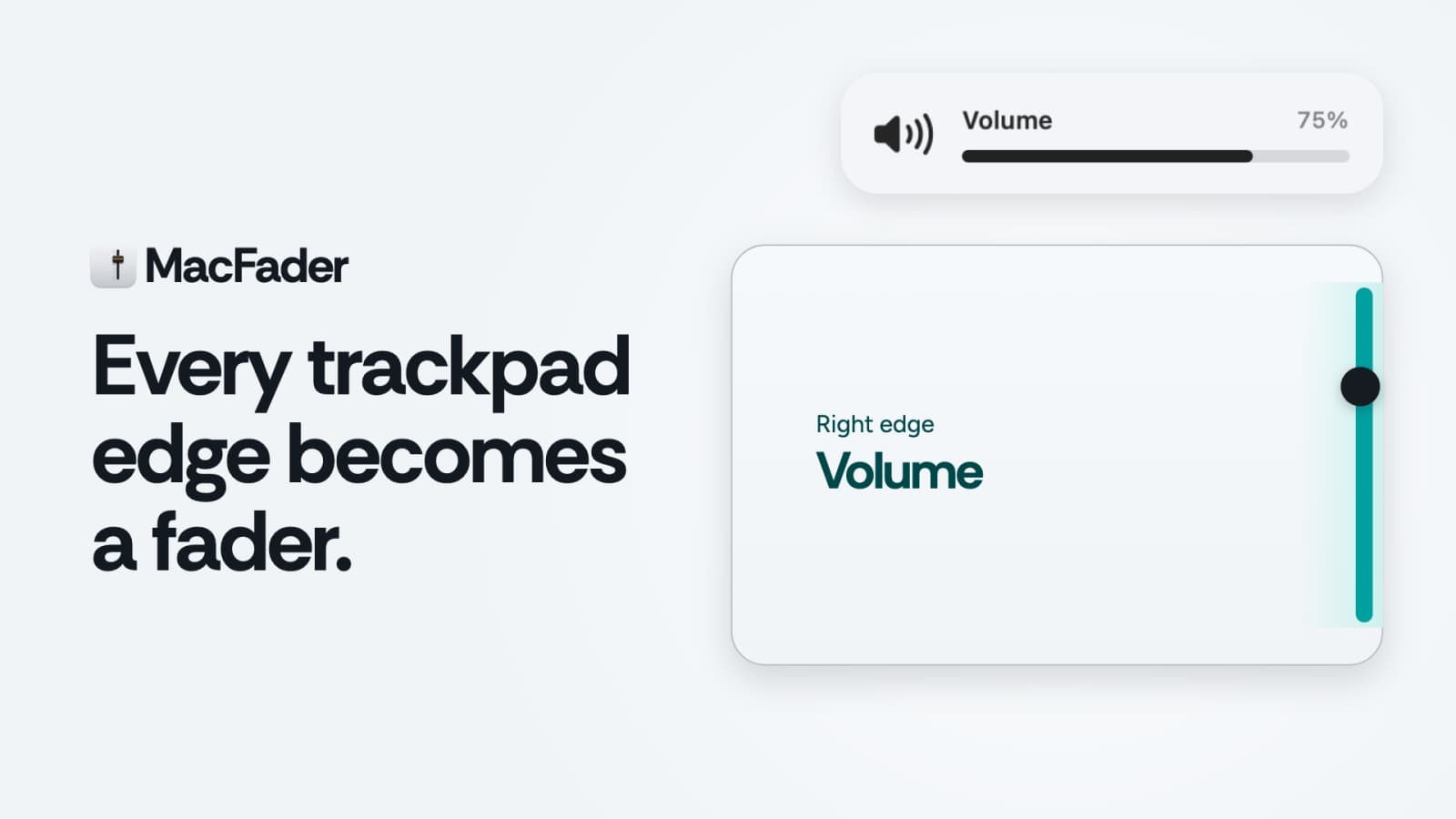
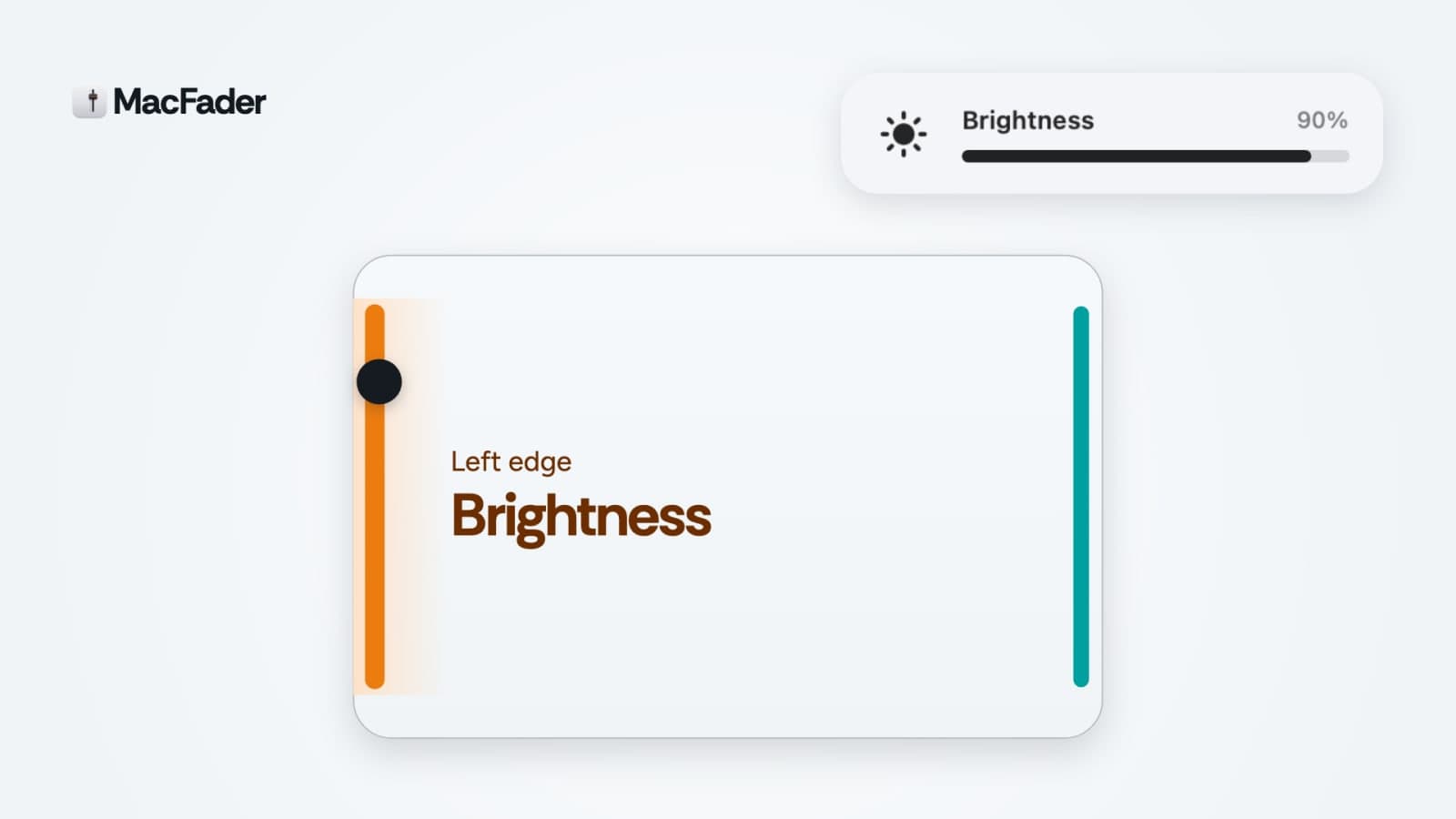
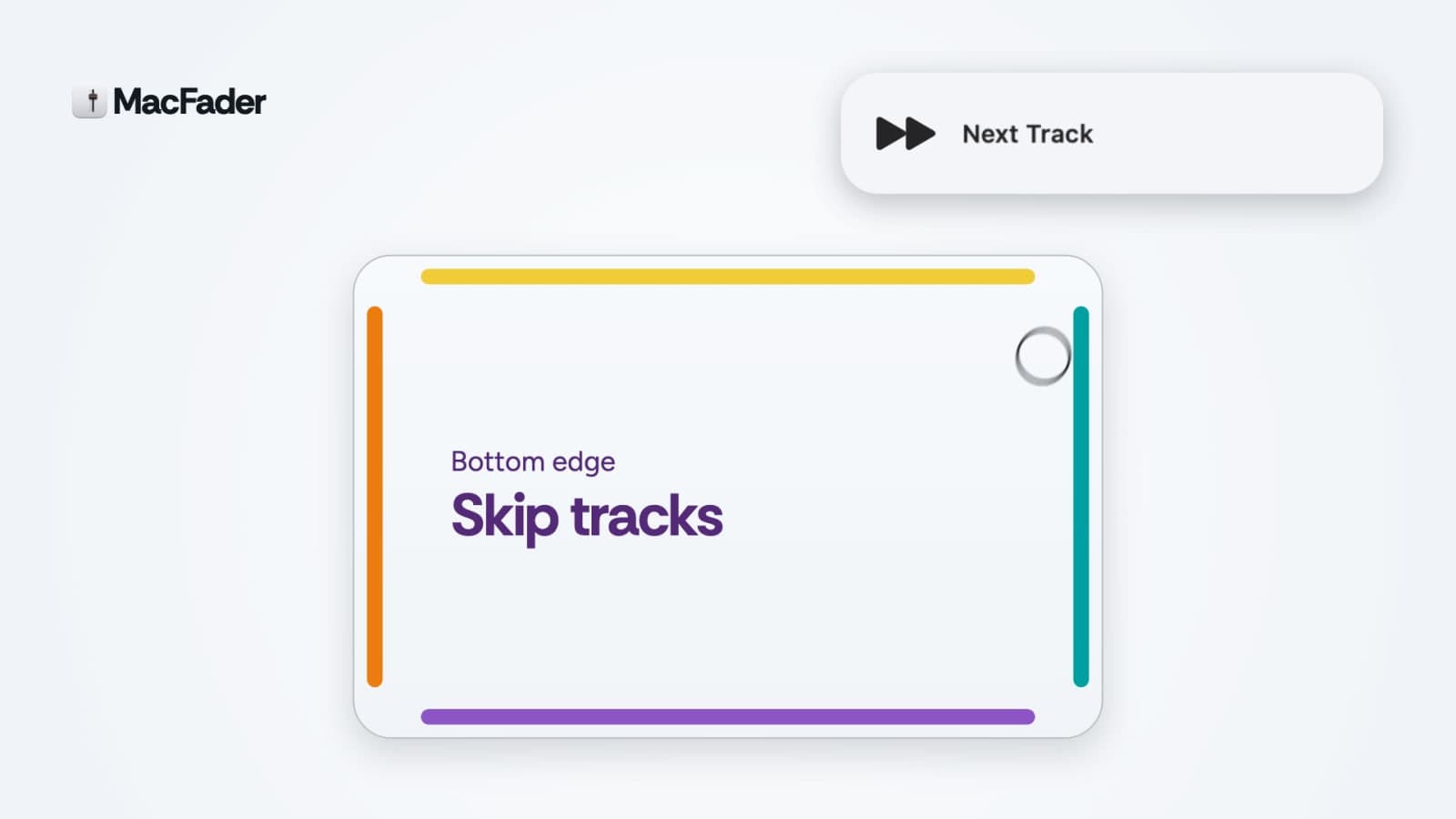
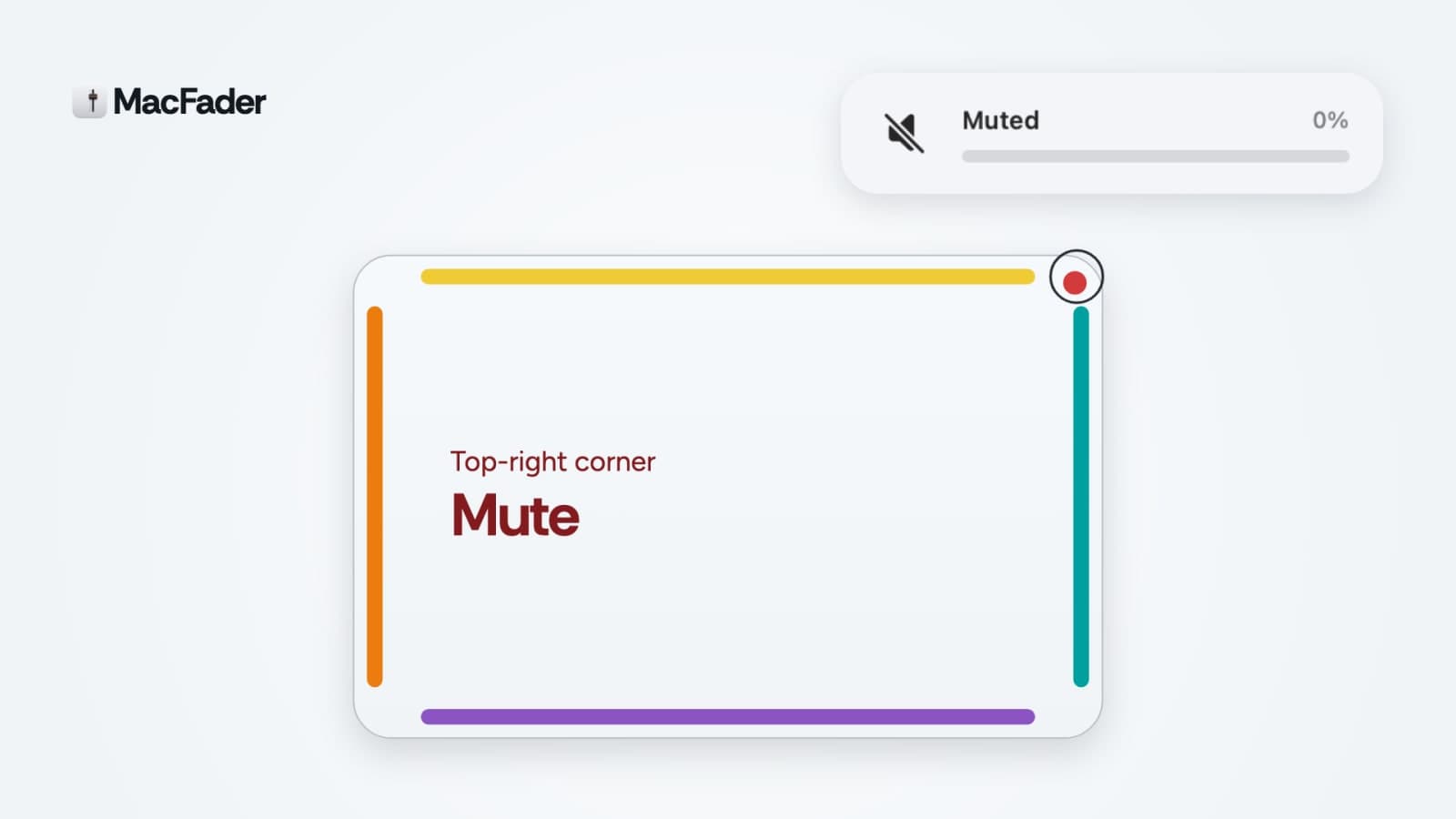
MacFader transforms your Mac trackpad edges into intuitive controls for brightness, volume, keyboard light, and music. It's designed for anyone looking to enhance their Mac experience with easy-to-reach sliders. Slide your fingers along the edges for quick adjustments without fumbling through menus or keyboard shortcuts. This menu bar app allows you to customize each edge of your trackpad for different functions. Whether you want to adjust the brightness of your display or skip tracks in your music playlist, MacFader puts these controls right at your fingertips. With features like double-tap actions and palm detection, it ensures a smooth and user-friendly experience. Available for a one-time purchase, MacFader is compatible with macOS 13 and later. Download it for free to explore its capabilities in a setup tour before committing to a purchase. Once you buy it, you keep it forever, making it a practical addition to your Mac toolkit.

Gallery

MacFader screenshot 1 of 6
MacFader screenshot 2 of 6
MacFader screenshot 3 of 6
MacFader screenshot 4 of 6
MacFader screenshot 5 of 6
MacFader screenshot 6 of 6

Overview

Who is it for?

Mac users seeking intuitive control options.

Problem

Navigating volume and brightness controls can be cumbersome on a Mac. Users often have to rely on keyboard shortcuts or menu navigation, which disrupts workflow.

Solution

MacFader simplifies control by turning the edges of the trackpad into sliders for brightness, volume, and more. Users can quickly adjust settings with a simple swipe, keeping their focus on the task at hand.

What makes it unique

Unlike other control apps, MacFader utilizes the entire edge of the trackpad for multiple functions, allowing for a more fluid and customizable experience. Its palm detection and double-tap features enhance usability.