
Notelify
Live this weekYour Complete AI study workspace for PDFs, videos & lectures
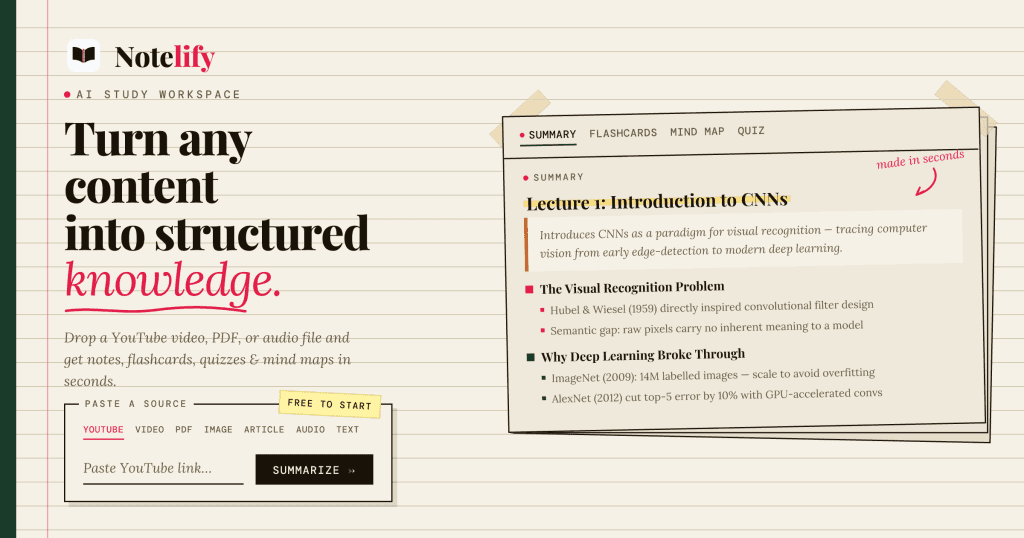
About Notelify
Gallery
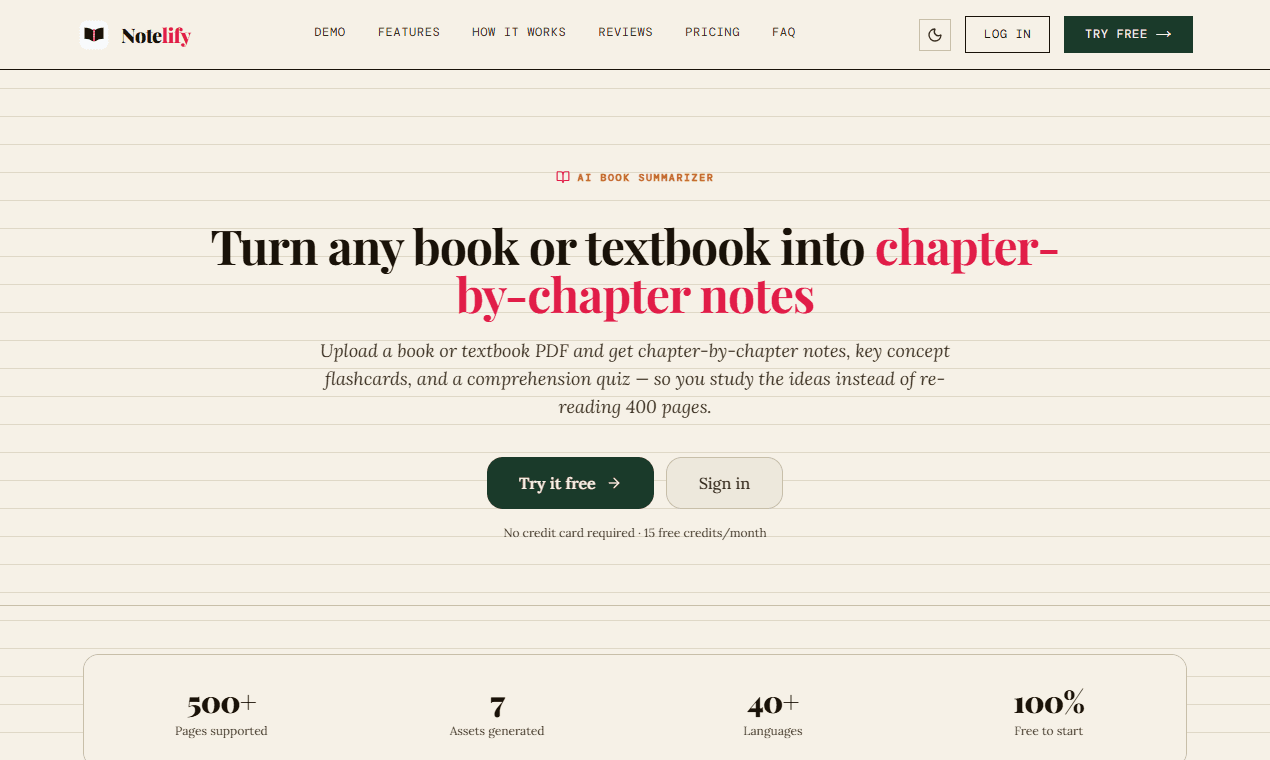
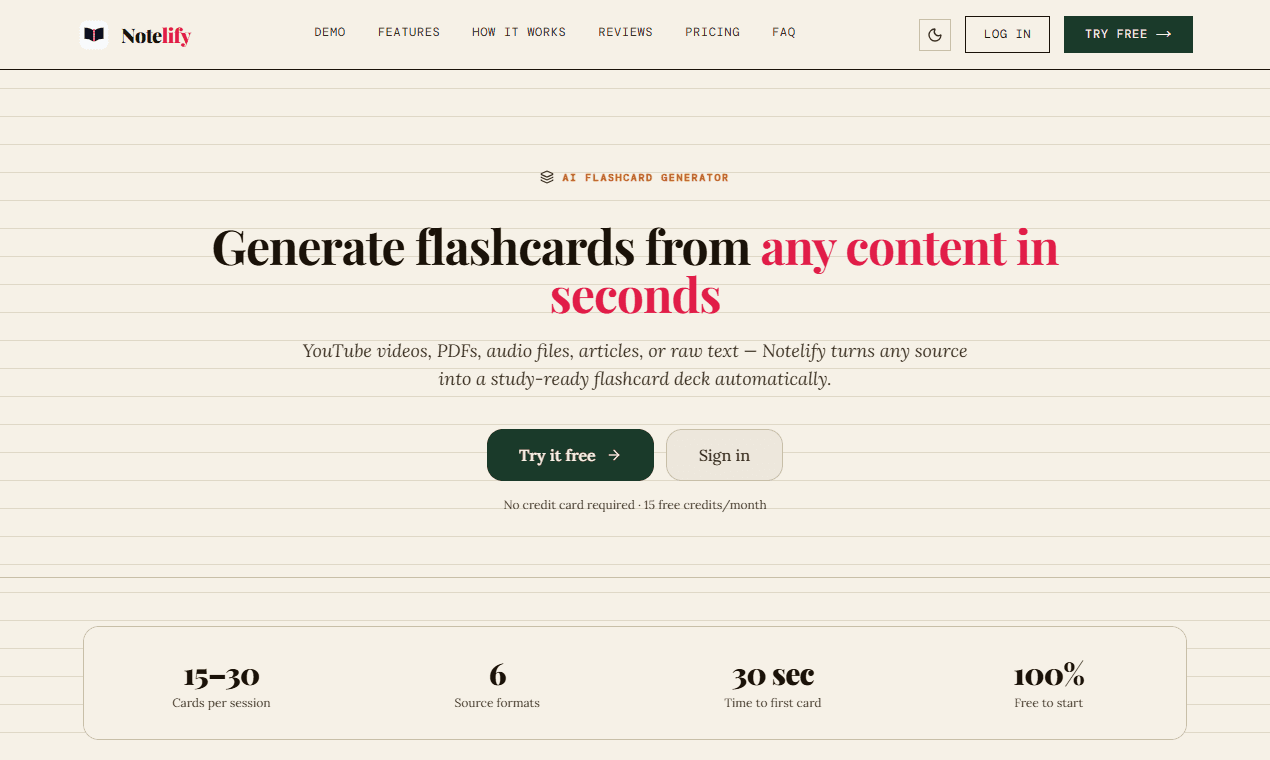
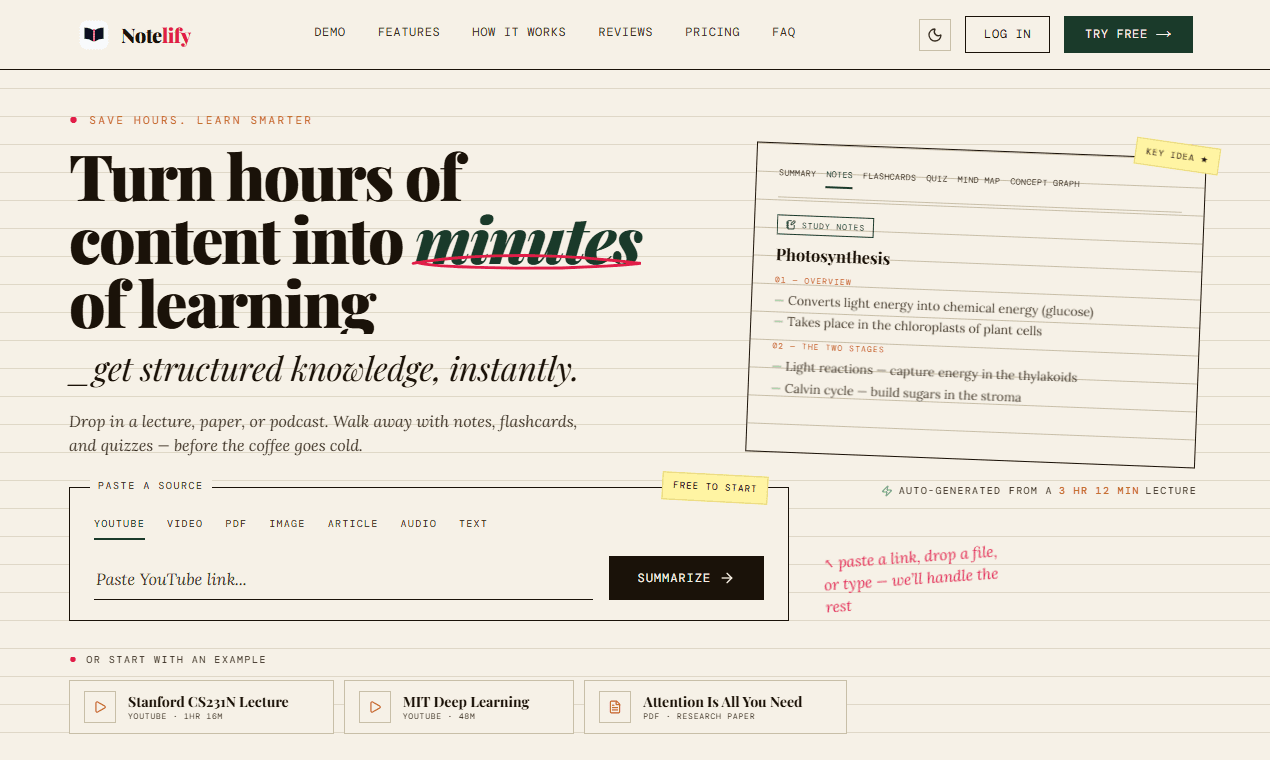
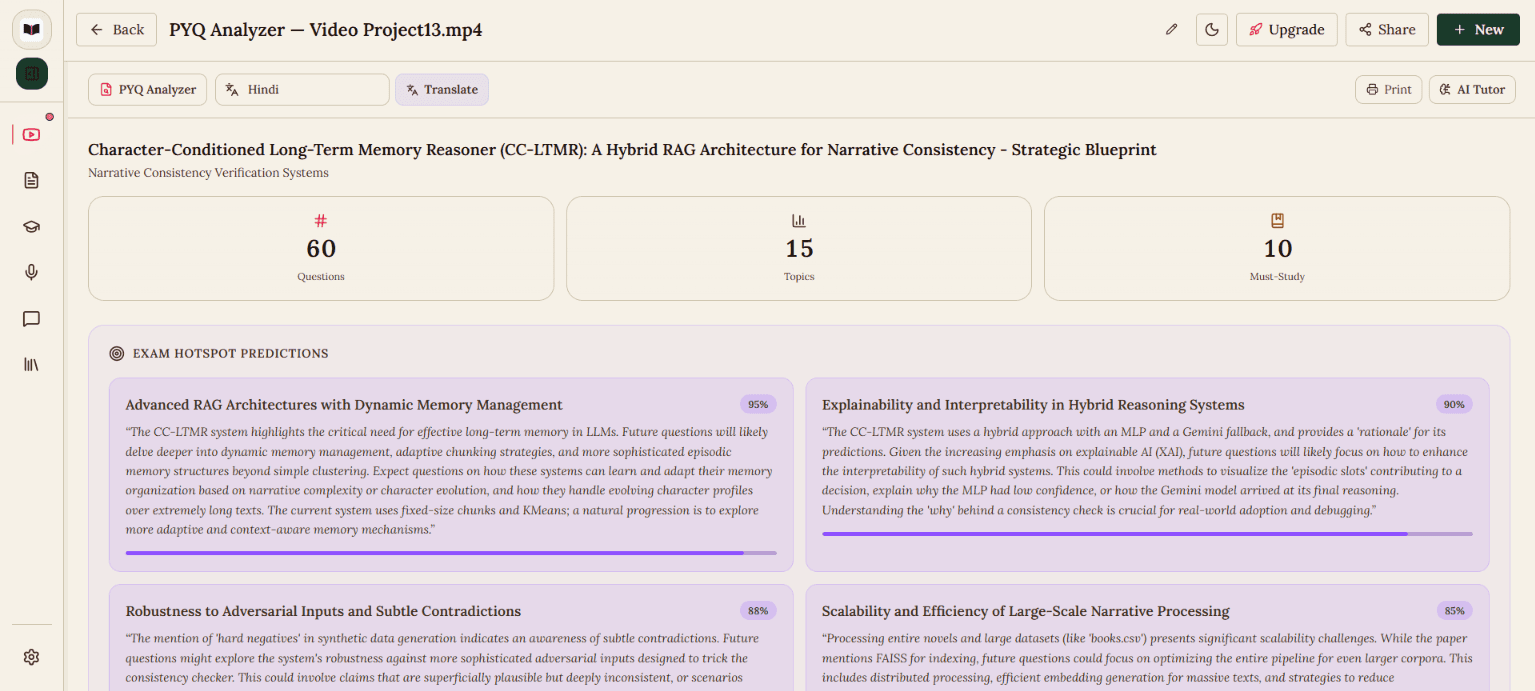
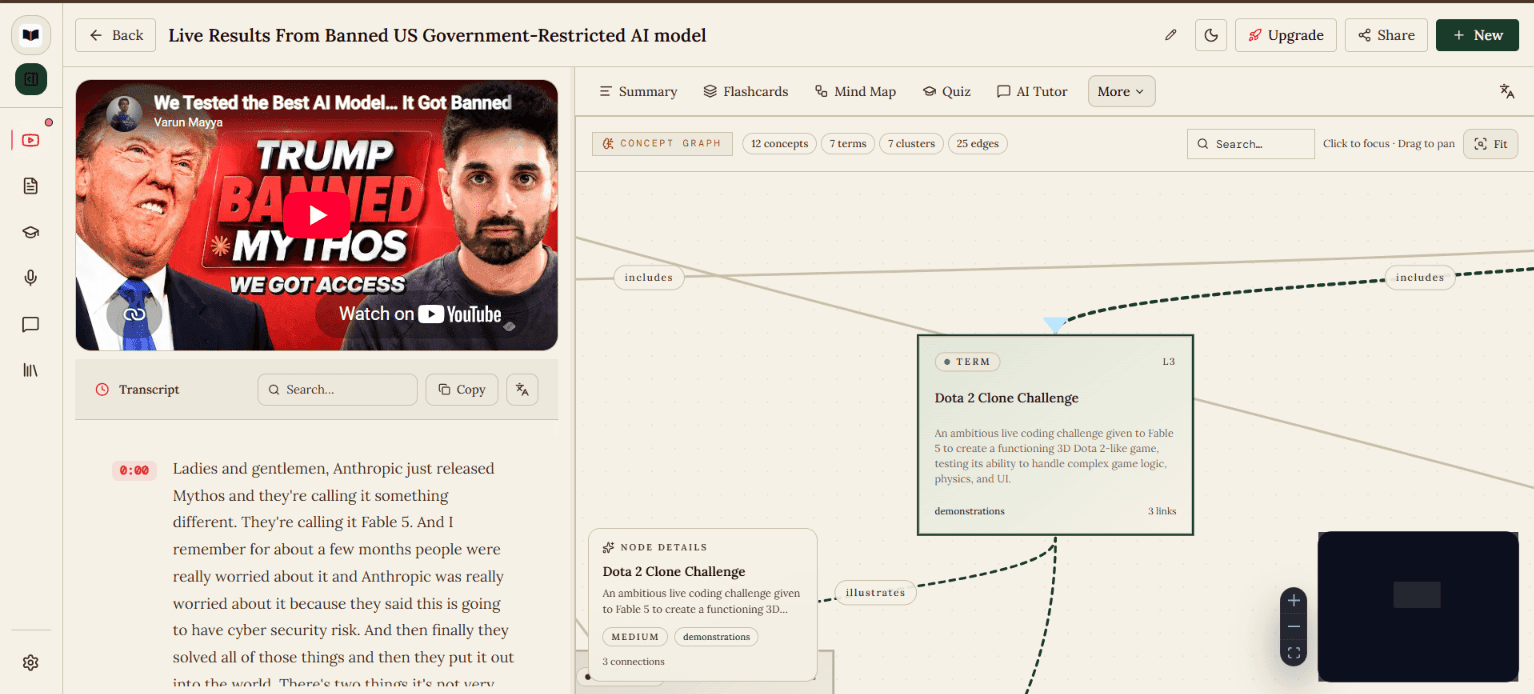
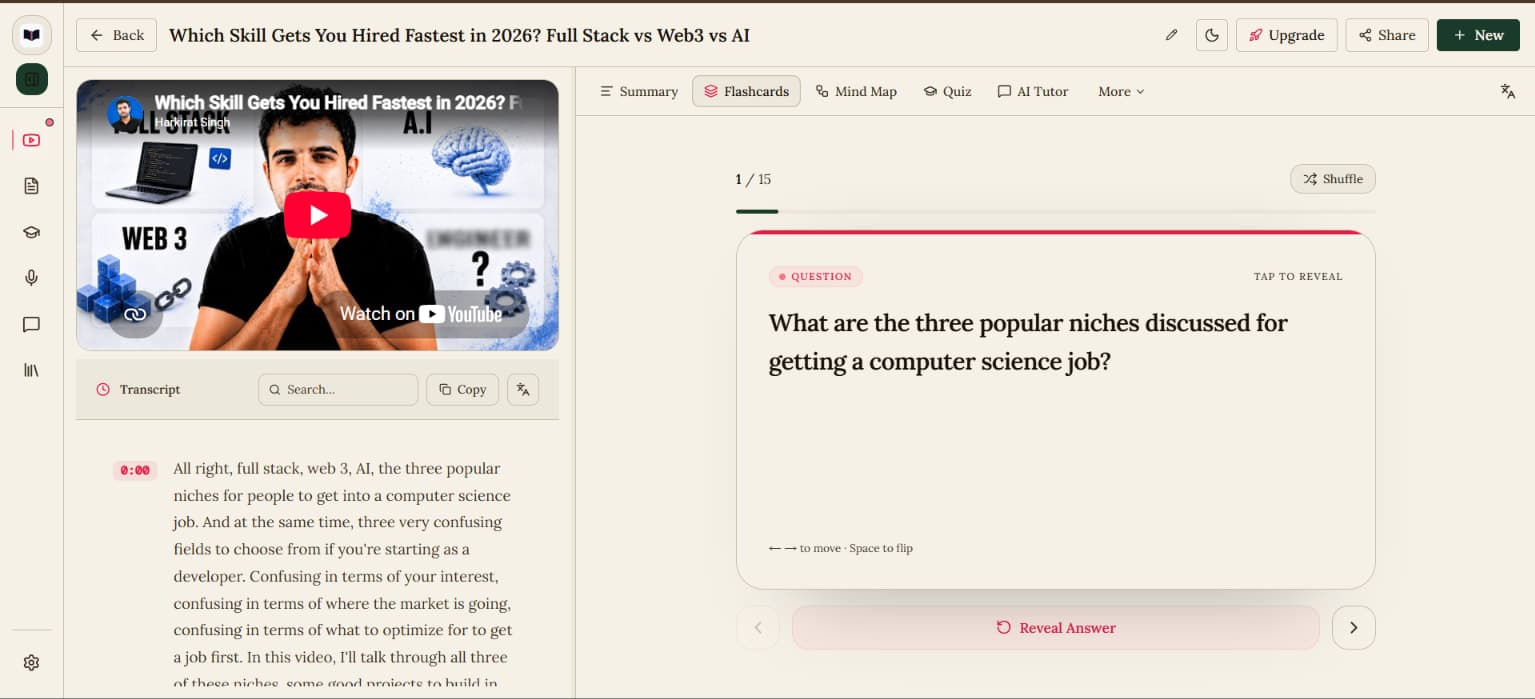
Demo video
Overview
Who is it for?
Students, researchers, and professionals looking to optimize their study process.
Problem
Students consume hours of educational content across YouTube videos, PDFs, lectures, presentations, and documents, but organizing everything into useful study materials is time-consuming. Their notes, flashcards, and learning resources often end up scattered across different tools, making it difficult to revisit, continue, and share their work. Notelify brings everything together in one persistent, accessible study workspace.
Solution
Notelify is an AI-powered study workspace that transforms YouTube videos, PDFs, audio recordings, presentations, images, and documents into structured notes, flashcards, quizzes, and mind maps. It also provides an AI tutor that helps students understand concepts directly from their learning materials, making studying faster, more organized, and a complete workspace that they can share and visit anytime.
What makes it unique
Notelify goes beyond generating AI notes or summaries. It provides a persistent study workspace where all learning materials and AI-generated resources stay organized together. Students can transform their content into notes, flashcards, quizzes, mind maps, and interactive AI tutoring experiences, then revisit their work anytime and share their workspaces with others. Unlike single-purpose tools, Notelify combines content processing, knowledge organization, active learning, and sharing into one unified learning environment.
FAQ
- What is Notelify?
- Notelify is an AI-powered study workspace that transforms learning materials into notes, flashcards, quizzes, mind maps and interactive learning resources.
- What content can Notelify analyze?
- Notelify supports YouTube videos, PDFs, documents, presentations, audio, images and pasted text.
- Can I save and revisit my study materials?
- Yes! Your learning materials and generated study resources are organized in persistent workspaces that you can revisit anytime and continue studying.
- Can I share my study workspace?
- Yes! You can share your workspaces and learning resources with others, making it easier to collaborate and exchange study materials.
- Does Notelify generate flashcards and quizzes?
- Yes! Notelify transforms your learning materials into flashcards and quizzes to help you practice, revise and reinforce concepts.
- Is Notelify free to use?
- Yes, the free plan offers 15 credits to start and 5 credits per month.
- Can I export my study notes?
- Yes! You can export your study notes and generated resources as PDF files.