Out Loud logo

Out Loud

Scheduled · Week 37, 2026

Free & Open Source AI Text to Speech

AI, Other, Productivity

Scheduled launch

Goes live Week 37, 2026

September 7 – September 13, 2026 · Leaderboard opens Monday 00:00 UTC

Browse Week 37, 2026

00

Days

00

Hours

00

Mins

00

Secs

Upvotes

Unlocks at launch

Dofollow backlink

Unlocks at launch

Leaderboard

Unlocks at launch

Comments

Unlocks at launch

Voting opens Week 37, 2026

Upvotes unlock when the launch week starts

Comments open at launch

Discussion unlocks with the leaderboard

Out Loud — Free & Open Source AI Text to Speech

About Out Loud

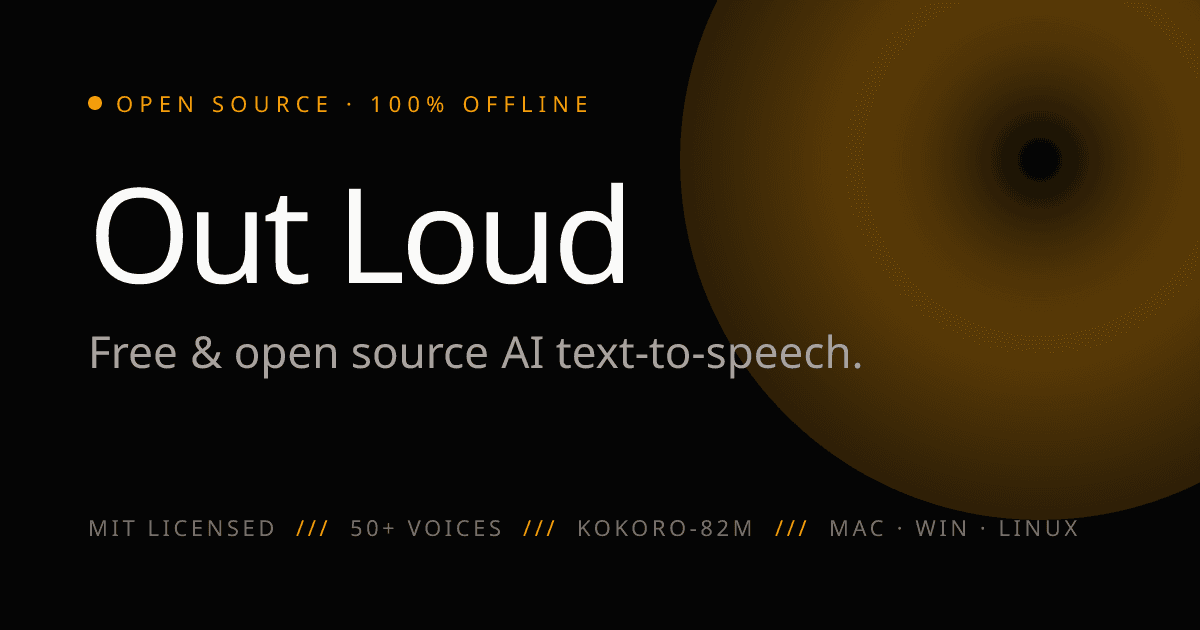
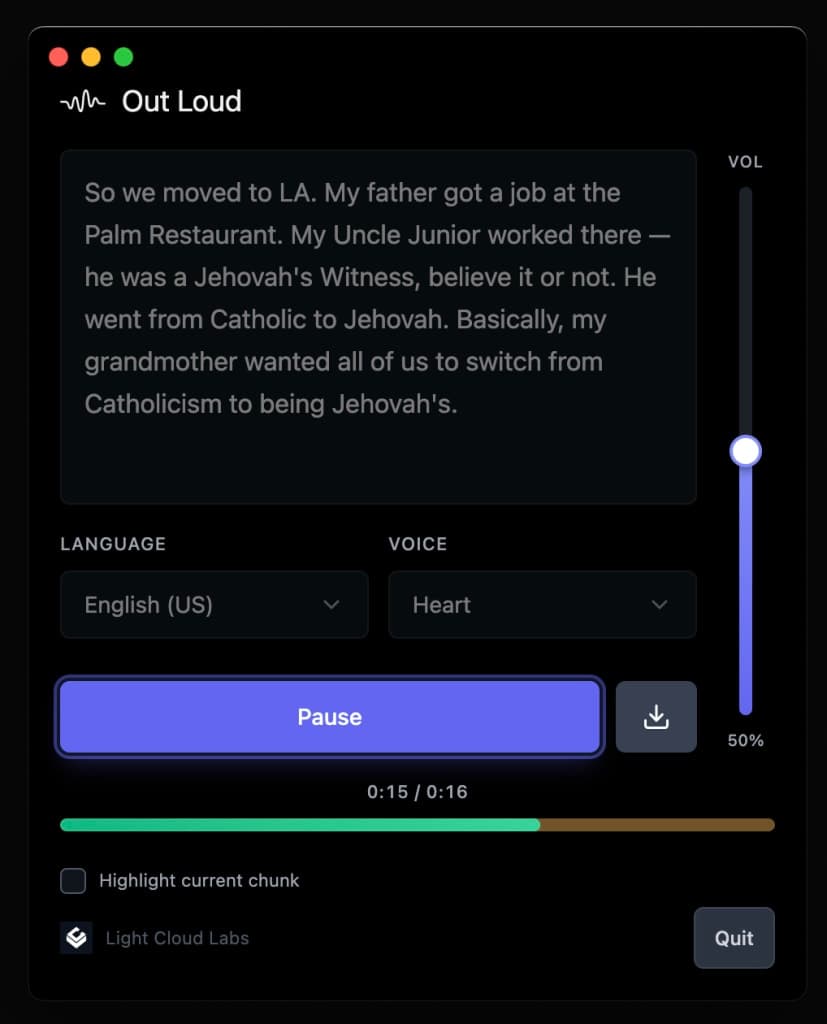
Out Loud is a free, open-source AI text-to-speech software that operates 100% offline and ensures your data stays on your device. With over 50 natural voices across 8 languages, it allows you to listen to any text, whether it's articles, PDFs, or emails, without the need for an internet connection. The software is available for macOS, Windows, and Linux, and includes a Chrome extension for reading webpages aloud. Out Loud is MIT licensed, meaning you can audit, fork, and modify the code as you wish. Experience high-quality, expressive speech without any subscriptions, ads, or tracking.

Gallery

Out Loud screenshot 1 of 1

Overview

Who is it for?

Individuals and developers looking for a free, offline text-to-speech solution.

Problem

Many text-to-speech solutions require internet access, subscriptions, or compromise user privacy. Out Loud addresses these issues by providing a fully offline experience without any fees or data tracking.

Solution

Out Loud runs entirely on your device, processing text locally without needing an internet connection. This ensures privacy and allows users to listen to text without any interruptions or concerns about data security.

What makes it unique

Out Loud stands out from competitors like Speechify by being completely free and open-source, with no hidden fees or premium tiers. It also offers a wide variety of natural voices and operates offline, ensuring complete privacy.

Use cases

  1. 1Reading articles aloud
  2. 2Converting PDFs to speech
  3. 3Listening to emails
  4. 4Accessibility for visually impaired
  5. 5Language learning
  6. 6Voiceovers for videos
  7. 7Content creation
  8. 8Translating text to speech
  9. 9Personal productivity
  10. 10Auditory learning

Built by