# ScreenPlace — Effortlessly put every window in its place on your Mac.
> Effortlessly put every window in its place on your Mac.

```yaml
url: "https://www.scrolllaunch.com/products/screenplace"
website: "https://www.designtech.so/screenplace"
tier: premium · Verified
upvotes: 13
launch_week: 2026-W29
launched: "Week 29, 2026"
categories: Productivity
tags: "window manager, macos, remember window layout"
pricing: freemium
starting_price: $9
maker: Daniils
created: 2026-07-12
peak_rank: "#10 (Week 29, 2026)"
```

## About ScreenPlace

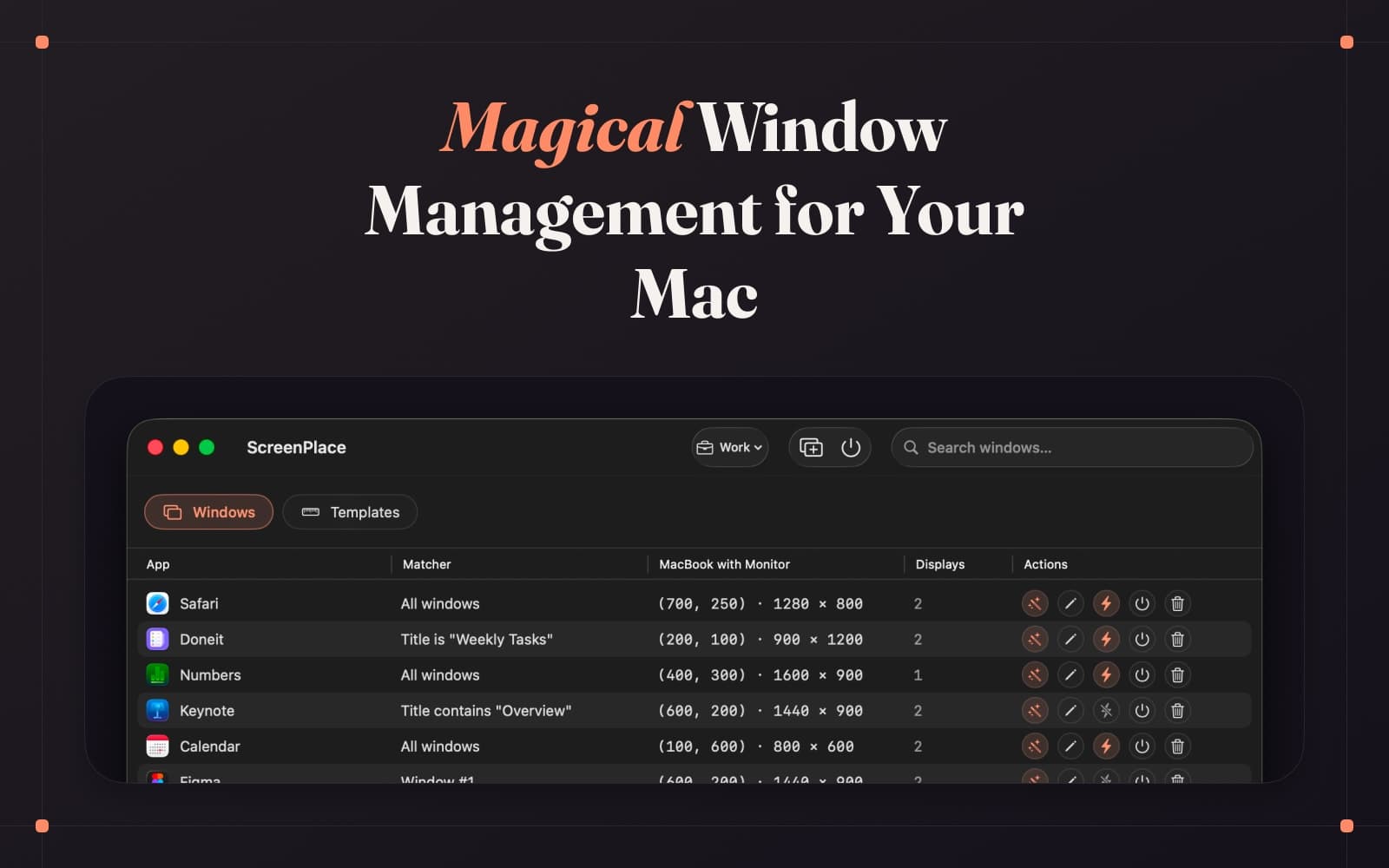
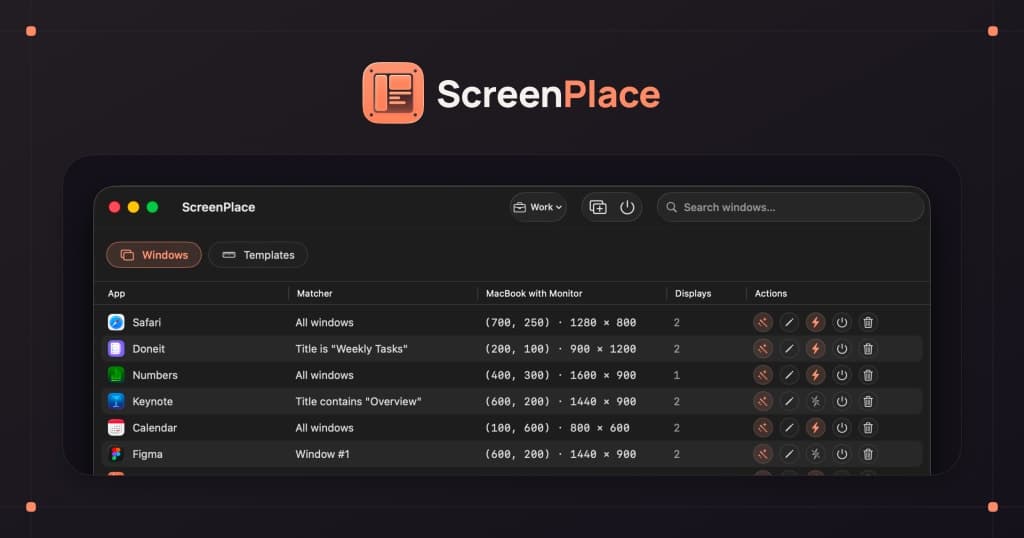
ScreenPlace remembers exactly where every window should be on your Mac and automatically puts it back in its place. Never rearrange or resize a window again because ScreenPlace can handle it for you automatically.

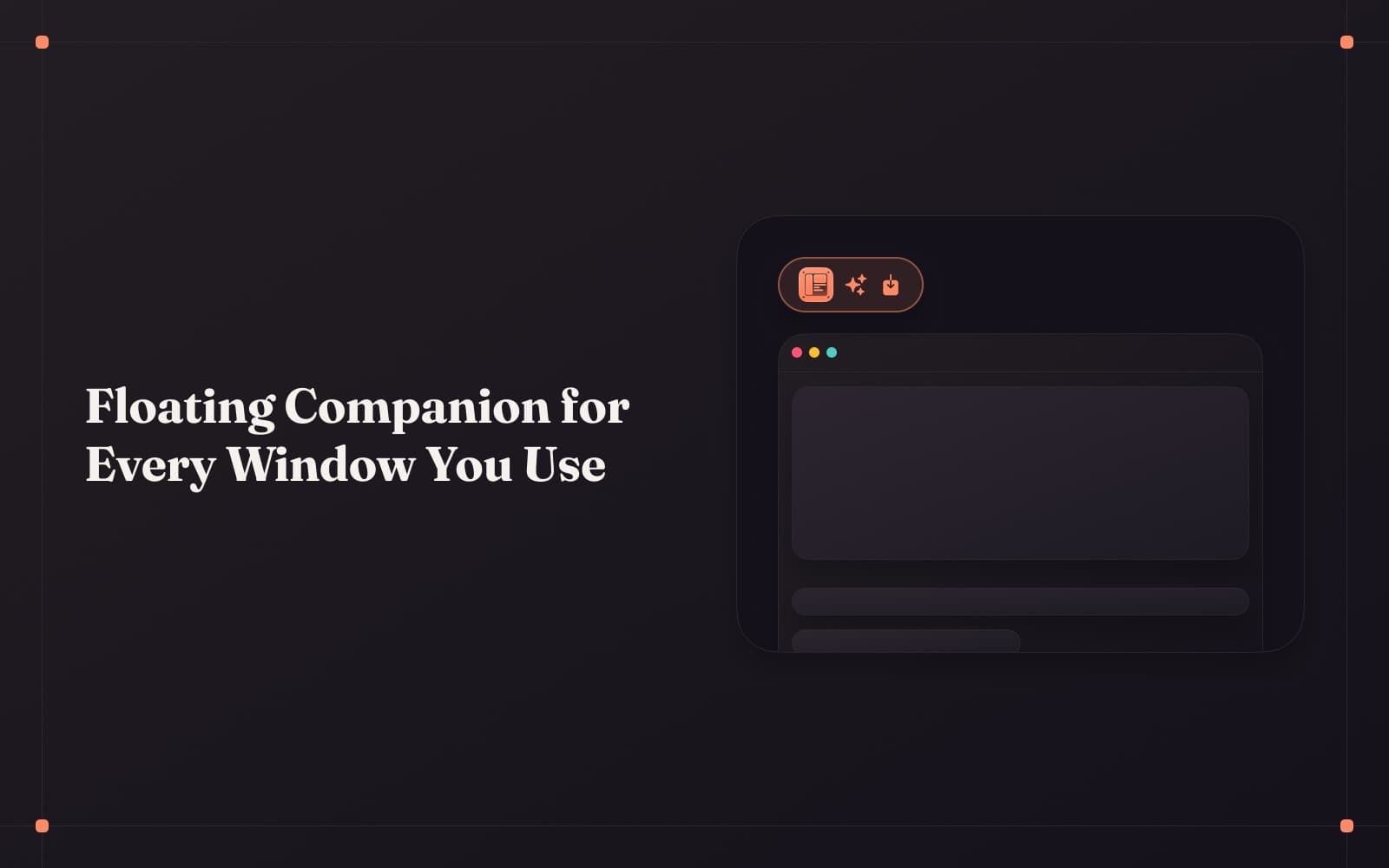
Badge is the defining experience of ScreenPlace - a floating companion that stays close to your windows and lets you snap them back into place with a single click. You can also group your apps into separate workspaces and switch between them in seconds, save reusable templates for the window sizes and positions you frequently use, and have a separate layout for every display setup you use so the right one applies the moment you connect. Global shortcuts let you switch between workspaces or apply window sizes and positions from anywhere on your Mac, and with auto-apply, your windows are already in place by the time you need them.

ScreenPlace is built to stay out of the way and just work. It's a fully native macOS app, customizable down to the smallest detail, with a one-time payment and no subscription - so you can set it up once to suit how you actually work, and let it quietly keep all of the windows in place on your Mac.

## Overview

### Who is it for?

Mac users needing efficient and automated window management.

### Problem

Managing multiple windows can be chaotic and time-consuming, leading to lost productivity. Users often struggle with resizing and rearranging windows manually, which interrupts their workflow.

### Solution

ScreenPlace automates window management by remembering window positions and sizes, applying them automatically when apps are launched. It allows users to create multiple workspaces and switch between them effortlessly, enhancing overall productivity.

### What makes it unique

ScreenPlace offers unlimited workspaces, multi-display support, and a one-time purchase model. Its reusable templates and global shortcuts provide a tailored experience that adapts to individual workflows.

## Use cases

1. Managing windows across displays
2. Creating reusable window layouts
3. restoring window positions
4. saving window layouts
5. saving window arrangement
6. remembering window layouts
7. restoring window size
8. restoring window position

## Details

### Platforms

- macos

### Tech stack

- Swift

### Tags

`#window manager` · `#macos` · `#remember window layout`

## ScreenPlace alternative to

- Magnet
- Moom
- BetterSnapTool
- Rectangle

## Frequently asked questions

**Q: What are the system requirements?**

ScreenPlace requires macOS Tahoe (26) or later.

**Q: Can I try ScreenPlace for free?**

Yes, you can use the core features of ScreenPlace completely for free.

**Q: Is this a subscription?**

No, ScreenPlace Ultra is a one-time purchase.

**Q: Can I use ScreenPlace Ultra on multiple Macs?**

Yes, it's available for 1, 5, or 10 Macs.

**Q: What is your refund policy?**

We offer a 14-day refund policy.

## Weekly rankings

- Week 29, 2026: **#10** of 34 (13 upvotes)

## Screenshots

- Screenshot 1: https://res.cloudinary.com/dwb211sw5/image/upload/v1783848150/scrolllaunch/products/product_6a535712d406de5211d87684_1783848149991_xdjdtb.jpg
- Screenshot 2: https://res.cloudinary.com/dwb211sw5/image/upload/v1783848150/scrolllaunch/products/product_6a535712d406de5211d87684_1783848150071_flii4k.jpg
- Screenshot 3: https://res.cloudinary.com/dwb211sw5/image/upload/v1783848150/scrolllaunch/products/product_6a535712d406de5211d87684_1783848150358_72dwzd.jpg
- Screenshot 4: https://res.cloudinary.com/dwb211sw5/image/upload/v1783848150/scrolllaunch/products/product_6a535712d406de5211d87684_1783848150305_478arw.jpg
- Screenshot 5: https://res.cloudinary.com/dwb211sw5/image/upload/v1783848150/scrolllaunch/products/product_6a535712d406de5211d87684_1783848150573_ic367l.jpg

## Links

- Website: https://www.designtech.so/screenplace
- Twitter / X: https://x.com/designtech_so
- Pricing page: https://www.designtech.so/screenplace#spl-pricing

## Explore

- [More in Productivity](https://www.scrolllaunch.com/products?category=Productivity)
- [All product launches](https://www.scrolllaunch.com/products)
- [Other launches in Week 29, 2026](https://www.scrolllaunch.com/week/2026/29)

_HTML version: https://www.scrolllaunch.com/products/screenplace_