
About Seek
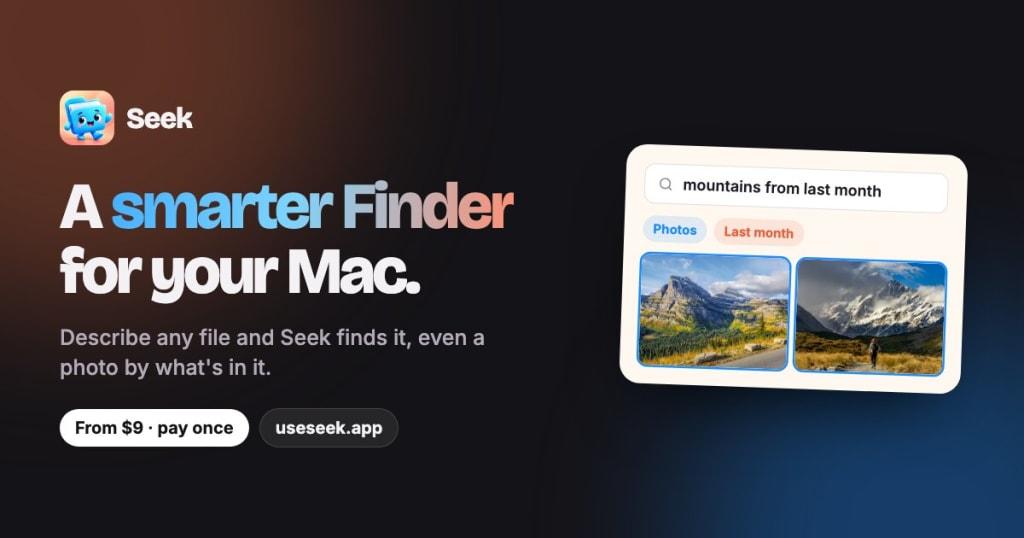
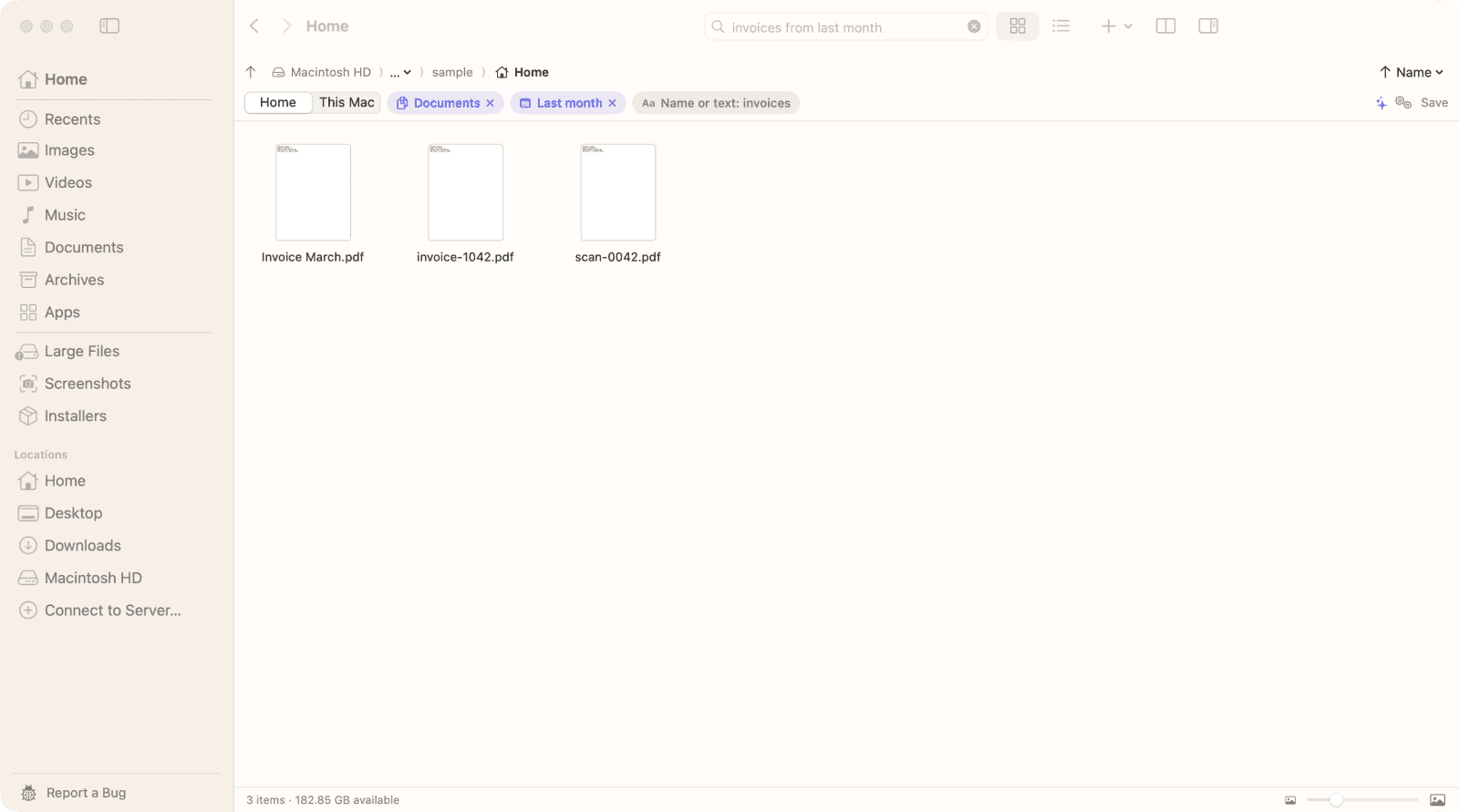
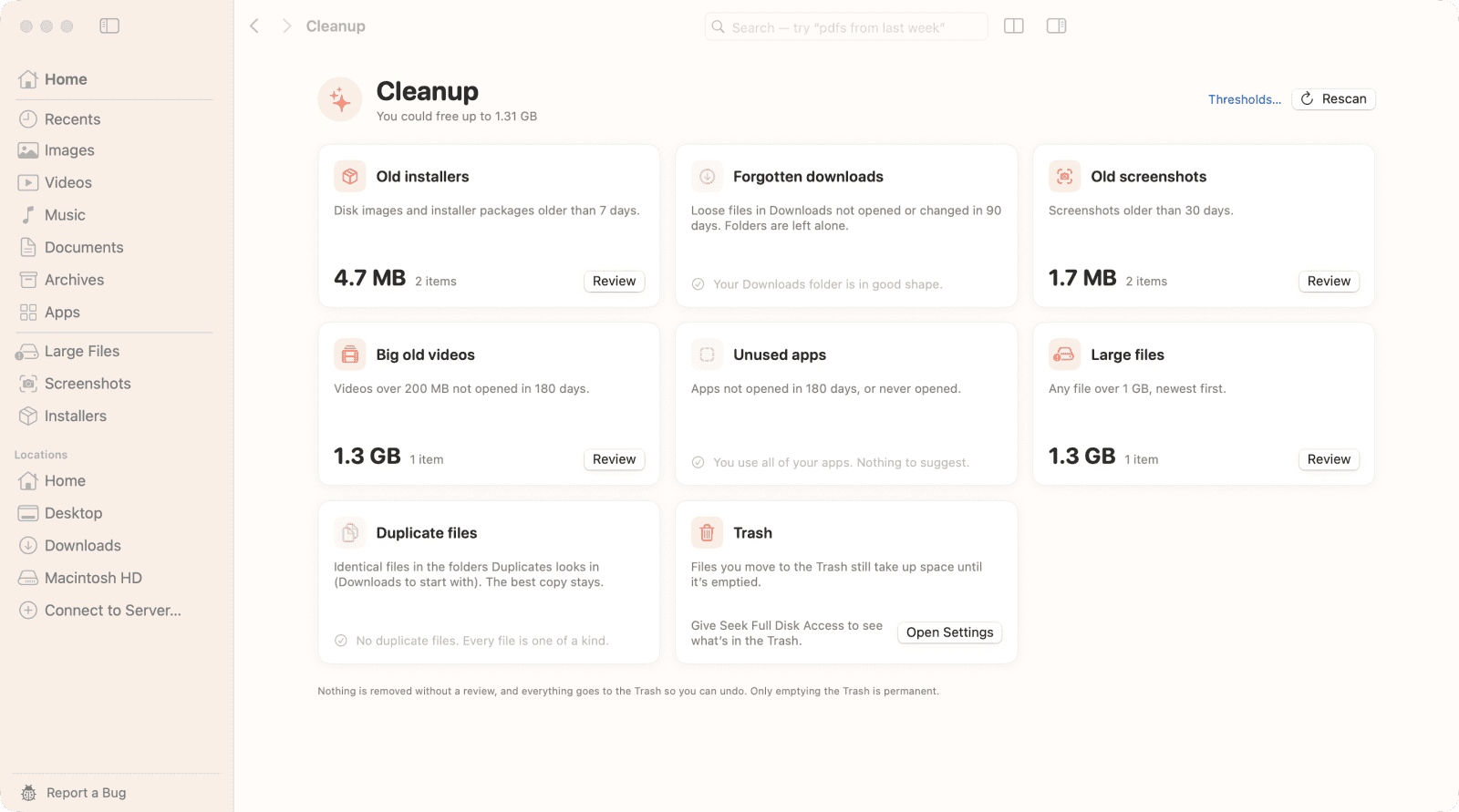
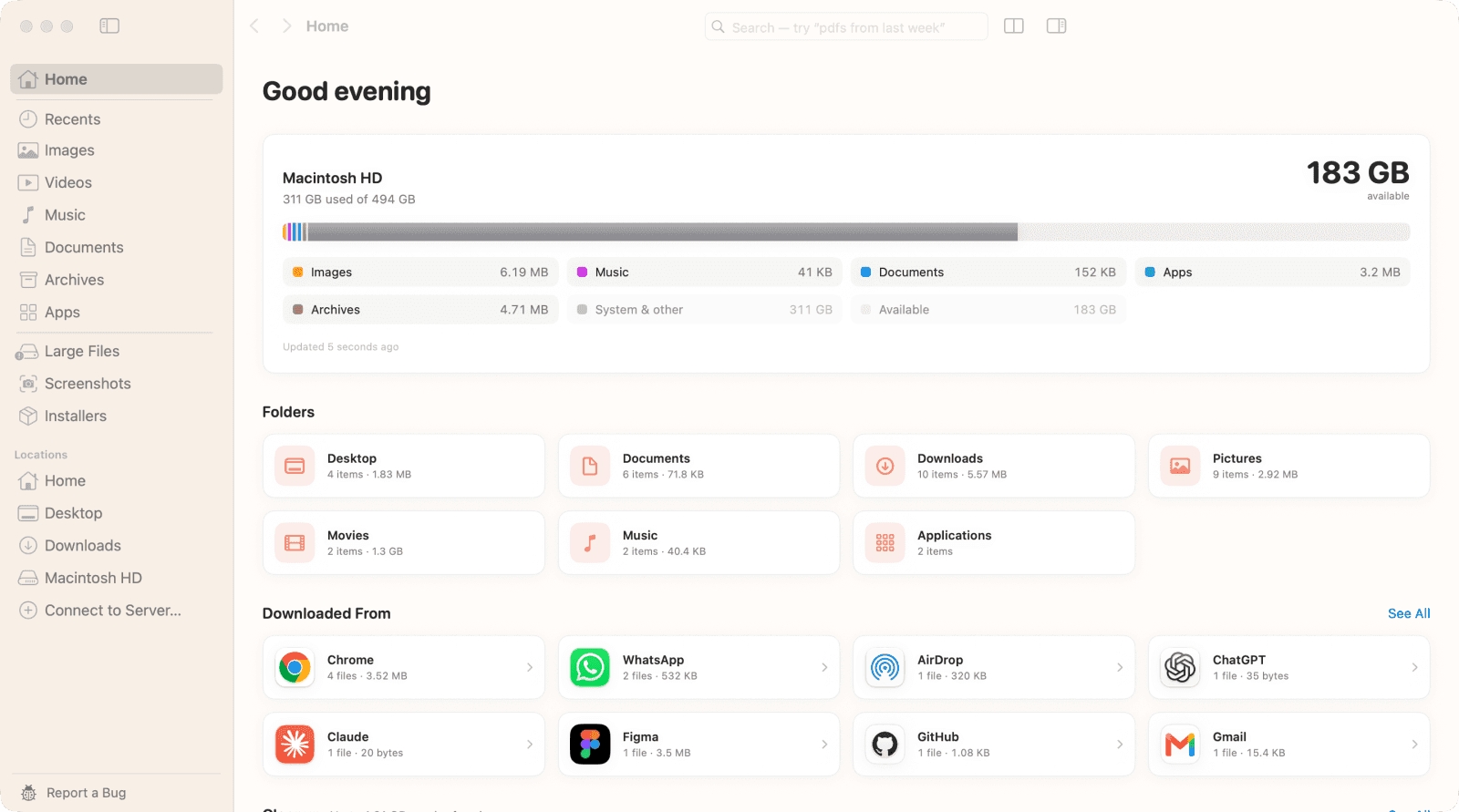
Seek helps Mac users find files effortlessly. Describe any file, and Seek locates it, even identifying photos by their content. It declutters your storage by identifying duplicates and suggesting cleanups, all while keeping your data private—nothing leaves your Mac.
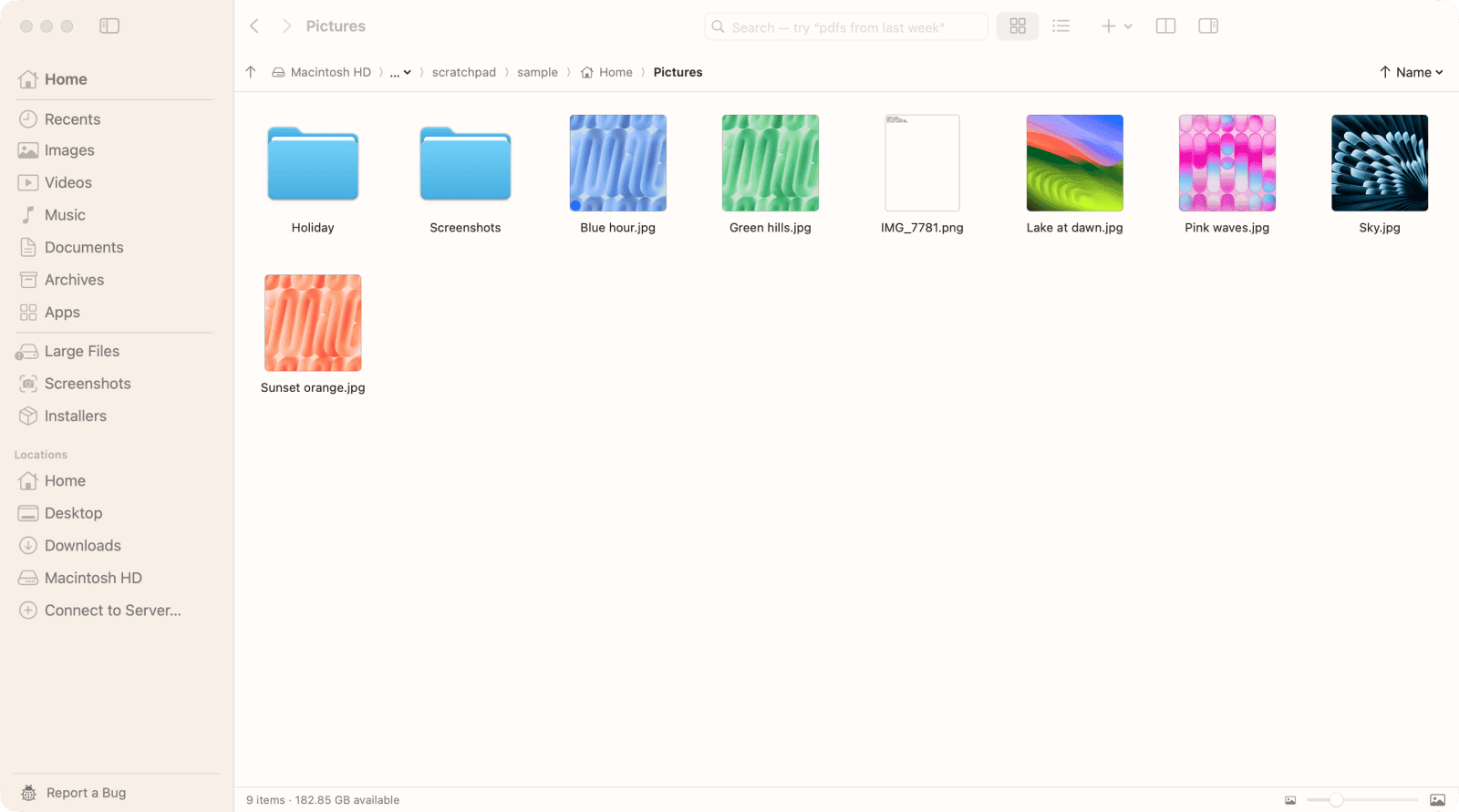
Unlike traditional file finders, Seek enhances your search experience with natural language processing and smart renaming features. It organizes downloads by source and allows you to manage your files with a split view interface. Enjoy a powerful file management tool that runs entirely on your Mac, ensuring your files stay secure and accessible.
Gallery
Demo video
Overview
Who is it for?
Mac users looking for efficient file management.
Problem
Users struggle to find files on their Mac, often losing track of downloads or duplicates. Traditional file finders can be slow and cumbersome.
Solution
Seek allows users to search for files using natural language and descriptions, making it easy to locate even obscure files. It also identifies duplicates and suggests cleanups, helping users reclaim storage space.
What makes it unique
Seek runs entirely on your Mac, ensuring privacy and security. It combines advanced search capabilities with features like smart renaming and cleanup suggestions, all without relying on cloud services.
FAQ
- Does Seek replace Finder?
- No, it runs alongside Finder and enhances its capabilities.
- Are my files uploaded anywhere?
- No, all operations run locally on your Mac.
- Can I use Seek on multiple Macs?
- Yes, you can purchase licenses for 1, 3, or 5 Macs.
- Is it a subscription service?
- No, it's a one-time purchase with free updates.
- Does it work offline?
- Yes, all features work without an internet connection.
- What macOS versions are supported?
- Seek supports macOS 14 Sonoma and later.
- How does the smart renaming feature work?
- It uses Apple Intelligence to rename files based on their content.
- What happens to deleted files?
- Deleted files go to the Trash, allowing for easy recovery.
- Can I get a refund for my purchase?
- Yes, if your post about Seek reaches 2,000 views, you get a full refund.
- How do I contact support?
- Email support@useseek.app for assistance.