AnalyzeUser vs SlapWindows
AnalyzeUser and SlapWindows are both live Productivity launches on ScrollLaunch. Here's how they compare - what each one does, who it's for, pricing, platforms, and how the community voted. Both listings are maker-submitted; ScrollLaunch doesn't endorse either side.

At a glance
| AnalyzeUser | SlapWindows | |
|---|---|---|
| Tagline | Stop Wondering Why Users Don't Buy | Slap your laptop. It screams back. |
| Pricing | Freemium | Paid |
| Starting price | $19/mo | $3 one-time |
| Platforms | web | windows |
| Categories | Analytics Tool, Marketing, Productivity | Entertainment, Other, Productivity |
| Upvotes | 37 | 37 |
| Reviews | - | - |
| Launched | May 2026 | April 2026 |
| Maker | Rohan Gotwal | Amit Kushwaha |
What is AnalyzeUser?
AnalyzeUser is a privacy-friendly analytics platform that helps you understand exactly why users leave your site. It tracks every sale back to the traffic source, page, and campaign that drove it, providing daily email summaries in plain English. With features like real-time anomaly alerts and revenue tracking, it enables you to fix issues and optimize your site for better performance. Start with a 14-day free trial and see how your revenue can grow.
Best for: Founders and product managers looking to optimize user engagement and revenue.
- User behavior analysis
- Revenue optimization
- Anomaly detection
See the full listing - AnalyzeUser on ScrollLaunch.
What is SlapWindows?
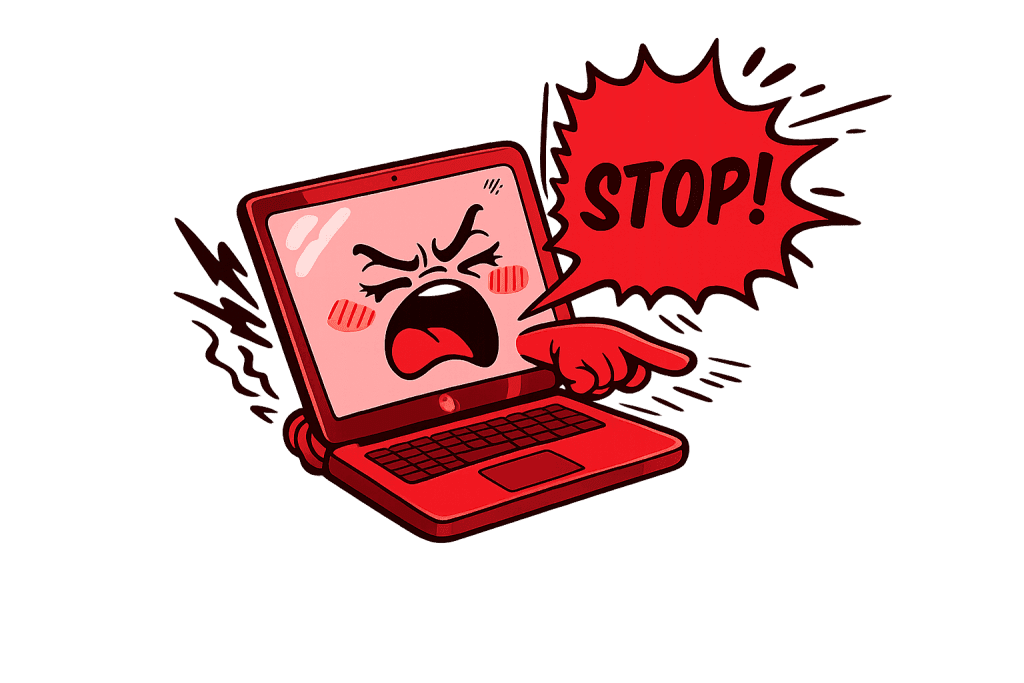
Slap your Windows laptop. It screams back. This app allows you to simulate a slap on your laptop, using microphone detection to react to the sound. It includes seven sound packs that provide various humorous responses, making your office environment more entertaining. The app operates silently in the system tray and features a unique USB Sound Pack that reacts when you plug or unplug a USB device. It's a fun way to express frustration with your laptop.
Best for: Anyone looking for a humorous way to interact with their Windows laptop.
- Office entertainment
- Stress relief
- Interactive sound effects
See the full listing - SlapWindows on ScrollLaunch.
Explore these categories
More comparisons
Frequently Asked Questions
What's the difference between AnalyzeUser and SlapWindows?
AnalyzeUser is Stop Wondering Why Users Don't Buy, while SlapWindows is Slap your laptop. It screams back.. Both are live launches in the Productivity space on ScrollLaunch - the full descriptions, pricing, and platforms for each are compared on this page.
Is AnalyzeUser or SlapWindows more popular on ScrollLaunch?
Both currently have 37 community upvotes on ScrollLaunch. Upvotes reflect community interest at launch, not an endorsement or a quality verdict.
Is AnalyzeUser or SlapWindows free?
AnalyzeUser is Freemium, while SlapWindows is Paid (from $3 one-time). Check each product page for current pricing details.
Should I choose AnalyzeUser or SlapWindows?
It depends on your use case. AnalyzeUser is built for Founders and product managers looking to optimize user engagement and revenue.; SlapWindows is built for Anyone looking for a humorous way to interact with their Windows laptop.. ScrollLaunch lists both as maker-submitted launches and doesn't endorse either - compare the descriptions above and visit each product page to decide.


