
Scheduled launch
Goes live Week 1, 2027
January 4 - January 10, 2027 · Leaderboard opens Monday 00:00 UTC
00
Days
00
Hours
00
Mins
00
Secs
Upvotes
Unlocks at launch
Dofollow backlink
Unlocks at launch
Leaderboard
Unlocks at launch
Comments
Unlocks at launch
Reviews
Unlocks at launch
Voting opens Week 1, 2027
Upvotes unlock when the launch week starts
Comments open at launch
Discussion unlocks with the leaderboard
About Bytesweep
Overview
Who is it for?
Developers and Mac users needing disk space management.
Problem
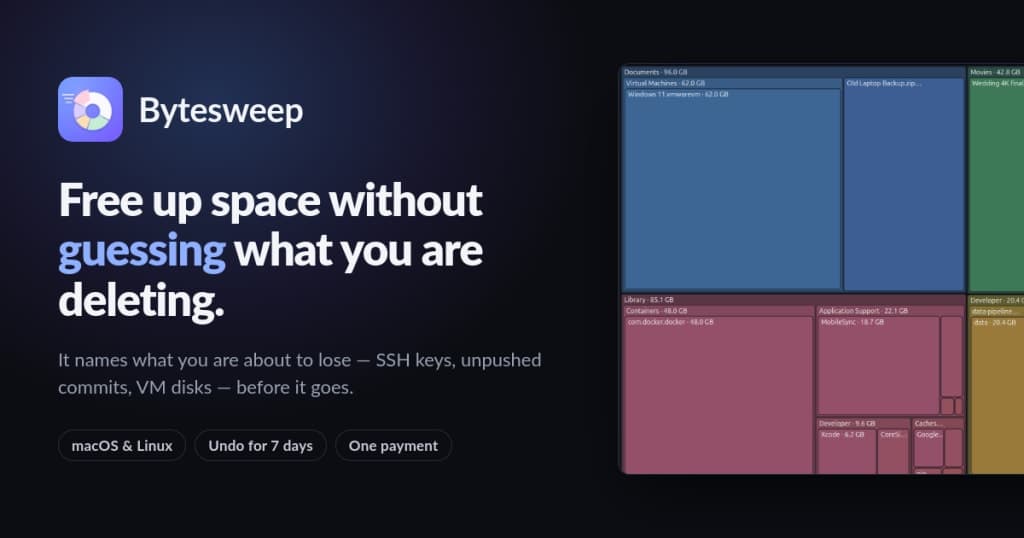
Bytesweep addresses the issue of unclear storage usage on Macs. Users often struggle to identify what files are consuming space and what can be safely deleted without losing important data. The app helps clarify this confusion by providing detailed insights into storage consumption.
Solution
Bytesweep scans your Mac, identifies large files and folders, and categorizes them based on their importance. It warns you about critical files before deletion and allows you to undo any sweep within 7 days. This way, users can reclaim space without the fear of losing essential data.
What makes it unique
Bytesweep uniquely combines detailed storage analysis with a focus on user safety, ensuring that users know exactly what they are deleting. Unlike typical cleaners, it offers a clear breakdown of safe vs. critical files, and it operates without requiring a subscription.






