
Scheduled launch
Goes live Week 45, 2026
November 2 - November 8, 2026 · Leaderboard opens Monday 00:00 UTC
00
Days
00
Hours
00
Mins
00
Secs
Upvotes
Unlocks at launch
Dofollow backlink
Unlocks at launch
Leaderboard
Unlocks at launch
Comments
Unlocks at launch
Reviews
Unlocks at launch
Voting opens Week 45, 2026
Upvotes unlock when the launch week starts
Comments open at launch
Discussion unlocks with the leaderboard
About chmonitor
Gallery
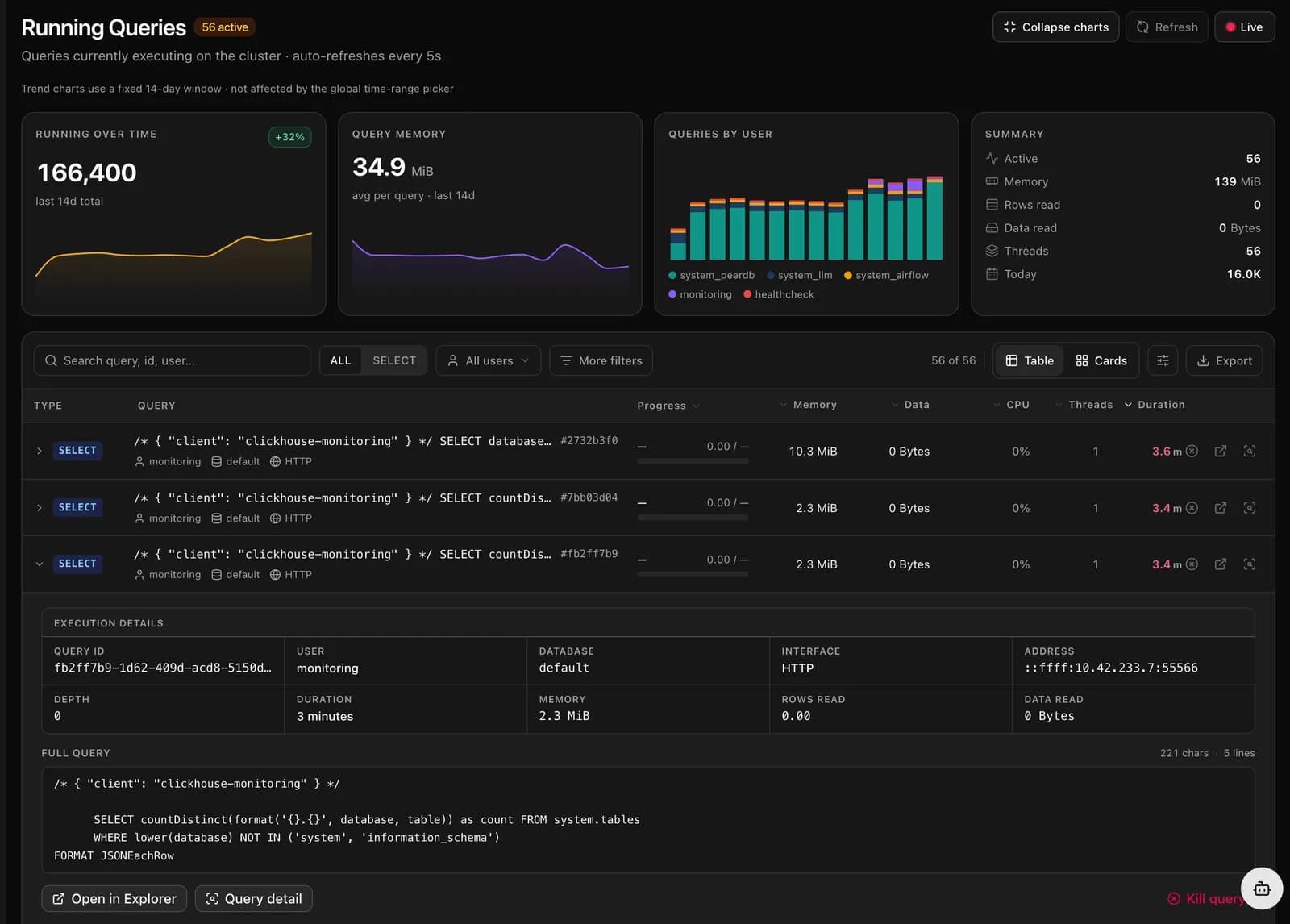
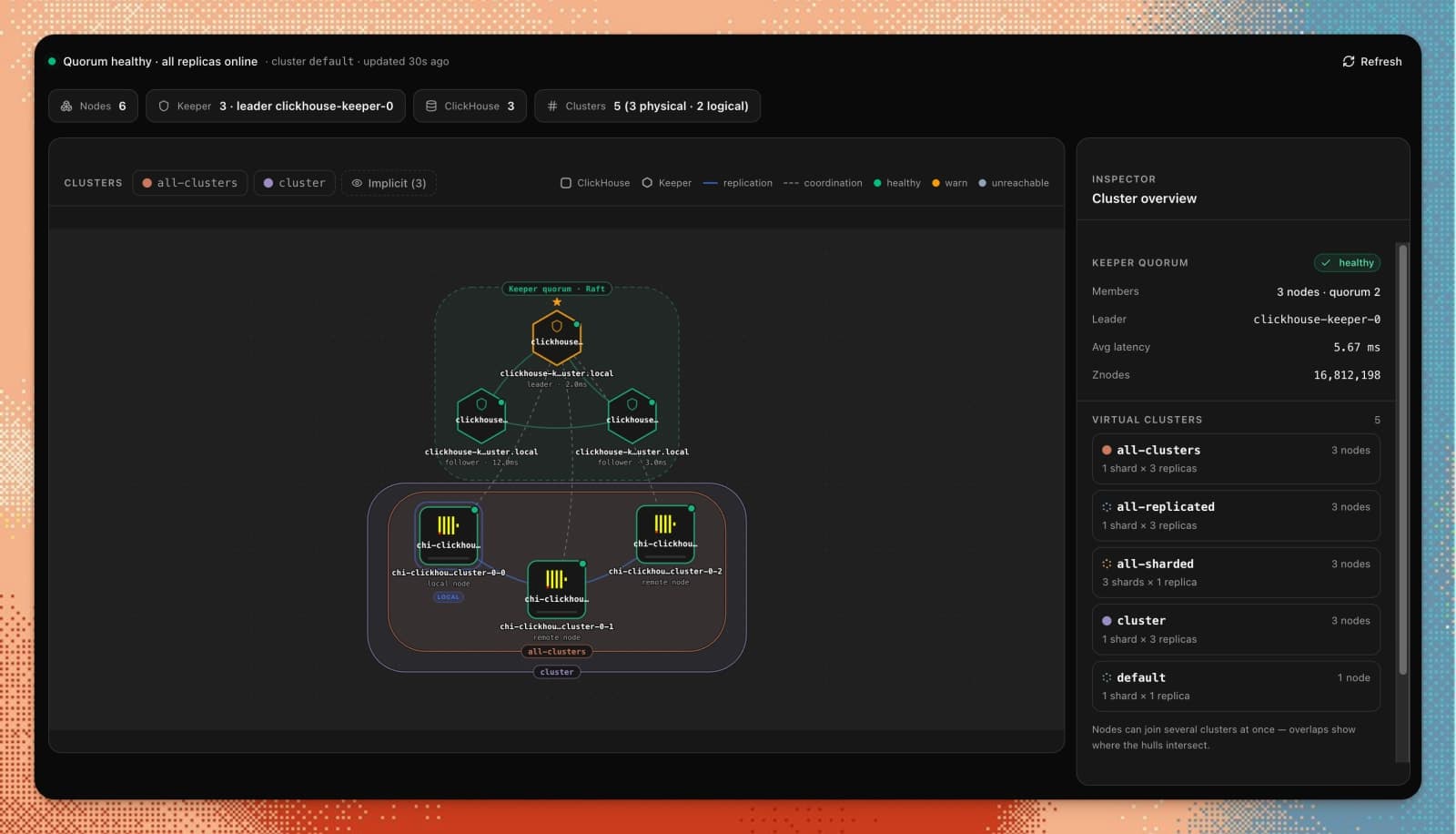
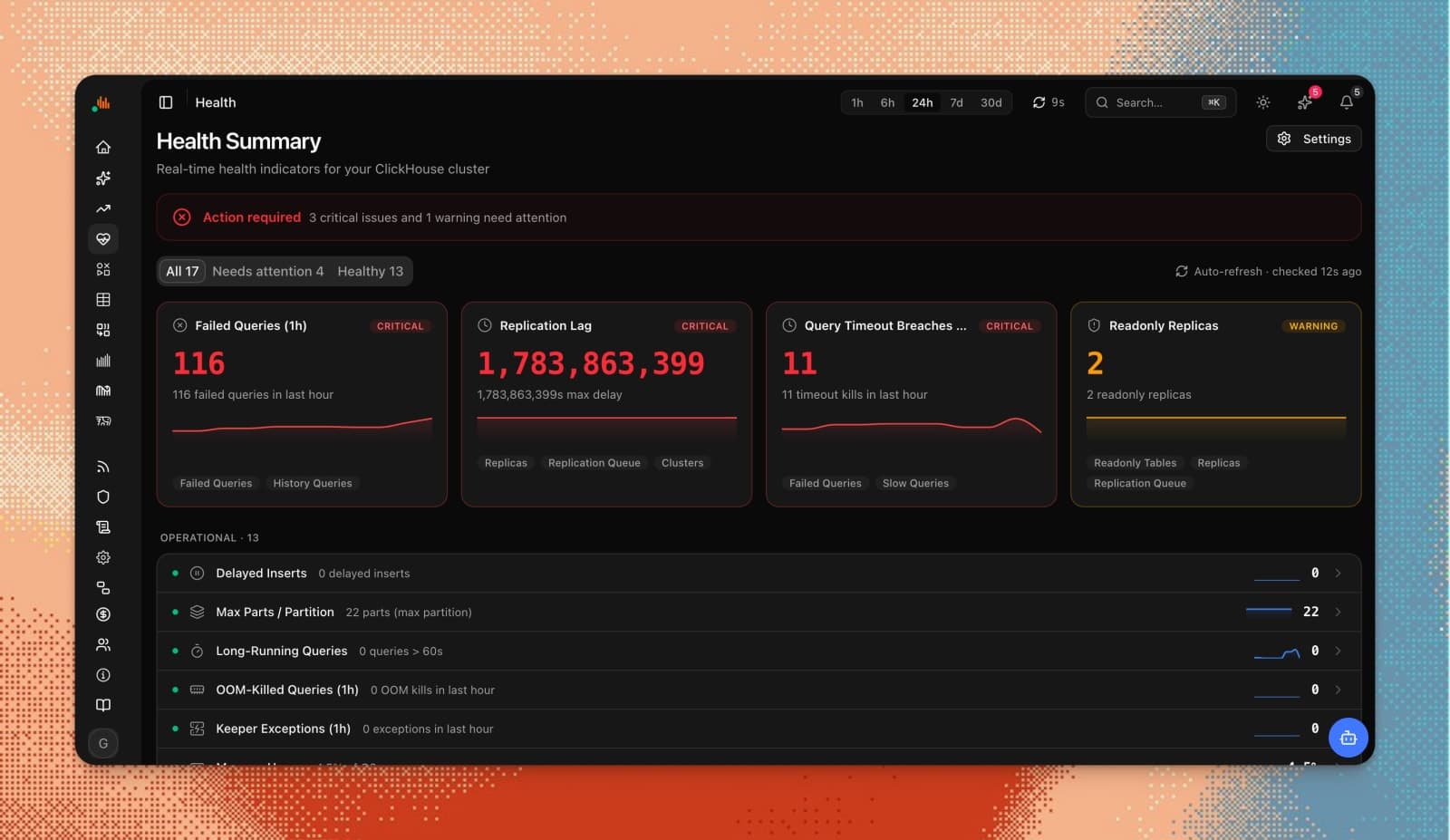
Demo video
Overview
Who is it for?
Database administrators and engineers using ClickHouse.
Problem
chmonitor addresses the challenge of monitoring ClickHouse effectively without the complexity of additional tools or configurations. It simplifies the process of tracking queries, replication, and system health, allowing users to focus on performance optimization rather than manual diagnostics.
Solution
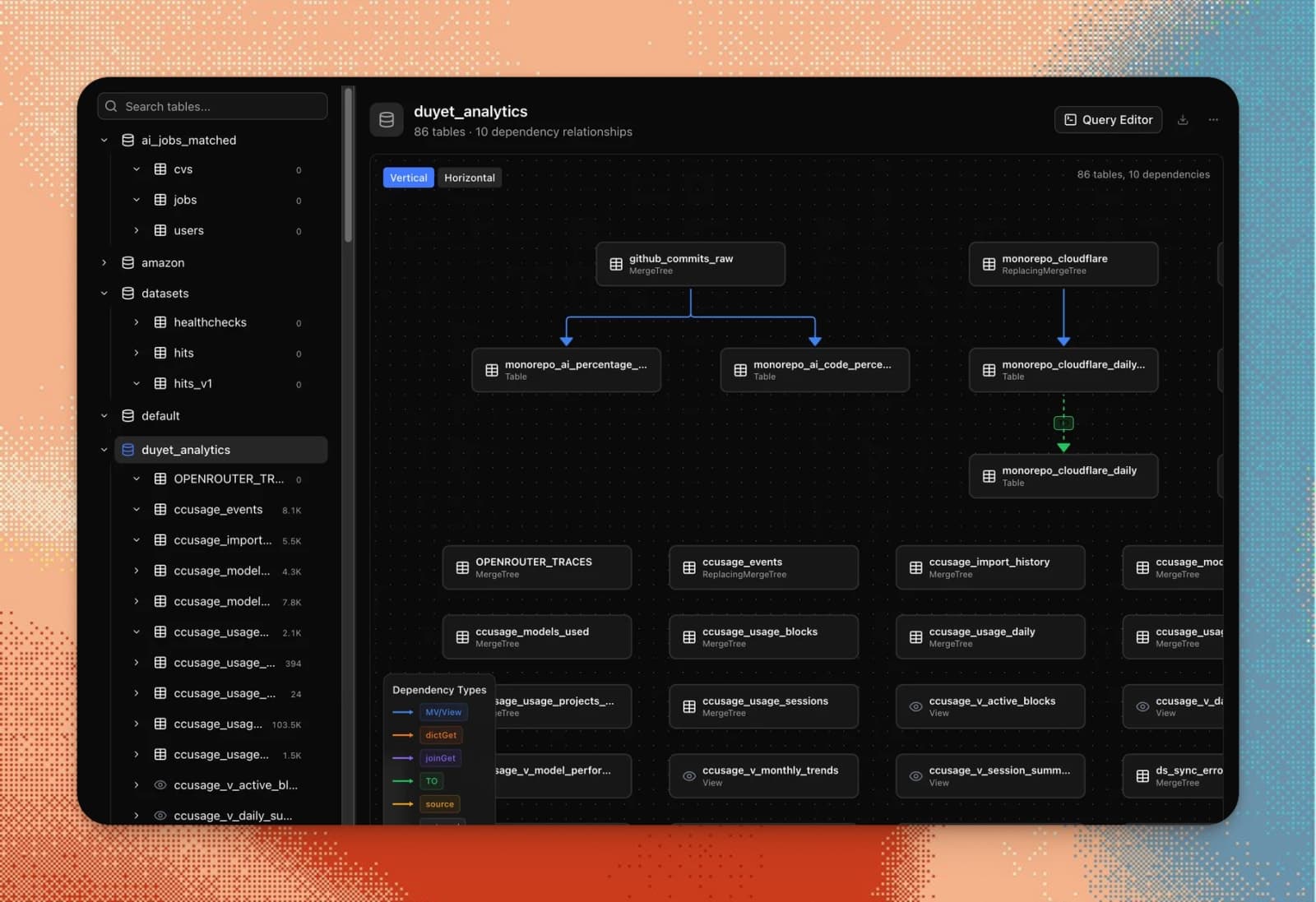
By providing a dedicated UI that connects directly to ClickHouse system tables, chmonitor delivers real-time insights into query performance and cluster health. It features an AI agent for recommendations and alerts, ensuring that users can quickly identify and resolve issues as they arise, all without needing to set up exporters or agents.
What makes it unique
Unlike general-purpose monitoring tools, chmonitor is purpose-built for ClickHouse, offering in-depth insights into its unique features like merges, parts, and replication. Its AI capabilities provide schema-aware recommendations, making it easier to optimize performance without manual intervention.
FAQ
- How do I deploy chmonitor?
- Deploy chmonitor quickly using Docker or Kubernetes. Follow the quickstart guide for detailed instructions.
- Does it need exporters or agents installed on ClickHouse?
- No, chmonitor reads ClickHouse system tables directly over HTTP without needing additional agents.
- Is it safe to connect my production cluster?
- Yes, use a read-only ClickHouse user. chmonitor only issues SELECT queries.
- What is the performance impact on ClickHouse?
- Low impact; queries target system tables with a configurable timeout.
- What license is chmonitor under?
- chmonitor is open source under the GPL-3.0 license.
- What is the difference between self-host and cloud?
- Self-hosting offers full control; the cloud option is for those who prefer not to manage it themselves.
- Which ClickHouse versions are supported?
- chmonitor uses version-aware SQL, adapting to the schema of the connected ClickHouse version.