
GetCompress
Week 30, 2026Lossless media compression without context switching
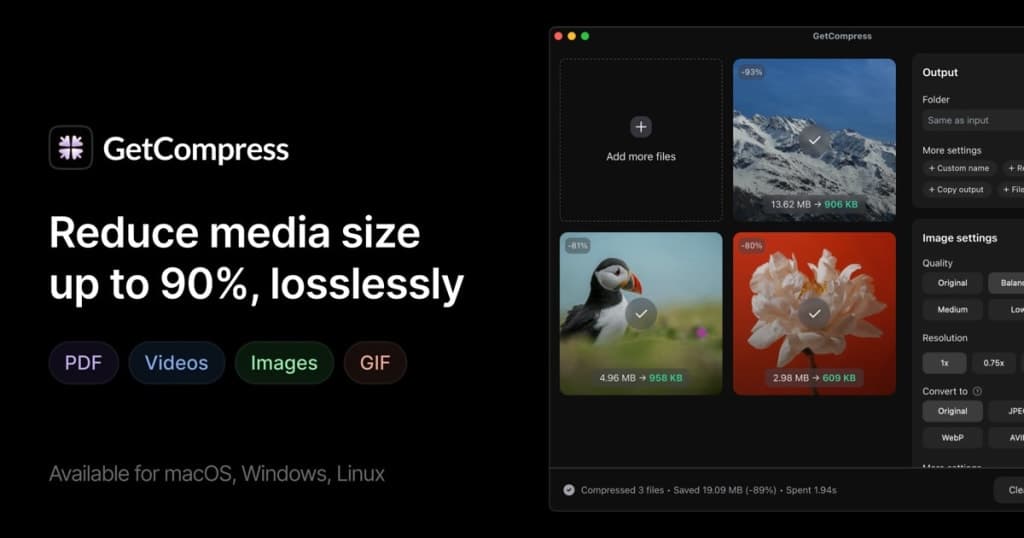
About GetCompress
Gallery
Demo video
Overview
Who is it for?
People who work with videos, images or PDFs and need to share or upload them: SEO and SMM specialists, content creators, developers, designers
Problem
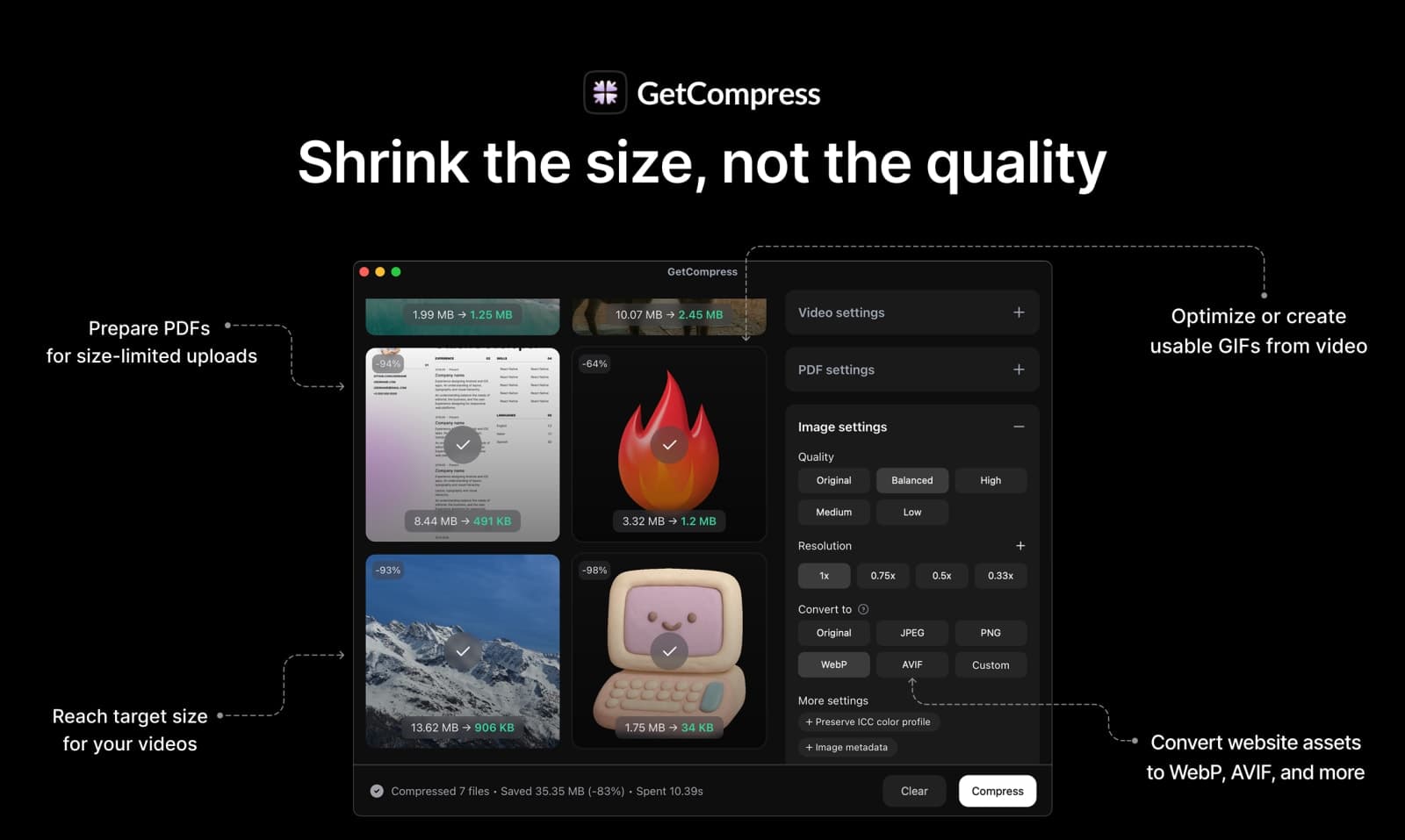
GetCompress helps with sharing media where file-size limits apply, or where it's crucial for your users to load media faster, like with blog assets. Users also report it helps saving a lot of disk space, compressing hundreds of gigabytes of videos and images with minimal quality loss.
Solution
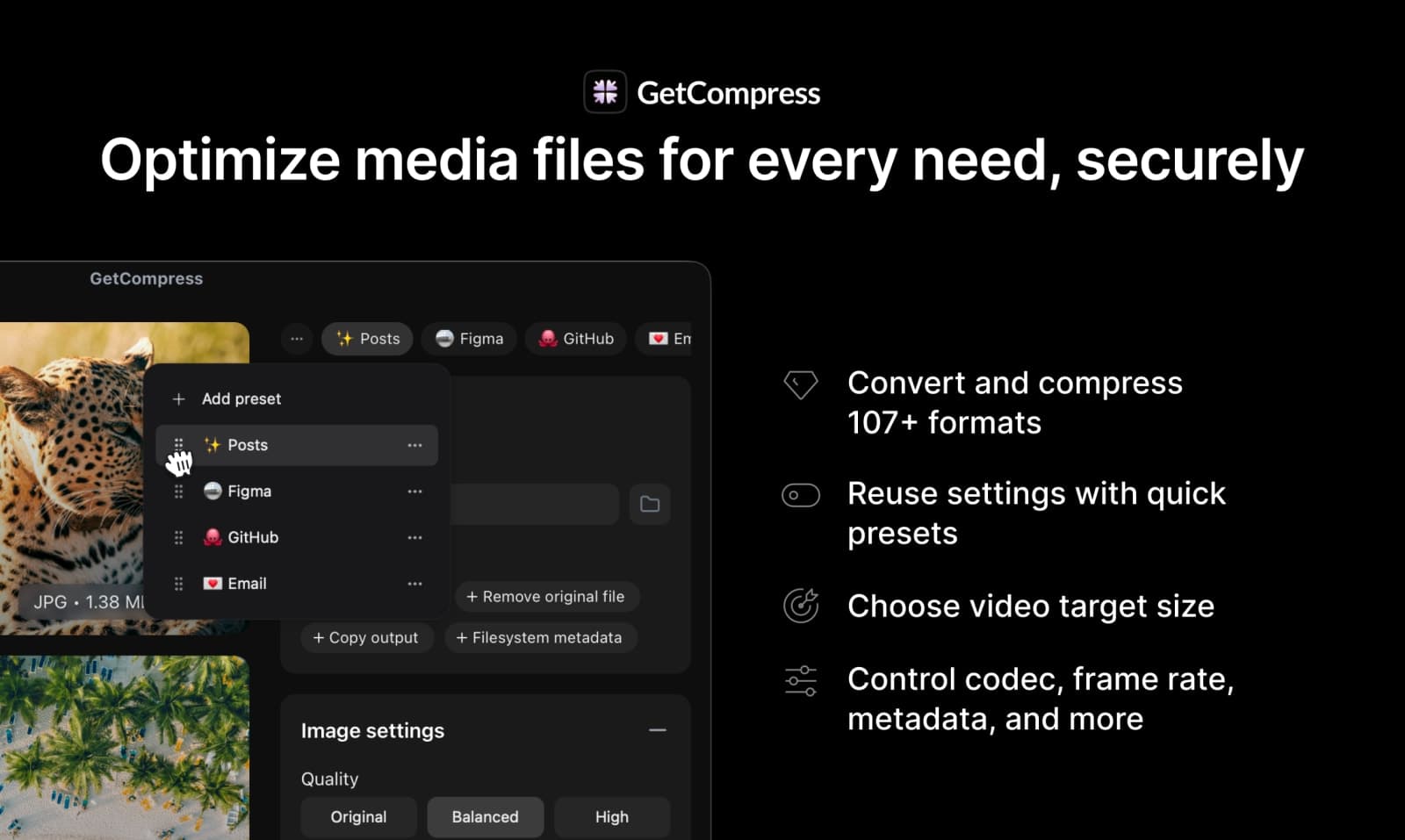
By compressing files locally on your device, GetCompress eliminates the need for internet-based services, ensuring privacy and security. Users can quickly reduce file sizes while maintaining control over quality through customizable settings and reusable presets.
What makes it unique
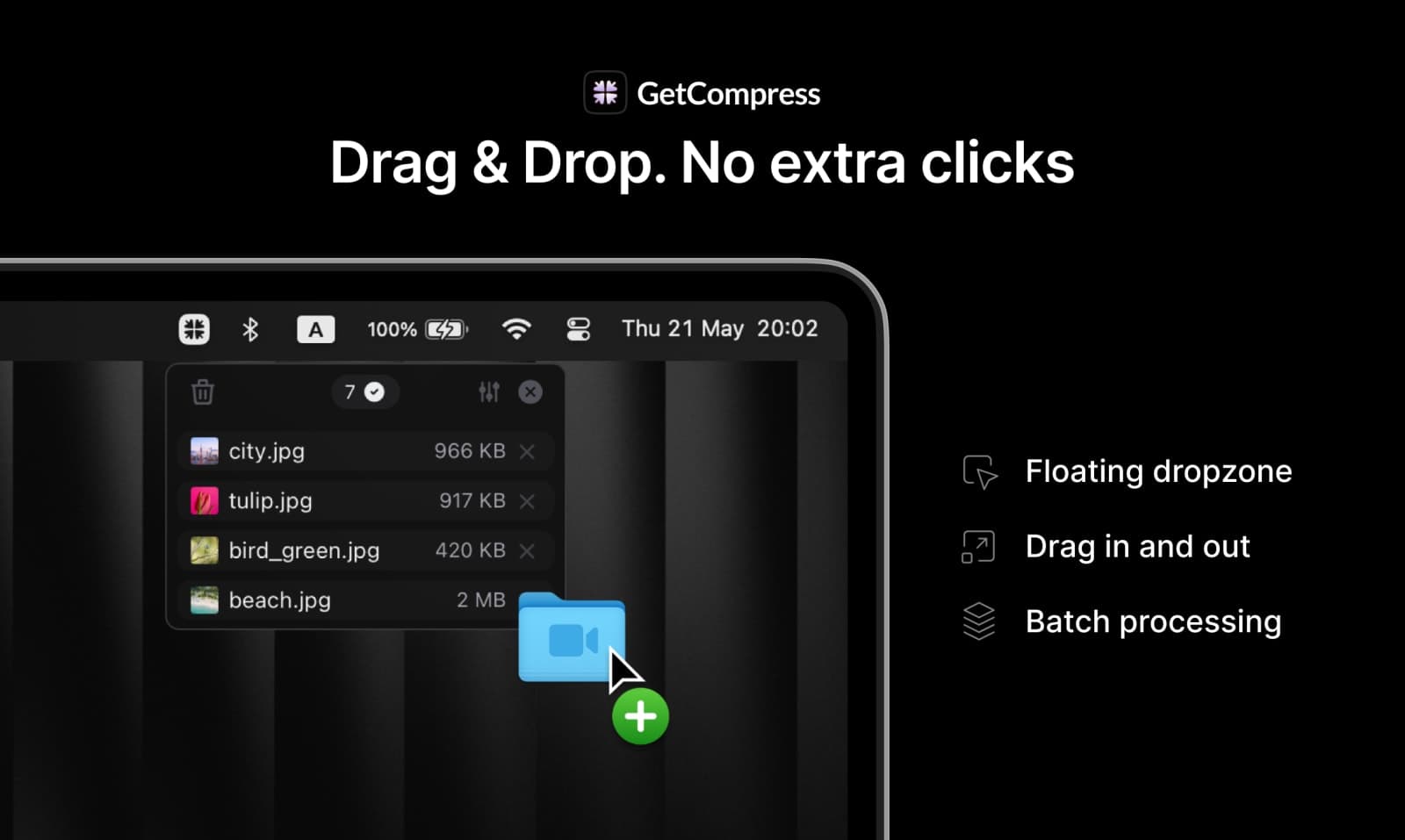
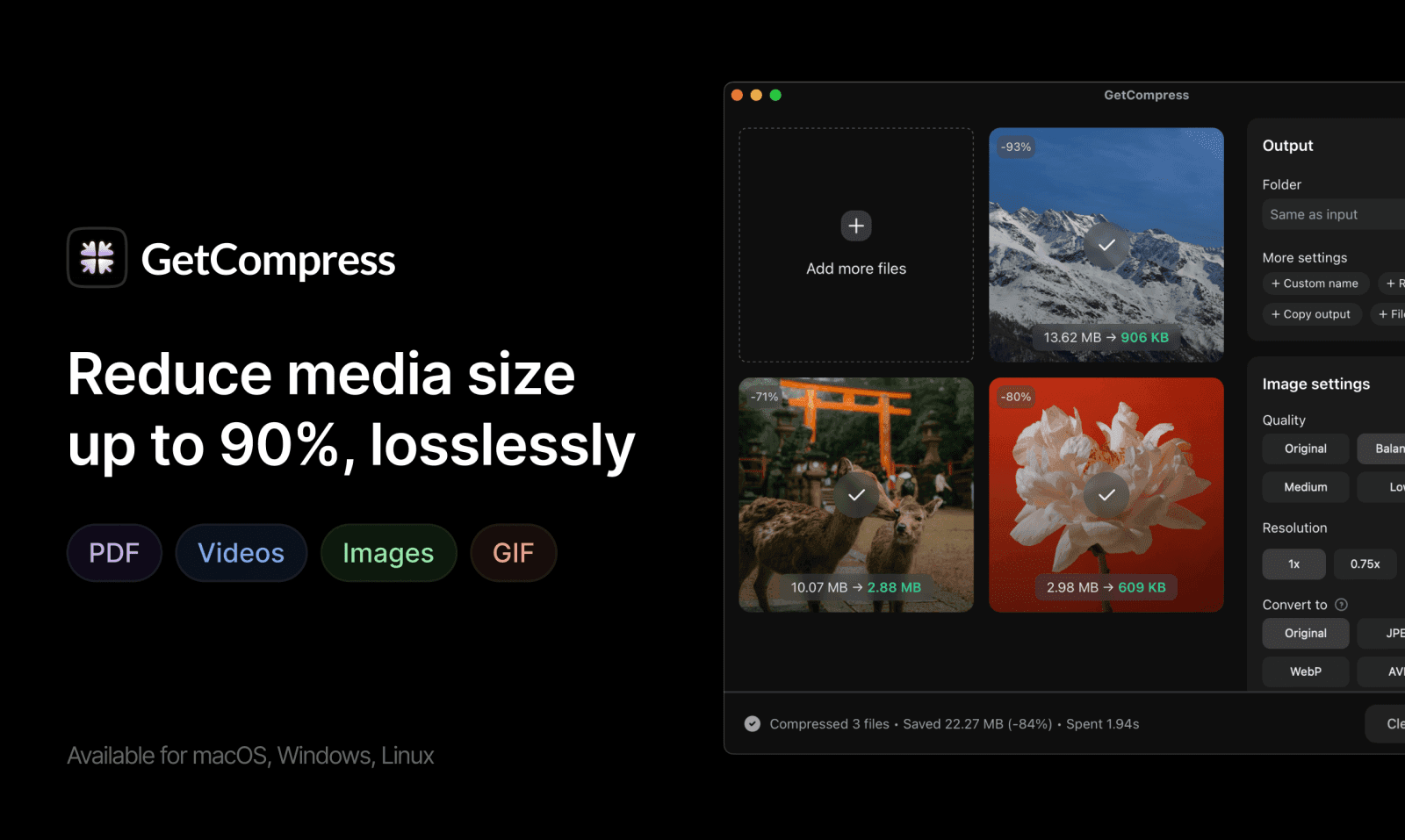
GetCompress helps achieving best results with minimal time spent: drag'n'drop files without switching between apps by using the floating mini drop zone, achieve up to 90% compression for videos, images, GIFs and PDFs with minimal quality loss.
FAQ
- What is GetCompress?
- GetCompress is a lightweight desktop app for compressing and converting images, videos, GIFs, and PDFs, offline on your computer.
- Is my data secure?
- Yes, GetCompress processes files offline on your computer, ensuring your data remains private and secure.
- What file formats does it support?
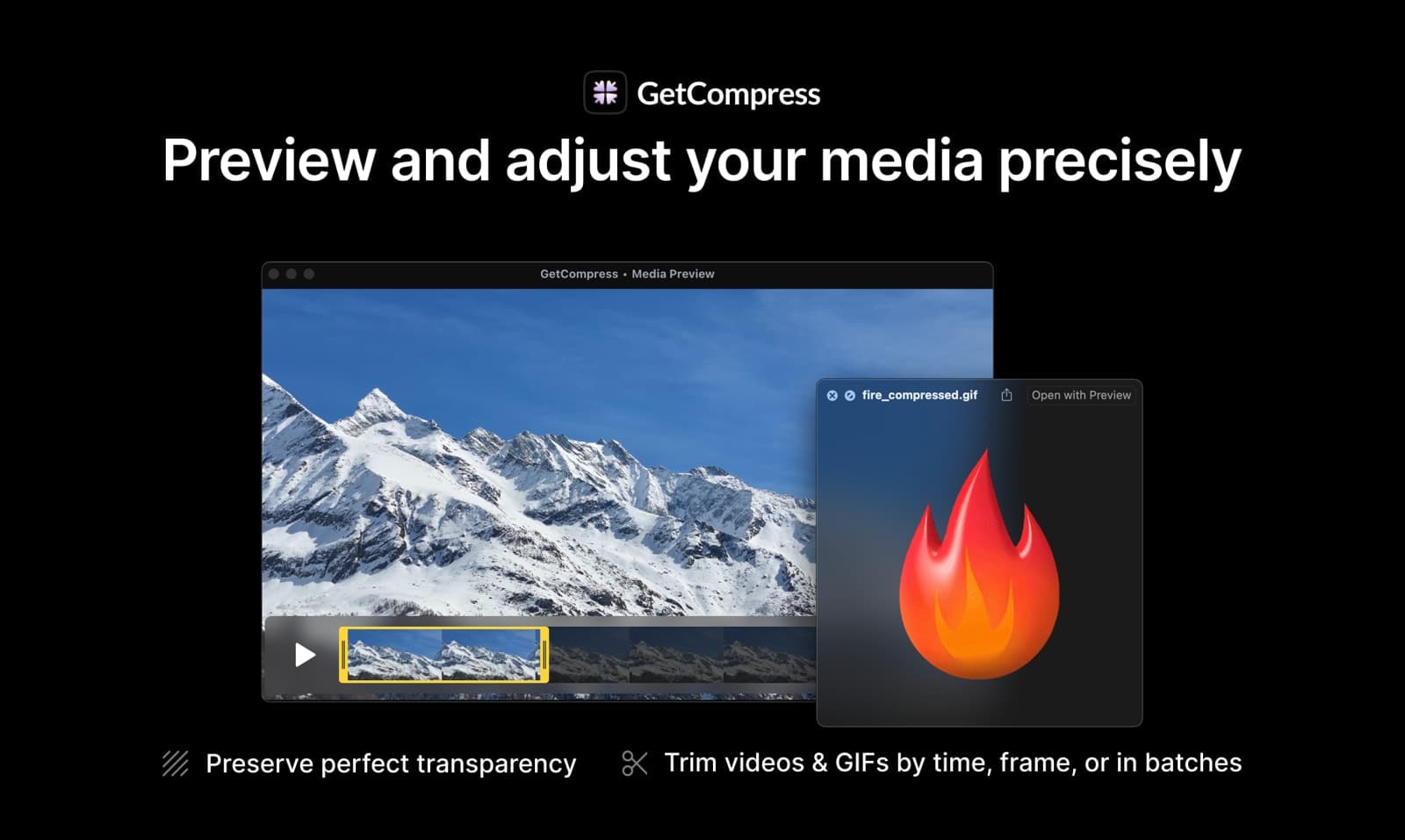
- GetCompress supports a wide range of formats, including PDF, GIF, JPEG, PNG, MP4, and many more.
- Can I automate compression tasks?
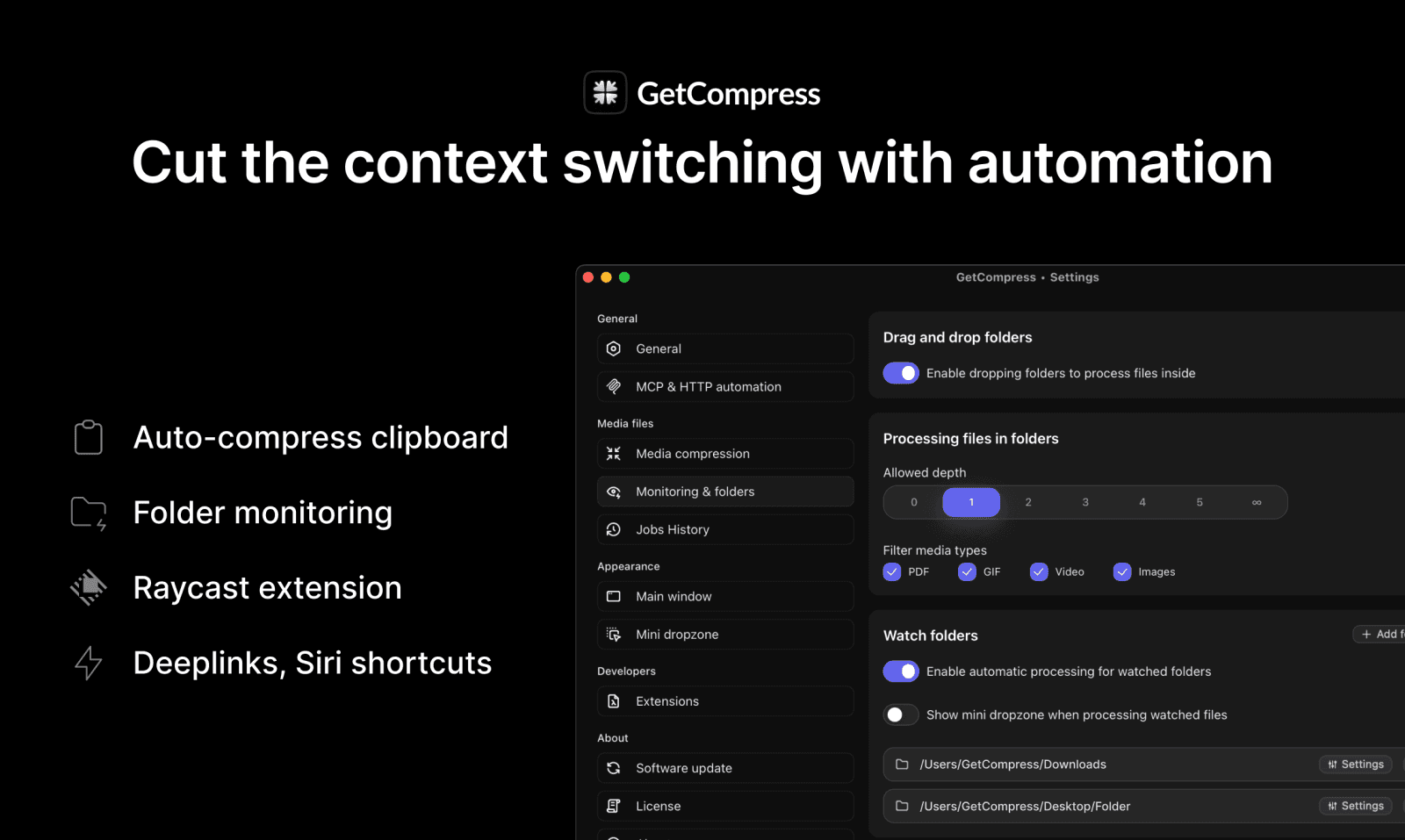
- Yes, GetCompress offers clipboard compression and folder monitoring for automated workflows.
- What is the refund policy?
- All purchases come with a 14-day no-questions-asked refund policy.
Weekly rankings
28 products