HomepageTab New Tab logo

HomepageTab New Tab

Scheduled · Week 7, 2027

HomepageTab replaces the default new tab with your own homepage. Works in Chrome

Chrome Extension, Productivity, Other
-

Scheduled launch

Goes live Week 7, 2027

February 15 - February 21, 2027 · Leaderboard opens Monday 00:00 UTC

Browse Week 7, 2027

00

Days

00

Hours

00

Mins

00

Secs

Upvotes

Unlocks at launch

Dofollow backlink

Unlocks at launch

Leaderboard

Unlocks at launch

Comments

Unlocks at launch

Reviews

Unlocks at launch

Voting opens Week 7, 2027

Upvotes unlock when the launch week starts

Comments open at launch

Discussion unlocks with the leaderboard
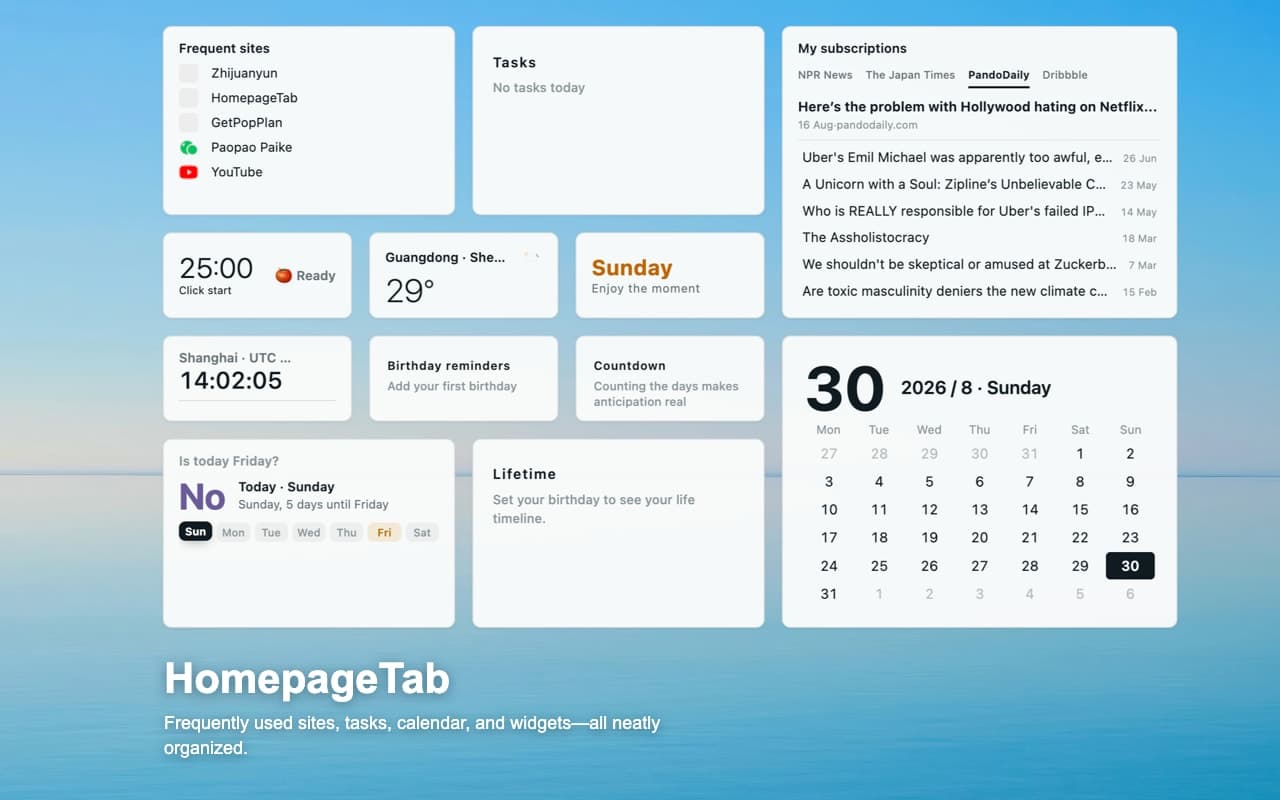
HomepageTab New Tab - HomepageTab replaces the default new tab with your own homepage. Works in Chrome

About HomepageTab New Tab

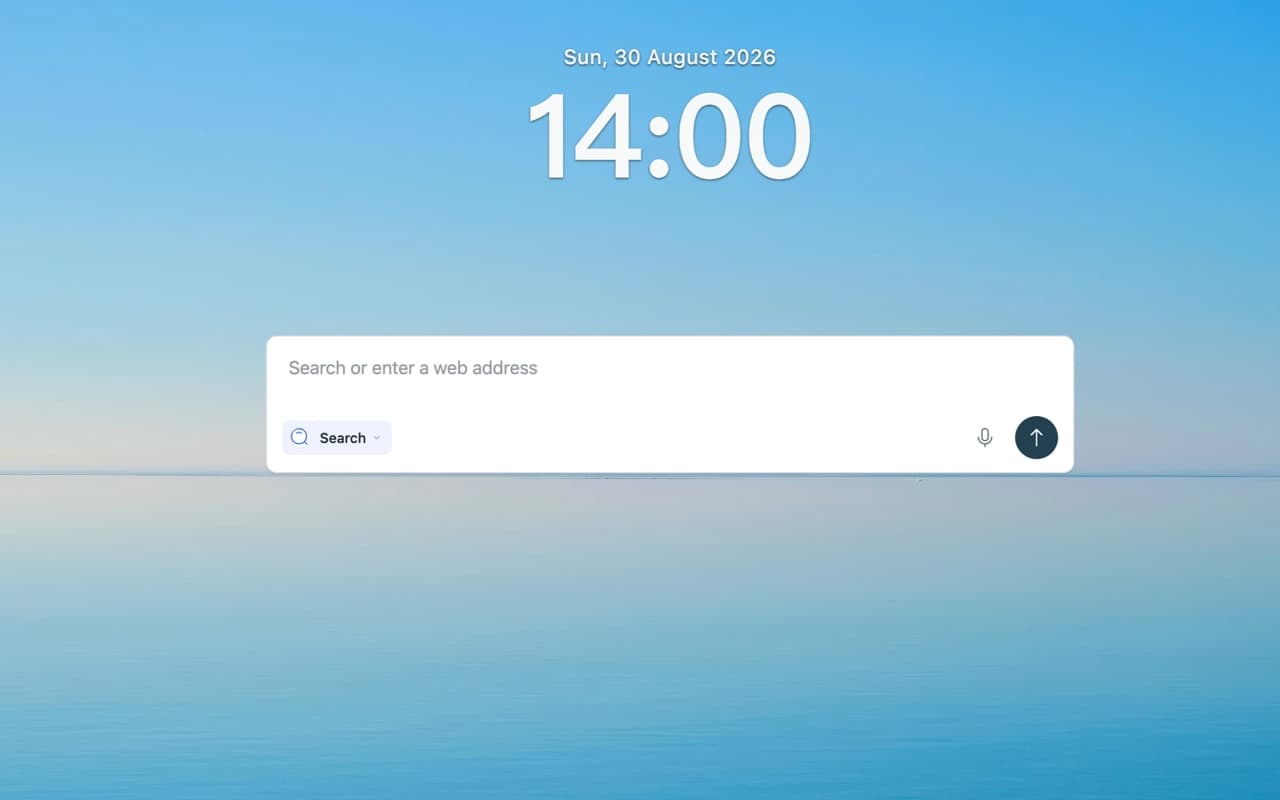
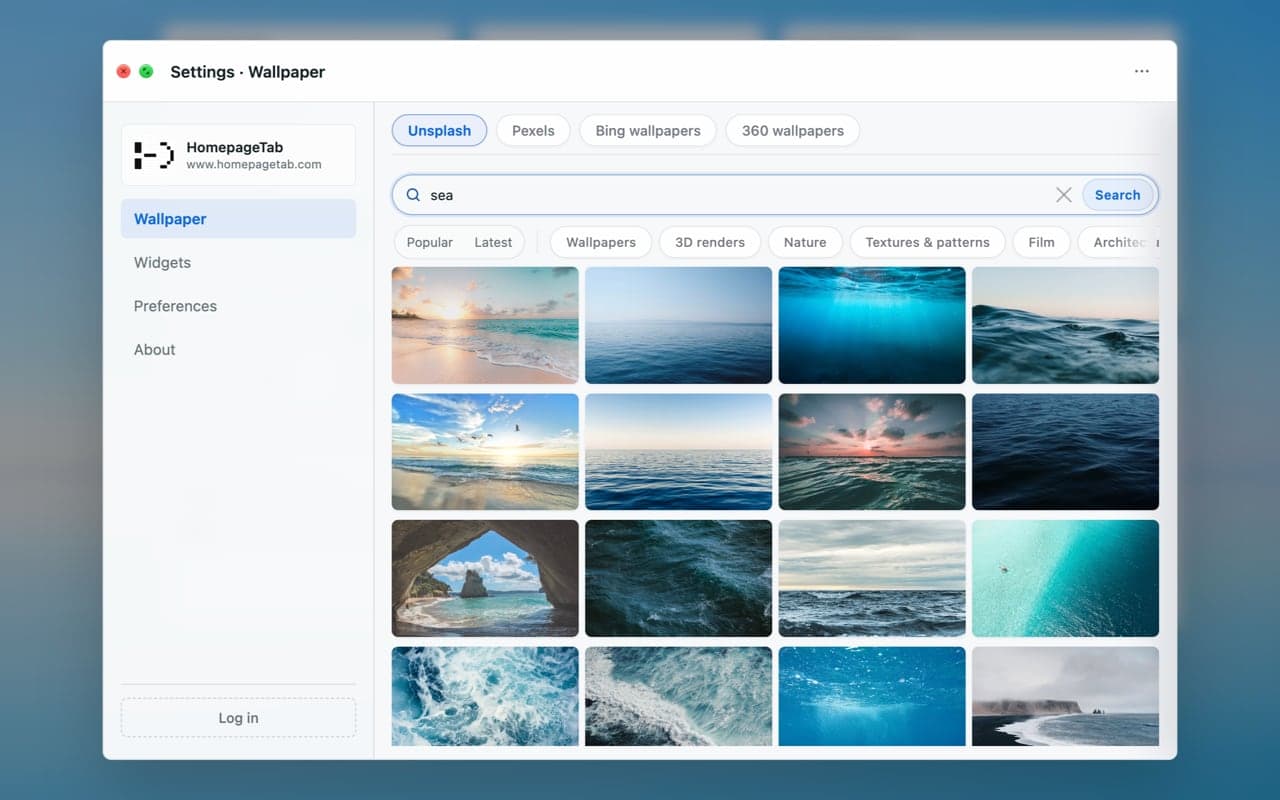
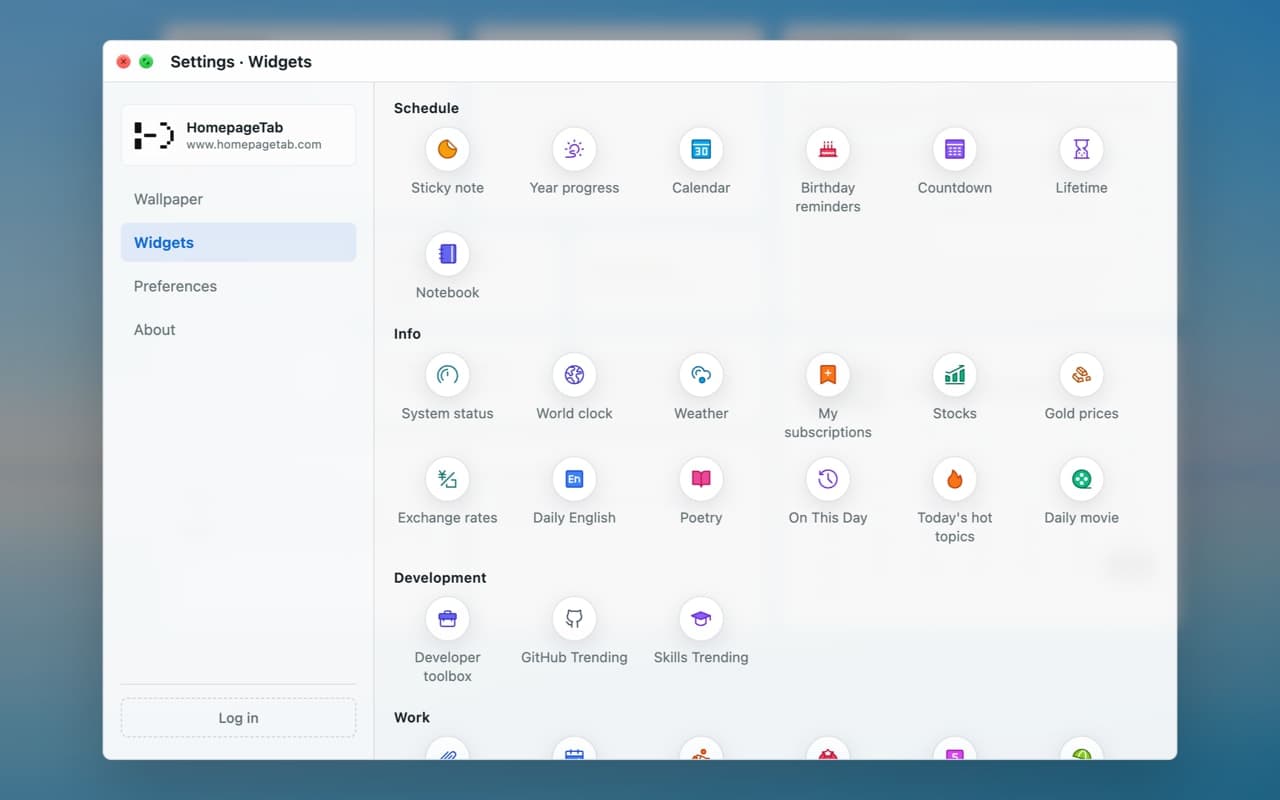
Favorite sites, bookmarks and to-dos at a glance. Customize widgets to make your browser homepage your own. When you open a new tab, you usually want to do one thing: open a website, look something up, or write something down. HomepageTab keeps these entry points on one page, so the next step is easier to find while the page stays calm. Place frequently used websites and saved links where they are easy to reach. Add widgets for the clock, weather, calendar, countdowns, notes, to-dos, and world clocks when you need them. You can adjust the widget positions and page layout, or keep only the few things you use most so the page stays clear. Search continues to use your browser's current default search service, so your search habits stay the same. When needed, you can switch to other available search engines or AI assistants. Wallpapers and light or dark page looks let you make the page feel more like your own. After signing in, you can sync your layout and common settings across supported devices. Without signing in, the web version and browser extension still support local use. HomepageTab is for people who want a new tab that stays simple and convenient while keeping the things they use most within reach. Install it, open a new tab, and get started. What You Can Do - Keep frequently used websites and saved links easy to find. - Use widgets to check the time, weather, calendar, countdowns, and world clocks. - Write down notes and to-dos without moving between different pages. - Arrange widgets, page layout, and wallpapers around the way you browse. - Use your browser's default search, or switch to an available search engine or AI assistant. - Sync your layout and common settings after signing in, or use local features without an account. HomepageTab replaces only the new tab page. It does not change your browser's default search service. HomepageTab Your homepage, in every new tab Let the open space speak for itself HomepageTab web app: https://web.homepaget

Gallery

HomepageTab New Tab screenshot 1 of 5
HomepageTab New Tab screenshot 2 of 5
HomepageTab New Tab screenshot 3 of 5
HomepageTab New Tab screenshot 4 of 5
HomepageTab New Tab screenshot 5 of 5

Overview

Who is it for?

Ideal for users seeking a personalized new tab experience.

Problem

Users struggle with cluttered new tab pages that slow down their workflow and make it hard to access frequently used sites.

Solution

HomepageTab replaces the default new tab with a customizable homepage, allowing users to organize their most-used sites and tools in one place, enhancing productivity.

What makes it unique

Unlike other new tab extensions, HomepageTab offers extensive widget options and cloud sync without requiring an account, making it easy to set up and use across devices.