# Imagerry — Edit Images Without Uploading Anything

> Edit Images Without Uploading Anything

```yaml
url: "https://www.scrolllaunch.com/products/imagerry"
website: "https://imagerry.com"
tier: premium · Verified
upvotes: 18
launch_week: 2026-W28
launched: "Week 28, 2026"
categories: "Design Resources, Productivity, Other"
tags: "image editing, privacy, local processing"
pricing: freemium
starting_price: $14.99 one-time
maker: Abdul Jaber
created: 2026-07-02
peak_rank: "#8 (Week 28, 2026)"
```

## About Imagerry

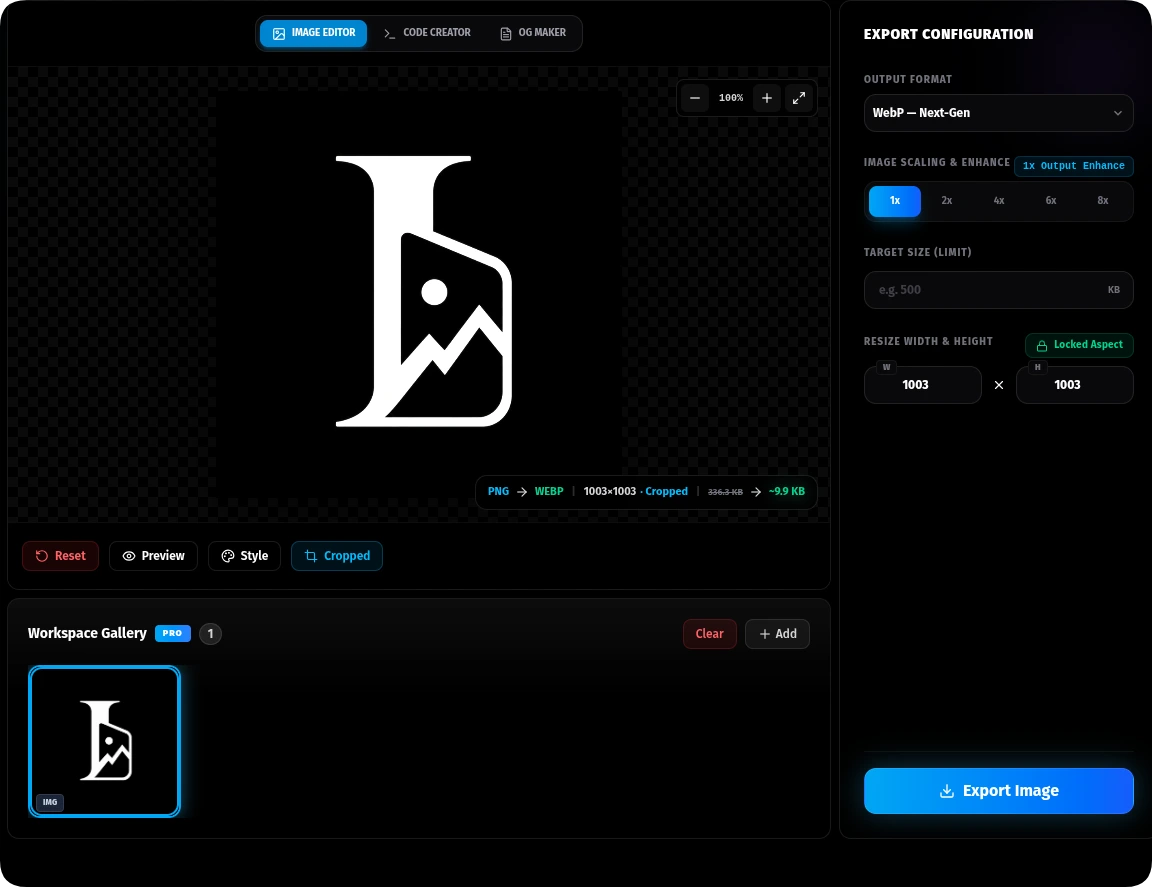
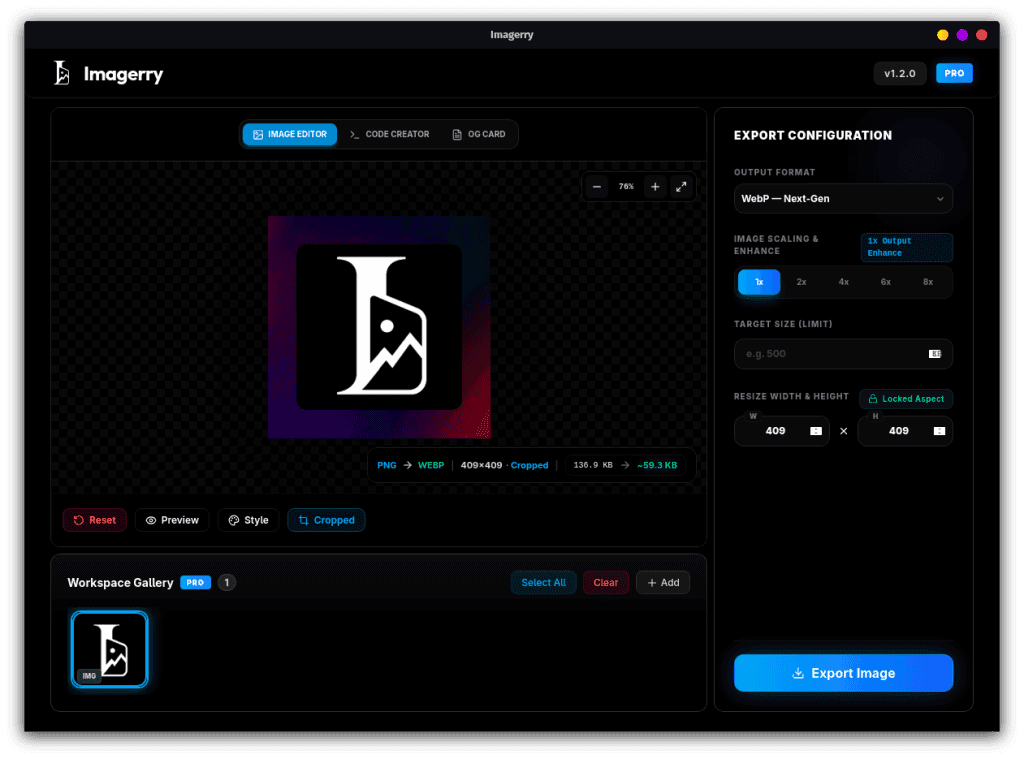
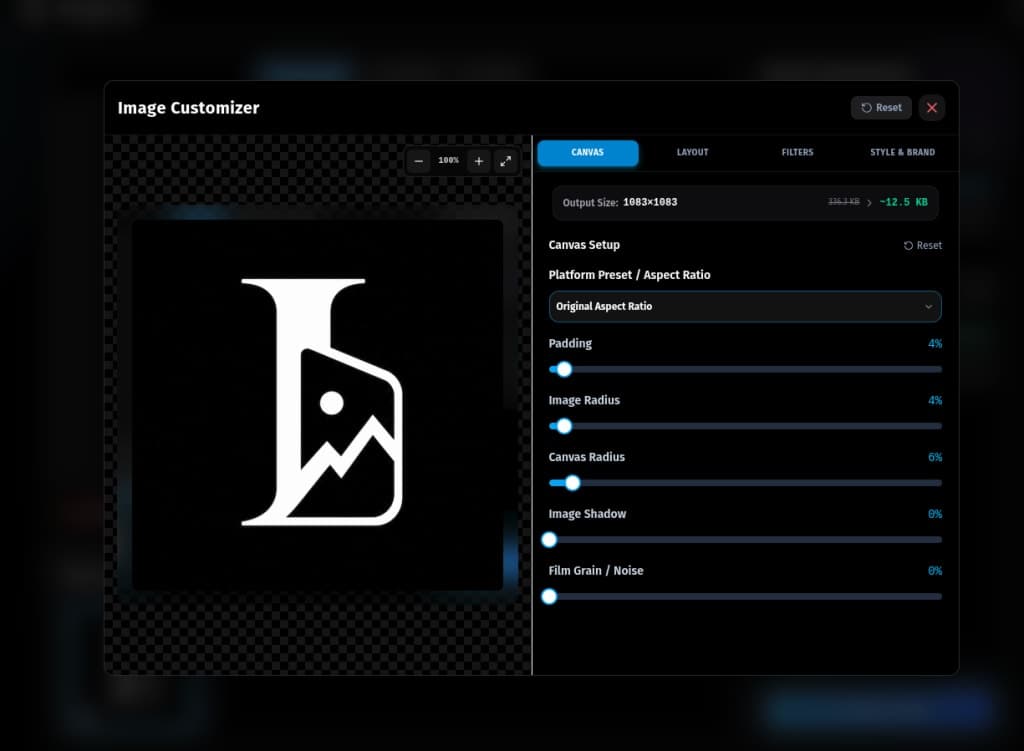
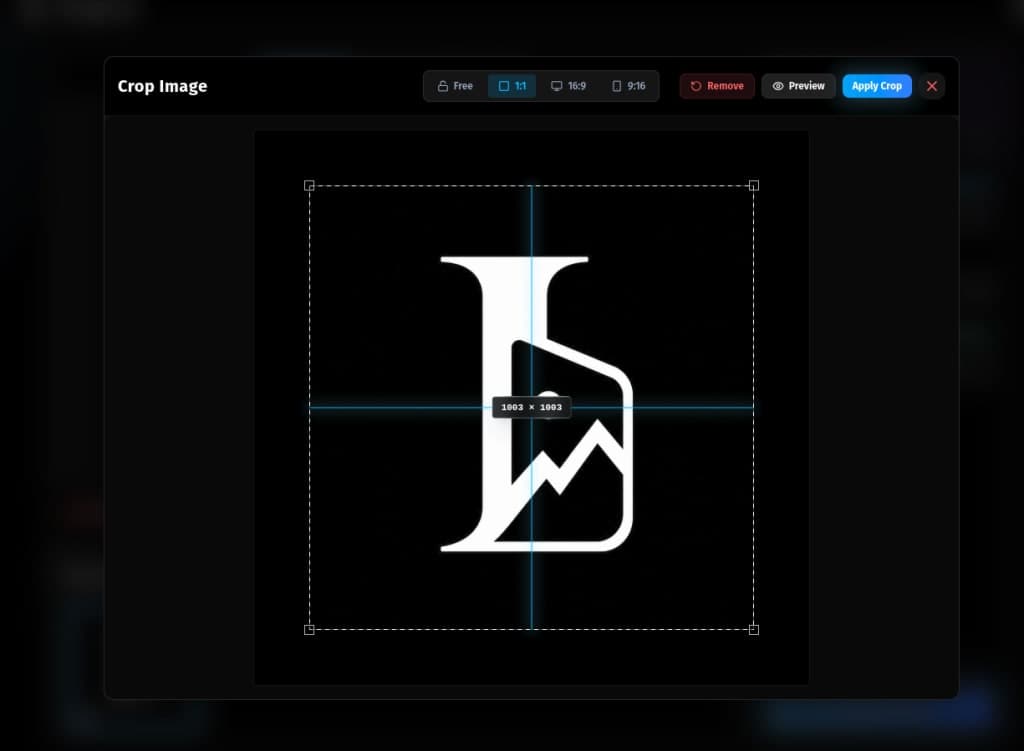
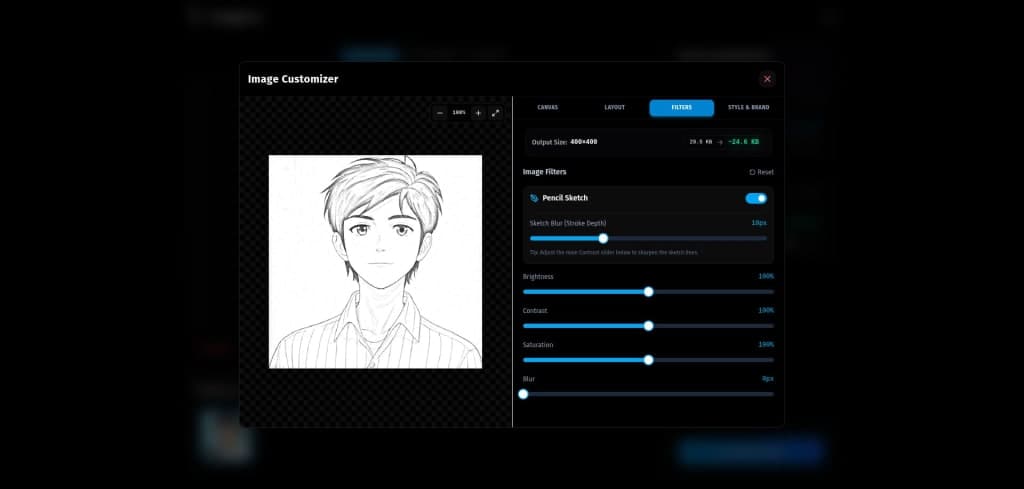
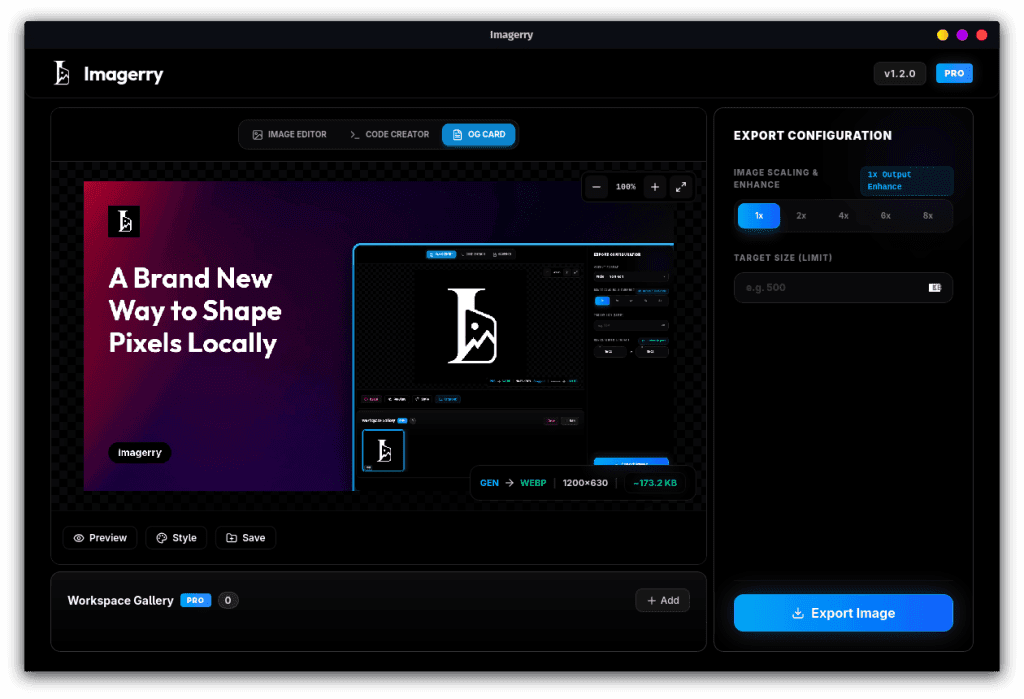
Imagerry is a powerful image editing tool that allows you to create, customize, and export professional visual assets entirely in your browser. It operates locally, ensuring your images never leave your device, thus maintaining your privacy. With features like image editing, code rendering, and Open Graph card creation, Imagerry provides a seamless experience for users looking to enhance their images without the need for uploads. The tool supports multiple file formats and offers batch processing capabilities, making it ideal for both casual and professional use.

## Overview

### Who is it for?

Individuals and professionals needing a private, efficient image editing solution.

### Problem

Imagerry addresses the need for a fast, private image editing solution that does not require uploading files to a server, thus protecting user data and enhancing workflow efficiency.

### Solution

By running entirely within the browser's local sandbox, Imagerry allows users to edit images without uploading them anywhere. This ensures that sensitive data remains private while providing a full suite of editing tools and features.

### What makes it unique

Imagerry stands out from competitors by offering a completely local image editing experience, eliminating the risks associated with data uploads, and providing a lifetime purchase option for premium features without ongoing subscriptions.

## Use cases

1. Image editing
2. Batch image processing
3. Creating Open Graph cards
4. Rendering code snippets
5. Customizing visual assets
6. Image resizing
7. Applying filters
8. Exporting images
9. Maintaining image privacy
10. Working offline

## Details

### Platforms

- web
- macos
- windows
- linux

### Tags

`#image editing` · `#privacy` · `#local processing`

## Imagerry alternative to

- Canva
- Adobe Photoshop
- GIMP
- Figma
- Snappa
- Pixlr
- Photopea
- Krita
- Paint.NET
- Affinity Photo

## Frequently asked questions

**Q: Is my data really kept private?**

Absolutely. Imagerry runs completely inside your browser sandbox. Your images are never uploaded to any server.

**Q: What are the workspace modes?**

Imagerry features Image Editor, Code Creator, and OG Maker modes for versatile editing.

**Q: What is Lanczos3 Scaling?**

Lanczos3 is a high-fidelity resampling algorithm that preserves sharp edges and fine detail when upscaling.

**Q: Is the Lifetime Pro payment a subscription?**

No, it's a one-time purchase that unlocks all premium features forever.

**Q: Which output formats are supported?**

Imagerry supports PNG, JPEG, WebP, AVIF, TIFF, BMP, and ICO formats.

**Q: Where are my images stored locally?**

Images and their settings are saved to an IndexedDB on your machine and restored when you reopen the workspace.

**Q: Can I batch export images?**

Yes, you can batch download images as a ZIP file.

**Q: What features are included in the free version?**

The free version allows you to export one image at a time with standard formats.

**Q: How does the local processing work?**

All image processing occurs within your browser, ensuring privacy and speed.

**Q: Can I use Imagerry on multiple devices?**

Yes, you can activate your license on up to three devices.

## Weekly rankings

- Week 28, 2026: **#8** of 25 (18 upvotes)

## Screenshots

- Screenshot 1: https://res.cloudinary.com/dwb211sw5/image/upload/v1783002411/scrolllaunch/products/product_6a1f0d70dec217159594ed67_1783002411580.png
- Screenshot 2: https://res.cloudinary.com/dwb211sw5/image/upload/v1783002429/scrolllaunch/products/product_6a1f0d70dec217159594ed67_1783002429293.jpg
- Screenshot 3: https://res.cloudinary.com/dwb211sw5/image/upload/v1783002457/scrolllaunch/products/product_6a1f0d70dec217159594ed67_1783002457618.jpg
- Screenshot 4: https://res.cloudinary.com/dwb211sw5/image/upload/v1783002471/scrolllaunch/products/product_6a1f0d70dec217159594ed67_1783002471874.jpg
- Screenshot 5: https://res.cloudinary.com/dwb211sw5/image/upload/v1783002610/scrolllaunch/products/product_6a1f0d70dec217159594ed67_1783002610235.jpg
- Screenshot 6: https://res.cloudinary.com/dwb211sw5/image/upload/v1783002705/scrolllaunch/products/product_6a1f0d70dec217159594ed67_1783002705336.png

## Links

- Website: https://imagerry.com
- Twitter / X: https://x.com/imagerryapp
- Product Hunt: https://www.producthunt.com/products/imagerry
- Pricing page: https://imagerry.com/pricing

## Explore

- [More in Design Resources](https://www.scrolllaunch.com/products?category=Design%20Resources)
- [More in Productivity](https://www.scrolllaunch.com/products?category=Productivity)
- [More in Other](https://www.scrolllaunch.com/products?category=Other)
- [All product launches](https://www.scrolllaunch.com/products)
- [Other launches in Week 28, 2026](https://www.scrolllaunch.com/week/2026/28)

_HTML version: https://www.scrolllaunch.com/products/imagerry_