LockIn MCP logo

LockIn MCP

Scheduled · Week 46, 2026

Let AI block distractions for you when you need to lock in
Productivity, AI, Other

Scheduled launch

Goes live Week 46, 2026

November 9 – November 15, 2026 · Leaderboard opens Monday 00:00 UTC

Browse Week 46, 2026

00

Days

00

Hours

00

Mins

00

Secs

Upvotes

Unlocks at launch

Dofollow backlink

Unlocks at launch

Leaderboard

Unlocks at launch

Comments

Unlocks at launch

Voting opens Week 46, 2026

Upvotes unlock when the launch week starts

Comments open at launch

Discussion unlocks with the leaderboard

LockIn MCP — Let AI block distractions for you when you need to lock in

About LockIn MCP

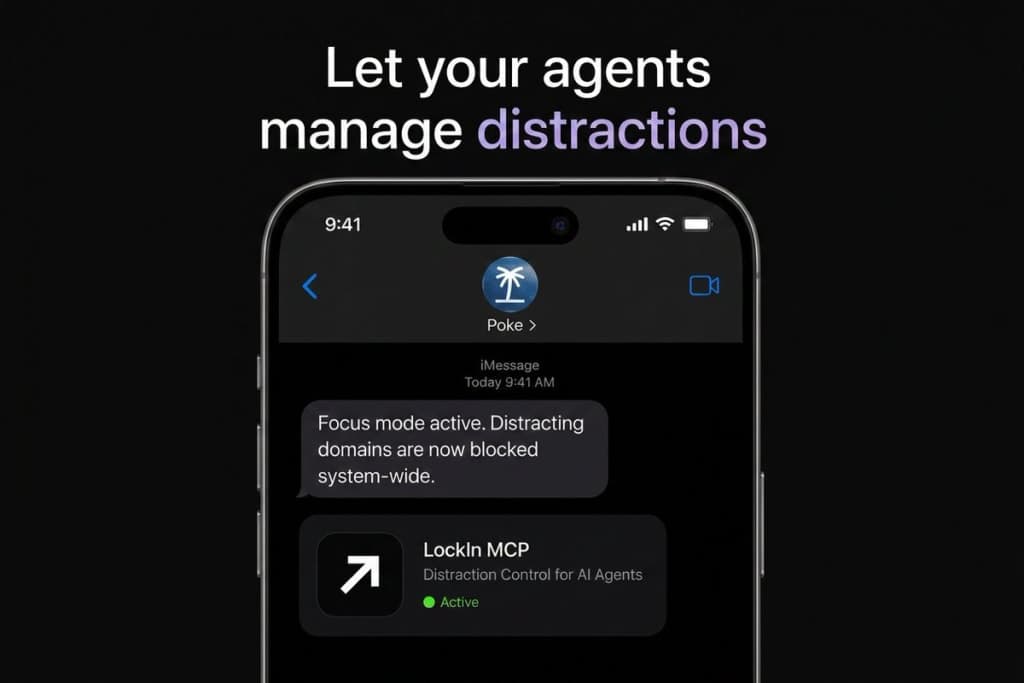
LockIn MCP is the first distraction block built for the AI agent era. Rather than using a bypassable Chrome extension, you now just tell your favourite agent to block distractions for you, and it can do it natively. No bypassing, pure focus.

Gallery

LockIn MCP screenshot 1 of 3
LockIn MCP screenshot 2 of 3
LockIn MCP screenshot 3 of 3

Demo video

LockIn MCP demo video

Overview

Who is it for?

Individuals seeking to improve focus and productivity by blocking distractions.

Problem

LockIn MCP addresses the challenge of distractions from websites and apps that can hinder productivity. It helps users stay focused by preventing access to these distractions at the system level.

Solution

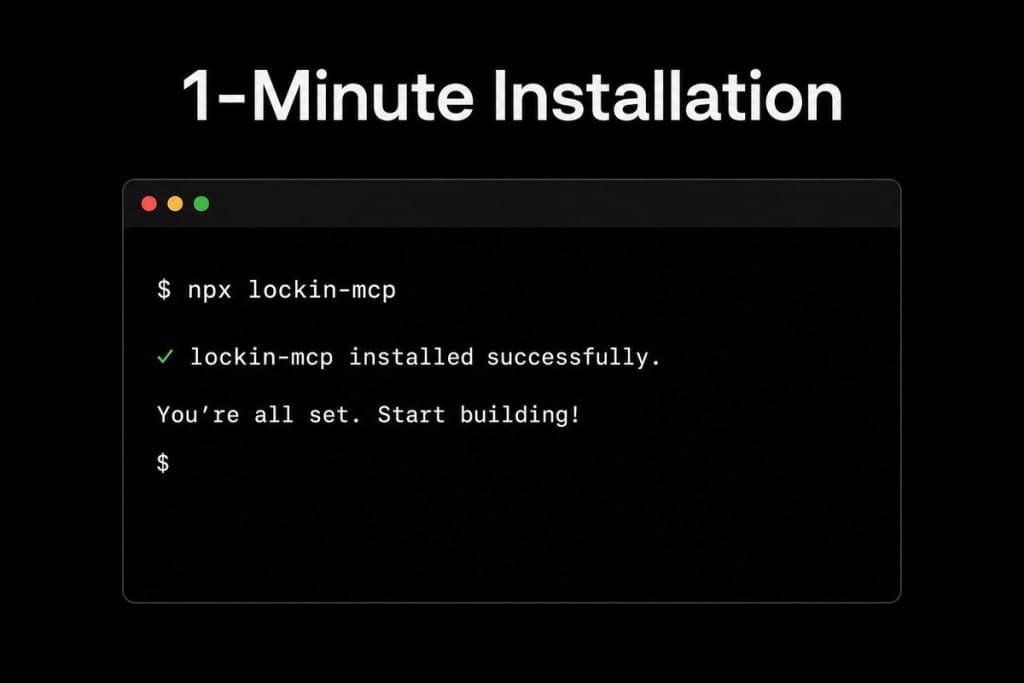
The solution involves editing the hosts file on your operating system to block access to distracting websites. LockIn MCP runs a background service that manages these blocks and allows for temporary unblocking with accountability through AI tools.

What makes it unique

LockIn MCP is unique because it offers system-level blocking without the need for a browser extension, ensuring that distractions are blocked across all browsers and applications. Its integration with AI tools for managing focus sessions sets it apart from other productivity tools.

Use cases

  1. 1Block distracting websites
  2. 2Manage focus sessions
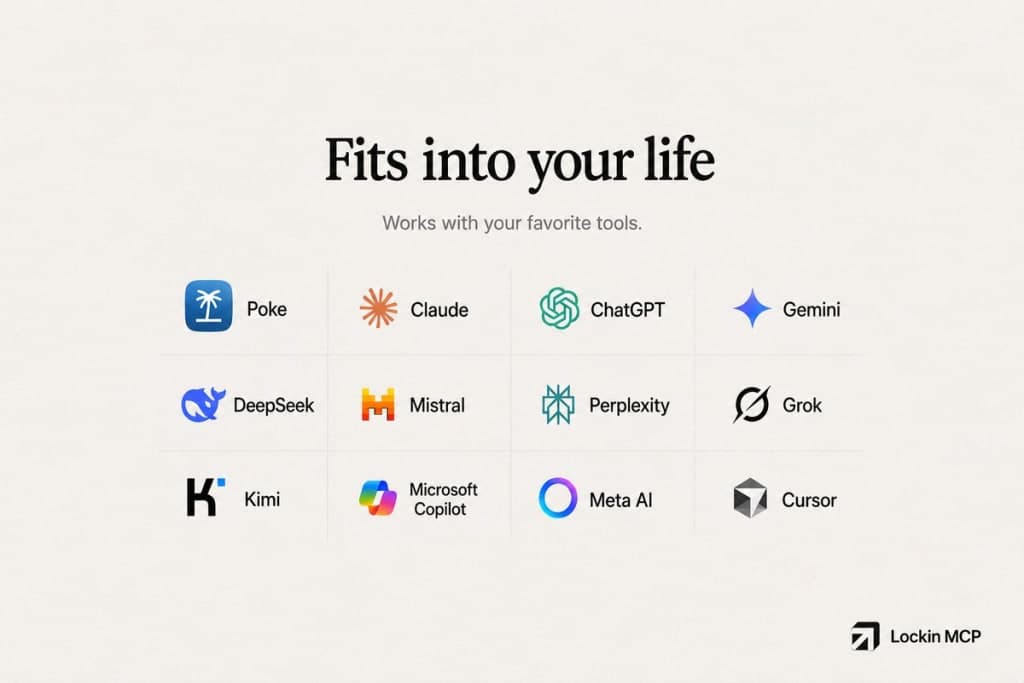
  3. 3Integrate with AI tools

Built by