Mintconvert logo

Mintconvert

Week 30, 2026

Convert your bank statement PDF to Excel, Quickbooks, CSV and many more in 30s

#26Productivity, SaaS, Other
MNASRTSCGNS
+6
12 upvotes

About Mintconvert

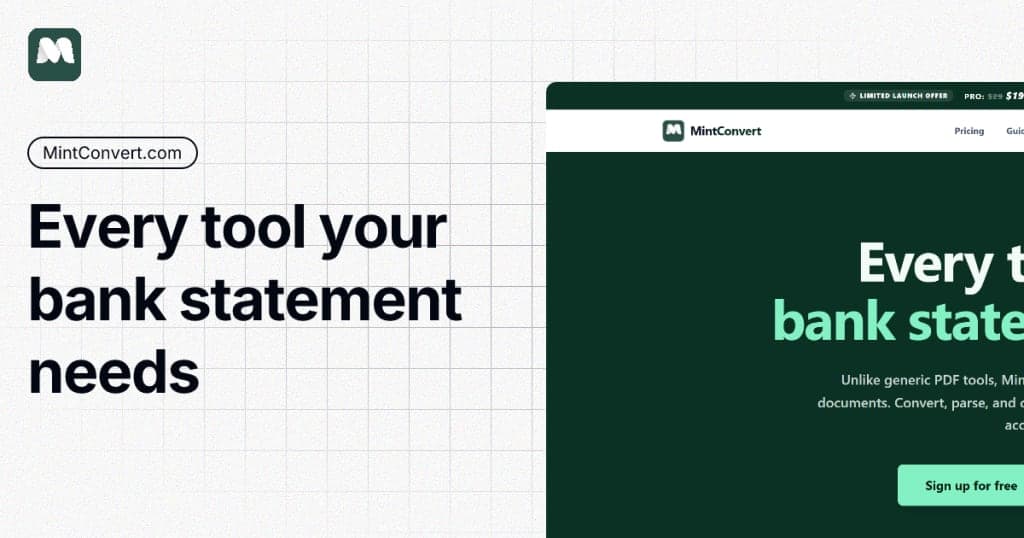
MintConvert helps accountants, business owners, and finance teams convert bank statement PDFs into structured formats like Excel, CSV, QuickBooks, and more in seconds. Instead of manually copying transactions or struggling with messy PDF statements, users can upload a bank statement and get clean, usable financial data instantly. I built MintConvert because converting bank statements is still painfully manual, especially for accountants, bookkeepers, and businesses dealing with multiple formats. Existing tools are either expensive, confusing, or don’t support enough formats. MintConvert focuses on one thing: making statement conversion fast, accurate, and frictionless.

Gallery

Mintconvert screenshot 1 of 3
Mintconvert screenshot 2 of 3
Mintconvert screenshot 3 of 3

Overview

Who is it for?

Accountants, bookkeepers, finance teams, small business owners, freelancers, and agencies handling bank statements.

Problem

Converting bank statement PDFs into usable formats is time-consuming and manual. Many statements come in inconsistent formats, making bookkeeping and accounting workflows frustrating.

Solution

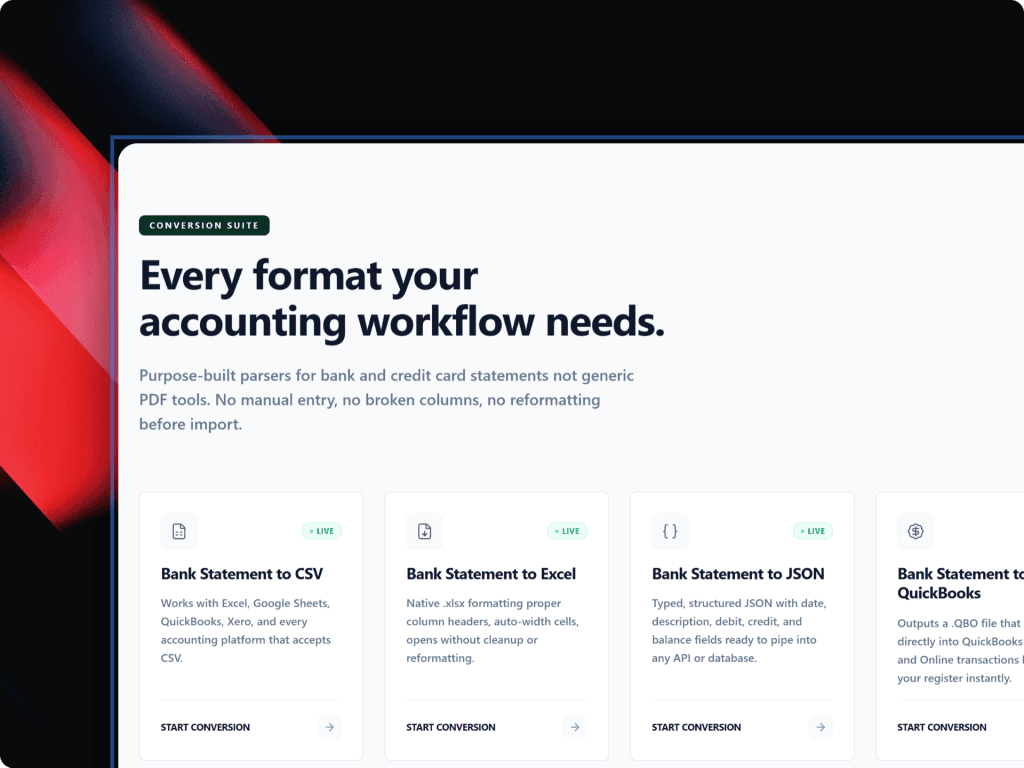
MintConvert lets users upload a bank statement PDF and convert it into structured formats like Excel, CSV, and QuickBooks-compatible files in seconds.

What makes it unique

Unlike generic PDF converters, MintConvert is purpose-built for bank statement conversion. It focuses on accuracy, speed, and accounting-friendly outputs while supporting multiple export formats with minimal friction.

Built by

Weekly rankings

#26
2026-W30

28 products

10