
QApilot MCP CLI
Week 39, 2026Automate Android tests with plain English

About QApilot MCP CLI
Gallery
Demo video
Overview
Who is it for?
Quality assurance engineers and product managers automating Android tests.
Problem
Automating Android testing can be complex and time-consuming, often requiring extensive coding knowledge. Traditional tools like Appium can be difficult to set up and use, leading to delays in the testing process and increased risk of errors.
Solution
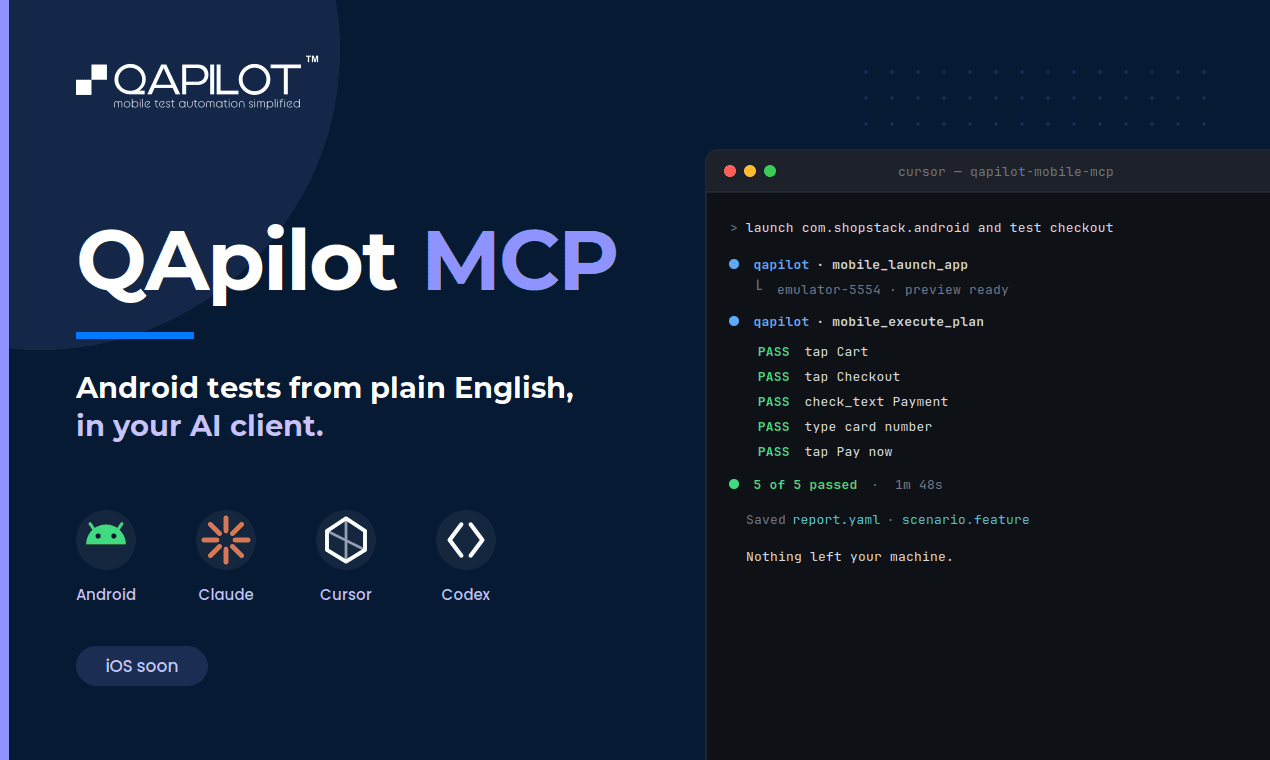
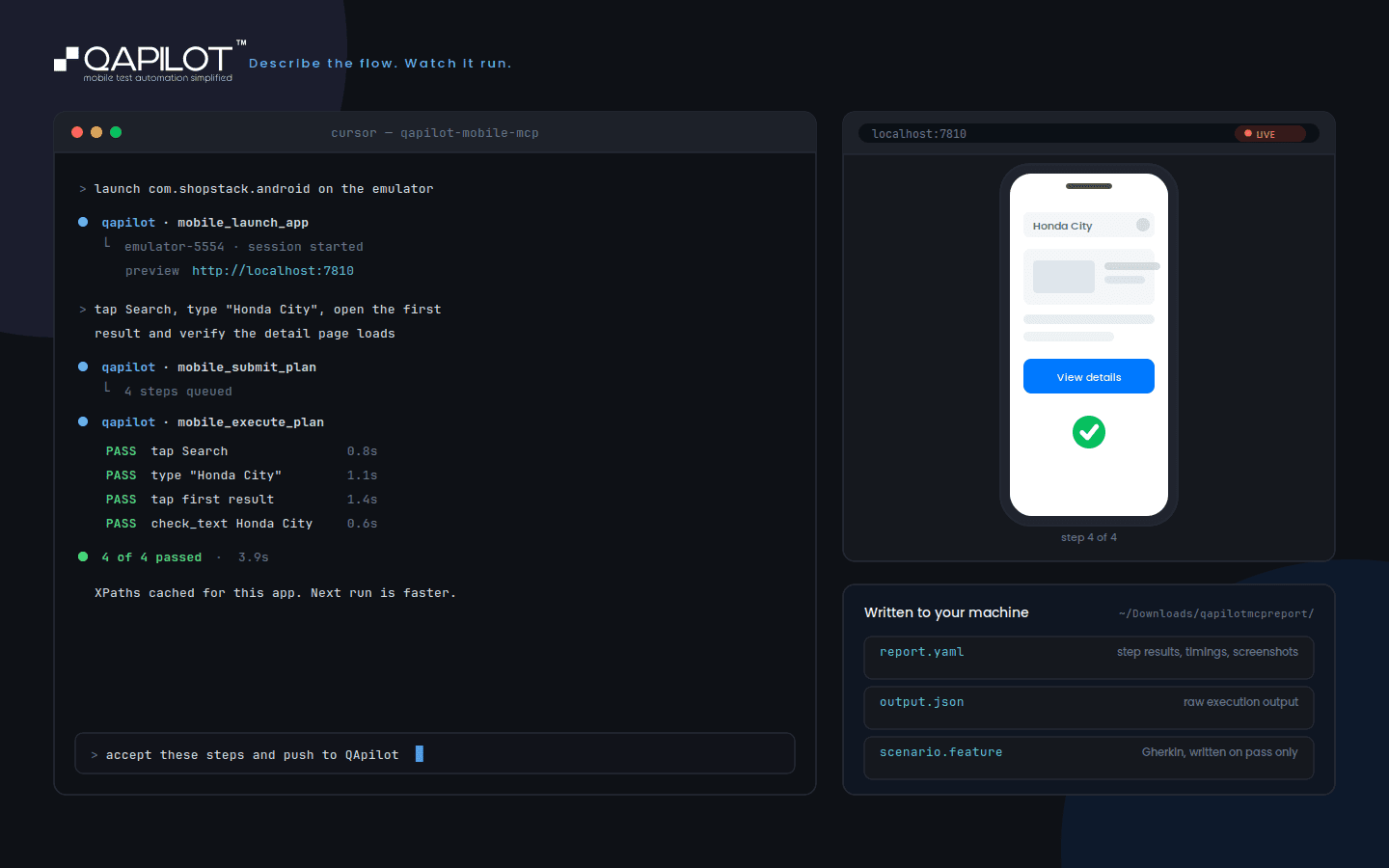
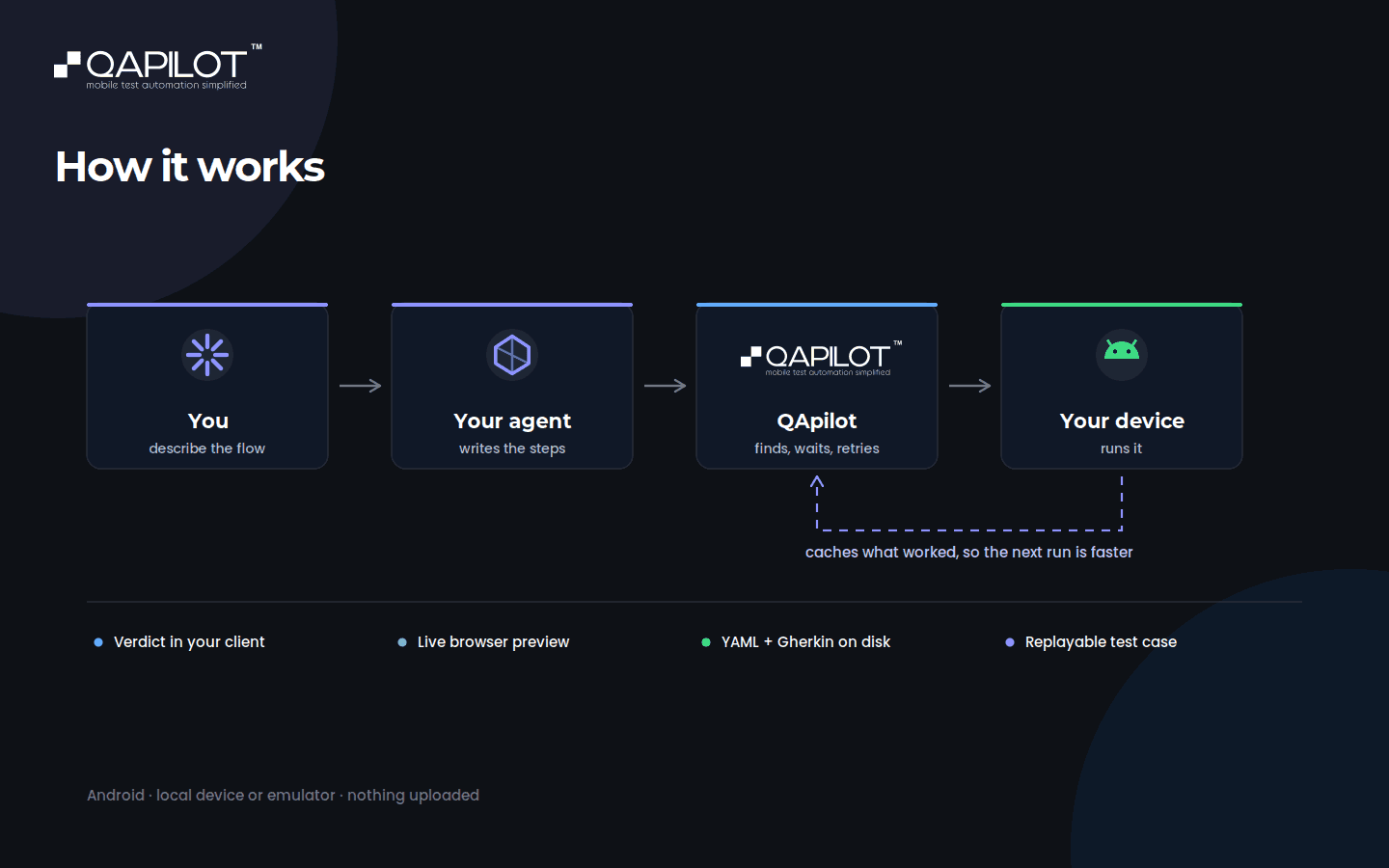
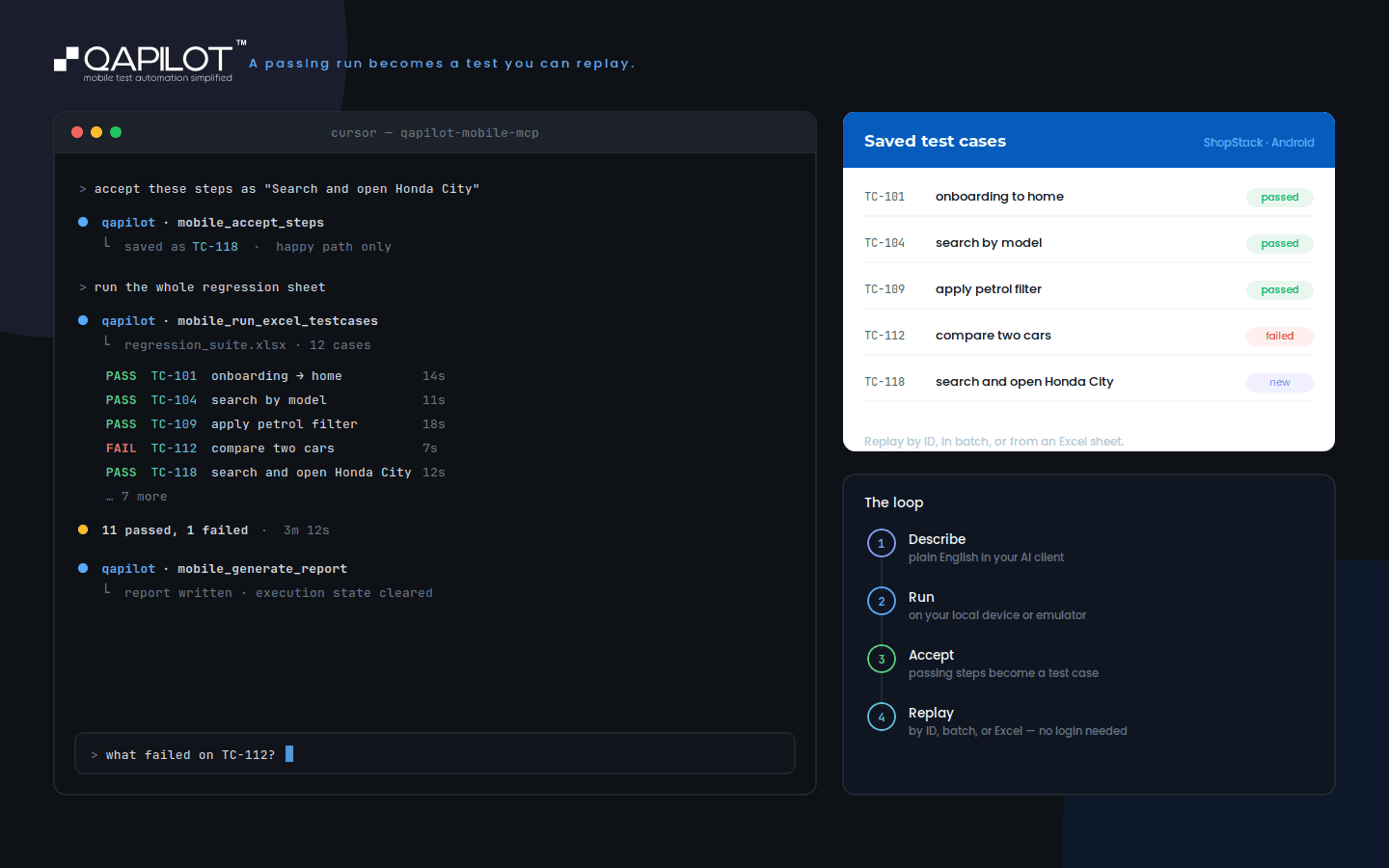
QApilot MCP CLI simplifies Android test automation by allowing users to describe their test scenarios in plain English. It connects to AI clients that execute these tests on real devices or emulators, eliminating the need for complex code. The platform also provides live previews and detailed reports, making it easy to track progress and results.
What makes it unique
Unlike traditional testing tools, QApilot MCP CLI focuses on ease of use with natural language commands. It integrates seamlessly with AI clients to enhance automation capabilities, reducing the learning curve and speeding up the testing process.
FAQ
- What is QApilot MCP CLI?
- A tool for automating Android tests using plain English.
- Who can use QApilot MCP CLI?
- Quality assurance engineers and product managers.
- Do I need coding skills?
- No, you can describe tests in plain English.
- What AI clients can I connect?
- You can connect Claude, Cursor, or Codex.
- Is there a free version?
- Yes, QApilot MCP CLI offers a freemium model.
- What platforms does it support?
- It supports CLI and API.
- Can I view test executions live?
- Yes, you can watch live previews of test executions.
- How are reports generated?
- Reports are generated automatically after each test session.
- What devices can I test on?
- You can test on real Android devices and emulators.
- How do I get started?
- Install the CLI, set up your environment, and start recording tests.
Weekly rankings
30 products