
Scheduled launch
Goes live Week 7, 2027
February 15 - February 21, 2027 · Leaderboard opens Monday 00:00 UTC
00
Days
00
Hours
00
Mins
00
Secs
Upvotes
Unlocks at launch
Dofollow backlink
Unlocks at launch
Leaderboard
Unlocks at launch
Comments
Unlocks at launch
Reviews
Unlocks at launch
Voting opens Week 7, 2027
Upvotes unlock when the launch week starts
Comments open at launch
Discussion unlocks with the leaderboard
About Split
Gallery
Overview
Who is it for?
Mac users seeking efficient window management.
Problem
Managing multiple windows can disrupt focus and reduce productivity. Users often struggle to arrange their workspace efficiently, leading to frustration and wasted time.
Solution
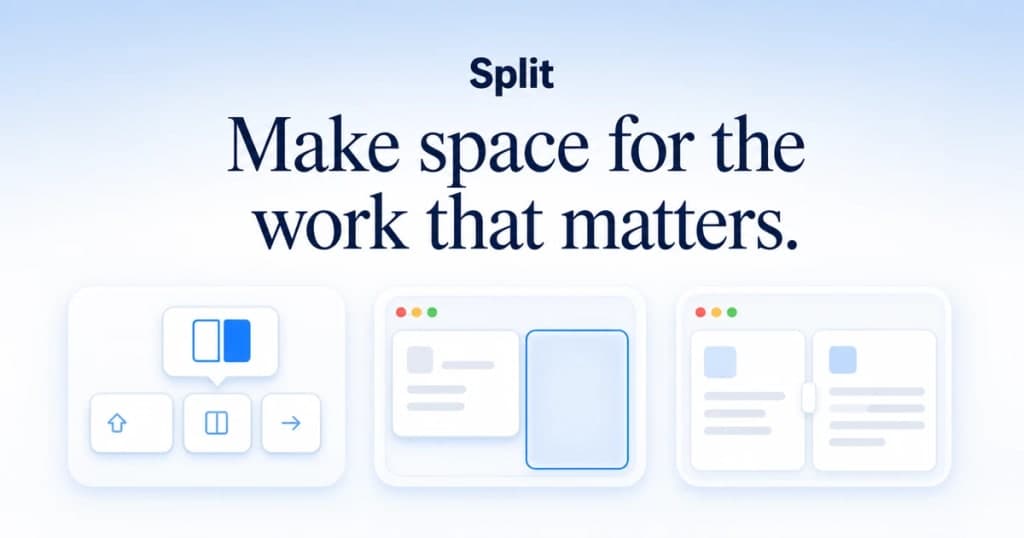
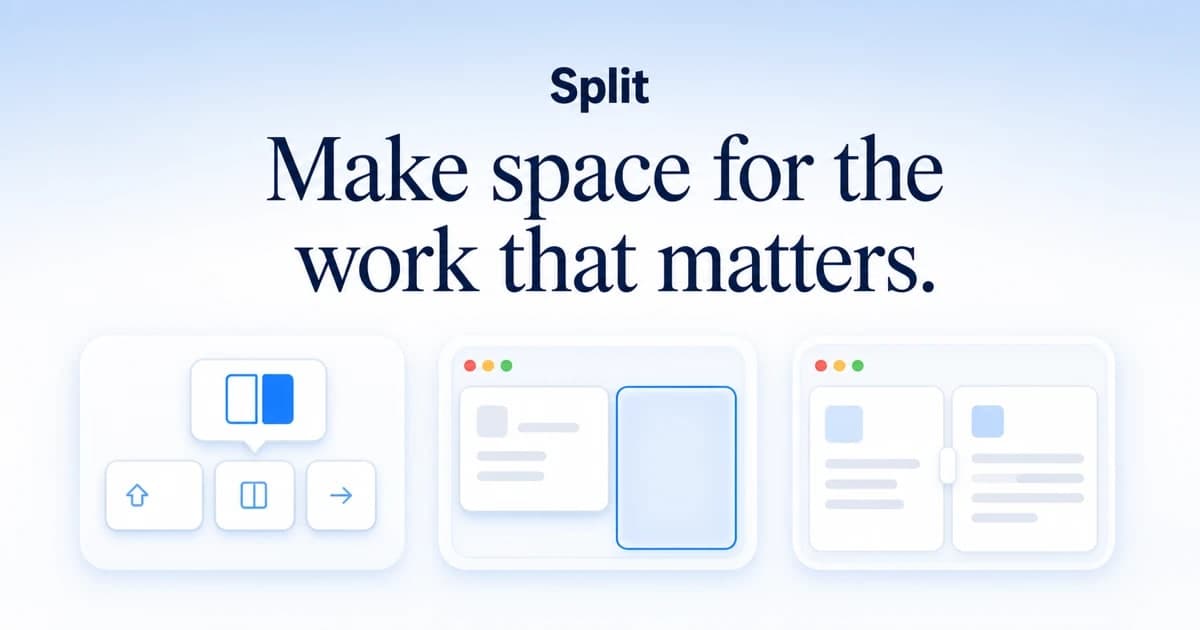
Split simplifies window management by allowing users to quickly snap, resize, and arrange windows with intuitive shortcuts and drag actions. It remembers user preferences for future sessions, creating a seamless workflow.
What makes it unique
Unlike other window managers, Split offers a one-time purchase model with lifetime updates. It focuses solely on enhancing window management without unnecessary features, ensuring a lightweight and efficient experience.






