Tab Launcher
Scheduled · Week 2, 2027Keyboard tab switcher for Chrome: recent tabs and tab search
-
Scheduled launch
Goes live Week 2, 2027
January 11 - January 17, 2027 · Leaderboard opens Monday 00:00 UTC
00
Days
00
Hours
00
Mins
00
Secs
Upvotes
Unlocks at launch
Dofollow backlink
Unlocks at launch
Leaderboard
Unlocks at launch
Comments
Unlocks at launch
Reviews
Unlocks at launch
Voting opens Week 2, 2027
Upvotes unlock when the launch week starts
Comments open at launch
Discussion unlocks with the leaderboard
About Tab Launcher
Tab Launcher is a keyboard tab switcher for Chrome.
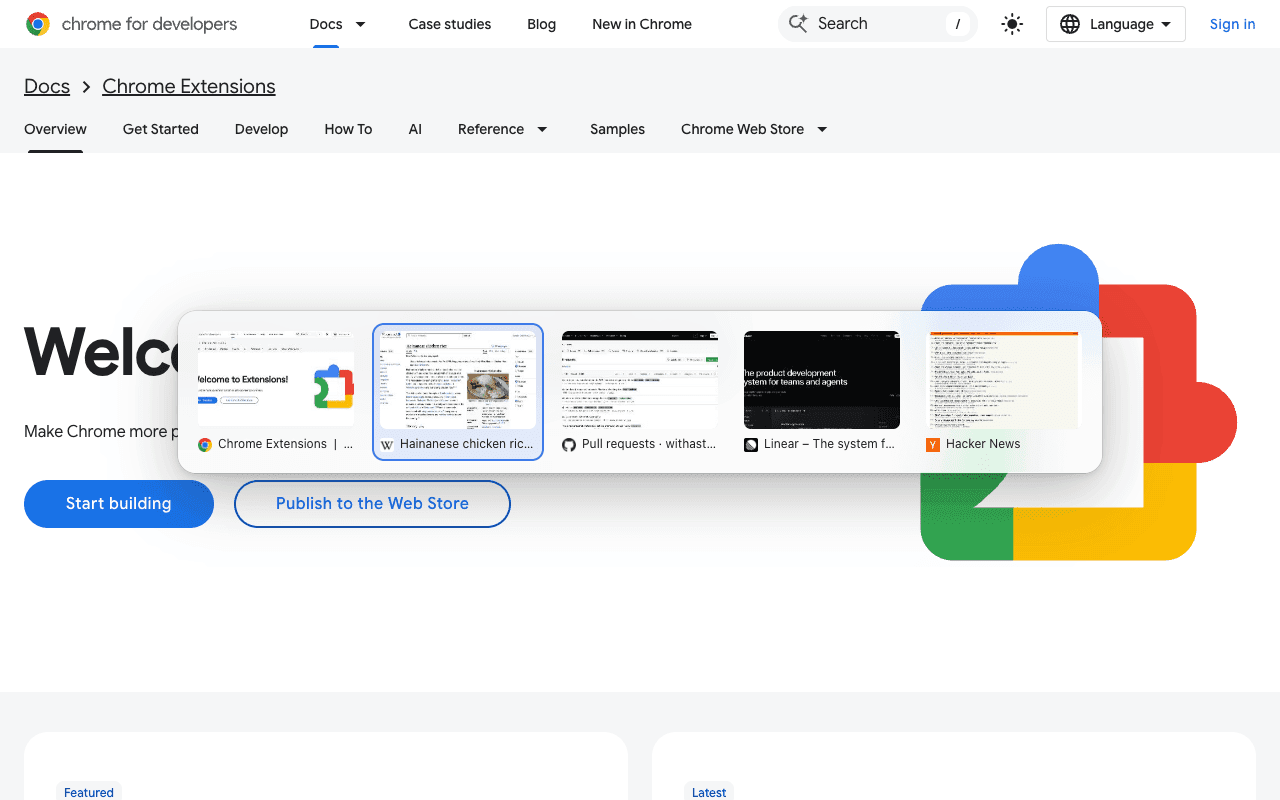
- Hold Alt and tap Q to see your most recent tabs in most-recently-used order. Release to switch. A quick tap jumps straight back to your last tab.
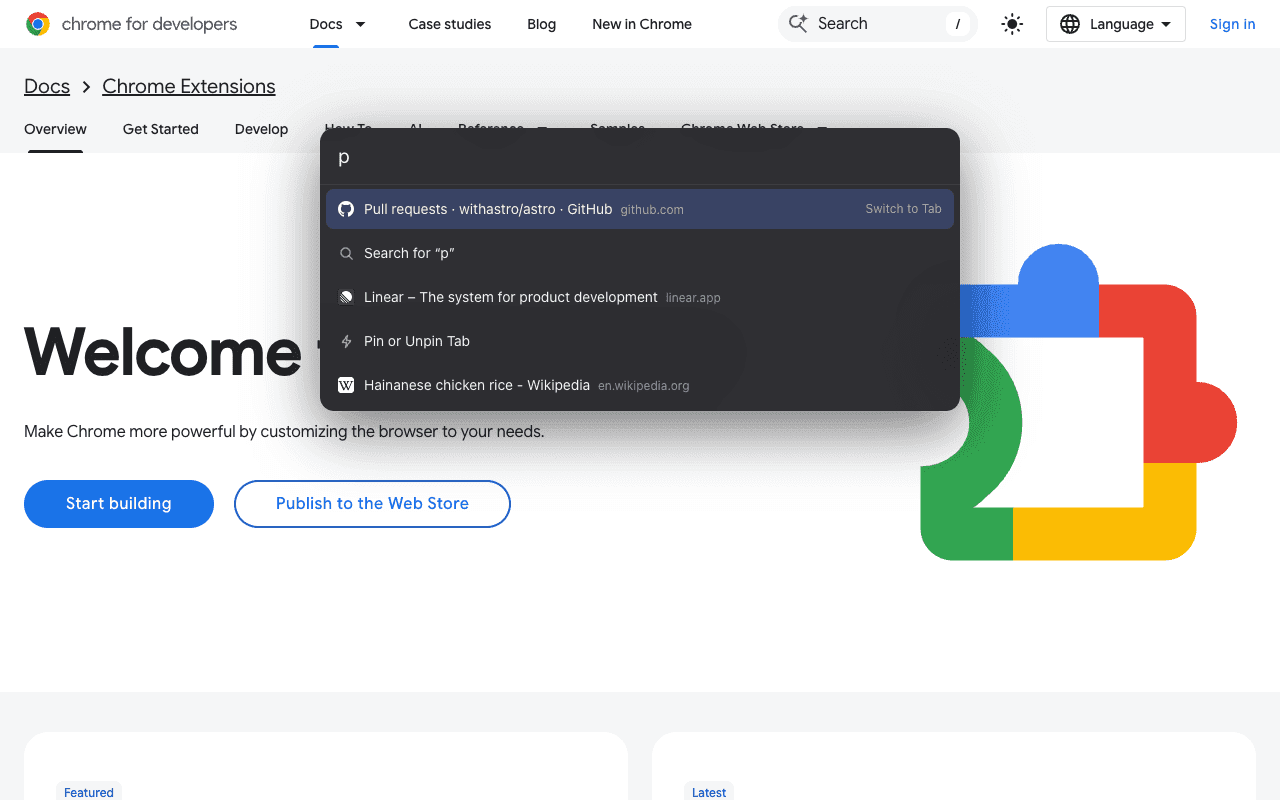
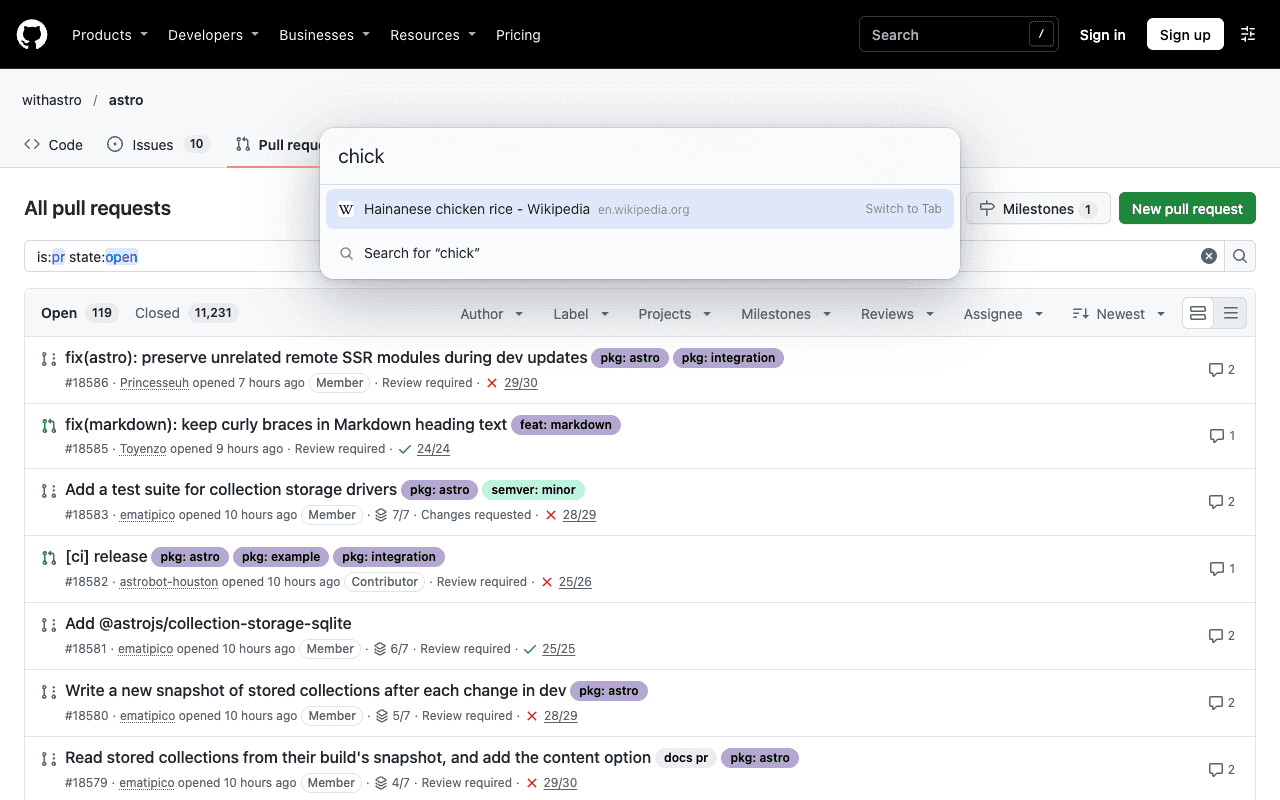
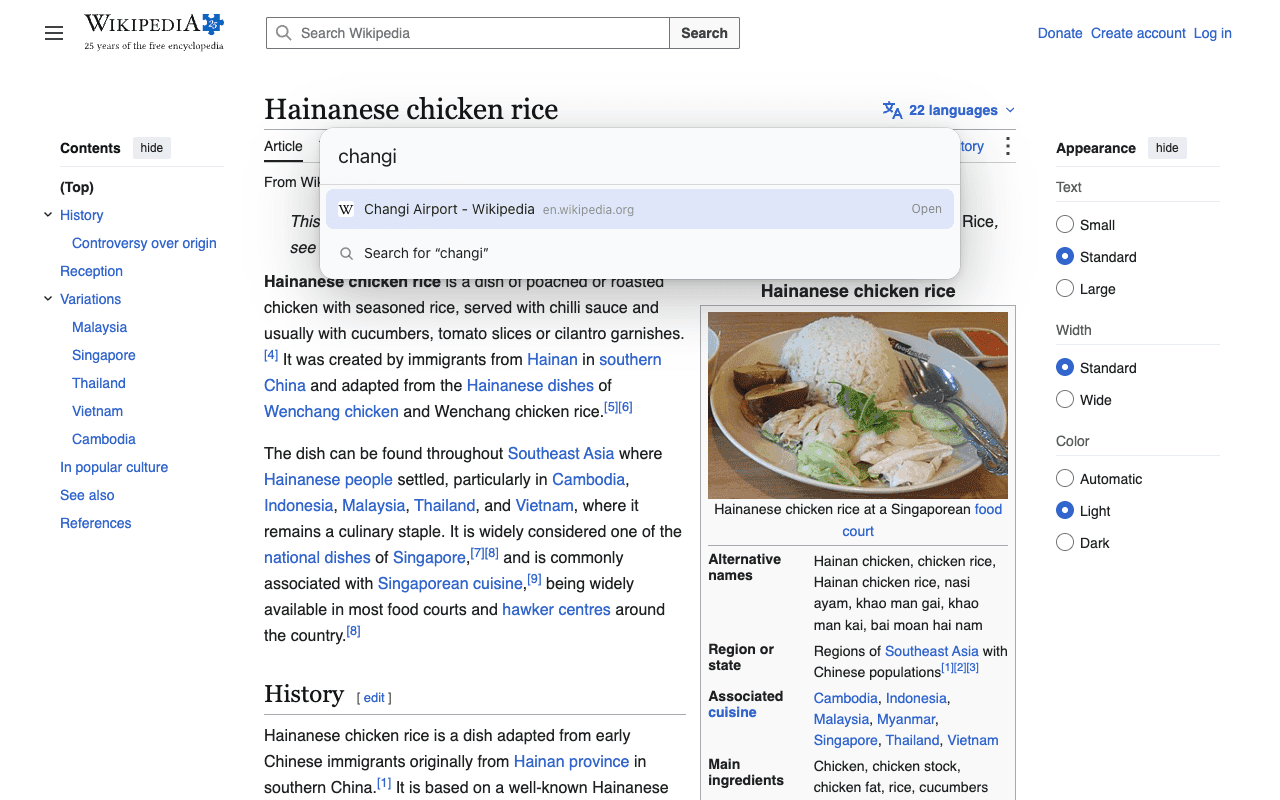
- Press Alt+K on any page and type to search your open tabs. Enter switches to the tab instead of opening a duplicate. Type a URL to go there, or anything else to search the web.
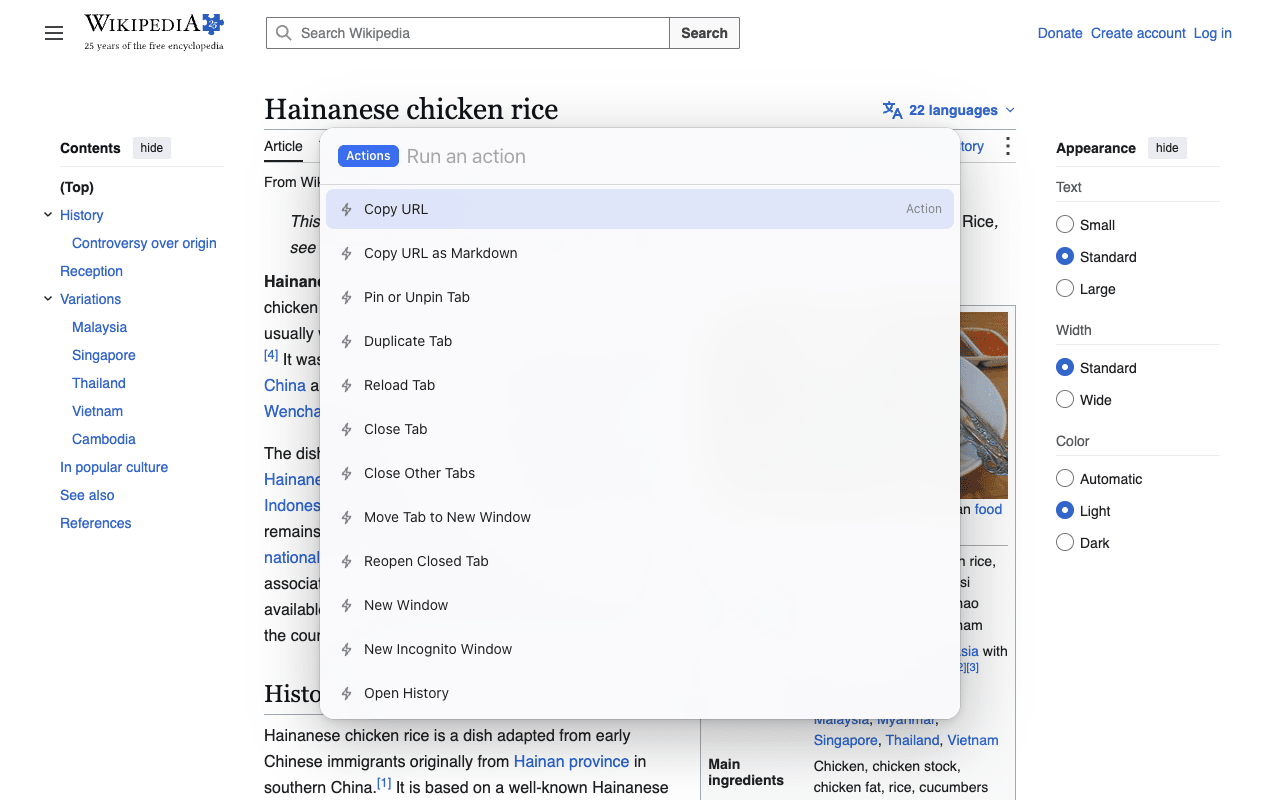
- Press Tab on an empty bar for actions: copy URL, copy as Markdown, pin, duplicate, move to a new window, reopen a closed tab.
- History and bookmark search and tab previews are optional, off until you turn them on.
Everything runs on your computer: no account, no tracking, no analytics. Free to use.
Chrome Web Store: https://chromewebstore.google.com/detail/jonmbhmofklmhcccfofjlpjillibjcdh?utm_source=scrolllaunch&utm_medium=directory
Gallery
Overview
Who is it for?
People who keep many tabs open in Chrome