
Windowshot
Week 39, 2026Beautiful screen recordings and screenshots without the editing.
About Windowshot
Gallery
Overview
Who is it for?
Designers, marketers, content creators.
Problem
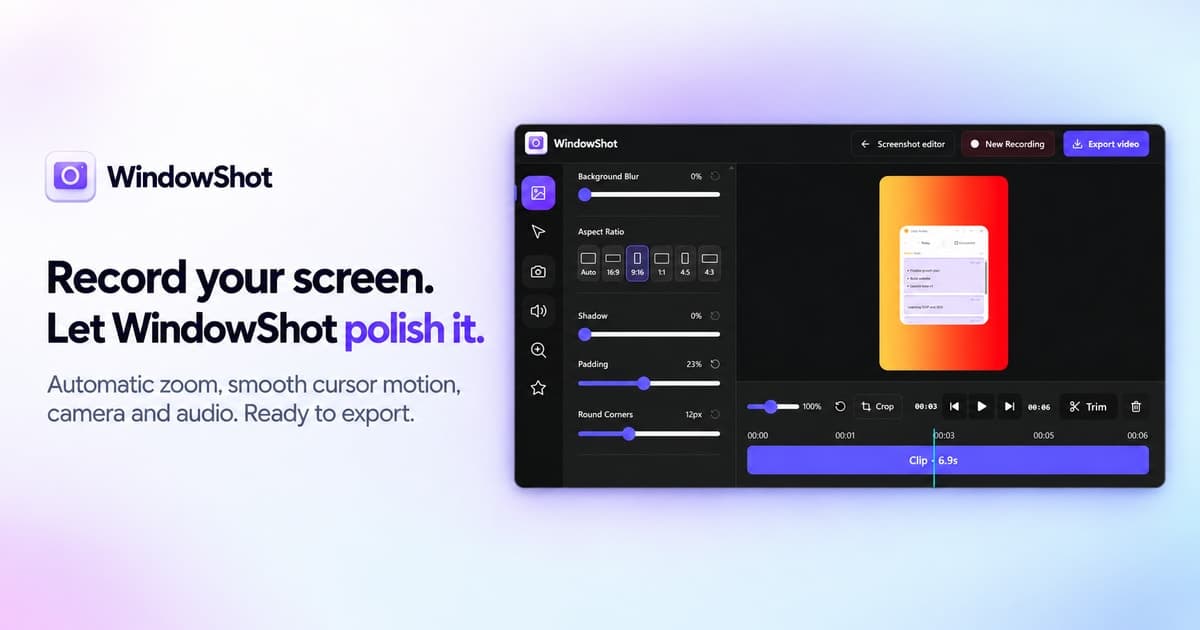
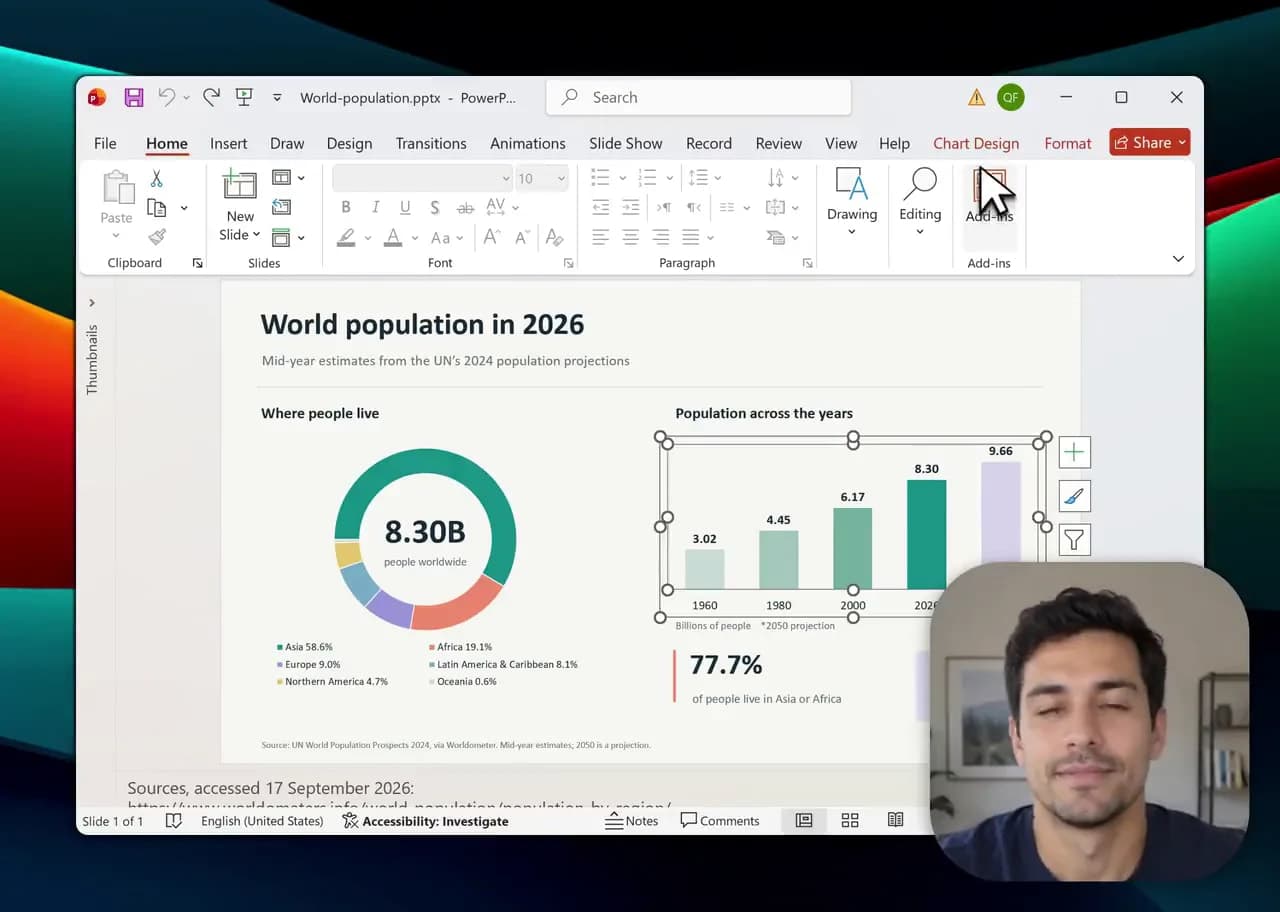
Recording a good product demo or tutorial usually means spending extra time editing the video afterward. You have to add zooms, fix cursor movement, trim parts, and make the recording easier to follow. Windowshot reduces that work by adding things like automatic zoom, smooth cursor effects, camera, microphone, and system audio directly into the recording workflow. The goal is to help you record a video that already looks polished, so you spend less time fixing it later.
Solution
Windowshot makes screen recording easier by adding auto zoom, smooth cursor effects, camera, audio, and quick editing in one place, so you can create polished videos with less work.
What makes it unique
Windowshot combines screen recording and screenshot tools in one app, with features like auto zoom and smooth cursor effects that reduce how much editing you need after recording.
Weekly rankings
30 products