# WrapScribe - On-device dictation that stays on your Mac
> On-device dictation that stays on your Mac

```yaml
url: "https://www.scrolllaunch.com/products/wrapscribe"
website: "https://wrapscribe.com"
tier: premium · Verified
upvotes: 20
launch_week: 2026-W34
launched: "Week 34, 2026"
categories: "Productivity, Other"
tags: "dictation, macOS, meeting notes"
pricing: Paid
starting_price: $60
maker: Shri
created: 2026-08-10
peak_rank: "#2 (Week 34, 2026)"
logo: "https://res.cloudinary.com/dwb211sw5/image/upload/v1786366382/scrolllaunch/products/prefill_69ef1634e06d26932ab0e539_1786366382266_logo_1.png"
cover: "https://res.cloudinary.com/dwb211sw5/image/upload/v1786366382/scrolllaunch/products/prefill_69ef1634e06d26932ab0e539_1786366382296_cover_1.png"
```

## About WrapScribe

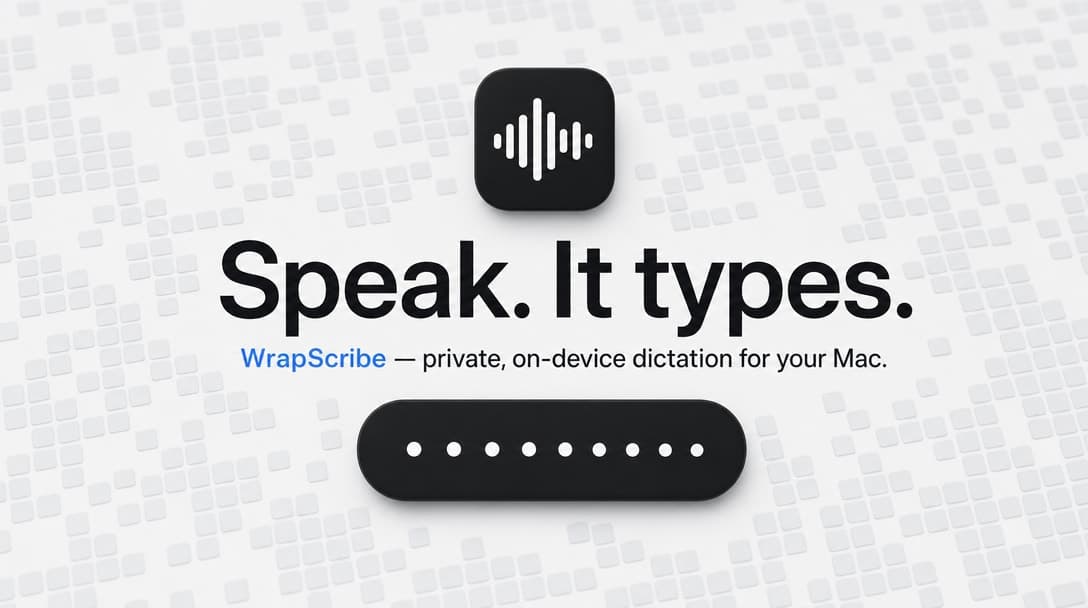
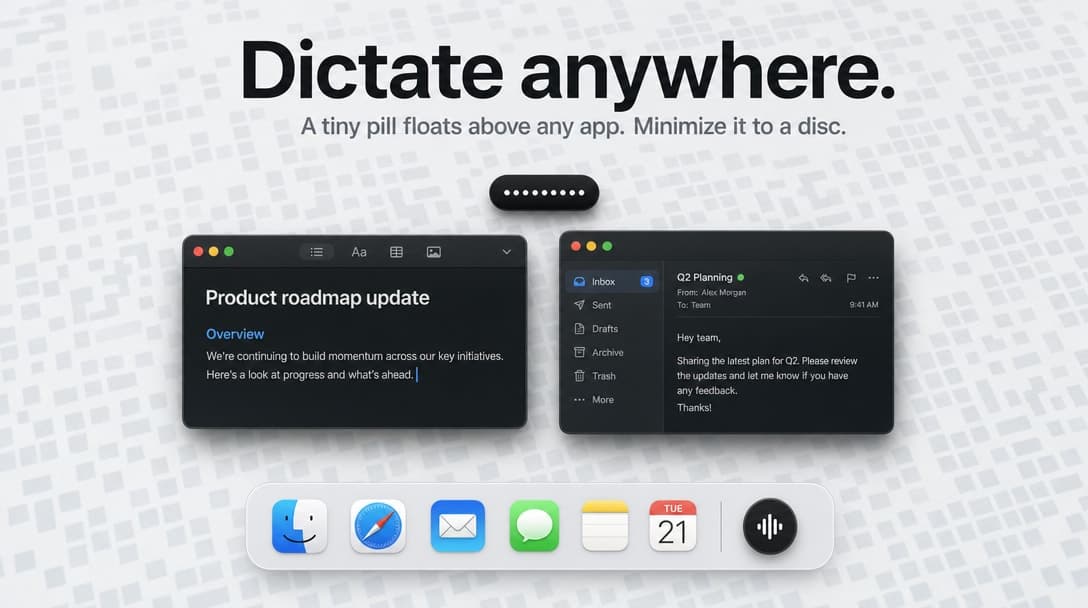
WrapScribe provides on-device dictation for macOS users who want to streamline their writing process. Hold a key, speak, and let go—your words land directly in any app without leaving your Mac. This tool is perfect for professionals, students, and anyone who needs to take quick notes or transcribe meetings without the hassle of online services.

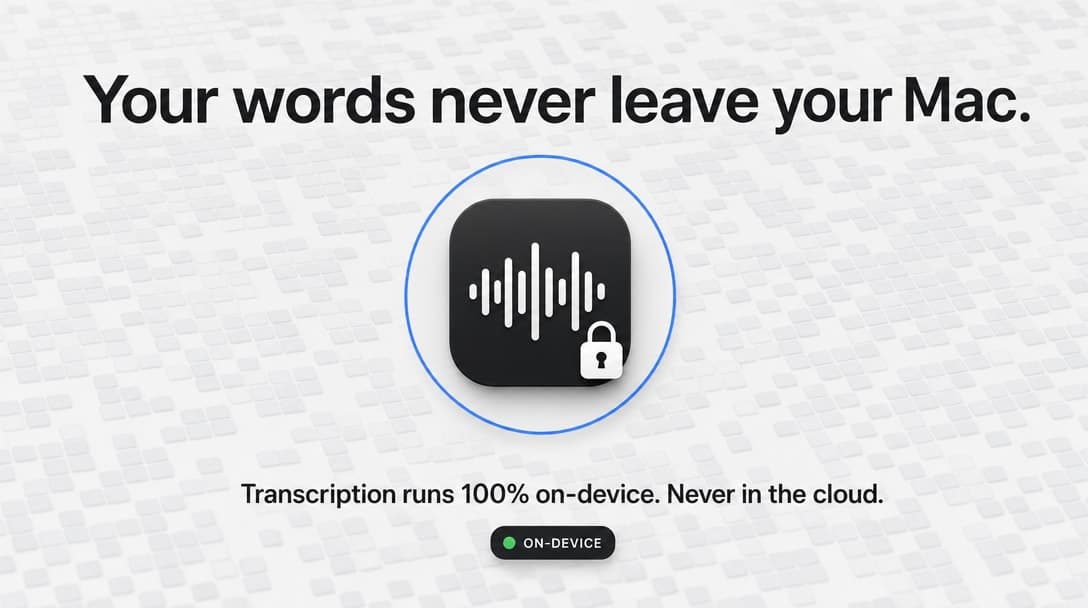
With WrapScribe, you can dictate text, clean it up, and generate meeting notes all while ensuring your data stays secure on your device. The app uses Apple's speech model for transcription and smart cleanup, meaning your audio and transcripts never leave your Mac. Customize your experience with various overlay styles and shortcuts, making dictation as seamless as possible.

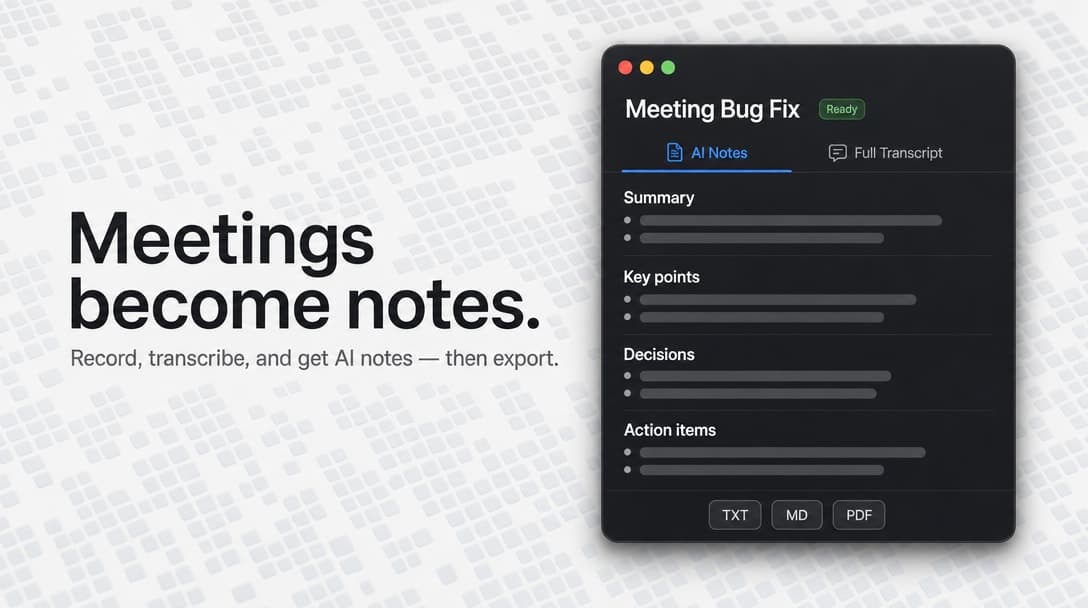
Whether you're recording meetings or drafting emails, WrapScribe adapts to your workflow. It captures audio and generates notes in real-time, allowing you to focus on your tasks instead of worrying about the technology. Plus, with features like voice macros and a learning dictionary, WrapScribe evolves to meet your specific needs.

## Overview

### Who is it for?

macOS users needing efficient dictation and note-taking.

### Problem

WrapScribe addresses the need for secure, efficient dictation and note-taking on macOS. Users often struggle with online dictation services that compromise privacy and require internet access. WrapScribe eliminates these issues by providing a local solution that keeps all data on the user's device.

### Solution

WrapScribe solves the problem by using Apple's on-device speech recognition and processing capabilities. It allows users to dictate text directly into any application, ensuring that their audio and transcripts remain private. The app also features smart cleanup to refine the dictated text, making it ready for immediate use.

### What makes it unique

What sets WrapScribe apart is its commitment to user privacy and its seamless integration with macOS. Unlike competitors, it processes everything locally, meaning no data is uploaded or shared. The customizable interface and the ability to adapt to user preferences make it a unique tool for anyone who relies on dictation.

## Use cases

1. [Meeting transcription](https://www.scrolllaunch.com/use-cases/meeting-transcription)
2. [Voice commands](https://www.scrolllaunch.com/use-cases/voice-commands)
3. [Quick note\-taking](https://www.scrolllaunch.com/use-cases/quick-note-taking)
4. [Text cleanup](https://www.scrolllaunch.com/use-cases/text-cleanup)
5. [Language switching](https://www.scrolllaunch.com/use-cases/language-switching)

## Details

### Pricing model

- [Paid](https://www.scrolllaunch.com/pricing-models/paid)

### Collections

- [Paid Productivity Products](https://www.scrolllaunch.com/categories/productivity/paid)
- [Productivity Products for macOS](https://www.scrolllaunch.com/categories/productivity/macos)
- [Paid macOS Products](https://www.scrolllaunch.com/platforms/macos/paid)
- [Productivity Products built with Swift](https://www.scrolllaunch.com/tech/swift/productivity)
- [Swift Products for macOS](https://www.scrolllaunch.com/tech/swift/macos)
- [Paid \#macOS Products](https://www.scrolllaunch.com/tags/macos/paid)
- [Paid Otter.ai Alternatives](https://www.scrolllaunch.com/alternatives/otter-ai/paid)

### Platforms

- [macOS](https://www.scrolllaunch.com/platforms/macos)

### Tech stack

- [Swift](https://www.scrolllaunch.com/tech/swift)
- [Apple Speech Framework](https://www.scrolllaunch.com/tech/apple-speech-framework)

### Tags

`#dictation` · `#macOS` · `#meeting notes`

### Keywords

- [dictation macOS](https://www.scrolllaunch.com/keywords/dictation-macos)
- [note\-taking app](https://www.scrolllaunch.com/keywords/note-taking-app)
- [speech recognition](https://www.scrolllaunch.com/keywords/speech-recognition)

## WrapScribe alternative to

- [Otter.ai](https://www.scrolllaunch.com/alternatives/otter-ai)
- Dragon NaturallySpeaking
- Google Docs Voice Typing

## Frequently asked questions

**Q: Is WrapScribe free to use?**

WrapScribe is a paid app, starting at $60 for one Mac.

**Q: Does WrapScribe store my data online?**

No, all data is processed locally on your Mac and never uploaded.

**Q: Can I customize the dictation shortcuts?**

Yes, you can change the shortcuts to fit your preferences.

**Q: What languages does WrapScribe support?**

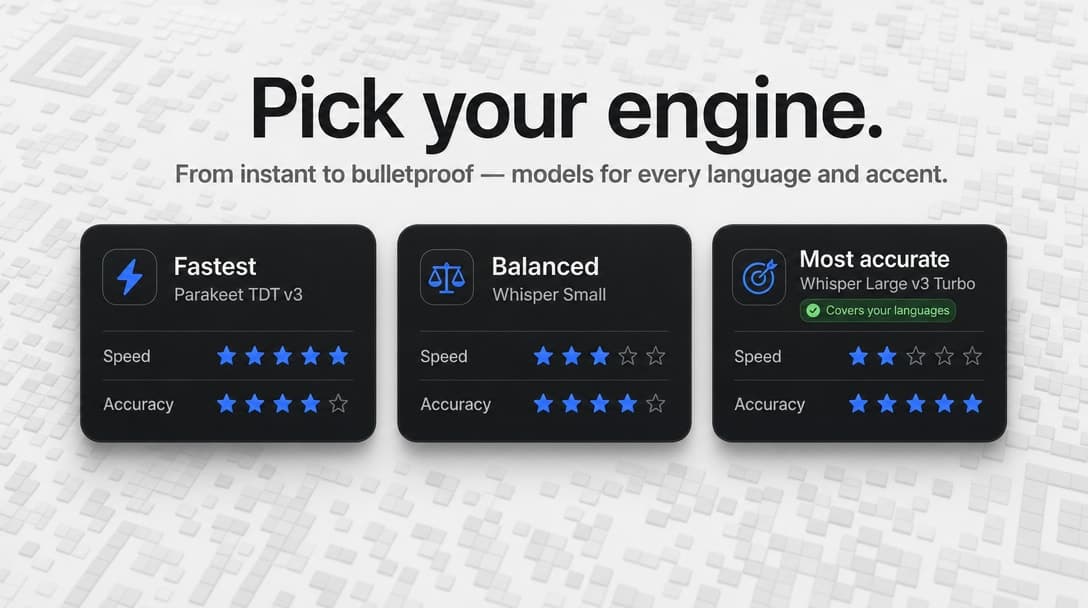
WrapScribe supports multiple languages through Apple's speech models.

**Q: Can I record meetings with WrapScribe?**

Yes, WrapScribe can record meetings and generate notes from them.

**Q: How does the Smart Cleanup feature work?**

Smart Cleanup refines your dictated text by removing fillers and correcting punctuation.

**Q: Is there a trial version available?**

There is no mention of a trial version; however, it is free to download.

**Q: Can I use WrapScribe with any app?**

Yes, WrapScribe works with any app where you can input text.

**Q: What happens if I cancel a dictation?**

If you cancel a dictation, it is still saved in your history for recovery.

**Q: How do I export my notes?**

You can export notes as plain text, Markdown, or PDF.

## Weekly rankings

- Week 34, 2026: **#2** of 34 (20 upvotes)

## Media

![WrapScribe logo](https://res.cloudinary.com/dwb211sw5/image/upload/v1786366382/scrolllaunch/products/prefill_69ef1634e06d26932ab0e539_1786366382266_logo_1.png)

![WrapScribe cover](https://res.cloudinary.com/dwb211sw5/image/upload/v1786366382/scrolllaunch/products/prefill_69ef1634e06d26932ab0e539_1786366382296_cover_1.png)

![WrapScribe screenshot 1](https://res.cloudinary.com/dwb211sw5/image/upload/v1786366446/scrolllaunch/products/product_69ef1634e06d26932ab0e539_1786366446085_simak7.jpg)

![WrapScribe screenshot 2](https://res.cloudinary.com/dwb211sw5/image/upload/v1786366449/scrolllaunch/products/product_69ef1634e06d26932ab0e539_1786366449516_v3kxxo.jpg)

![WrapScribe screenshot 3](https://res.cloudinary.com/dwb211sw5/image/upload/v1786366452/scrolllaunch/products/product_69ef1634e06d26932ab0e539_1786366452331_fz7xw9.jpg)

![WrapScribe screenshot 4](https://res.cloudinary.com/dwb211sw5/image/upload/v1786366455/scrolllaunch/products/product_69ef1634e06d26932ab0e539_1786366455658_2mjvyi.jpg)

![WrapScribe screenshot 5](https://res.cloudinary.com/dwb211sw5/image/upload/v1786366458/scrolllaunch/products/product_69ef1634e06d26932ab0e539_1786366458485_4rk811.jpg)

## Links

- Website: https://wrapscribe.com
- Pricing page: https://wrapscribe.com/pricing

## Explore

- [More in Productivity](https://www.scrolllaunch.com/categories/productivity)
- [More in Other](https://www.scrolllaunch.com/categories/other)
- [All product launches](https://www.scrolllaunch.com/products)
- [Other launches in Week 34, 2026](https://www.scrolllaunch.com/week/2026/34)

_HTML version: https://www.scrolllaunch.com/products/wrapscribe_