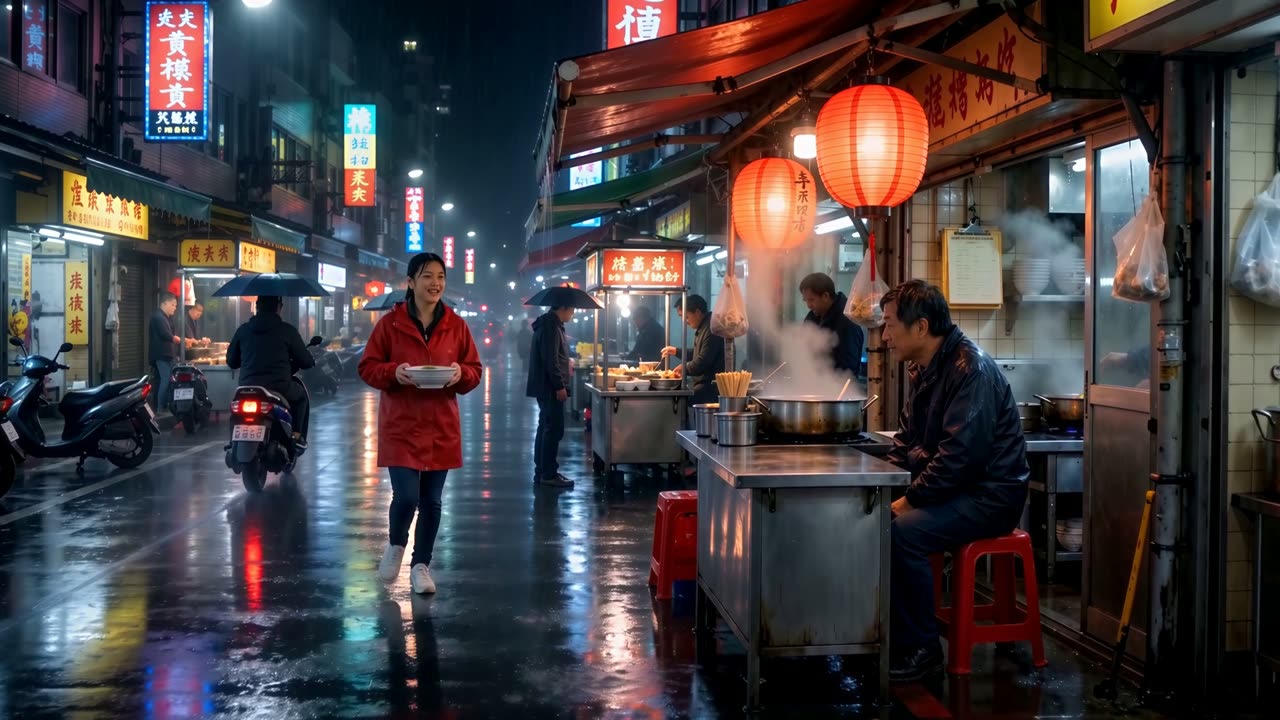
The Challenge of Video Content Creation
In today’s digital landscape, video content reigns supreme. From social media platforms to marketing campaigns, videos engage audiences more effectively than static images or text. Yet, many creators and businesses grapple with a common challenge: how to produce high-quality videos quickly and efficiently without breaking the bank or requiring extensive technical skills. Traditional video production can be time-consuming and expensive, often necessitating a team of professionals to script, shoot, and edit footage. This can leave individuals, small businesses, and content creators feeling overwhelmed and stifled in their creative pursuits.
This is where MagicVio steps in. Imagine turning a simple prompt or a few images into a polished 1080p video, complete with dialogue, sound effects, and music—all in a matter of seconds. With MagicVio, users can harness the power of AI to create compelling video content effortlessly.
What is MagicVio?
MagicVio is an innovative AI video generation platform that utilizes the MAGI-2 model from Sand AI to convert text prompts, images, or a combination of both into high-quality videos. The platform allows users to create videos of up to 30 seconds in length at a resolution of 1080p, complete with synchronized audio elements including dialogue, sound effects, and background music. Unlike traditional video editing software, which requires a steep learning curve and significant time investment, MagicVio simplifies the video creation process, making it accessible to everyone—from novice creators to seasoned professionals.
The MAGI-2 video generator operates in three modes: Text to Video, Image to Video, and Reference to Video. Each mode caters to different creative needs and allows users to generate content that fits their specific vision. With the ability to generate videos in various aspect ratios and integrate audio directly into the video, MagicVio is positioned as a versatile tool in the content creator’s toolkit.
The Problem MagicVio Solves
Many creators struggle with the complexities of video production. Whether it's the need for extensive editing skills, the high costs of hiring a production team, or simply the time required to shoot and edit videos, these obstacles can inhibit creativity. For social media influencers, marketers, and educators, the pressure to consistently produce engaging video content can be overwhelming.
MagicVio addresses these pain points directly. By allowing users to create videos from simple prompts or images, it eliminates the need for traditional video production processes. No longer do creators need to worry about scriptwriting, filming, or editing. This accessibility enables anyone with a creative idea to bring their vision to life in a matter of minutes, reducing the barrier to entry for quality video content.
How MagicVio Works
Using MagicVio is straightforward and user-friendly. Here’s a step-by-step guide to creating your first video:
- Choose a Mode: Select between Text to Video, Image to Video, or Reference to Video based on your project needs.
- Describe Your Content: Input your prompt for the video, or upload images to provide context. You can tag reference images to guide the AI on how to maintain consistency in characters or products.
- Set Video Parameters: Specify the video length (between 4 to 30 seconds), choose an aspect ratio, and decide whether you want audio included with your video.
- Generate the Video: Once all parameters are set, click the Generate button. The AI will process your input and create a video that you can preview.
- Download Your Video: After the video is generated, you can download it directly as an MP4 file for immediate use.
This simple workflow makes MagicVio an ideal tool for anyone looking to streamline their video production process.
Key Features of MagicVio
- Multiple Creation Modes: Choose from Text to Video, Image to Video, or Reference to Video, providing flexibility for various projects.
- High-Quality Output: Generate 1080p videos with native audio, ensuring professional-quality results with every project.
- Integrated Audio Generation: Dialogue, sound effects, and music are created in sync with the video, streamlining the editing process.
- Customizable Video Length: Create videos ranging from 4 to 30 seconds to suit different platforms and purposes.
- User-Friendly Interface: Designed for ease of use, making video creation accessible to users of all skill levels.
- Free Credits on Signup: New users receive 15 free credits upon Google signup, allowing for risk-free exploration of the platform.
These features position MagicVio as a powerful tool for content creators, marketers, and educators. The ability to produce engaging videos without extensive technical knowledge or resources is a game changer in the digital content landscape.
Who MagicVio is For
MagicVio caters to a diverse range of users, each with unique needs and goals:
- Social Media Creators: Influencers and content creators can effortlessly produce engaging videos for platforms like TikTok, Instagram, and YouTube, enhancing their storytelling capabilities.
- Marketing Professionals: Marketers can generate promotional videos quickly, creating multiple variations for different platforms without the need for extensive resources.
- Educators: Teachers and trainers can produce instructional videos that combine visuals and narration, enhancing the learning experience.
- E-commerce Brands: Businesses can create dynamic product videos that showcase items effectively, boosting engagement and sales.
- Filmmakers: Independent filmmakers can utilize MagicVio to create storyboards or pitch videos that help visualize concepts before actual filming begins.
MagicVio vs Alternatives
When considering video generation tools, it’s essential to understand how MagicVio compares to its competitors. Popular alternatives include platforms like Pictory, Lumen5, and Synthesia. Each tool has its unique strengths, but MagicVio stands out in several areas:
- Integrated Audio: Unlike many competitors that require separate audio editing, MagicVio generates audio simultaneously with video, saving time and effort.
- Longer Video Duration: Most alternatives limit video duration to shorter clips, while MagicVio allows for up to 30 seconds of video in a single generation.
- User-Friendly Experience: MagicVio’s intuitive interface is designed to make the video creation process straightforward, appealing to both beginners and experts alike.
While tools like Pictory focus on turning text articles into video summaries and Synthesia specializes in AI avatars for corporate training, MagicVio’s unique approach to video generation from prompts and images fills a niche that many other platforms do not address as effectively. Each tool has its trade-offs, but for those seeking a comprehensive video creation solution, MagicVio is a compelling choice.
Real-World Use Cases
- Social Media Reels: A fashion influencer uses MagicVio to create quick, engaging videos showcasing new outfits, complete with music and commentary.
- Product Ads: An online store generates multiple product showcase videos for different platforms, allowing for tailored marketing campaigns.
- Educational Clips: A teacher creates a brief instructional video explaining a math concept, integrating visuals and audio for a more engaging lesson.
- Pitch Presentations: An independent filmmaker uses MagicVio to generate a short video pitch for potential investors, illustrating the film's concept with visuals and dialogue.
- Promotional Content: A local business utilizes MagicVio to produce short videos advertising special events, helping to increase community engagement.
Getting Started with MagicVio
Ready to dive into video creation? Getting started with MagicVio is easy. Simply visit MagicVio and sign up using your Google account to receive your 15 free credits. From there, you can explore the platform’s features and start creating videos that resonate with your audience. Whether you want to enhance your social media presence or create compelling marketing content, MagicVio provides the tools you need to succeed.
FAQ
What types of videos can I create with MagicVio?
You can create various types of videos, including promotional content, educational clips, social media posts, and more, using text prompts, images, or reference images.
How long can my videos be?
Videos can range from 4 to 30 seconds in length, allowing you to tailor your content to fit different platforms and requirements.
Is there a watermark on videos created with the free plan?
No, MagicVio does not add any watermark to videos, whether they are created on the free plan or a paid subscription.
Can I use my videos commercially?
Yes, both free and paid videos can be used for commercial purposes in accordance with MagicVio's Terms of Service.
What happens to my uploaded images?
Uploaded images are used solely for the video creation process and are deleted automatically within 24 hours.
How do I get more credits after the free ones?
After using your free credits, you can purchase additional credit packs or subscribe to a monthly plan for ongoing access.
Bottom Line
MagicVio is an innovative solution for anyone looking to simplify video content creation. By leveraging the power of AI, users can transform prompts and images into polished videos that come complete with audio, all in just a few clicks. This accessibility opens the door for countless creative possibilities, making it an invaluable tool for social media creators, marketers, educators, and more. To explore how MagicVio can enhance your video production process, visit MagicVio and start creating today.