
Claude Code and Codex Assist
Week 20, 2026Organize your AI coding history.
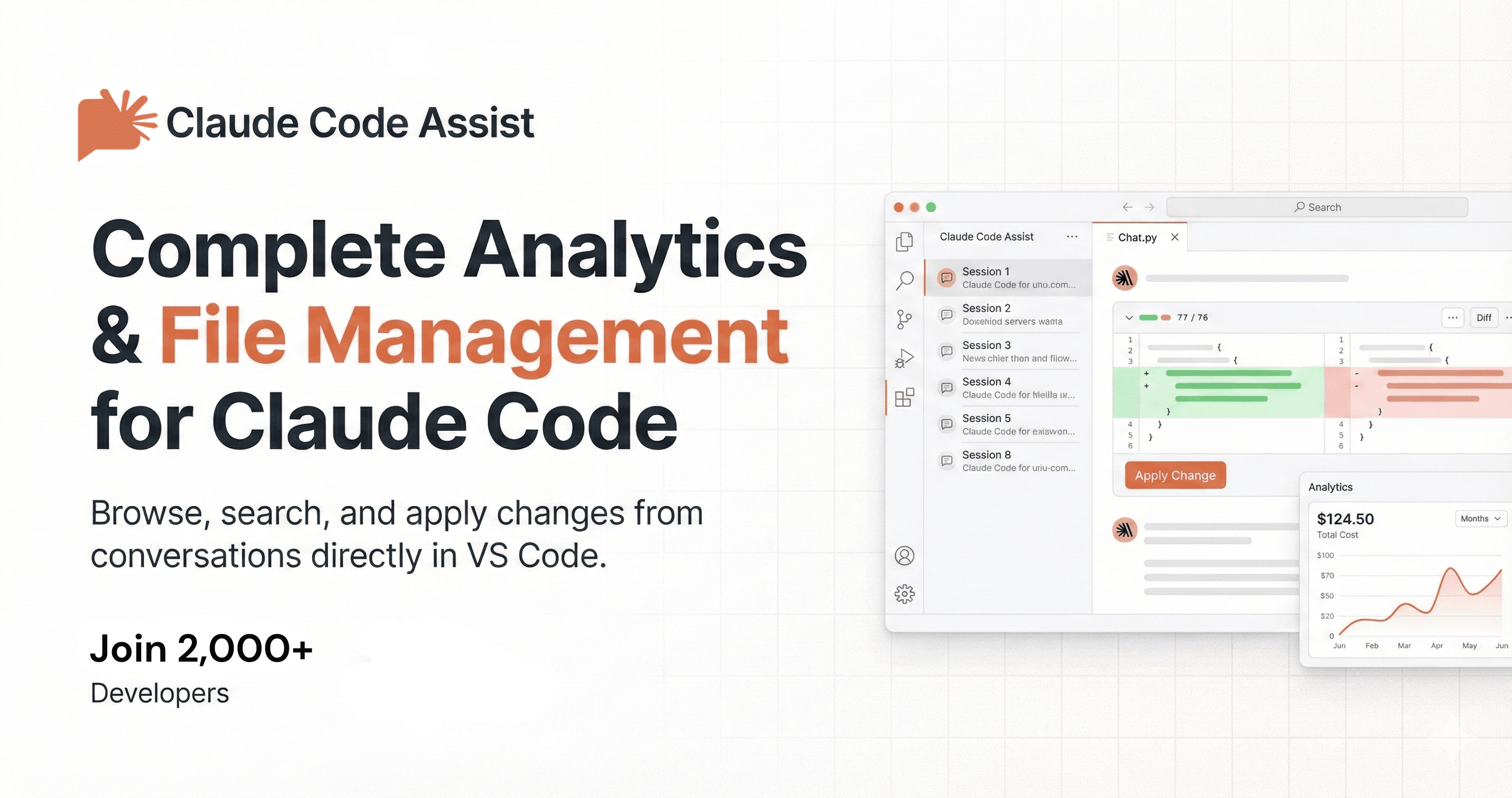
About Claude Code and Codex Assist
Claude Code and Codex Assist helps developers manage their AI coding sessions with features like session tracking, file change monitoring, and usage analytics, all integrated within VS Code. It offers dual assistant support, GitHub-style diffs, and a comprehensive analytics dashboard to track costs and usage patterns. With a user-friendly interface, you can easily browse sessions, search conversations, and manage your coding history efficiently.
Demo video
Overview
Who is it for?
Developers using Claude, Codex & OpenCode for coding assistance.
Problem
Developers often struggle to keep track of their AI coding sessions, file changes, and usage analytics, leading to inefficiencies and confusion.
Solution
Claude Code and Codex Assist provides a structured way to manage coding sessions, track changes, and analyze usage patterns, all within the familiar environment of VS Code.
What makes it unique
Unlike competitors, Claude Code and Codex Assist combines session management, code tracking, and analytics in one seamless extension, ensuring a comprehensive tool for developers.
FAQ
- Is this an official Claude or Codex product?
- No, it is an unofficial community project.
- How does it access my data?
- It auto-detects your data from specific directories without requiring configuration.
- Is it private?
- Yes, it is designed to be privacy-first, processing data locally.
- Does it work on Apple Silicon Macs?
- Yes, it is compatible with Apple Silicon Macs.
- What IDEs are supported?
- It supports VS Code, Cursor, and Antigravity.
- What's included in Free vs Premium?
- Free includes essential features; Premium offers unlimited history and advanced analytics.
- How does cost tracking work?
- It tracks token usage and provides a breakdown of costs in the analytics dashboard.
- Can I get a refund?
- Yes, a 7-day refund policy is available if it doesn't work for your workflow.
- How do I report bugs or request features?
- You can report issues via the community GitHub page.
- How long does it take to install?
- Installation takes seconds from the VS Code marketplace.
Weekly rankings
#5
2026-W20
18 products
13







