EatUp logo

EatUp

Scheduled · Week 4, 2027

Visualize and reclaim your disk space

Analytics Tool, Other
-

Scheduled launch

Goes live Week 4, 2027

January 25 - January 31, 2027 · Leaderboard opens Monday 00:00 UTC

Browse Week 4, 2027

00

Days

00

Hours

00

Mins

00

Secs

Upvotes

Unlocks at launch

Dofollow backlink

Unlocks at launch

Leaderboard

Unlocks at launch

Comments

Unlocks at launch

Reviews

Unlocks at launch

Voting opens Week 4, 2027

Upvotes unlock when the launch week starts

Comments open at launch

Discussion unlocks with the leaderboard
EatUp - Visualize and reclaim your disk space

About EatUp

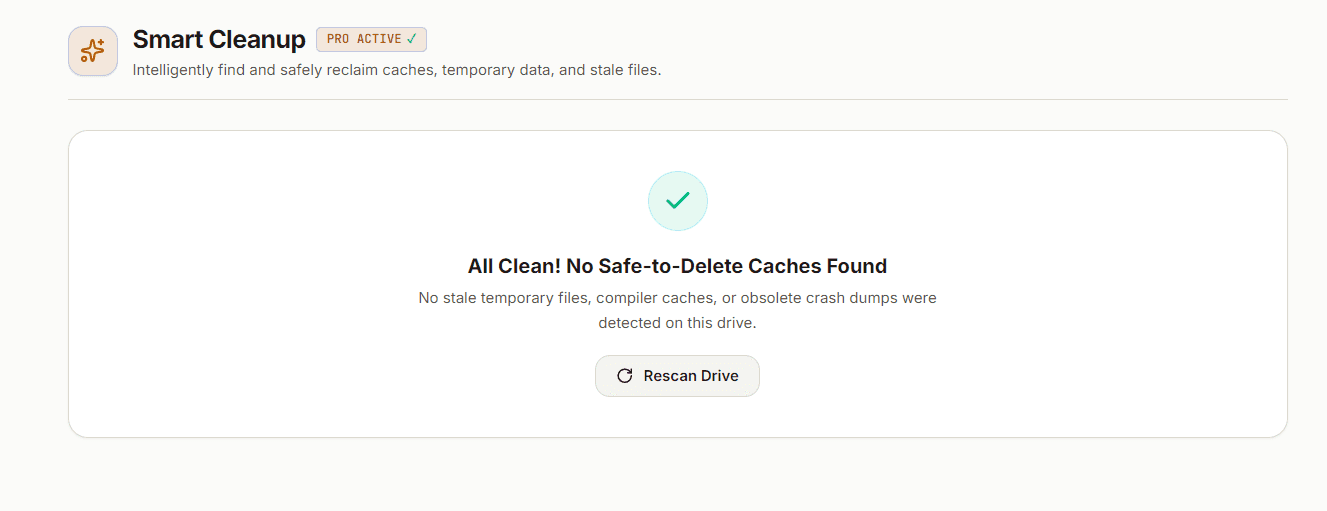
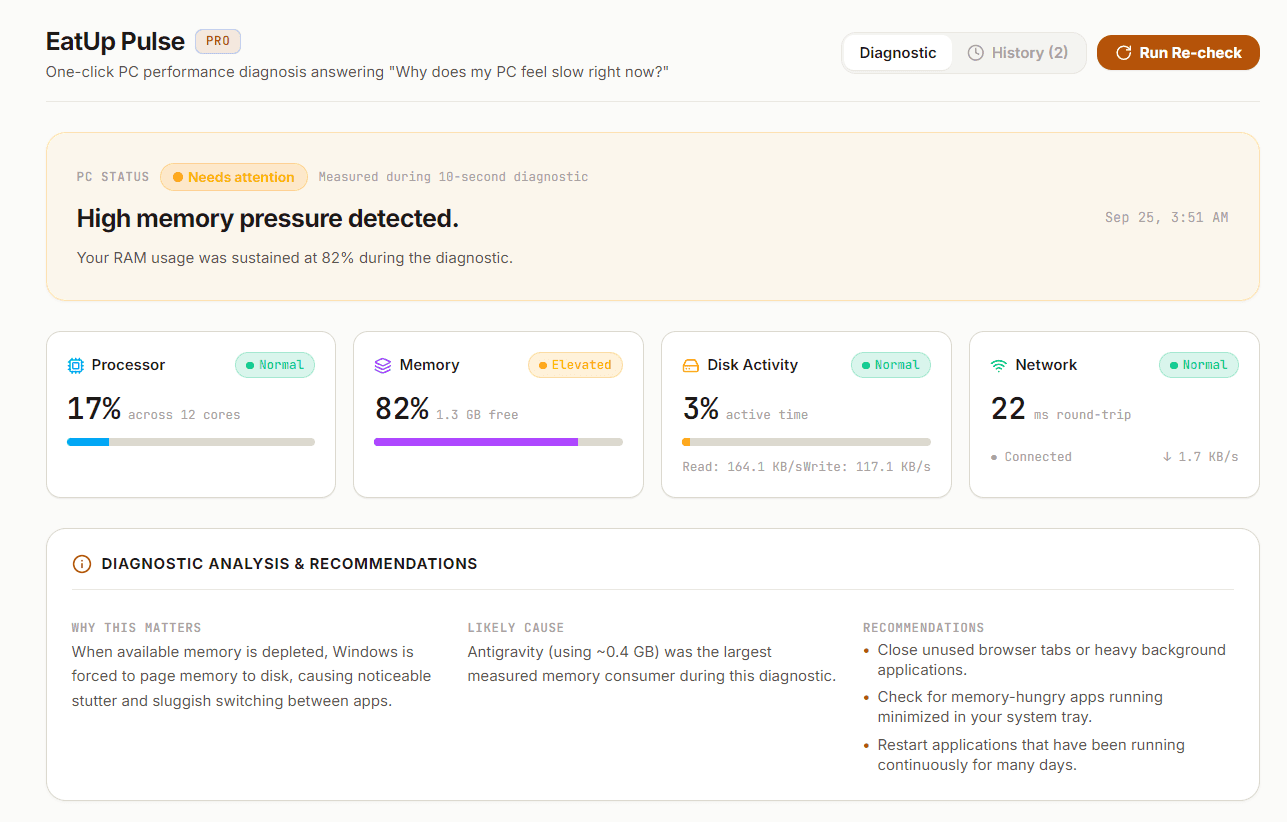
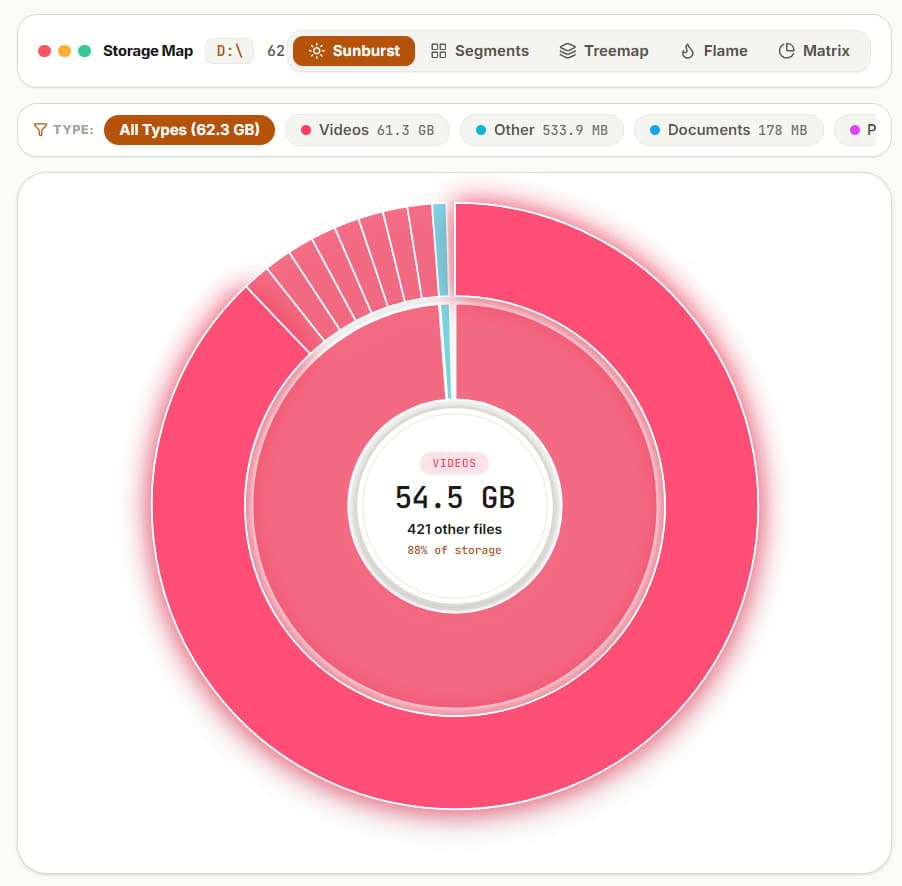
EatUp helps Windows users analyze and reclaim disk space effortlessly. It turns cluttered hard drives into interactive visual maps, making it easy to identify storage hogs and safely delete unwanted files. With a simple download, users can start scanning their drives in seconds and see exactly what's taking up space. The tool features EatUp Pulse, a one-click performance diagnosis system that identifies what might be slowing down your PC. Unlike traditional tools, EatUp provides clear classifications for files, indicating what to keep, review, or delete with human-readable rationale. This ensures users can reclaim gigabytes without the fear of deleting critical files. EatUp stands out with its 100% local operation and zero telemetry, ensuring user privacy. The free version includes unlimited scans and interactive visualizers, while advanced features are available in the Pro version for a one-time fee. Whether you're a casual user or a tech enthusiast, EatUp simplifies disk management and enhances PC performance.

Gallery

EatUp screenshot 1 of 3
EatUp screenshot 2 of 3
EatUp screenshot 3 of 3

Overview

Who is it for?

Windows users needing disk space management and performance insights.

Problem

Users struggle to manage disk space effectively, often unsure about which files to delete without risking system stability. Traditional tools can overwhelm with data, leaving users anxious about making mistakes.

Solution

EatUp provides a clear visual representation of disk usage, categorizing files into 'Keep', 'Review', and 'Eat'. This helps users make informed decisions about what to delete. The EatUp Pulse feature diagnoses performance issues, pinpointing bottlenecks in plain language.

What makes it unique

EatUp combines an intuitive visual interface with clear file classifications, making disk management accessible. Its local operation ensures privacy, and the one-click performance diagnostics set it apart from traditional tools.