Hoverify logo

All-in-one browser extension for web developers and designers
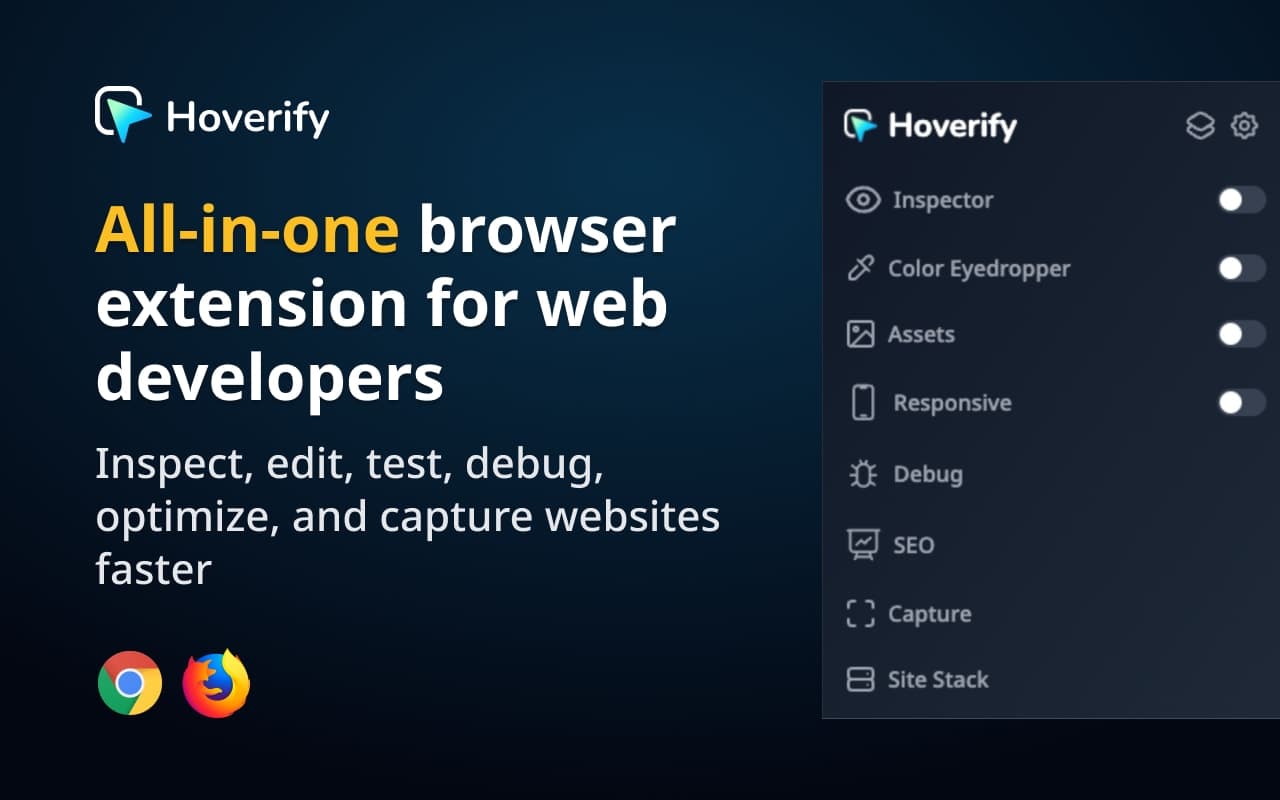
Hoverify - All-in-one browser extension for web developers and designers

About Hoverify

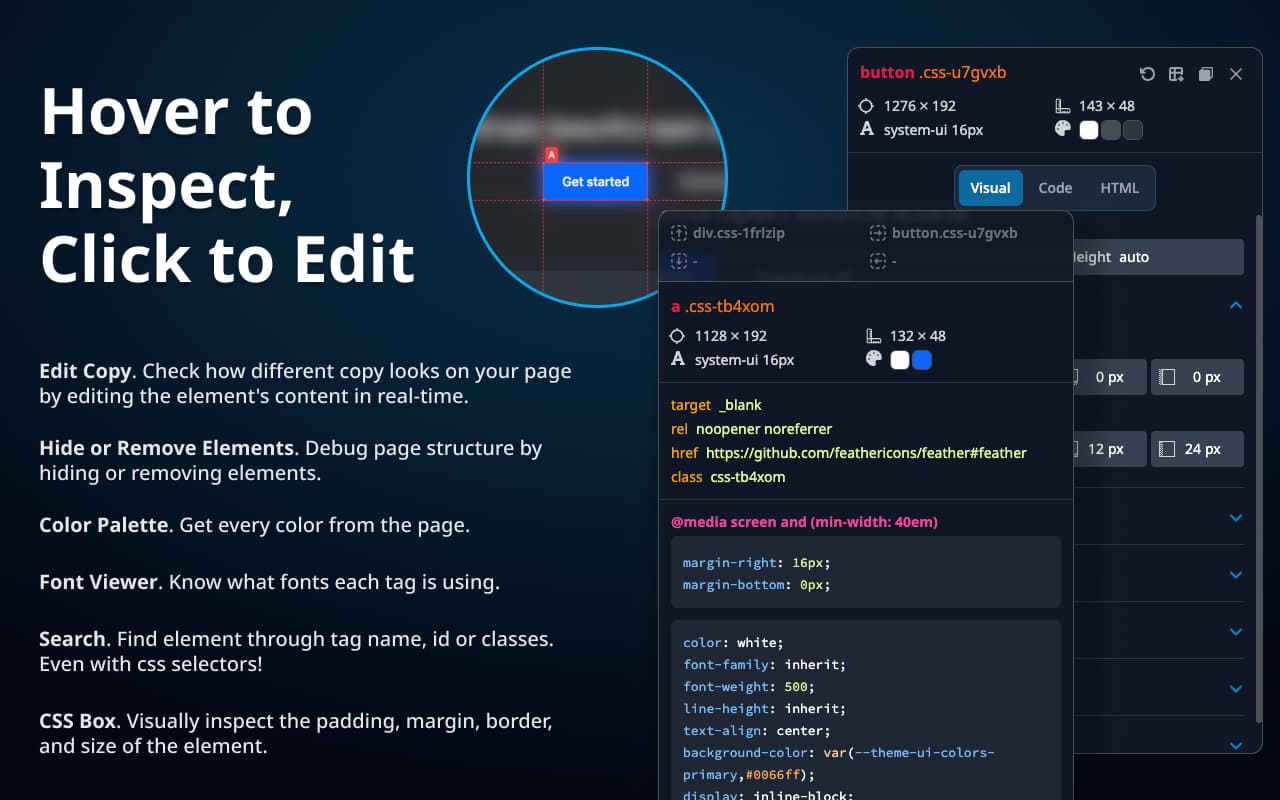
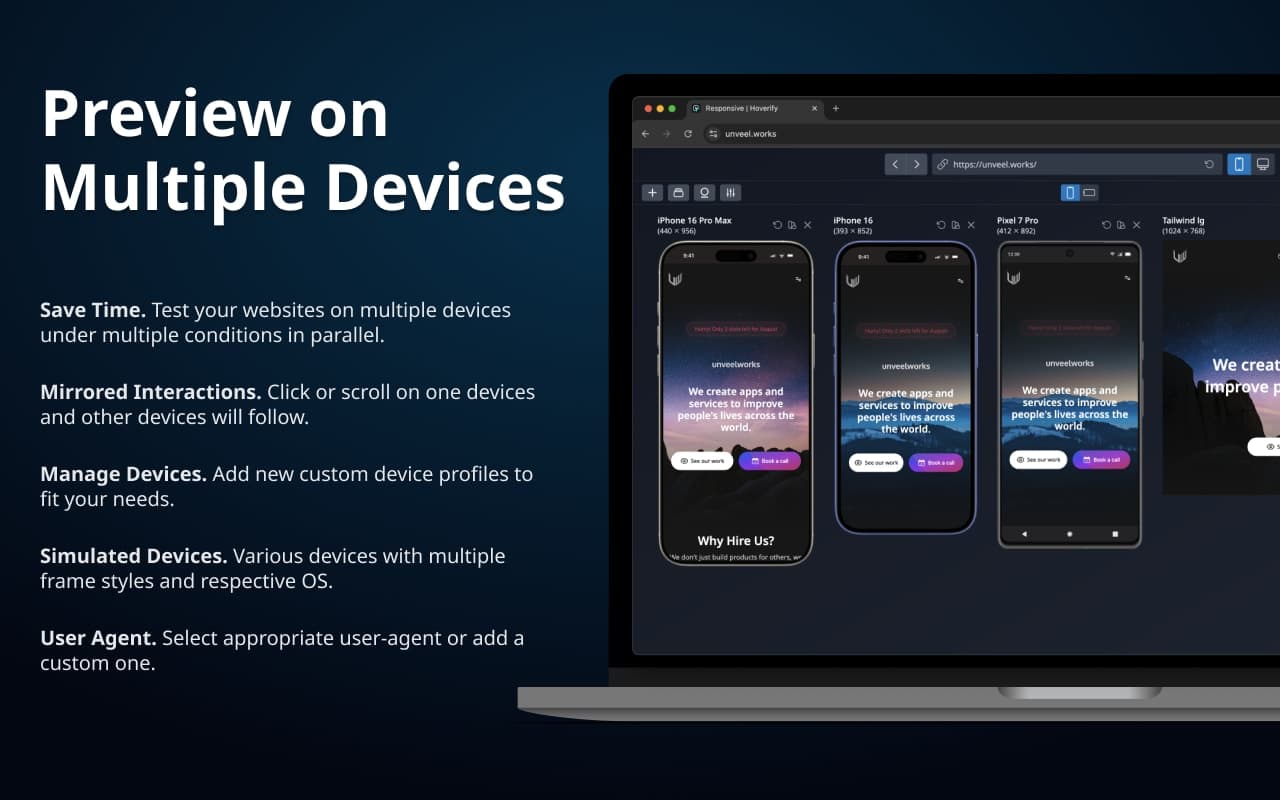
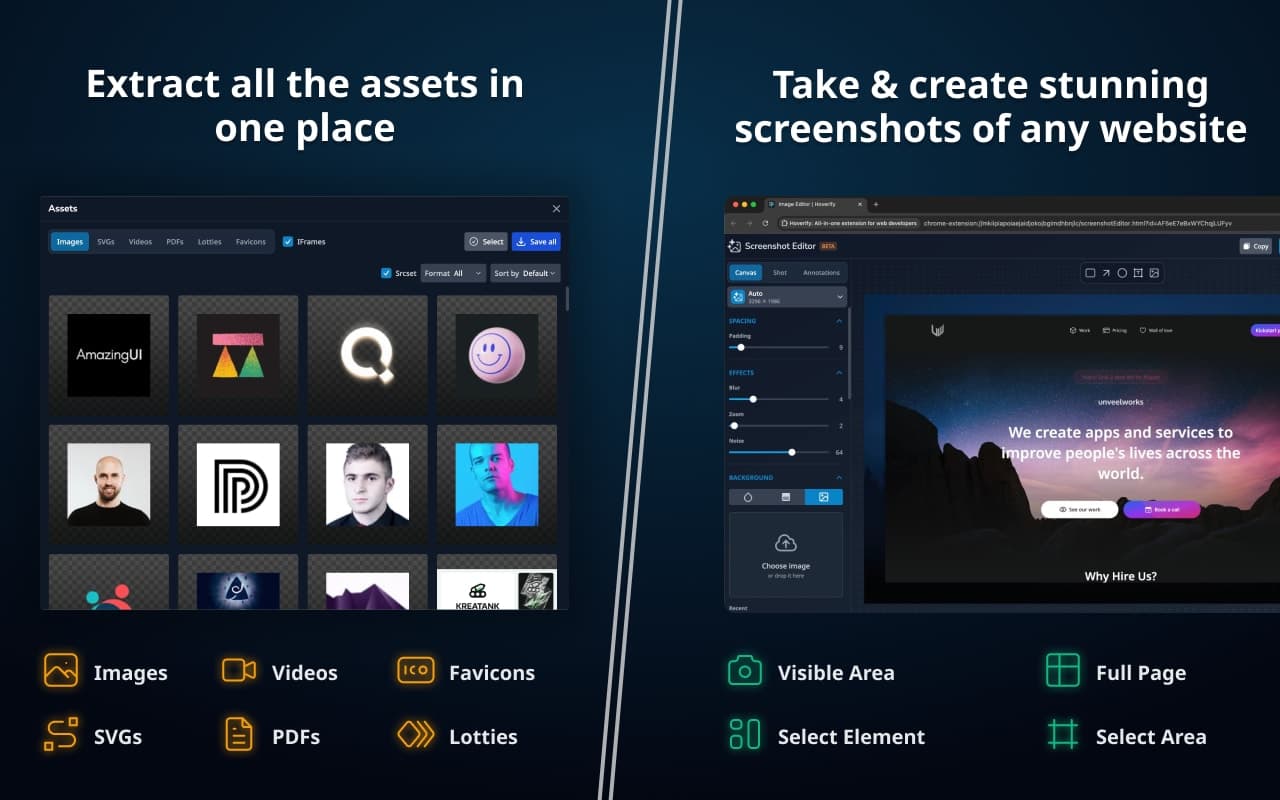
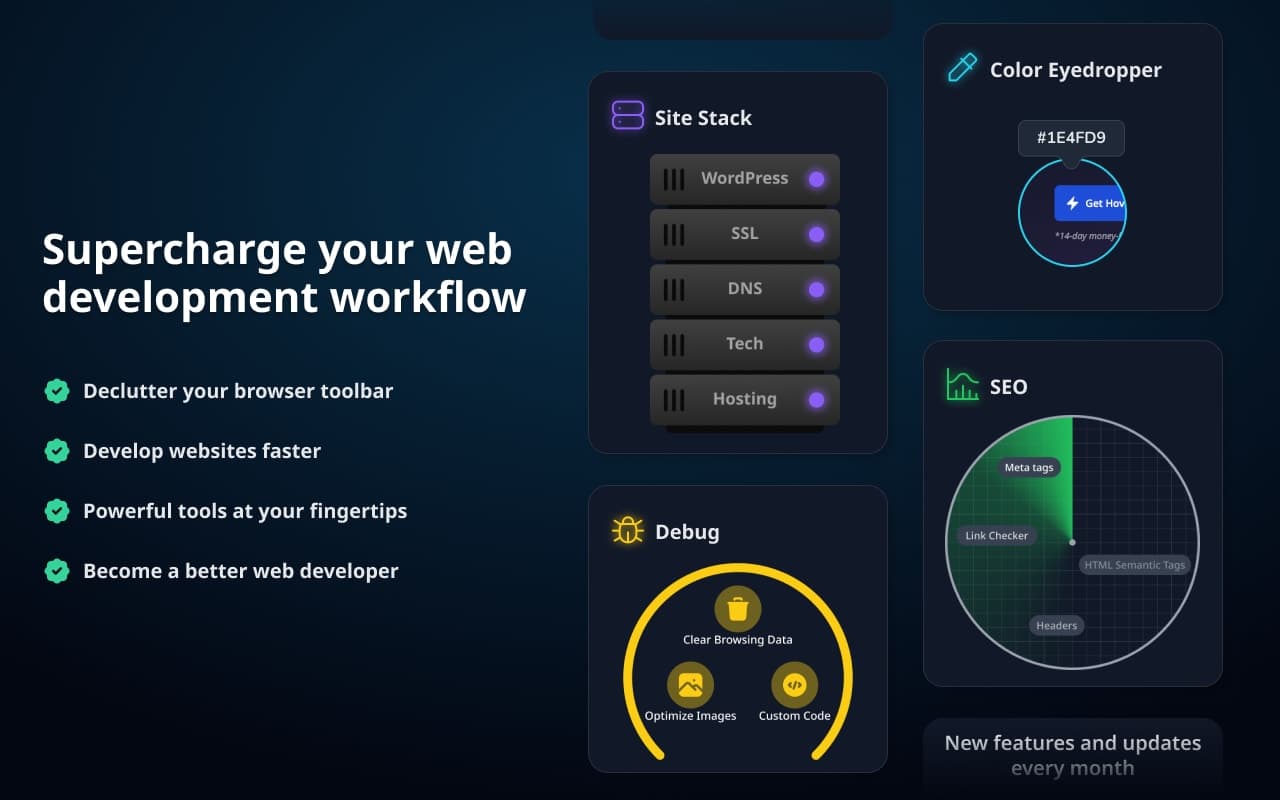
All-in-one browser extension to inspect, edit, test, debug, capture, and optimize websites faster. ⭐ Inspector Hover to inspect, click to edit. Change HTML, styles, media queries, and animations live. Visual editor for layout, flex, grid, and gradients. Pseudo-elements, CSS box, accessibility, color palette, fonts, and selector search. Copy CSS or export to CodePen. ⭐ Color Eyedropper Pick colors anywhere, even in images and iframes. Hex, RGB, HSL, OKLCH, CMYK. Magnifier, Tailwind style shade ranges, history, and saved colors. ⭐ Responsive Viewer Test on many devices at once with synced clicks, typing, and scrolling. Real device frames, custom profiles, user-agent switching, and viewports bigger than your screen. Screenshot one device or all. ⭐ Assets Extract images, videos, SVGs, PDFs, Lottie files, and favicons, including from iframes and hidden elements. Preview, filter, and download one file or a zip. ⭐ Library Save assets and colors to the cloud. Connect Google Drive and sort everything into projects. ⭐ Site Stack See what powers any site: frameworks, CMS, hosting, DNS, SSL, and WordPress themes and plugins. Export as JSON or PDF. ⭐ SEO Audit Core Web Vitals, meta tags, headings, semantic elements, images, links, and schema. Generate markup from 27 templates. Export PDF or HTML. ⭐ GEO Score how ready a page is for AI search, 0 to 100 across 16 categories. Checks llms.txt, AI crawler rules, structured data, and content quality. Compare competitors, batch 10 URLs, export five formats. ⭐ Capture Screenshot the viewport, full page, a selected area, or one element. Editor with backgrounds, annotations, blur, branding, effects, and social presets. Export up to 3x. ⭐ Debug Inject custom HTML, CSS, and JS per site. Clear browsing data with fine control. Optimize images to WebP. Run axe powered accessibility audits with contrast fixes and color blindness simulation.

Gallery

Hoverify screenshot 1 of 5
Hoverify screenshot 2 of 5
Hoverify screenshot 3 of 5
Hoverify screenshot 4 of 5
Hoverify screenshot 5 of 5

Demo video

Hoverify demo video

Overview

Who is it for?

Web developers/designers, Indie hackers, Freelancers

Problem

Frontend work means a pile of one-job tools. An extension for colors, another for fonts, a window resizer, a website for SEO audits, another for accessibility, and DevTools for the rest. Lately there's a newer question too: can AI crawlers and LLM search engines even read this page? Every one of those is another tab or another install, and none of them were built to answer quickly.

Solution

Hoverify is a single extension for Chrome, Edge and Firefox. Hover over anything to see its CSS, click to copy. Grab colors and fonts straight off the page. Preview the layout on several devices side by side. Pull images and SVGs, or re-encode them as WebP and download the lot as a ZIP. Screenshot the full page or a single element. Audit the page you already have open for SEO, accessibility (axe-core, WCAG) and GEO. The GEO check scores AI readiness across 16 weighted categories and looks at llms.txt and AI crawler rules. It also detects the site's tech stack, has a debug panel, and lets you pin custom CSS or JS to a site so it's there every visit.

What makes it unique

It runs in your browser, so staging sites and admin screens behind a login audit the same as public ones, and nothing you inspect reaches us. I haven't seen another extension put a GEO audit next to the SEO one. You pay once and get updates for life, which is rarer than it should be. ColorZilla, WhatFont and Window Resizer each do one job; the heavier DevTools-style suites take a while to learn.

Weekly rankings

#1
2026-W35

36 products

26