
About Markee
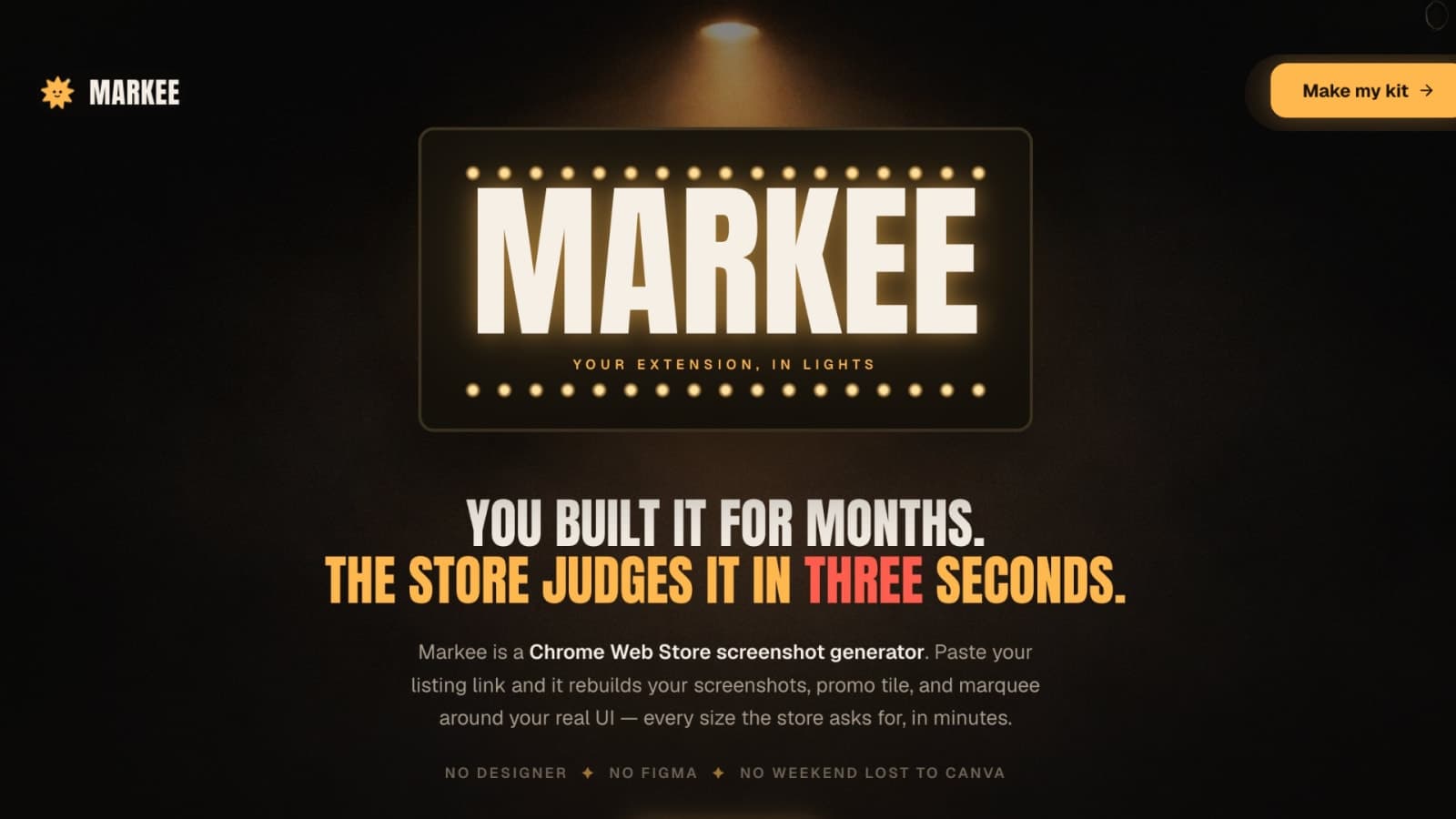
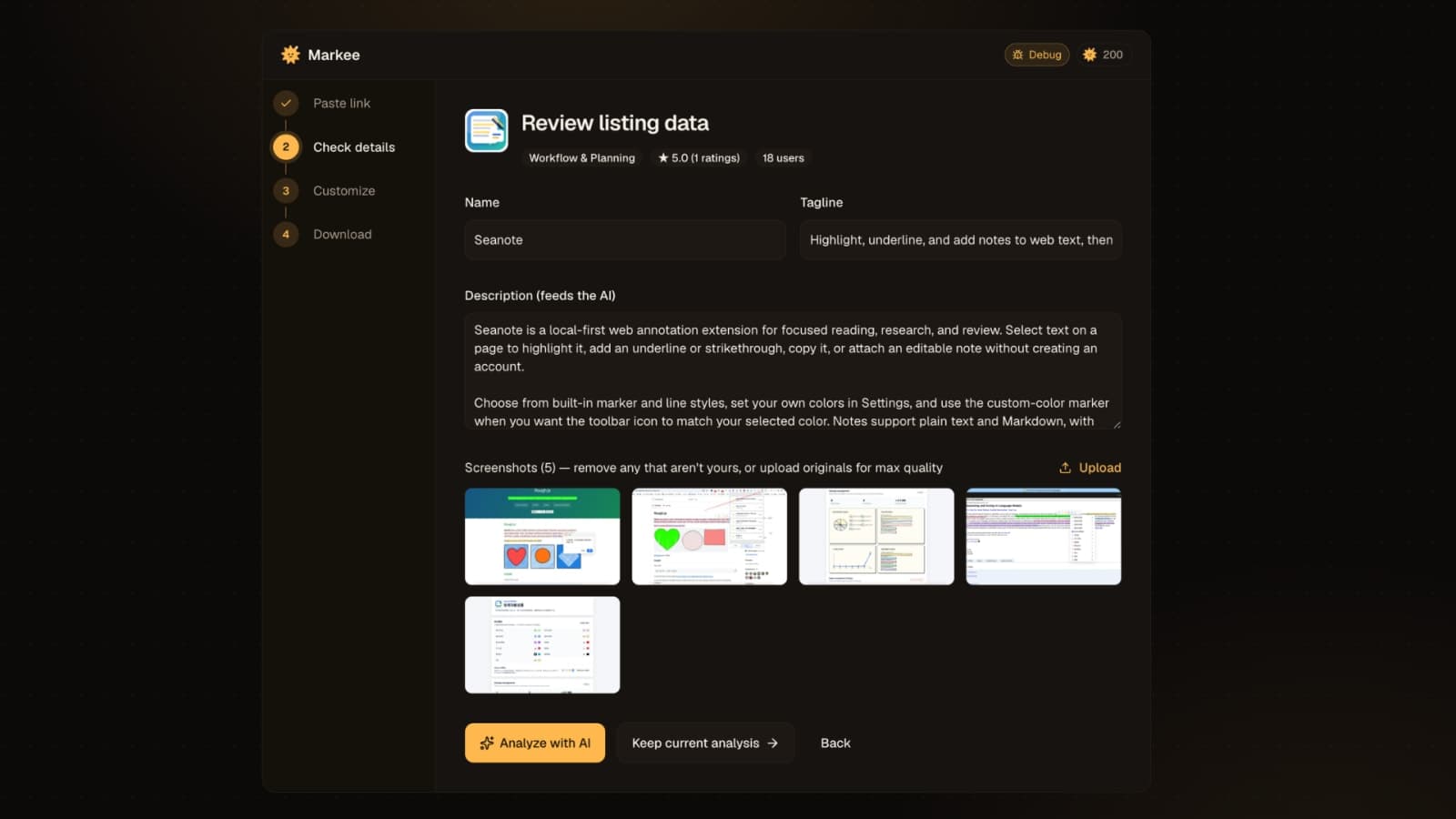
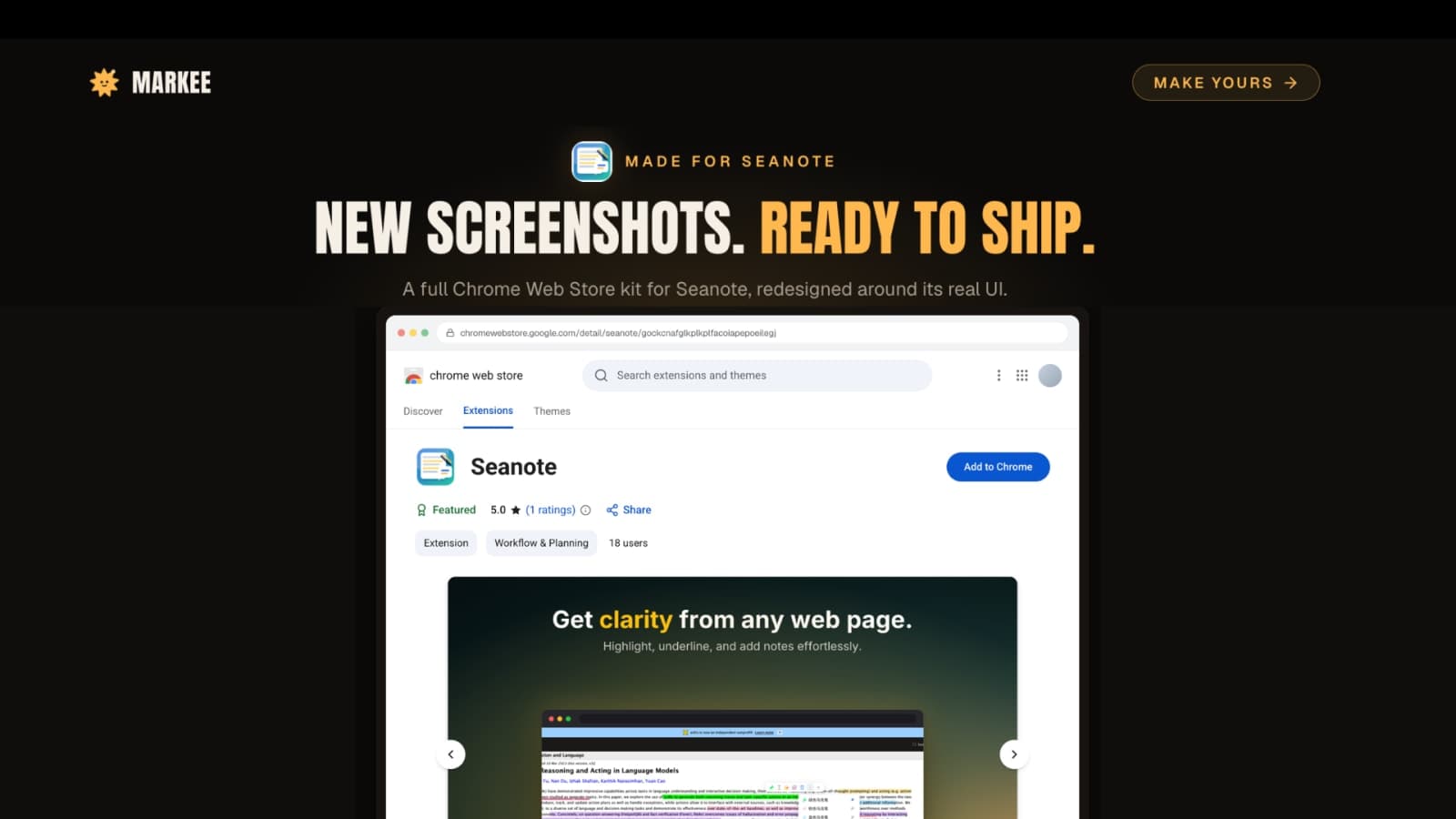
Markee helps Chrome extension developers create polished screenshots and promotional assets in minutes. Just paste your extension's listing URL, and Markee generates all required assets—screenshots, promo tiles, and marquess—around your real UI. No design skills needed, no time wasted on Figma or Canva.
With Markee, you get a complete kit tailored to Chrome Web Store specifications, ensuring your extension stands out. New users start with 10 free credits, enough for a full kit, allowing you to test the service without any upfront costs.
Whether you're a solo developer or part of a larger agency, Markee streamlines the process of creating high-quality visuals that can significantly boost your extension's install rates. Clear, benefit-driven screenshots make a difference, and Markee makes it easy to achieve that.
Gallery
Demo video
Overview
Who is it for?
Chrome extension developers looking for quick asset generation.
Problem
Developers struggle to create high-quality, compliant screenshots for their Chrome extensions, often resorting to complex design tools or manual processes that waste time and effort.
Solution
Markee automates the screenshot creation process by pulling the real UI from your Chrome Web Store listing and generating all necessary assets in the correct sizes. This eliminates the need for manual design work and ensures compliance with store requirements.
What makes it unique
Unlike generic design tools, Markee focuses specifically on Chrome extension assets, using your actual UI to create polished, ready-to-upload screenshots and promotional materials quickly.