
Screenforge
Week 20, 2026From capture to clean video, in one smooth flow.
About Screenforge
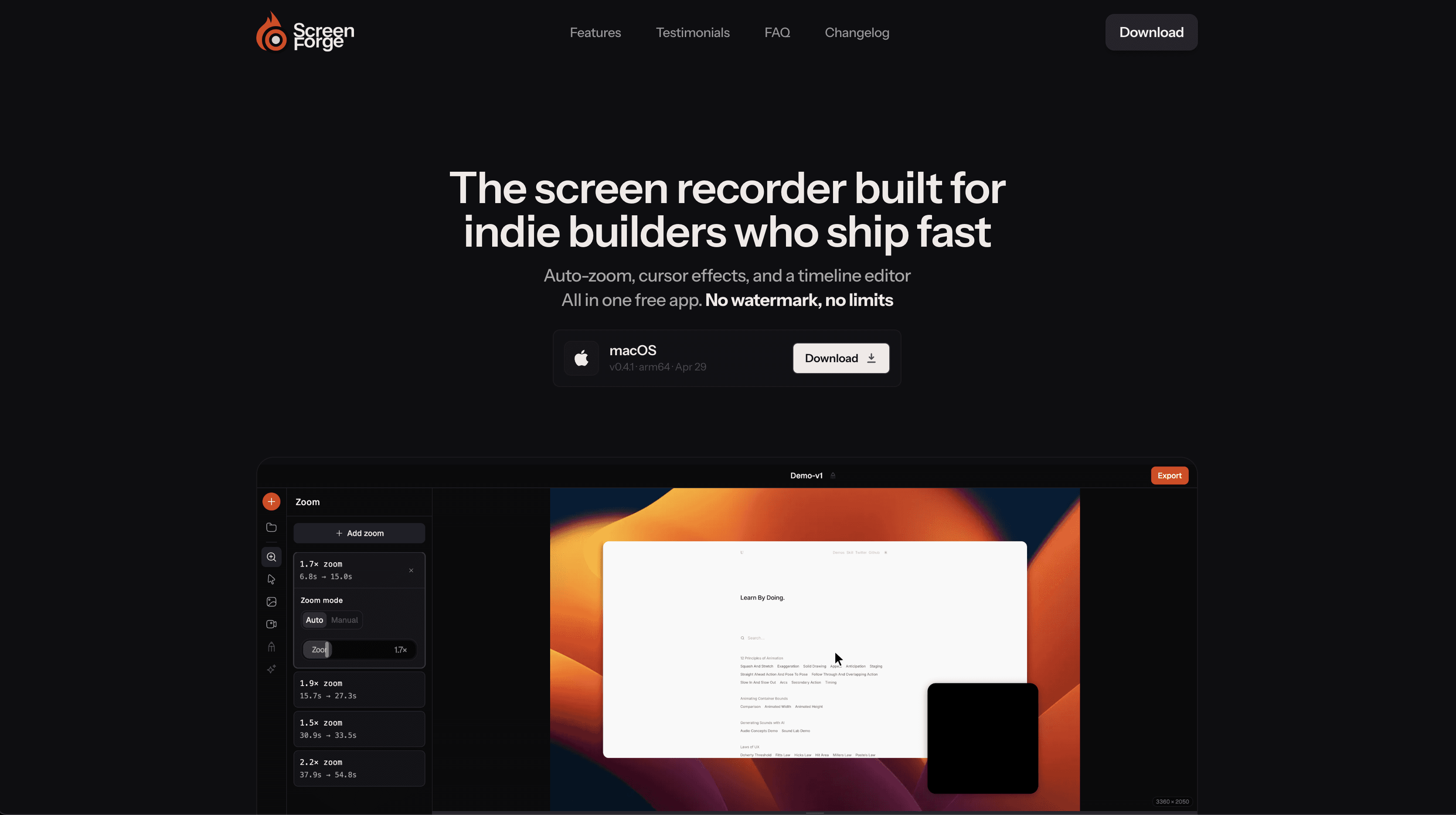
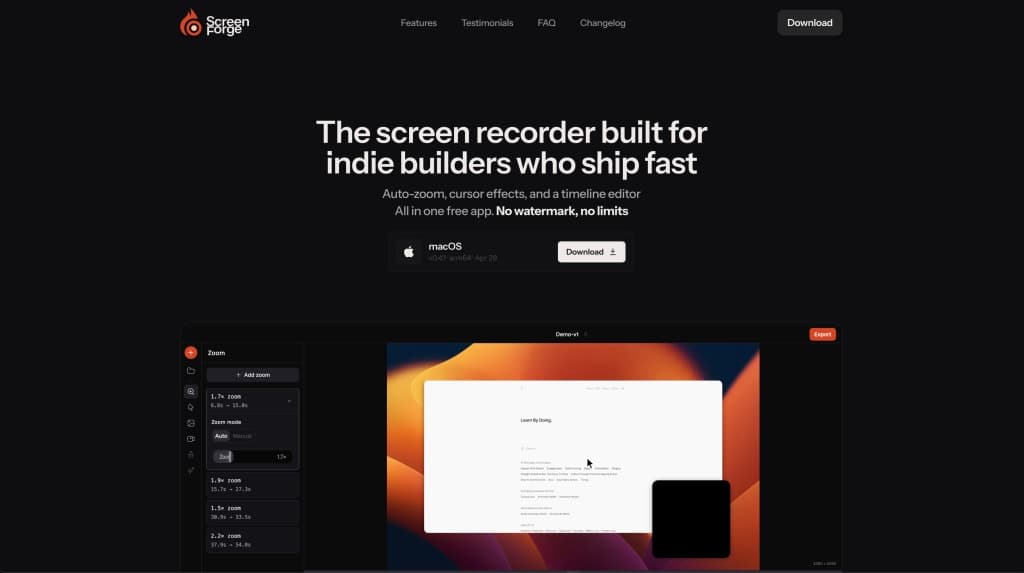
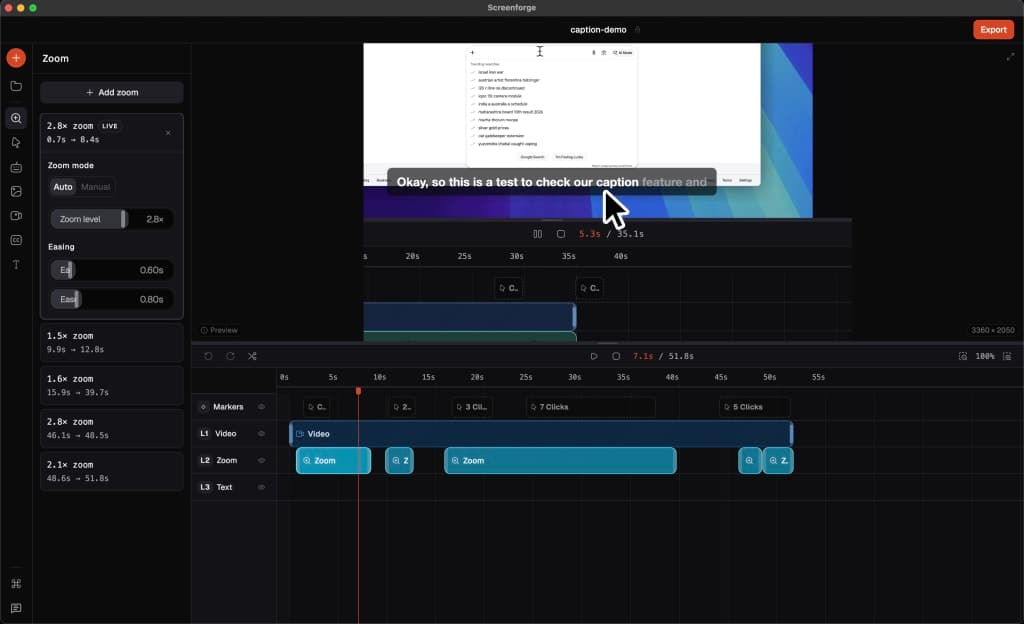
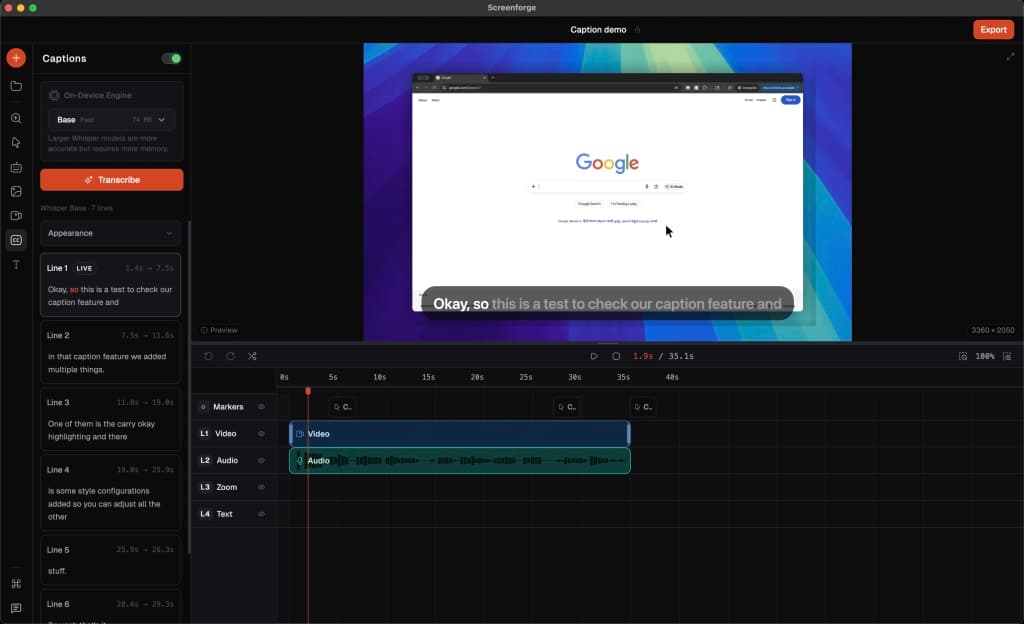
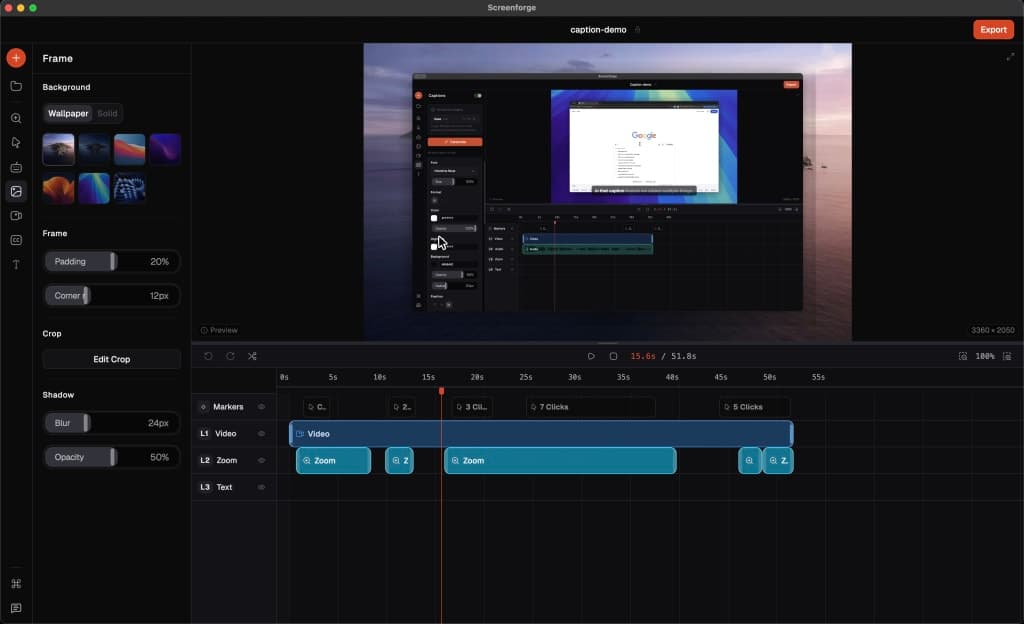
Screenforge brings everything into one place so you can go from capture to a polished video without switching tools. With automatic zoom, smooth cursor effects, and built-in timeline editing, creating clean, professional demos feels effortless.
Built on a simple belief that essential features shouldn’t be locked behind paywalls, Screenforge makes powerful presentation tools accessible to everyone. Because small details like zoom and cursor movement can completely change how your product is perceived, and everyone deserves to showcase what they’re building in the best possible way.
Gallery
Overview
Who is it for?
Indie builders, developers, and anyone needing to create professional screen recordings quickly.
Problem
Creating high-quality screen recordings can be time-consuming and often requires multiple tools for recording, editing, and exporting.
Solution
Screenforge simplifies the screen recording process by providing an all-in-one solution that includes recording, automatic zoom animations, cursor effects, and timeline editing, all within a single application.
What makes it unique
Unlike many other screen recording tools, Screenforge offers advanced features like automatic zoom detection and cursor effects for free, without any watermarks or subscription fees.
FAQ
- Is Screenforge free?
- Yes, Screenforge offers all its core features for free.
- Which platforms does Screenforge support?
- Currently, Screenforge is available on macOS, with Windows and Linux support coming soon.
- Can I record my screen and webcam at the same time?
- Yes, you can add a camera overlay and record both simultaneously.
- Does it record audio?
- Yes, Screenforge allows microphone input with live level monitoring.
- Do I need a separate editor after recording?
- No, Screenforge includes a built-in timeline editor for all your editing needs.
- How do I export my recording?
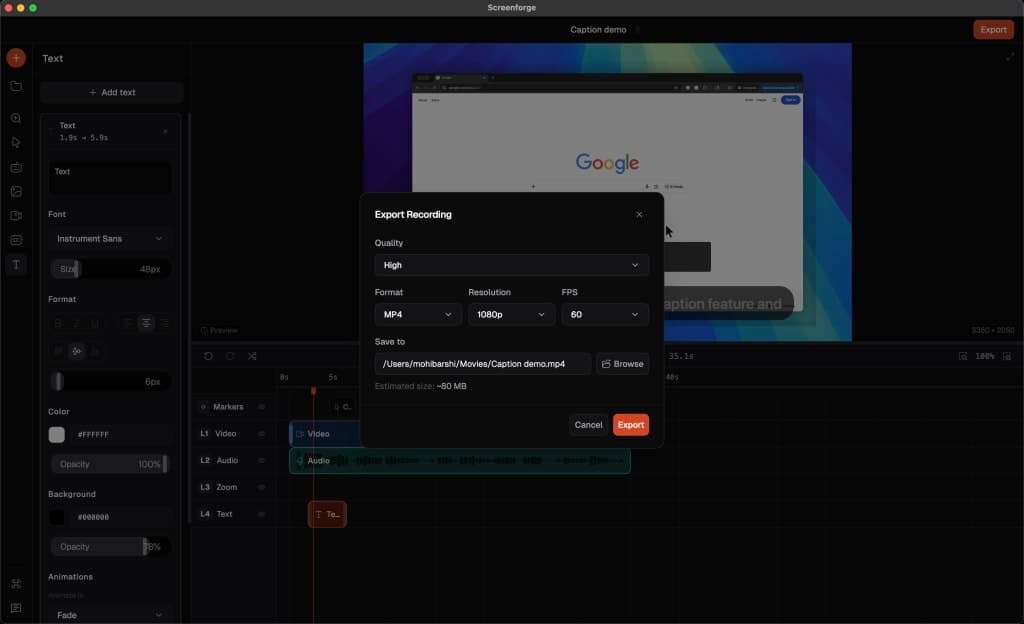
- You can export your recordings in MP4, MOV, or WebM formats.
- Is there a watermark on the recordings?
- No, all recordings are clean with no watermarks.
- Can I customize the cursor in my recordings?
- Yes, Screenforge offers various cursor effects and sizes for better visibility.
- What frame rates can I record at?
- You can record at 24, 30, or 60 frames per second.
- Is local processing supported?
- Yes, all processing occurs locally without uploading files to the cloud.
Weekly rankings
#1
2026-W20
18 products
50