SelfPDF
Scheduled · Week 51, 2026Fast, private PDF tools online
Scheduled launch
Goes live Week 51, 2026
December 14 - December 20, 2026 · Leaderboard opens Monday 00:00 UTC
00
Days
00
Hours
00
Mins
00
Secs
Upvotes
Unlocks at launch
Dofollow backlink
Unlocks at launch
Leaderboard
Unlocks at launch
Comments
Unlocks at launch
Reviews
Unlocks at launch
Voting opens Week 51, 2026
Upvotes unlock when the launch week starts
Comments open at launch
Discussion unlocks with the leaderboard
About SelfPDF
Gallery
Overview
Who is it for?
Students, professionals, researchers, and anyone needing PDF tools.
Problem
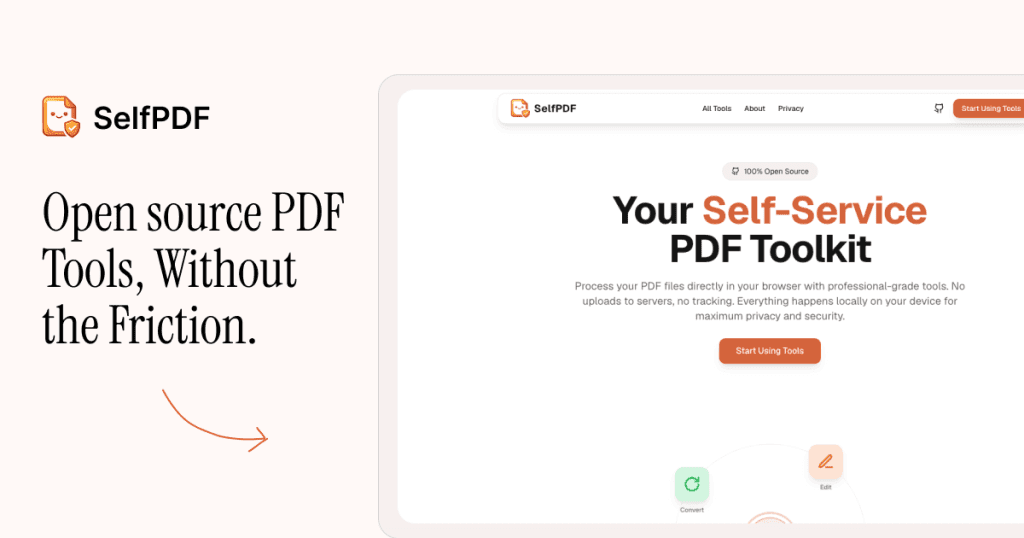
SelfPDF addresses the need for efficient PDF processing without compromising privacy. Users often struggle with tools that require uploads to third-party servers, risking data security. SelfPDF eliminates this issue by processing files locally in the browser.
Solution
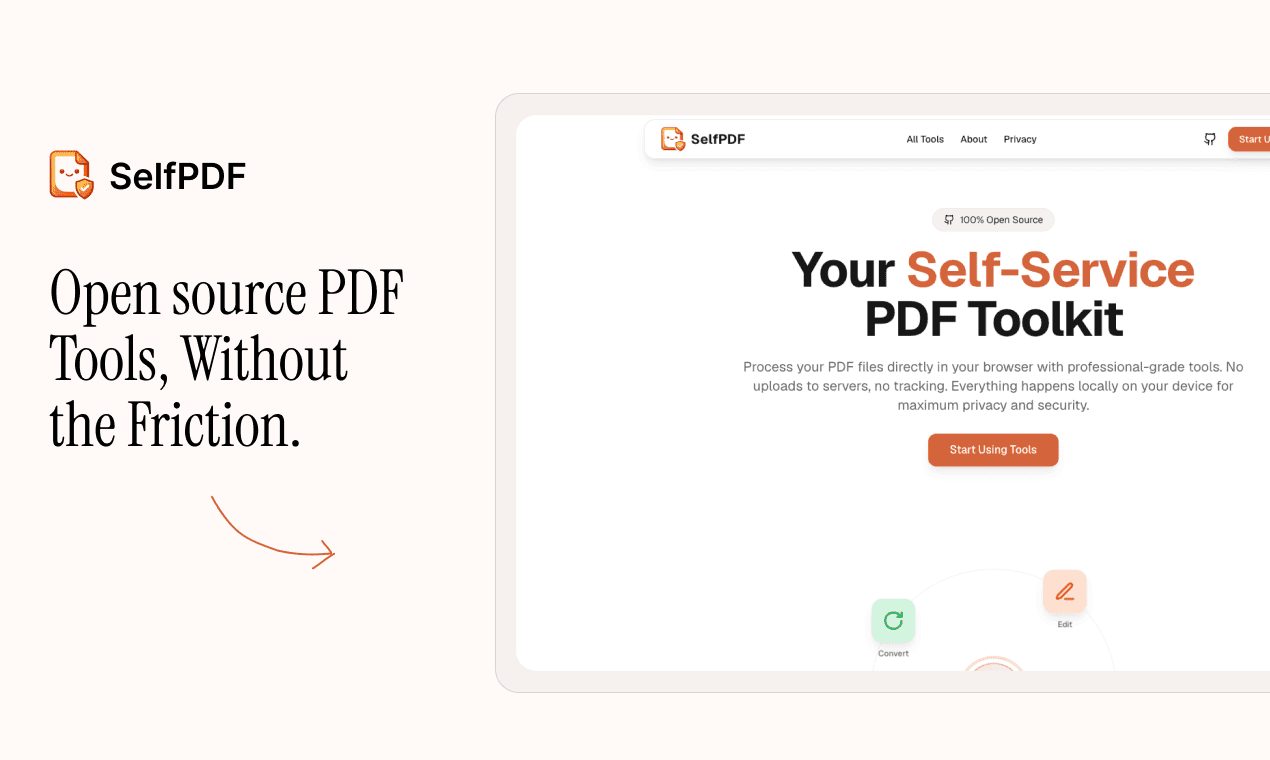
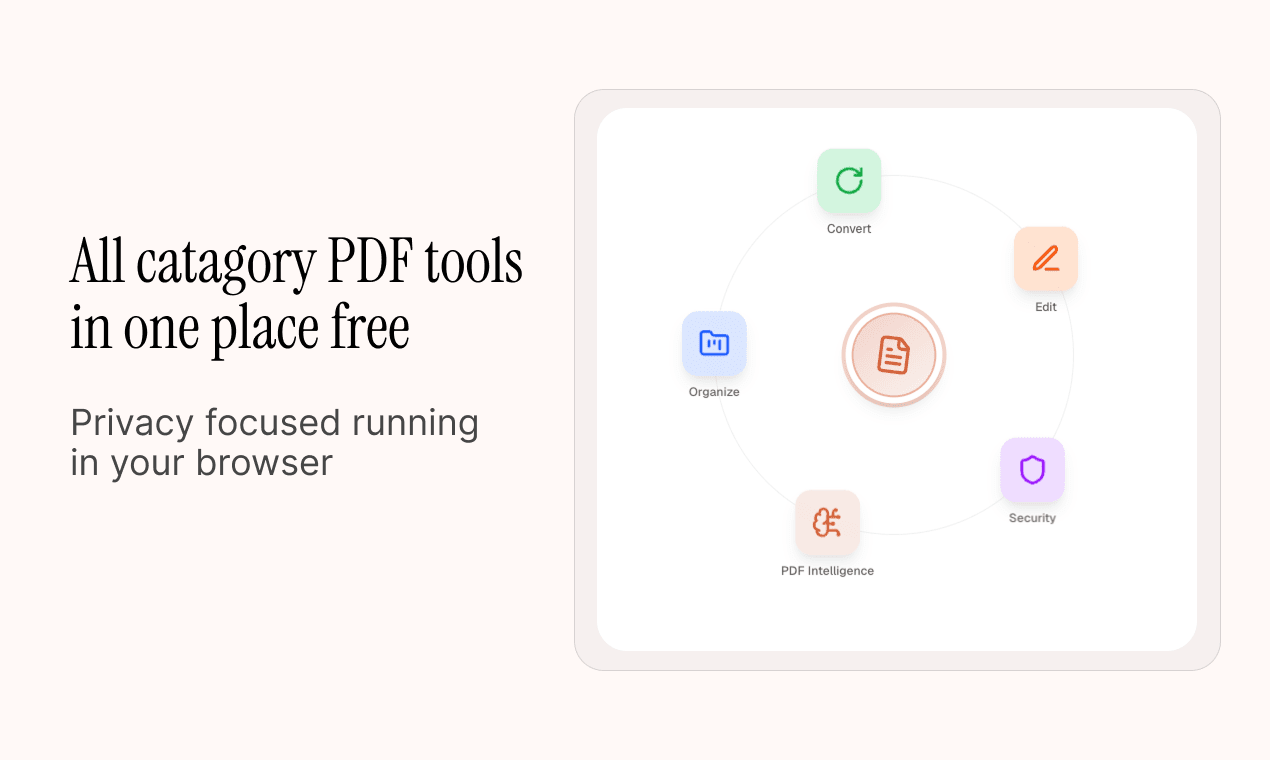
By running entirely in the browser, SelfPDF allows users to merge, compress, split, and convert PDF files without uploading them to external servers. This local processing ensures that users maintain control over their documents while benefiting from a range of professional-grade tools.
What makes it unique
SelfPDF stands out by offering a comprehensive PDF toolkit that is free, open source, and privacy-focused. Unlike many competitors, it does not track users or store files, making it a reliable choice for those concerned about data security.