About Shotbase
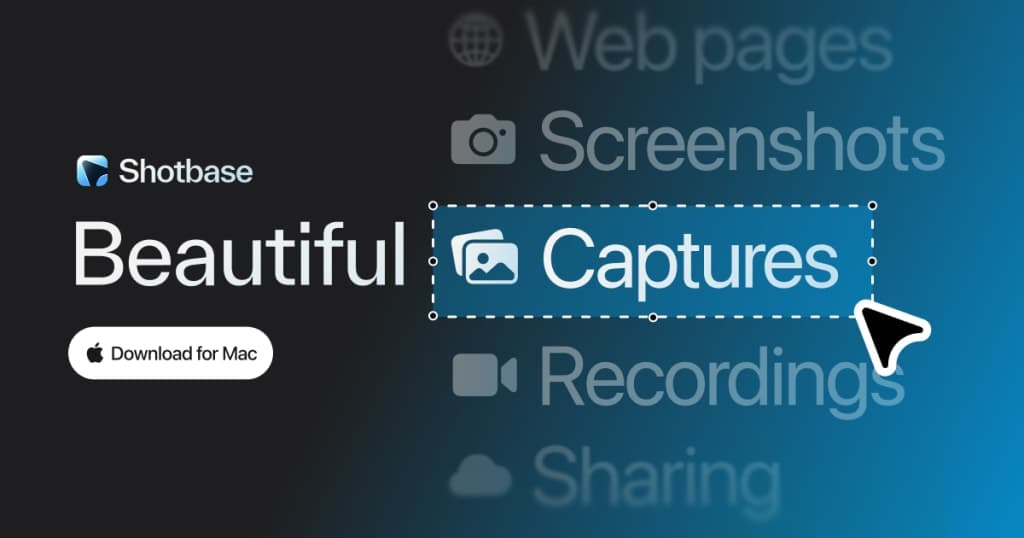
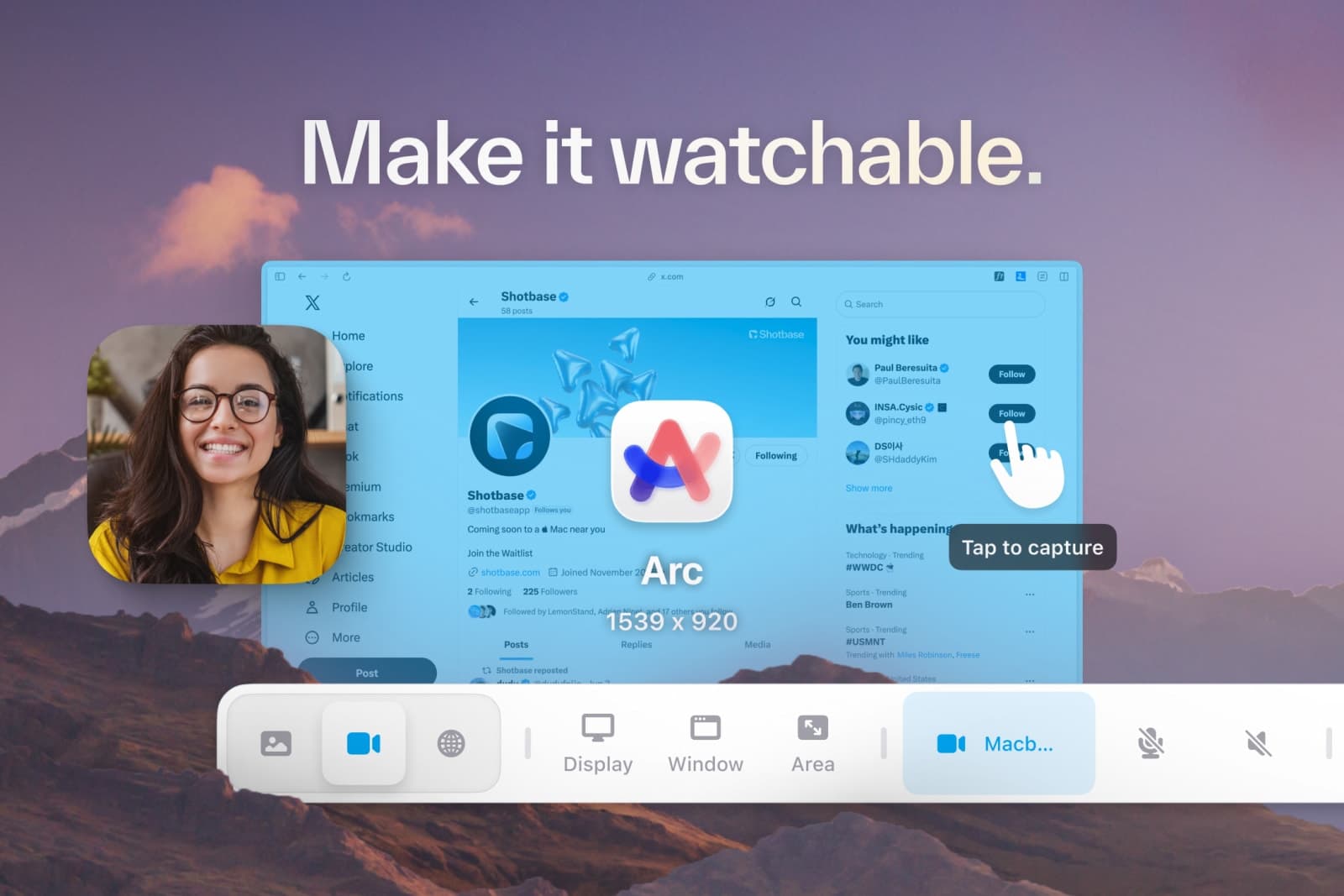
Shotbase is a screen capture workspace designed for macOS users. It allows you to capture screenshots, screen recordings, and web pages, all in one streamlined workflow. Whether you're a solo creator or part of a product team, Shotbase simplifies the process of capturing and sharing visual content.
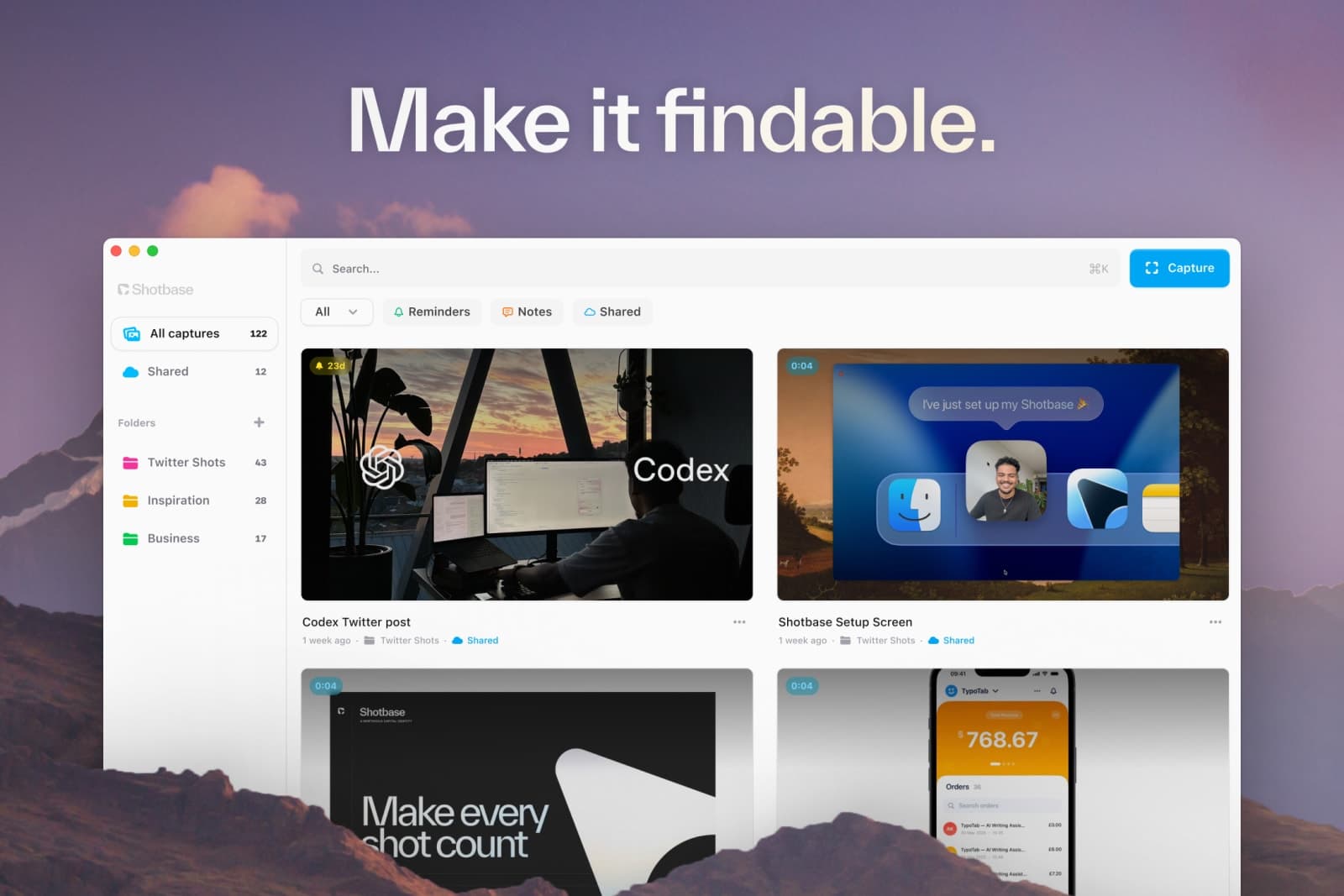
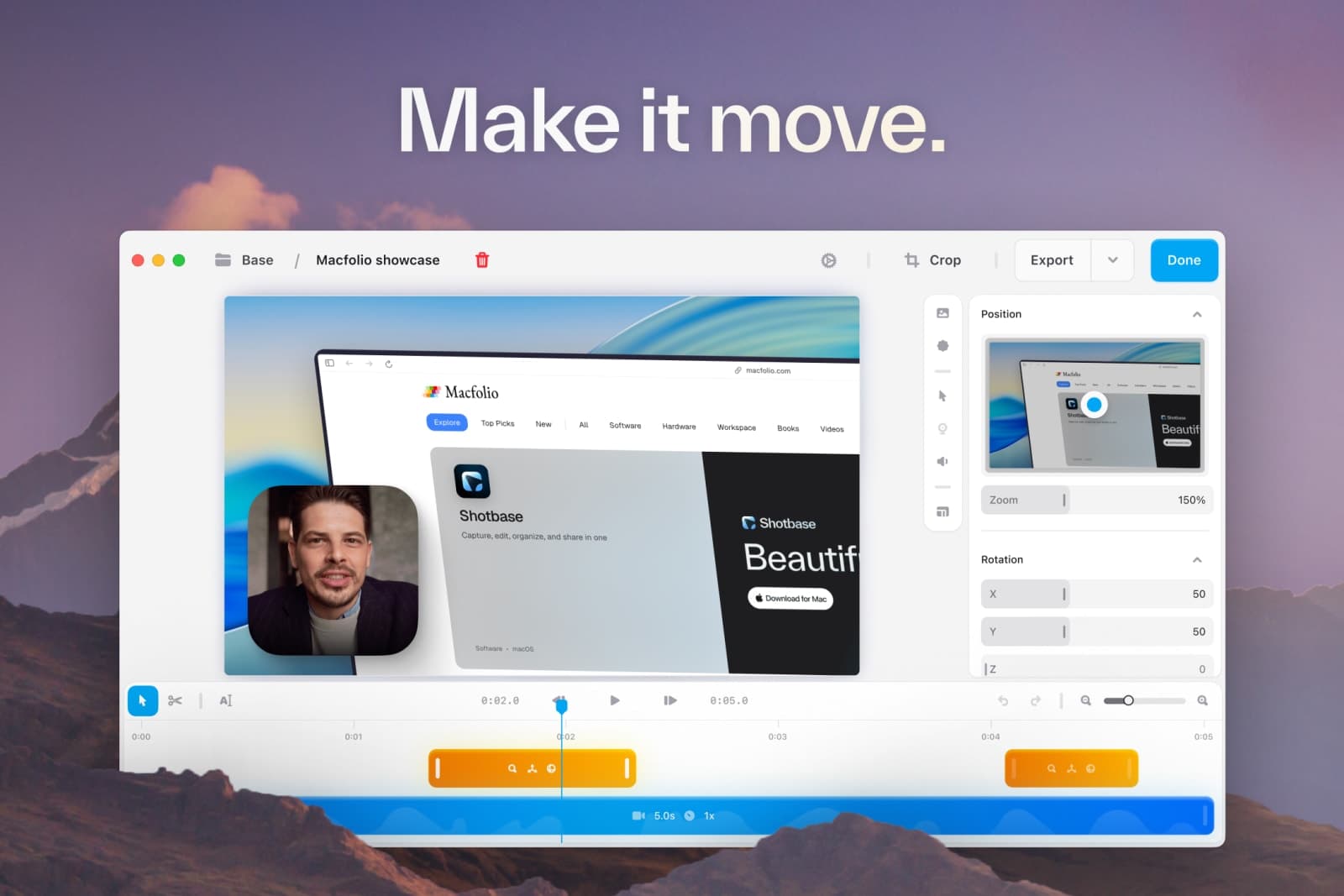
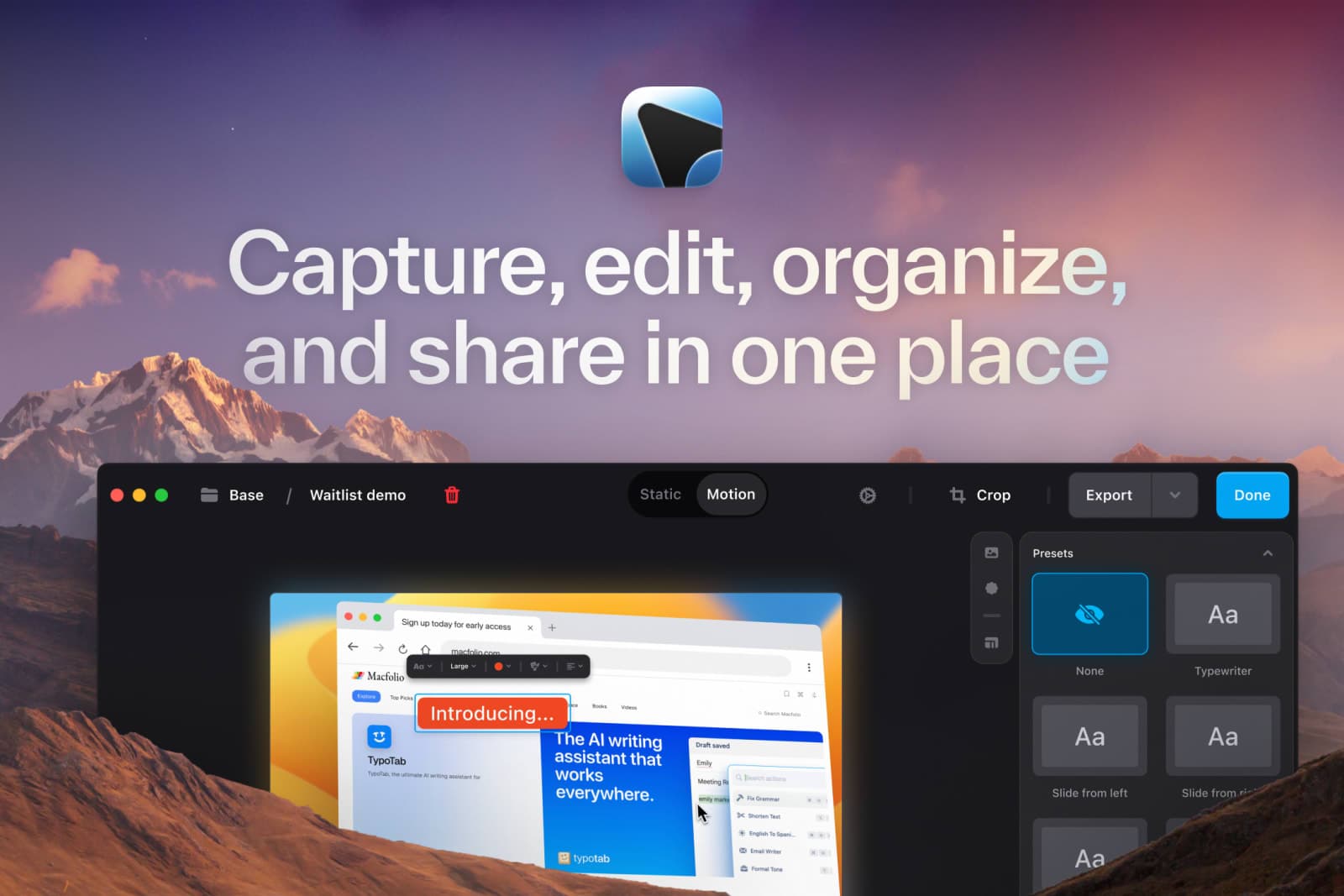
Edit your captures with a powerful built-in editor that lets you add annotations, backgrounds, and effects. Organize your screenshots and recordings with automatic tagging and smart naming, ensuring you can find what you need quickly. With local AI running on your Mac, your captures remain private while benefiting from intelligent analysis and summaries.
Gallery
Demo video
Overview
Who is it for?
Mac users needing efficient screen capture and editing.
Problem
Users struggle with capturing, organizing, and sharing visual content effectively. Traditional tools often require multiple steps and lack integration, leading to inefficiencies.
Solution
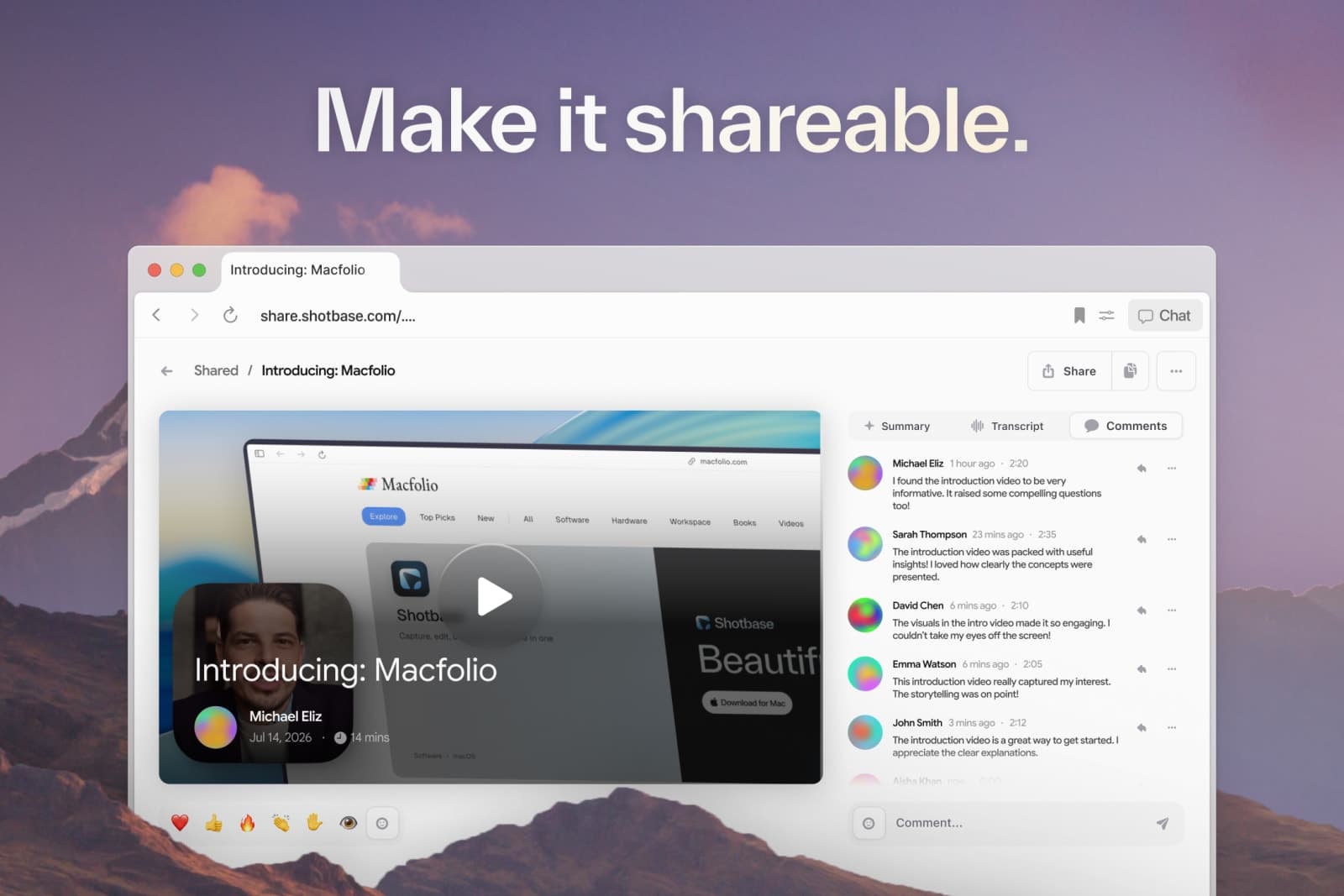
Shotbase offers a unified platform for capturing, editing, and sharing screenshots and recordings. It streamlines the workflow with features like automatic tagging and local AI, making organization effortless and secure.
What makes it unique
Shotbase combines screen capture, editing, and organization in one app, utilizing local AI for privacy. It stands out with its intuitive interface and powerful editing capabilities, making it a go-to for Mac users.
FAQ
- What can I capture with Shotbase?
- Capture any area, window, or full screen on your Mac, including scrolling screenshots and full-page webpage captures.
- Can I edit screenshots and recordings?
- Yes, Shotbase includes a built-in editor for both screenshots and recordings.
- Is Shotbase’s AI private?
- Yes, Shotbase runs AI locally on your Mac, ensuring your captures remain private.
- Does Shotbase upload my captures automatically?
- No, your captures are not uploaded automatically.
- What happens when my free trial ends?
- You can choose to upgrade to a paid plan or continue using the free features.
- Do people need Shotbase to view my shared links?
- No, shared links can be viewed by anyone without needing Shotbase.
- Can I use Shotbase without local AI?
- Local AI enhances the experience, but basic features are available without it.
Weekly rankings
#2
2026-W40
41 products
33