The Slow Design Process: A Common Frustration
Web designers and developers often face a significant challenge: the time-consuming process of creating websites from scratch. This challenge becomes particularly evident when balancing quality and efficiency. Every designer knows that client demands can often lead to tight deadlines, and creating a beautiful, functional website from the ground up can be a daunting task. This is where Element Shogun steps in, offering a solution that streamlines the design process through pre-built Elementor components and templates.
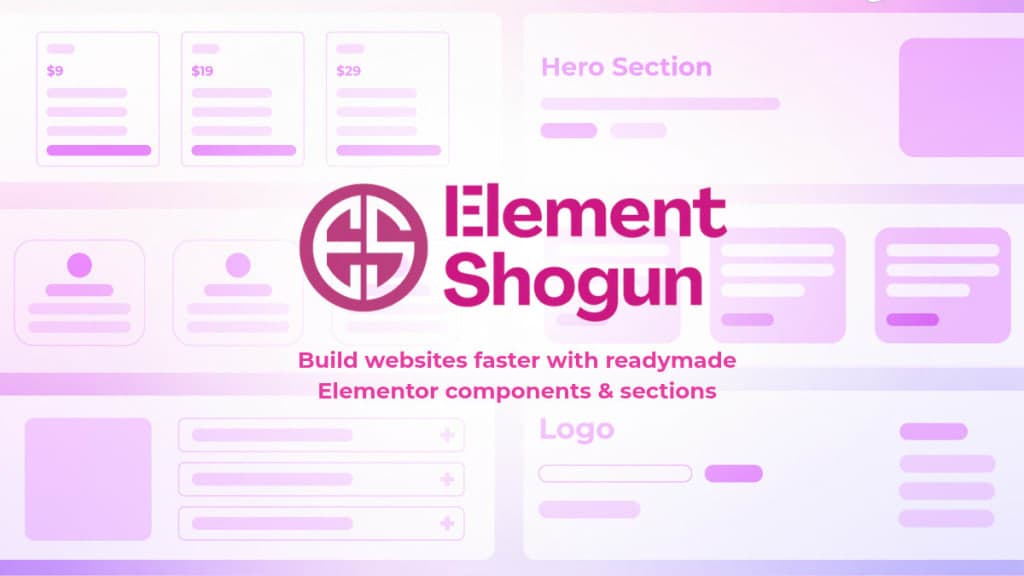
Element Shogun provides a library of ready-to-use components and sections, allowing users to launch websites faster and convert better. By utilizing these resources, designers can focus more on creativity and customization, rather than getting bogged down in the minutiae of design details. This article will explore how Element Shogun can transform your web design workflow.
What is Element Shogun?
Element Shogun is a comprehensive library of pre-built Elementor components and website sections. Designed specifically for the Elementor page builder, it provides users with a wealth of options to create stunning websites quickly and efficiently. With over 290 customizable templates and components, you can easily find the right elements for your project, whether it's a landing page, e-commerce site, or any other web application.
The beauty of Element Shogun lies in its simplicity. Each component is created using native Elementor widgets, ensuring compatibility and ease of use. This means that you don't need to worry about plugins or external dependencies, allowing for a more streamlined design process. Additionally, the components are fully responsive, meaning they look great on desktop, tablet, and mobile devices without any extra work.
The Problem Element Shogun Solves
For many web designers, the slow design process can feel like a roadblock. Starting with a blank canvas often leads to creative paralysis, where the sheer number of choices can be overwhelming. Additionally, many designers find themselves repeating the same design elements for different clients, leading to increased workload and burnout.
Element Shogun addresses these pain points by providing a library of ready-made Elementor templates that can be easily customized. Instead of spending hours designing individual sections from scratch, designers can choose from a variety of pre-built components that are optimized for performance and functionality. This not only speeds up the design process but also allows designers to maintain a high standard of quality across their projects.
How Element Shogun Works
Using Element Shogun is straightforward. Here’s a step-by-step workflow to help you get started:
- Browse the Library: Navigate through the extensive library of components and templates available within Element Shogun. You can filter by categories or types to find exactly what you need.
- Select a Component: Once you find a component or template that fits your project, click on it to view the details. Each component comes with a preview so you can see how it will look in your design.
- Download the Template: After selecting the desired component, download the ZIP file that contains all necessary files and instructions.
- Import into Elementor: Open your WordPress site and navigate to the Elementor page builder. Use the import feature to upload the downloaded template directly into your workspace.
- Customize to Your Liking: Edit the template within Elementor. Change content, colors, and layout as needed to fit your design vision.
- Preview and Adjust: Use Elementor’s preview function to see how your design looks on different devices. Make any adjustments necessary to ensure a responsive design.
- Publish Your Site: Once you’re satisfied with your design, publish your site! With Element Shogun, you can have a professionally designed website live in no time.
As you can see, Element Shogun simplifies the workflow, allowing designers and developers to focus on what really matters—creating beautiful and effective websites.
Key Features of Element Shogun
- Extensive Library: Access to over 290 customizable components and templates tailored for various website sections.
- Easy Customization: Every block can be easily edited using Elementor, allowing designers to change content, layout, and styling without hassle.
- Responsive Design: All templates are designed to work seamlessly on desktop, tablet, and mobile devices, ensuring a consistent user experience.
- Optimized Performance: Element Shogun is built with speed in mind, providing a lightweight structure without the need for additional plugins, which helps in maintaining quick load times.
- Instant Import: Download and import any block instantly, allowing for immediate use in your projects.
- Lifetime Updates: Enjoy continuous access to new components and templates as they are added to the library, ensuring your designs stay fresh and up-to-date.
- Global Fonts & Colors: Update fonts and colors across all components at once, ensuring design consistency throughout your website.
These features come together to create a powerful tool for web designers, making it easier to produce high-quality websites without the usual stress and time commitment.
Who Element Shogun is For
Element Shogun is ideal for a variety of users, particularly:
- Web Designers: Those looking to speed up their design process without sacrificing quality. Element Shogun provides a fast track to creating high-quality websites.
- Developers: Freelancers or agencies who manage multiple projects and need a way to streamline their design process. The extensive library allows them to deliver more projects in less time.
- Small Business Owners: Entrepreneurs who want to create their own websites without extensive design knowledge. With Element Shogun, they can build professional sites quickly and easily.
- E-commerce Sites: Businesses looking to launch online stores can use the ready-made templates to create product pages, landing pages, and more with minimal effort.
By catering to these diverse personas, Element Shogun ensures that everyone, from novice to expert, can benefit from its offerings.
Element Shogun vs Alternatives
When considering Element Shogun, it's essential to compare it with other similar products in the market. Here are some notable competitors:
- Envato Elements: Known for its vast library of digital assets, Envato Elements offers templates, stock photos, and more. However, it requires a subscription, which can be a barrier for some users. Element Shogun, on the other hand, offers a one-time purchase with lifetime updates.
- ThemeForest: Another popular marketplace for templates, ThemeForest offers a wide range of themes and templates. However, many of the templates are not specifically designed for Elementor, which could lead to compatibility issues. Element Shogun's focus on Elementor ensures seamless integration.
- Skelementor: This service offers similar Elementor templates but may not have the same level of customization and support as Element Shogun. Users often report that Element Shogun’s templates are easier to modify and more user-friendly.
- CopyElement: While CopyElement is a contender in the Elementor template market, it lacks the extensive library and ongoing updates that Element Shogun provides. Users value the lifetime access to updates that Element Shogun offers, ensuring they always have the latest design options.
In conclusion, while there are many options available, Element Shogun stands out for its combination of quality, affordability, and ease of use.
Real-World Use Cases
- Landing Pages: A digital marketing agency used Element Shogun to create landing pages for a new product launch. By utilizing the pre-built templates, they were able to produce eye-catching pages within hours, significantly reducing their workload.
- E-commerce Store: A small business owner launched an e-commerce site using Element Shogun. They imported product pages and customized them to reflect their brand, allowing them to open their online store much faster than anticipated.
- Portfolio Websites: Freelance designers have leveraged Element Shogun to build their portfolios. They can quickly assemble a professional-looking website that showcases their work without the hassle of starting from scratch.
- Blogging Sites: Bloggers have found Element Shogun useful for creating visually appealing blog layouts. With readily available sections for testimonials, galleries, and contact forms, they can enhance their sites quickly.
- Corporate Websites: Businesses have utilized Element Shogun to develop corporate websites that require a professional touch. The templates allow them to create sections like team bios, service descriptions, and more efficiently.
These scenarios highlight the versatility of Element Shogun across different types of projects and industries.
Getting Started with Element Shogun
If you're ready to streamline your web design process, getting started with Element Shogun is simple. Visit Element Shogun to explore the library of components and templates available. You can purchase a lifetime access plan for just $49, which includes all templates and future updates.
Once you have access, follow the simple workflow outlined earlier to import and customize your chosen components. With Element Shogun, you’ll be amazed at how quickly you can create stunning websites.
FAQ
What is Element Shogun?
Element Shogun offers different website sections as ready-to-use Elementor templates. Simply import and customize them according to your needs.
Do I need the Pro version of Elementor?
The templates work with both the free and pro versions of Elementor. However, some pro widgets may not be available in the free version.
Are the templates responsive?
Yes, all templates are completely responsive, ensuring they look great on any device.
How do I import a section template?
You’ll receive tutorial videos for each section template that guide you through the import process, making it straightforward and user-friendly.
Can I use these templates on multiple websites?
Absolutely! You can use the templates on as many websites as you like without any restrictions.
What type of support is available?
Element Shogun offers lifetime support for the templates, ensuring you have help whenever you need it.
Bottom Line
Element Shogun presents a practical solution for web designers and developers who want to accelerate their design process without sacrificing quality. With its extensive library of customizable components, responsive design capabilities, and user-friendly import process, Element Shogun empowers users to create stunning websites quickly. Whether you’re a freelancer, a small business owner, or part of a larger agency, Element Shogun can help you streamline your workflow and deliver high-quality results.
To get started and explore the possibilities, visit Element Shogun today!
Learn more about Element Shogun.