ScreenBuddy logo

ScreenBuddy

Scheduled · Week 4, 2027

Polished screen recordings. Built for Windows.

Video Editing
-

Scheduled launch

Goes live Week 4, 2027

January 25 - January 31, 2027 · Leaderboard opens Monday 00:00 UTC

Browse Week 4, 2027

00

Days

00

Hours

00

Mins

00

Secs

Upvotes

Unlocks at launch

Dofollow backlink

Unlocks at launch

Leaderboard

Unlocks at launch

Comments

Unlocks at launch

Reviews

Unlocks at launch

Voting opens Week 4, 2027

Upvotes unlock when the launch week starts

Comments open at launch

Discussion unlocks with the leaderboard
ScreenBuddy - Polished screen recordings. Built for Windows.

About ScreenBuddy

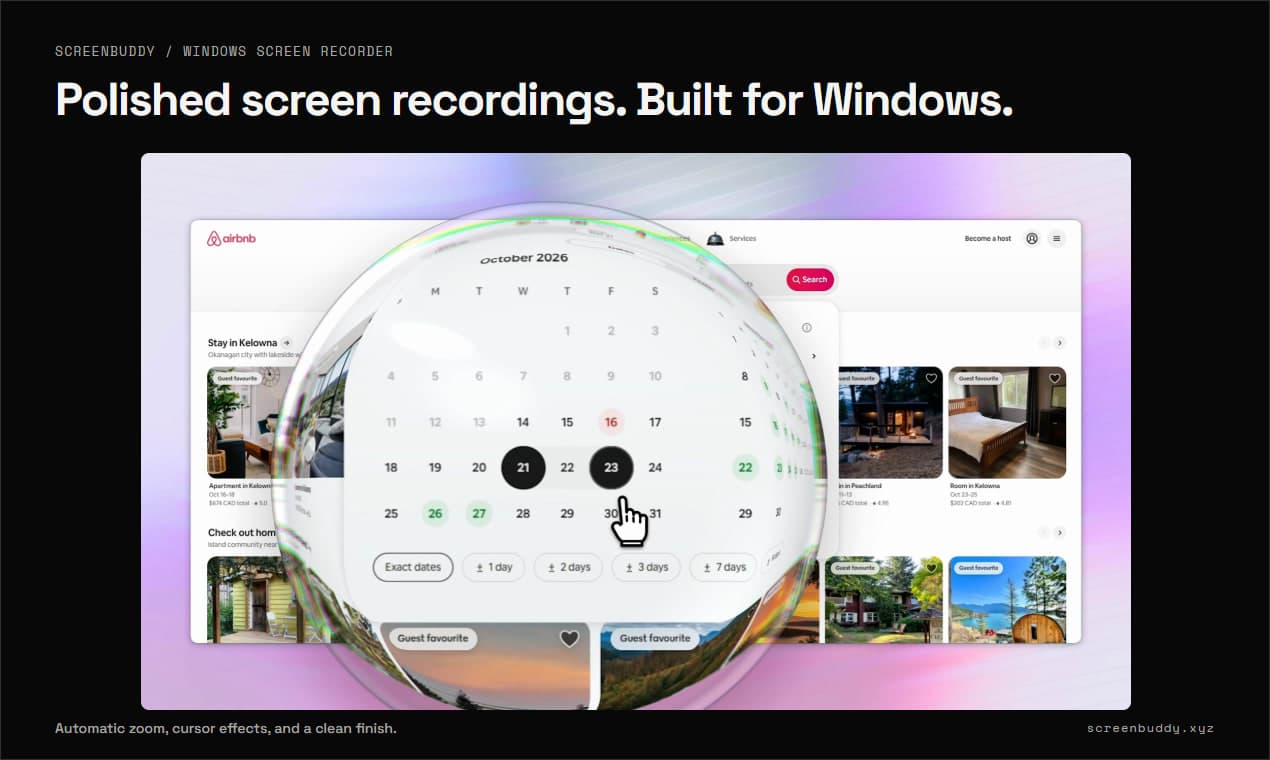
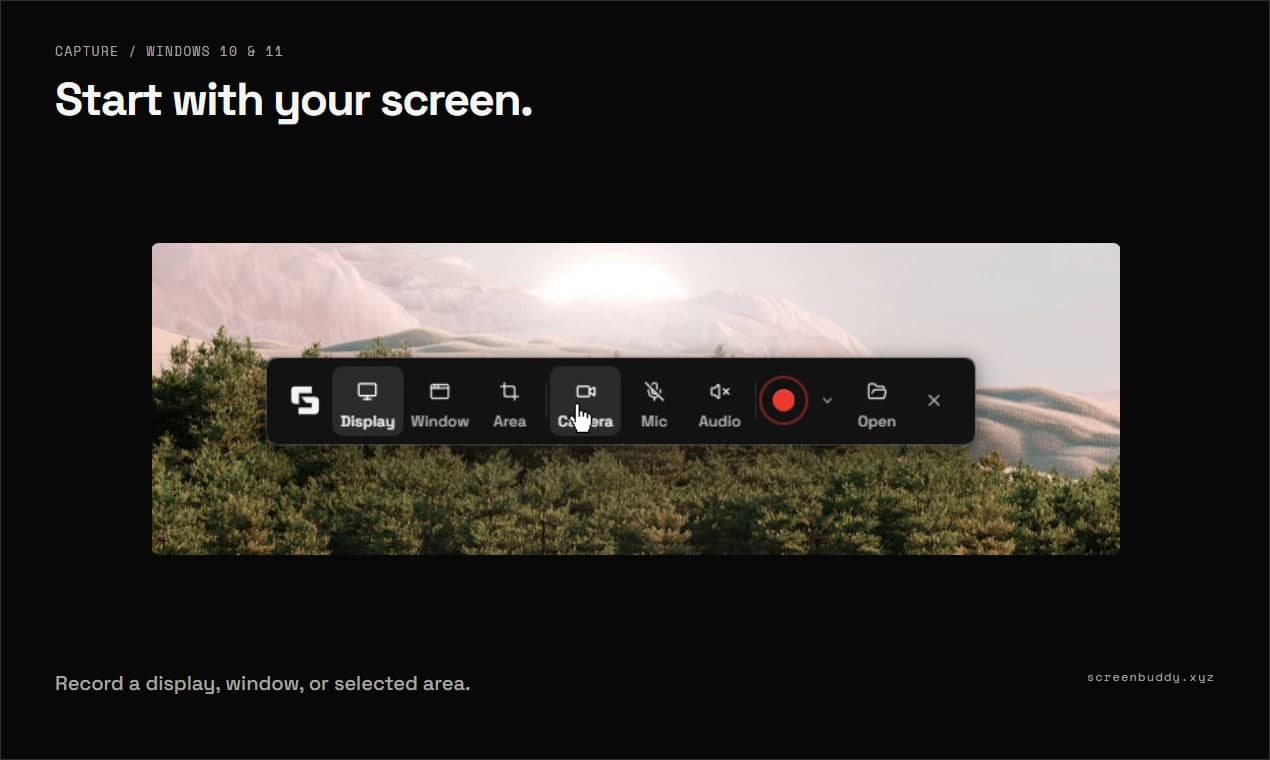
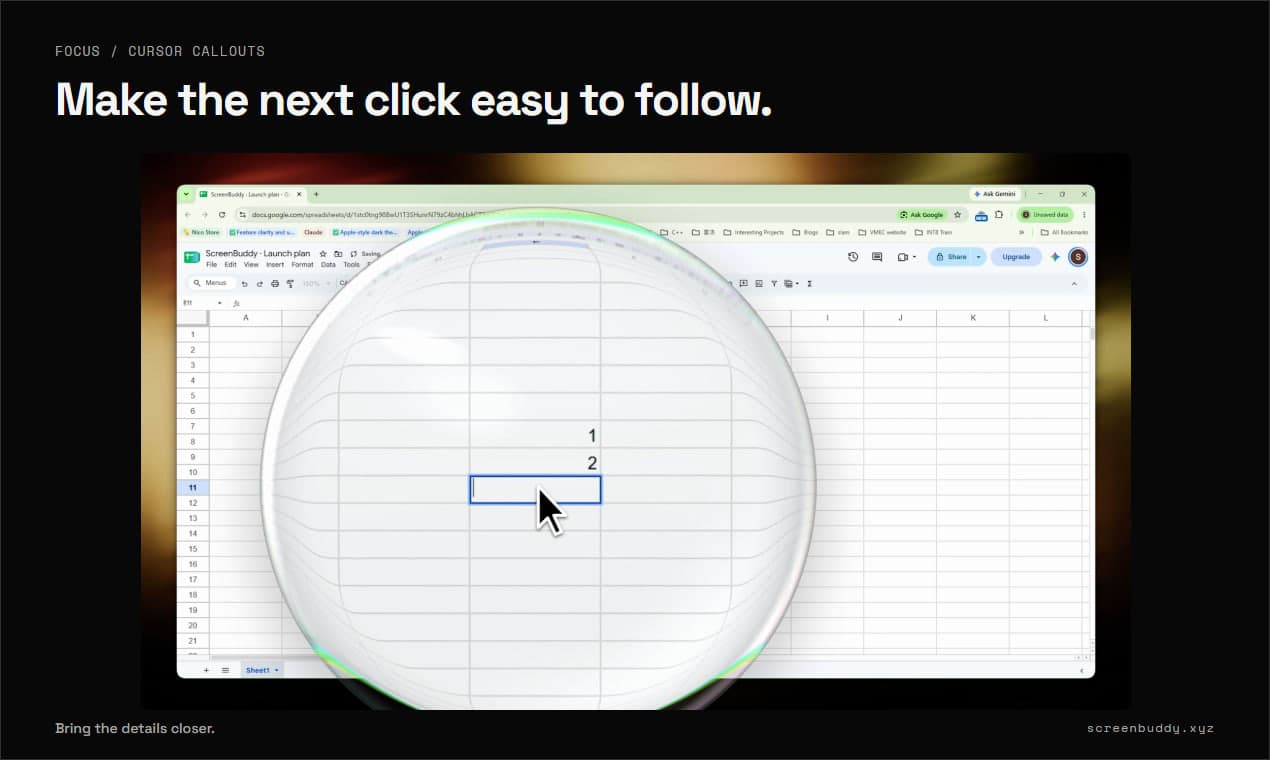
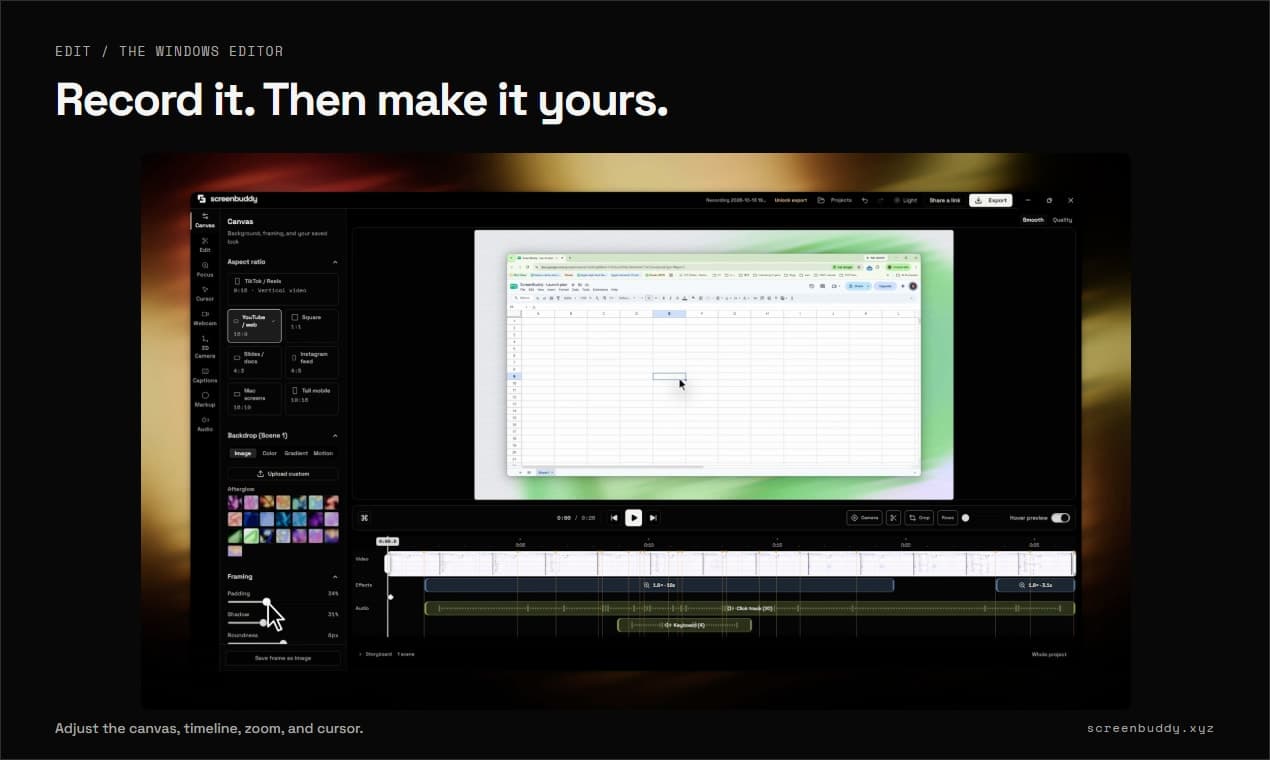
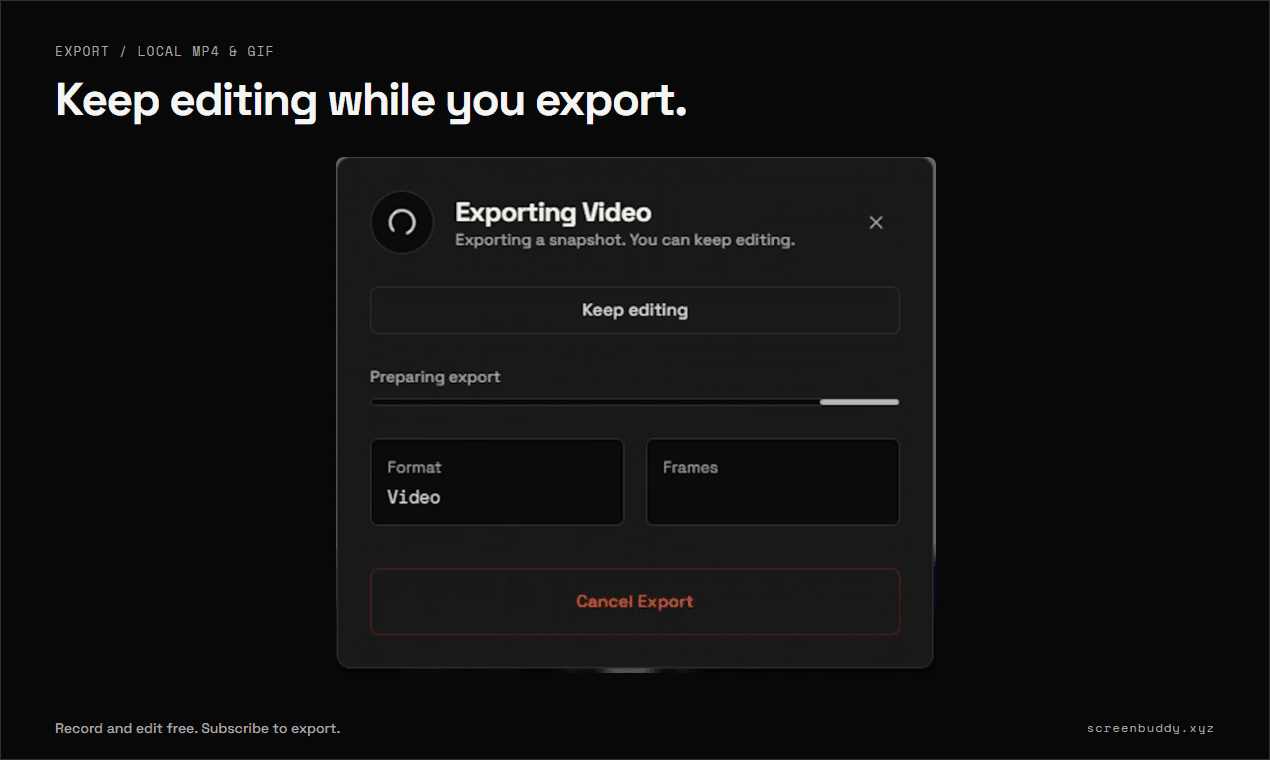
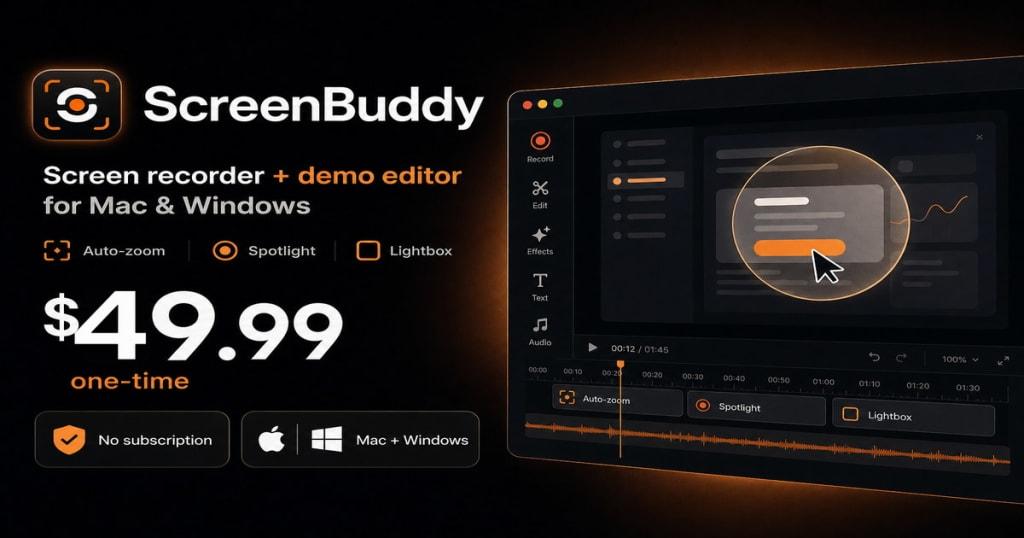
ScreenBuddy is a Windows screen recorder and editor for product demos, tutorials, and walkthroughs. Record your screen, a window, or a selected area, then turn the recording into a clear, polished video. Bring details into focus with automatic zoom and callout bubbles. Add AI captions, remove your webcam background with AI (Beta), and mask sensitive information with blur or solid covers. Create depth with 3D camera movements, adjust your cursor and canvas, and trim pauses. Keep editing while an export renders. Export MP4 or GIF locally, or publish a shareable link so viewers can watch in their browser. Built for Windows 10/11 (64-bit). Also available for Apple silicon Mac. Free to try.

Gallery

ScreenBuddy screenshot 1 of 5
ScreenBuddy screenshot 2 of 5
ScreenBuddy screenshot 3 of 5
ScreenBuddy screenshot 4 of 5
ScreenBuddy screenshot 5 of 5

Demo video

ScreenBuddy demo video

Overview

Who is it for?

Windows users creating product demos, tutorials, and walkthroughs.

Problem

Screen recordings can be hard to follow when viewers cannot see which click or detail matters. Preparing a clear demo can also require separate recording and editing tools.

Solution

Windows screen recording with callout bubbles, AI captions, AI webcam background removal (Beta), sensitive information masks, 3D camera moves, editing during export, and shareable links. Free to try.

What makes it unique

Callout bubbles, AI webcam background removal (Beta), AI captions, sensitive information masks, and 3D camera movements. Keep editing while an export renders, then share a link that plays in the browser. Free to try.