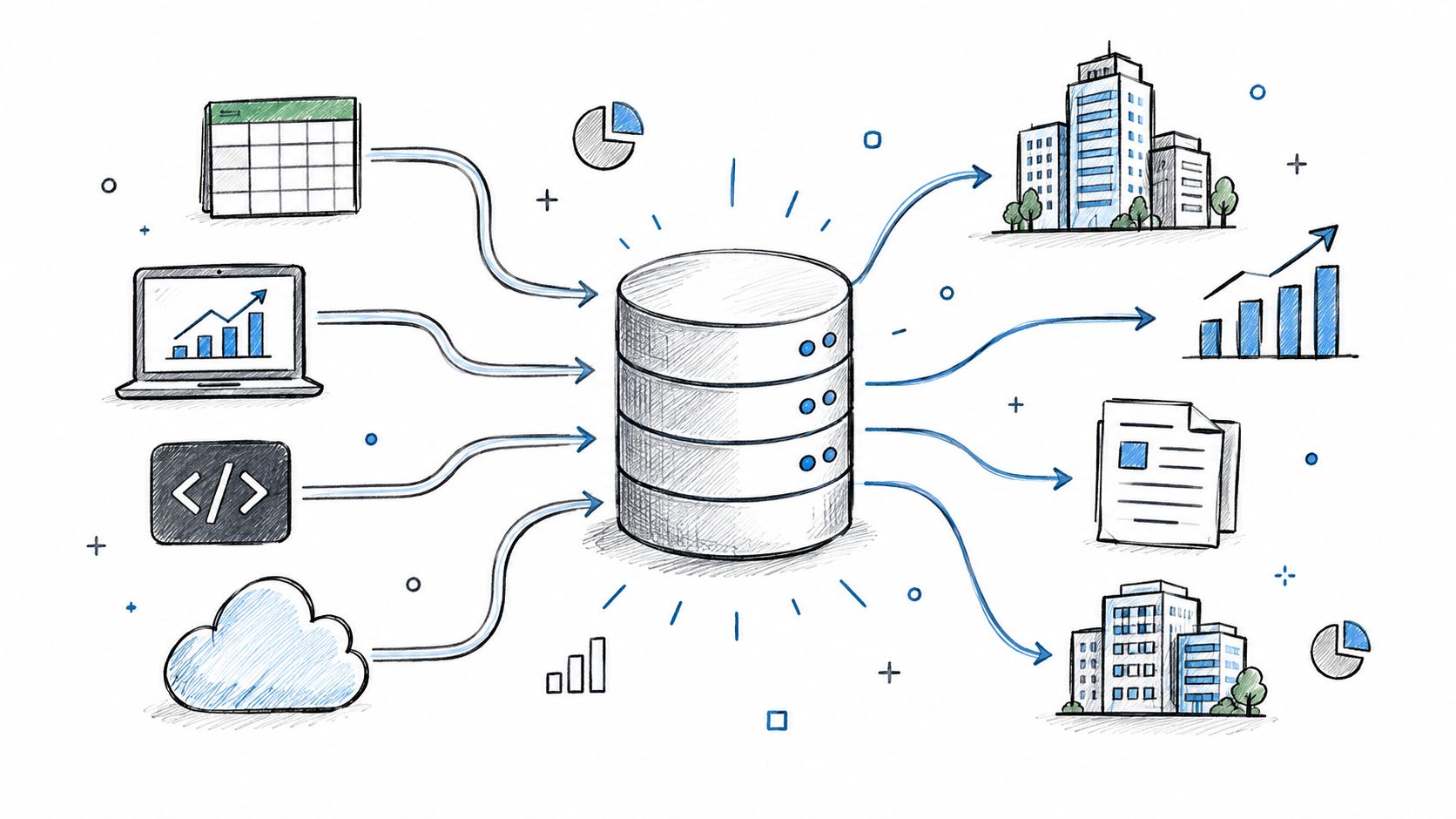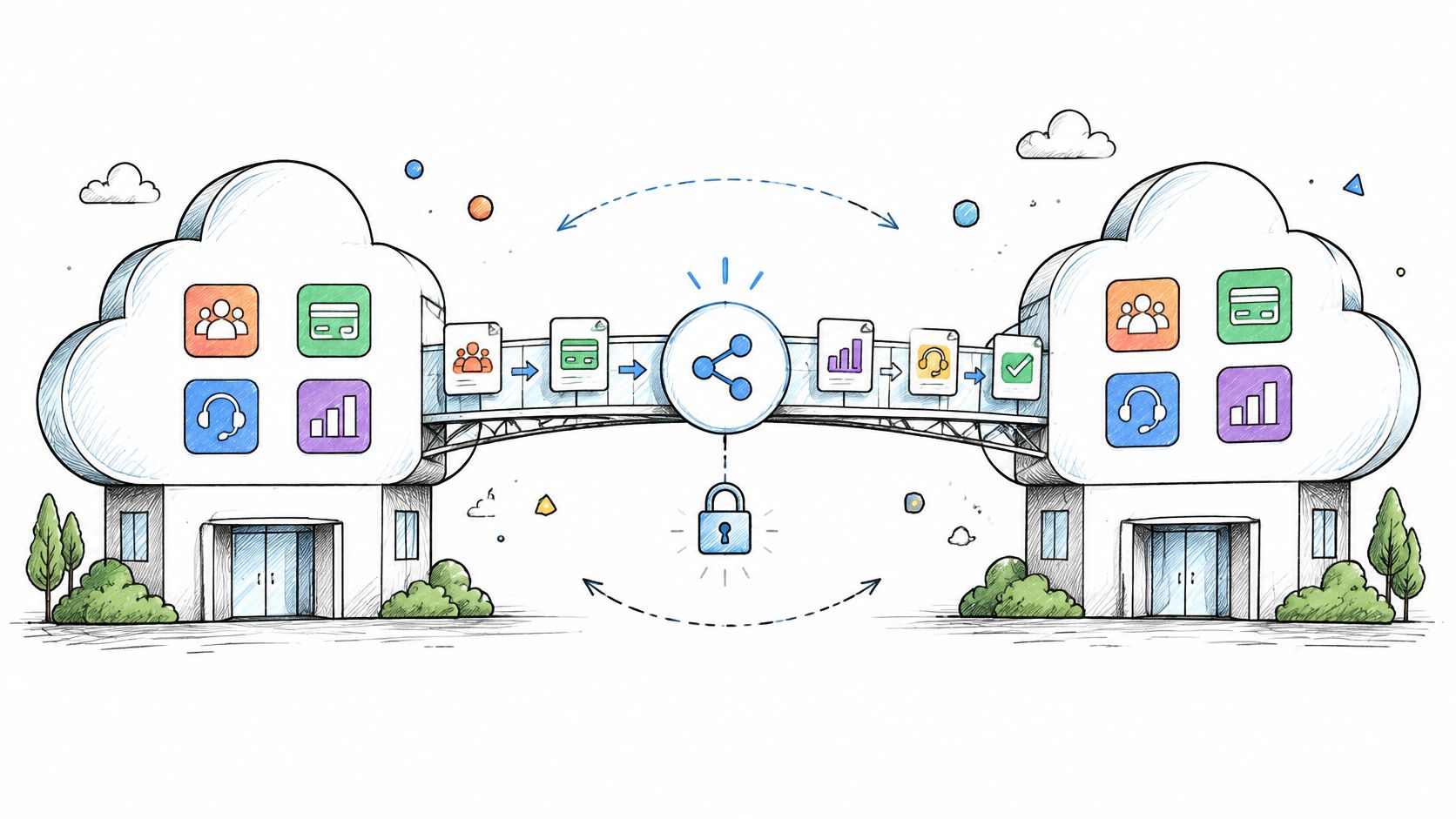
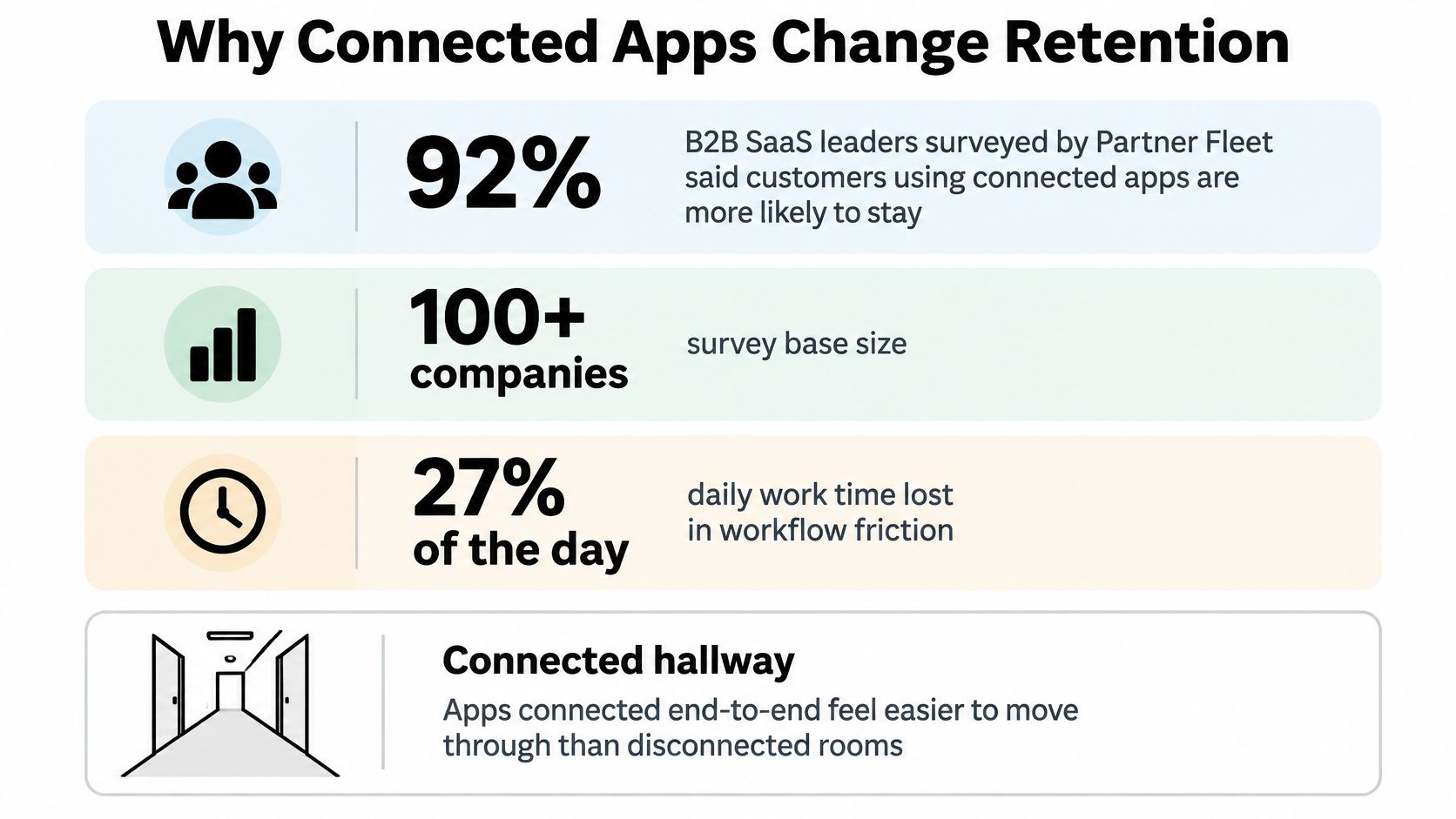
92% of surveyed B2B SaaS leaders said customers using integrations were less likely to churn, according to Partner Fleet's 2024 survey of more than 100 B2B SaaS companies. That makes SaaS integrations an onboarding and retention decision, not just an engineering backlog category. But the useful score isn't how many apps you connect. It's whether customers can finish important work without retyping records, guessing which system is right, or discovering a failed sync through a complaint.
Table of Contents
- Why Connected Apps Change Retention
- Ways SaaS Integrations Move Data
- Workflows Where a Connection Pays
- Sending Client Follow Up Emails With Zenfox.ai
- Rules That Stop Duplicate Updates
- Security Checks Buyers Run First
- Choose Depth Over a Long Catalog
- Ship One Reliable Connection First
Why Connected Apps Change Retention
Say a customer-success manager opens your product before a renewal call. The account's contract lives in HubSpot, its invoices live in billing, and its unresolved tickets live in the help desk. Your product can recommend the next action, but the manager still has to collect the facts elsewhere.
That's daily work your connector should remove. If the manager must copy account details into your app and paste the result back into the CRM, you've added another room to visit rather than made the job easier.
A CSV export is a paper note slid under a door. Someone has to collect it, interpret it, and check whether anything changed after it was written. A live integration is a staffed hallway between buildings, with a clear destination and someone responsible for the record that passes through.
Make the customer's existing workflow easier
The manager doesn't need your application to replace HubSpot. They need the right renewal status attached to the right account, with enough context to act. That's the practical connection between integration design and CRM customer engagement.
Judge the connector against concrete outcomes:
- Less retyping: The customer enters information where the work begins, not again in every downstream tool.
- A named source of truth: Each shared field has an owner, even when several applications display it.
- Visible failure: Someone can identify an interrupted update and recover it without investigating a customer complaint.
A connected app earns its place when the customer can trust the handoff, not merely authorize it.
Adding logos can also stall enterprise deals when buyers ask what an agent may change and where connected data resides. Bring the approach table to the planning meeting, with a named workflow beside it, rather than a wishlist of app icons.
Ways SaaS Integrations Move Data
How SaaS integrations connect and where they fail
| Approach | Fits when | You maintain | Typical failure | First useful result |
|---|---|---|---|---|
| Native one-to-one connector | A few apps cover most customers | Field maps, OAuth, version changes | Silent schema drift | A mapped object with a tested write |
| iPaaS or middleware | Ops wants many apps without a team per pair | Scenarios, stored credentials, vendor limits | Opaque runs and per-task cost | A template run against real account data |
| Public REST or GraphQL API | Customers or agents build their own flows | Docs, auth, rate limits, versioning | Breaking changes and retry storms | A documented, authenticated end-to-end operation |
| Webhooks | The other app should react to an event | Signatures, queue, replay | Duplicates and out-of-order events | An event processed through a durable receiver |
| Unified API | You need a category such as CRM or HRIS quickly | Mapping layer and provider gaps | Lowest-common-denominator fields | Required objects work across target providers |
| Customer-built connector | Power users have their own engineers | Support load and token review | Ungoverned scopes | Customer implementation passes acceptance tests |
A SaaS integration is a maintained path that lets a cloud application read or change data in another system without a person copying it. Choose the path according to who needs control and who will maintain it. These approaches aren't mutually exclusive architectures, but each workflow should have a primary owner and delivery mechanism.
A native connector makes sense when important customers share the same destination and require its specific fields. It can use scheduled polling, webhook push, or API pulls with OAuth token refresh. Move away from native development when supporting uncommon app pairs would consume the team needed to maintain your critical connections.
Middleware shifts orchestration into scenarios managed through a separate platform. Those scenarios may poll on a schedule or receive webhook triggers, then call destination APIs. Operations gets more control, but engineering still needs to make failed runs understandable and account for task consumption.
Choose where abstraction should stop
A public API suits customers whose workflows you can't predict. REST or GraphQL gives them a pull-and-write interface, not automatic synchronization. Your business data API design must explain pagination, authentication, errors, and compatibility well enough that customers don't reverse-engineer your application.
Webhooks answer a narrower question: should another system react when something happens? They push notifications instead of requiring constant polling. Use them to trigger work, then retrieve the authoritative object through an API when the event doesn't contain enough information.
A unified API trades provider-specific depth for a normalized model. Its provider connections may poll, consume events, or combine both. Switch to a native adapter when a required custom object, permission model, or business operation disappears behind that normalization.
Customer-built connectors let technical buyers own their polling jobs, event receivers, and API calls. You avoid maintaining every mapping, but you still owe them a support boundary and a way to review access.
- When refresh succeeds: Replace credentials safely and continue from the stored checkpoint.
- When refresh fails: Mark the connection as requiring authorization, pause affected jobs, and notify its owner.
- When access is revoked: Don't keep showing a green connection badge because the last successful run looked healthy.
Don't stack every approach into the first workflow. Pick the smallest arrangement that supports the required objects and exposes its failures.
Workflows Where a Connection Pays
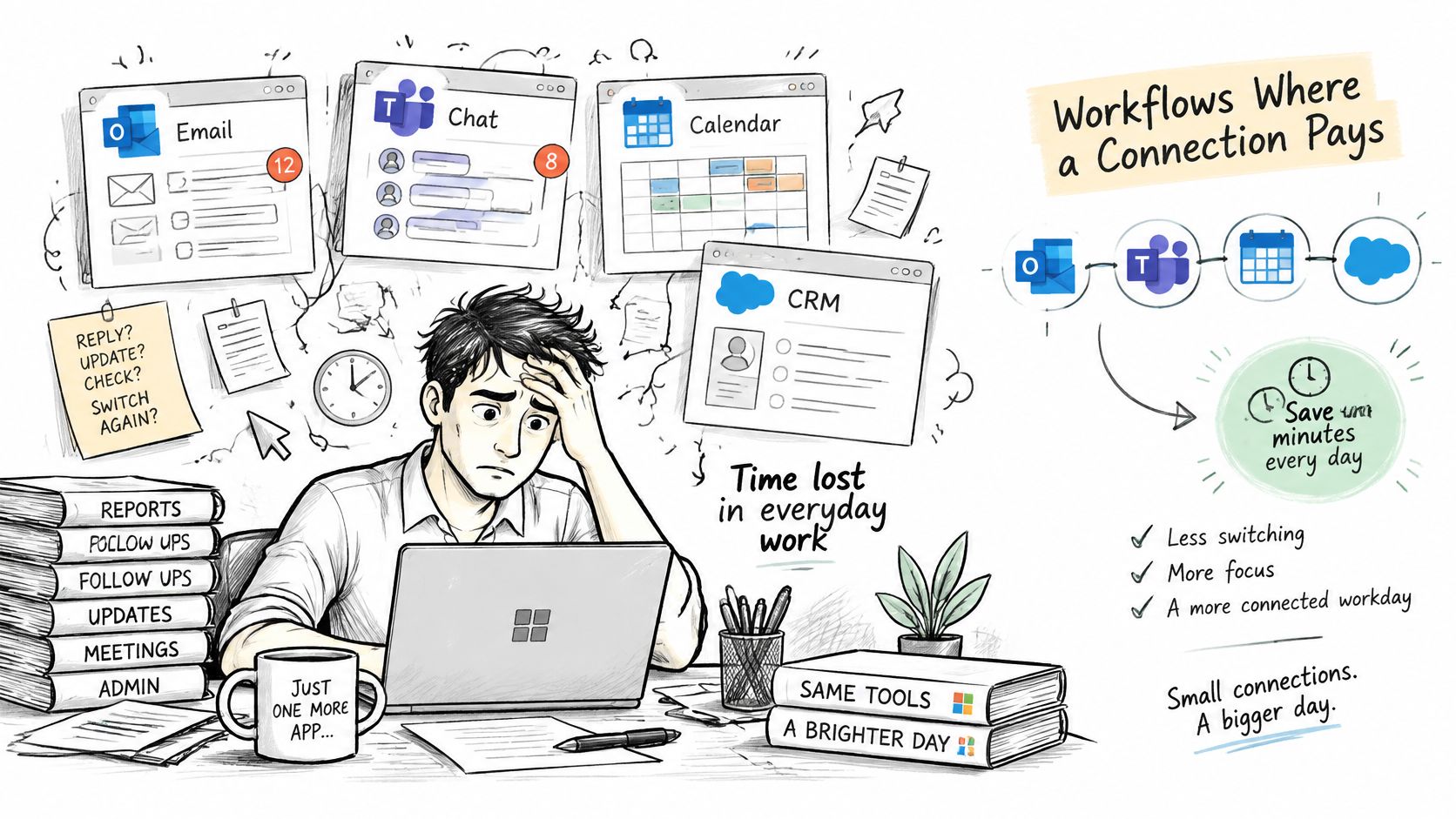
Respondents to Microsoft's 2023 Work Trend Index, which surveyed 31,000 workers across 31 markets, estimated that 27% of their working day went to searching for information. Choose integration work that removes a recurring search or reconciliation task, rather than connecting applications because customers recognize their names.
Four workflows where a connection pays
| Workflow | Systems | Sync direction | Edge that breaks a shallow connector |
|---|---|---|---|
| Sales and marketing | Form tool, marketing automation, CRM | Form fill creates or updates one CRM contact with source campaign | Same contact exists under two emails |
| Finance | Billing, ledger, CRM | Paid invoice updates the matching opportunity or subscription state; ledger owns money records | Refund arrives after CRM was already marked won |
| Support | Help desk, billing, CRM | Ticket displays plan and last invoice | Ticket opens before the user is provisioned |
| Analytics | Product events, warehouse | Events arrive with a stable user ID | Identity mismatches force manual export reconciliation |
Follow the object through the decision
A prospect submits a demo form after using your product. Marketing wants attribution; sales wants to know whether the person already belongs to an active account. Match against a stable customer identifier where available, preserve the campaign, and route uncertain email matches for review instead of creating another lead automatically.
Finance has a different decision. A billing payment can make an account eligible for activation, but it shouldn't rewrite historical accounting entries. Keep payment, subscription, and opportunity states distinct so a later refund produces an explicit adjustment rather than leaving contradictory records that look successful.
A support agent needs context at the moment a ticket opens. Pull the customer's plan and relevant invoice status into the help desk, but allow an unresolved identity when provisioning hasn't finished. Queue enrichment for later instead of dropping the ticket or attaching it to a vaguely similar account.
For analytics, the important handoff is identity, not just delivery. Product events should retain a stable user identifier through ingestion, account changes, and warehouse transformations. Otherwise, product and finance can query the same warehouse and still disagree about which customer generated the activity.
Acceptance test: Name the decision the connected record enables, then test the awkward case that could make that decision wrong.
A demo proves fields can appear on a screen. A useful integration repeatedly lets a salesperson route the right account, finance validate an adjustment, support answer a question, or an analyst reconcile activity without assembling another spreadsheet.
Sending Client Follow Up Emails With Zenfox.ai
Zenfox.ai is an AI automation assistant designed to use context from connected applications and take actions across them. Its proposed fit for client follow-up is straightforward: use email history, CRM status, and project documents to prepare the next message without making someone gather that context manually.
For evaluating app coverage, Zenfox.ai's SaaS integrations resource is a useful starting point. The decision isn't whether an app name appears, but whether the assistant can access the exact object and perform the operation your follow-up requires.

Start with a reviewable follow-up
Describe a bounded goal in plain English, such as preparing a follow-up for an open HubSpot opportunity using the relevant Gmail thread and proposal in Drive. Its contextual search, autonomous task execution, and activity-log capabilities are useful here because drafting and updating the CRM otherwise require separate handoffs.
Keep the first workflow in draft mode:
- Select the account: Require an explicit CRM association rather than inferring the customer from an email subject.
- Check current state: Stop when the customer has replied, the opportunity has closed, or the account owner has paused outreach.
- Approve the message: Review the recipient, commitments, attachments, and supporting context before sending.
- Record the action: Attach the resulting message identifier to the CRM activity so the team can distinguish a completed send from a draft.
Decide whether autonomy helps
Zenfox.ai is worth evaluating when a team repeatedly assembles context across Gmail, Slack, HubSpot, and Drive, and wants goal-based automation rather than maintaining every branch manually. Its broader research, monitoring, and automation features matter only if those tasks belong in the same operational workflow.
A deterministic reminder may be the better choice when the message needs no contextual judgement. Before allowing autonomous sends, validate authorization boundaries, activity-log coverage, revocation behavior, and the provider's security evidence against your procurement requirements. An assistant that can compose a plausible follow-up still needs a reliable answer to whether it should send one.
Rules That Stop Duplicate Updates
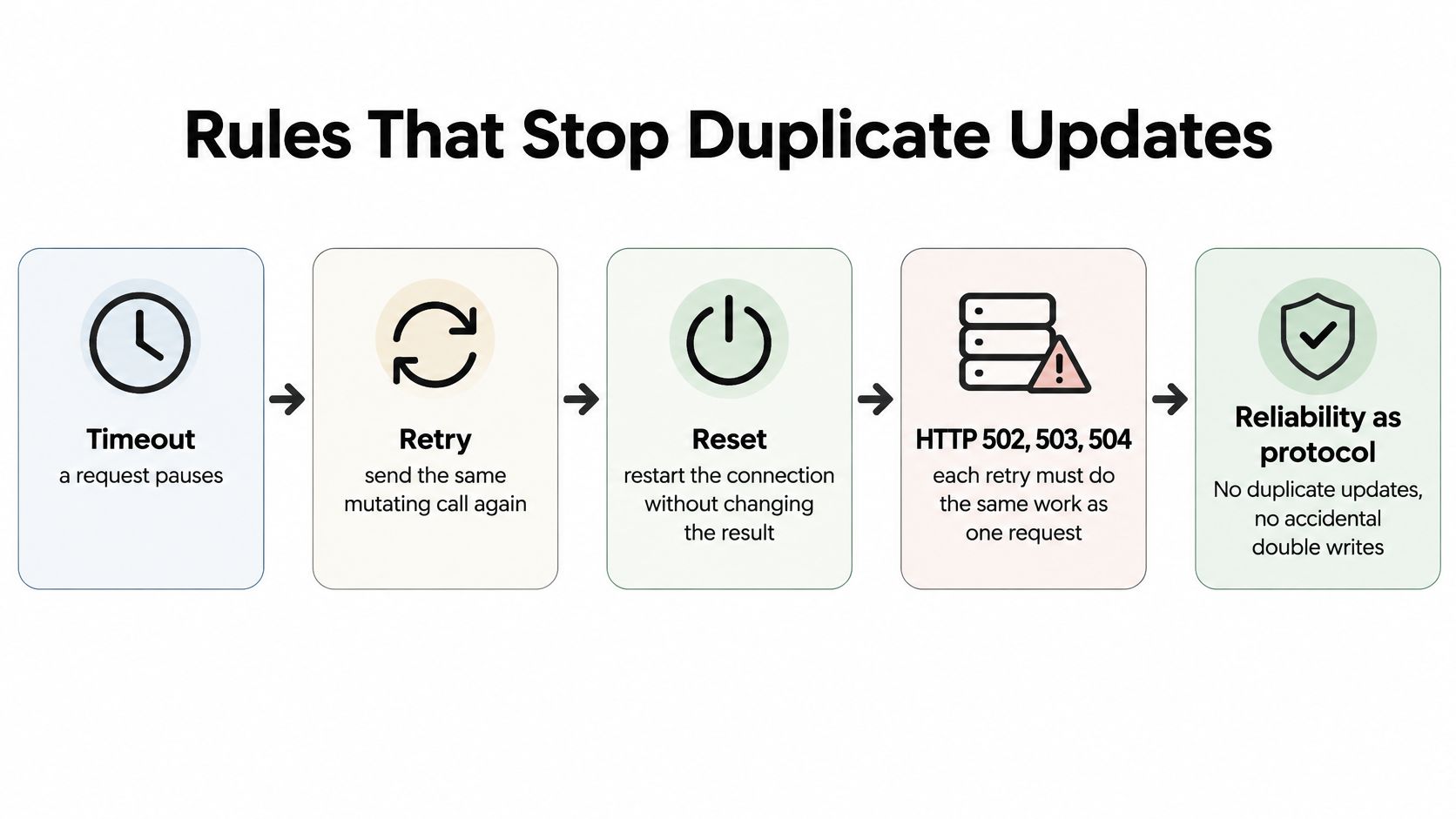
A timeout doesn't tell the caller whether a write failed. The server may have created the invoice and lost the response on the way back. Idempotency makes retrying that logical operation safe, a core concern in Microsoft's API implementation guidance for timeouts, connection resets, and HTTP 502–504 responses.
The client should generate a unique key for the operation, not a new key for every attempt. On the server, enforce uniqueness within the authenticated tenant and reject reuse of the key with a different request.
Store the operation, not just the key
Keep the idempotency record fields together: (1) the tenant and key, preventing cross-customer collisions; (2) a request fingerprint, catching changed payloads; (3) the processing state, preventing concurrent duplicate execution; and (4) the final response, allowing a completed operation to return its original result.
Make the record transition and business write consistent. A key written before a crash mustn't leave an operation permanently marked as processing with no recovery path.
Publish operational limits rather than forcing integrators to discover them:
- Request and concurrency limits: Partition quotas by tenant where possible.
- Payload and batch limits: Reject oversized work before it consumes expensive processing.
- Execution limits: Define how clients retrieve results when work outlasts a synchronous request.
Load tests should measure throughput, tail latency, error rate, and resource saturation under ordinary load and bursts. Test an unavailable dependency too, because a healthy API can become overloaded while callers retry a failing downstream service.
Treat events as a separate delivery pipe
A webhook receiver shouldn't perform the entire business transaction before responding. The published API integration specialist design describes an asynchronous receiver and gives an illustrative p99 acknowledgement target below 500 ms, with sustained acknowledgement latency above 1 second flagged for attention.
The receive sequence is (1) verify the provider signature using constant-time comparison, preventing forged events; (2) durably store the event and delivery identifier, preventing loss after acknowledgement; (3) return a successful acknowledgement promptly, avoiding unnecessary redelivery; and (4) process through a queue, isolating downstream outages.
Deduplicate using an event identifier protected by a uniqueness constraint. When sequence matters, compare object versions or timestamps rather than assuming delivery order matches business order.
Track acknowledgement latency, delivery success, duplicate rate, queue age, and downstream processing failures. A receiver can accept every event while its workers make no progress. Together, these controls prevent double billing, duplicate CRM records, retry storms, and noisy-neighbor failures.
Security Checks Buyers Run First
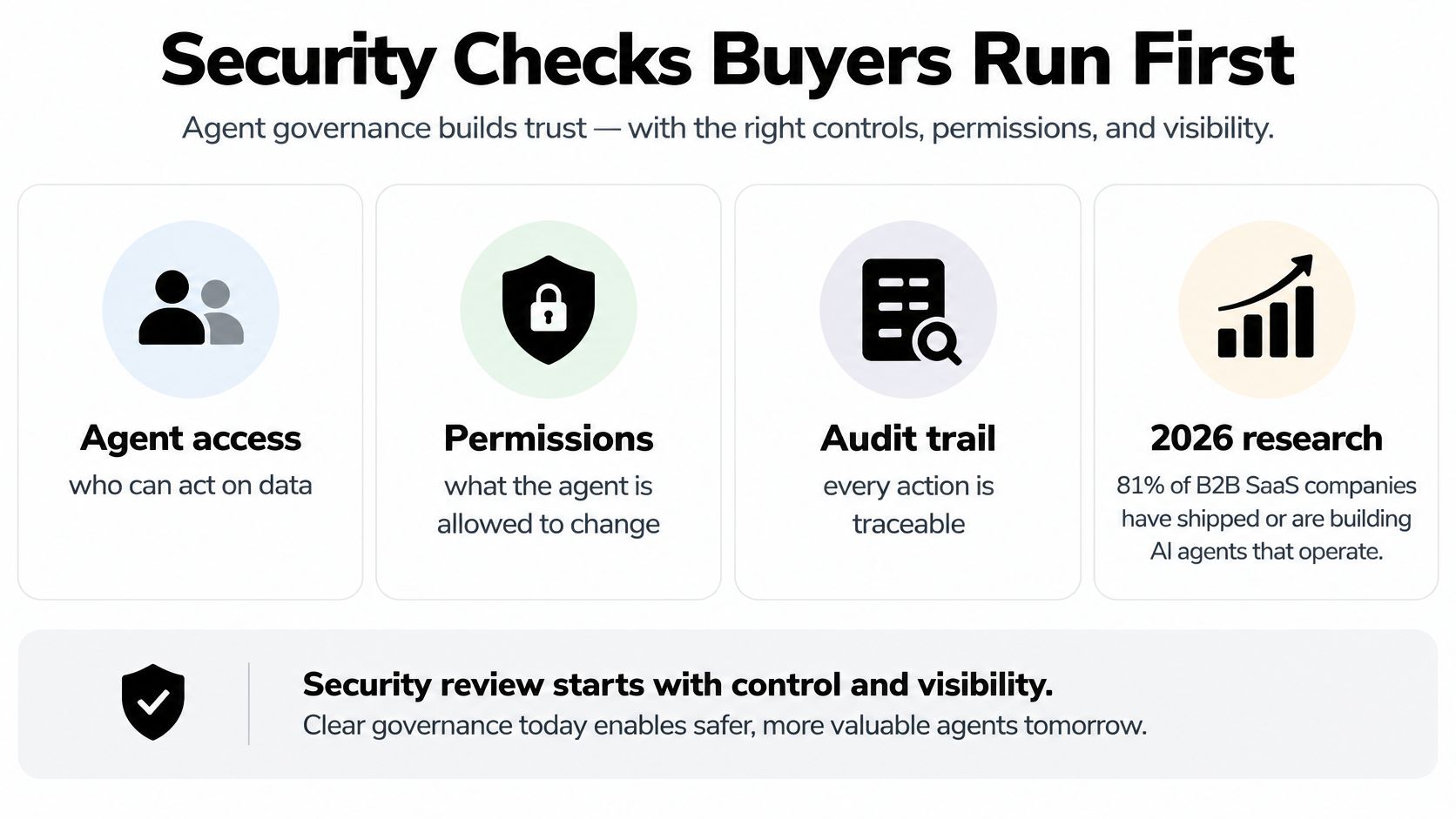
68% of respondents had lost or delayed an enterprise deal because of integration-security concerns, while 81% of B2B SaaS companies had shipped or were actively building agents operating through integrations, according to Paragon's State of Integrations 2026. Buyers requested data-processing terms, residency information, penetration-test reports, detailed audit logs, and SOC 2 evidence.
A longer connector catalog creates more questions when autonomous agents can use those connections. OAuth consent establishes access, but it doesn't establish whether a particular agent should email a customer, delete a record, or change permissions.
Separate user instructions from agent decisions
A user-authorized automation follows a trigger or schedule the user configured, within granted permissions. An agent-initiated action selects a tool call while pursuing a broader goal. Don't treat those as equivalent merely because both use the same API.
Give the agent a restricted execution identity and an allowlist of permitted objects. Require approval for actions that bill, delete, contact customers, or change access. Bind approval to the intended action and payload so the agent can't reuse approval for a materially different write.
Least privilege means separating read and write permissions where the provider supports it. Don't store a blanket administrator refresh token in a scenario just to avoid future authorization work. Enforce tenant isolation at credential lookup and execution, not only in the interface where the customer connects an account.
Prepare evidence before procurement asks
Attach an operational checklist to the security questionnaire:
- Scopes: Document permissions by endpoint and explain why each is required.
- Approval gates: Identify high-impact actions and the person authorized to approve them.
- Secrets: Describe storage, rotation, revocation, and access controls.
- Webhook authentication: Require signature verification before accepting provider events.
- Audit records: Record actor, scope, operation key, and relevant before-and-after fields.
- Data handling: List subprocessors, processing regions, and retention rules for payloads, logs, and embeddings.
- Customer access: Make audit records exportable and connection revocation understandable.
Use a web security review alongside this checklist, not as a substitute for integration-specific authorization tests. Test that a token belonging to one tenant can't retrieve another tenant's records, even when the caller supplies a valid-looking object identifier.
Retention deserves an explicit answer. Deleting the source document shouldn't leave your team unable to explain whether its contents remain in an event payload, search index, or agent memory.
Another integration can lower enterprise readiness when it expands access without these controls. Buyers need evidence that your product can constrain actions, not just execute them.
Choose Depth Over a Long Catalog
Large enterprises run an average of 957 applications, with only 27% connected, according to a 2026 benchmark cited in Thinklytics' workflow integration analysis. Those figures describe enterprise coverage, not a connector target for your startup. Building another logo doesn't necessarily connect another important workflow.
Score the backlog by business criticality, record ownership, failure impact, and customer concentration. A request attached to a blocked renewal deserves different treatment from a prospect asking whether your integrations page contains a familiar brand.
When to deepen a SaaS integration
| Signal | Build or deepen | Wait |
|---|---|---|
| Workflow blocks revenue or renewal | Yes, even for a single app | Don't defer solely because the catalog is small |
| A substantial share of paying customers asks | Prioritize that system against other commitments | Validate whether requests describe the same workflow |
| A failed write would duplicate billing or CRM rows | Yes, with idempotency | Defer cosmetic field syncs |
| Both sides edit the same fields | Only after a source of truth is named | Pause any new sync |
| One prospect wants a logo | Not on that evidence alone | Revisit with a concrete buying requirement |
| An agent would write without a human check | Only with a scoped approval step | Reject broad write scopes |
Budget for the difficult cases
A deep connector needs schema-change detection, not just mappings that worked during development. Detect removed fields, changed types, permission changes, and provider responses your parser doesn't recognize. Quarantine incompatible records rather than discarding their values.
Keep events replayable and give failed jobs a dead-letter queue with an owner. A reconciliation job should compare source and destination state, because successful transport doesn't prove that every intended record reached the right business state.
Rate-limit visibility belongs in the operator interface. Show whether a connection is waiting for quota, blocked on authorization, or failing validation. Give each state a recovery action instead of grouping everything under sync error.
Resolve conflicts deliberately
Write a field-level conflict policy before enabling bidirectional edits. The CRM might own account assignment while billing owns subscription status. If both sides can change the same value, specify precedence or route conflicts for review.
Fewer integrations that fail visibly are more useful than a gallery that copies a happy-path field and hides everything else.
Measure outcomes such as invoices matched without a spreadsheet or eligible accounts provisioned without intervention. A connector count tells you how many maintenance obligations you've accepted. It doesn't tell you how much customer work you've removed.
Deepen an existing path when it can eliminate a recurring exception. Wait when the proposed addition only broadens coverage while leaving the important workflow unfinished.
Ship One Reliable Connection First
Choose a named workflow and a primary approach before opening another connector ticket. Keep the boundary narrow enough that a named engineer can understand its alerts and recovery actions without assembling a cross-functional incident team.
Turn the choice into a release contract
- Name the business result. For example, a paid subscription should make the correct account eligible for provisioning. Write down the source object, destination object, and identity match.
- Write the operation and permission rules. Define what counts as the same logical write, which identity executes it, and which actions require approval before mapping fields.
- Release against observable acceptance tests. Prove that retrying doesn't create another record, interrupted delivery produces an actionable alert, and a buyer can inspect the permissions available to an agent.
The first release isn't done because an authorization screen works. It's done when an operator can distinguish completed work from pending or failed work and recover without manually inventing the destination state.
Measure before expanding
I would use a short, explicitly chosen observation window, such as a two-week pilot, to measure a business outcome before approving the next connector. Count records that no longer require manual export, and inspect every exception rather than celebrating total API calls.
Keep a small release record containing the workflow name, chosen approach, approved scope set, accountable owner, and outcome target. That gives the next planning meeting something more useful than another catalog screenshot.
Choose the workflow you'll ship, assign its owner, and write its acceptance tests today. Add those release gates to our SaaS Launch Checklist, an interactive pre-launch, launch-day, and post-launch checklist for indie SaaS founders, so your connection's recovery and permission checks are part of the launch rather than unfinished follow-up work.