Introduction: The Challenge of Indie App Development
In the fast-paced world of mobile app development, indie developers often face a daunting challenge: how to launch their apps quickly while ensuring quality and functionality. With an ever-increasing demand for innovative applications, the pressure to deliver can lead to burnout and frustration. Many developers find themselves bogged down with repetitive tasks such as setting up authentication, creating onboarding processes, and integrating payment systems. Hours that could be spent on crafting unique app features are instead wasted on boilerplate code and setup tasks.
This is where The Swift Kit comes into play. It is designed specifically for indie iOS developers looking to streamline their app development process. By providing a comprehensive boilerplate solution, The Swift Kit allows developers to focus on what truly matters: building intuitive and engaging applications that stand out in a crowded market.
What is The Swift Kit?
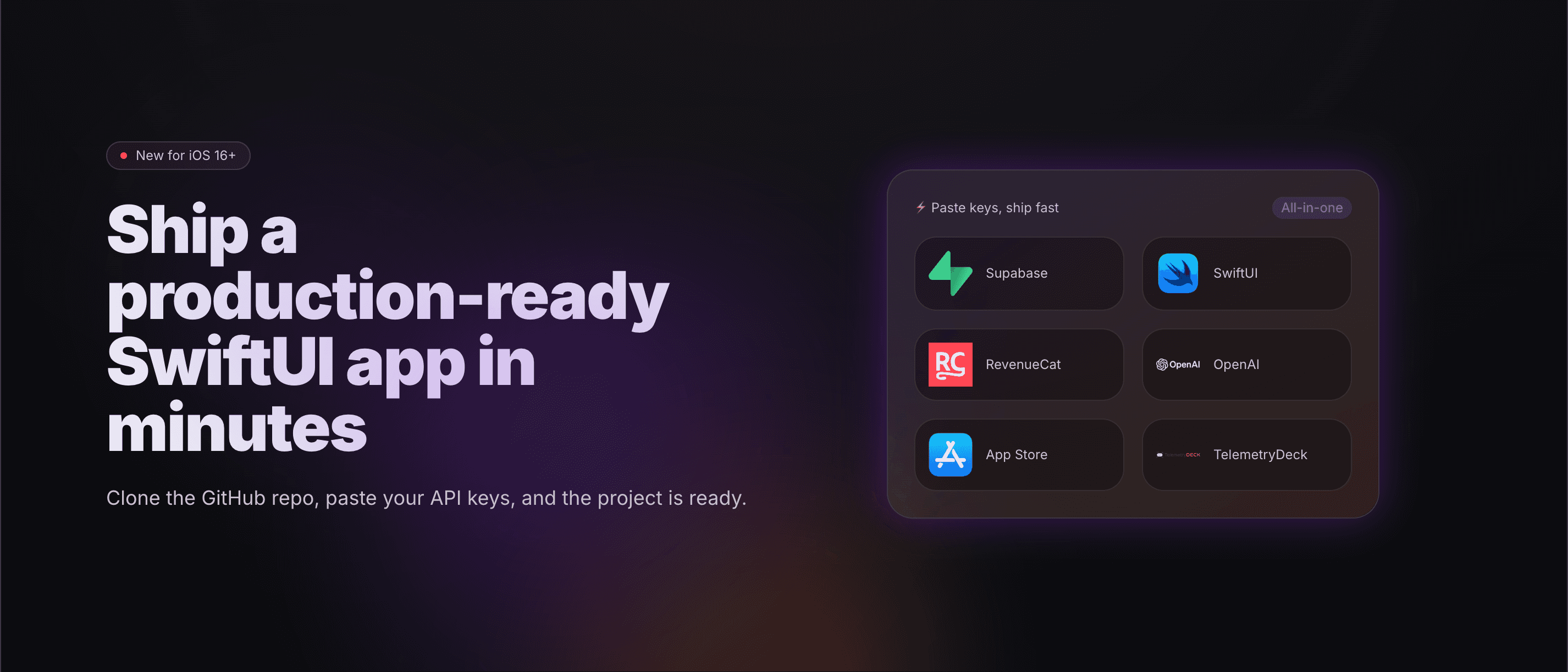
The Swift Kit is the number one SwiftUI boilerplate and iOS app starter kit tailored for indie developers. It provides a centralized design system, feature flags, onboarding templates, payment integration with RevenueCat, Supabase authentication, and built-in AI capabilities. With The Swift Kit, developers can clone the repository, paste their API keys, and have a production-ready app running in under an hour.
This all-in-one solution is built with the understanding that indie developers need to maximize their productivity while minimizing repetitive setup tasks. By offering pre-built templates and integrations, The Swift Kit reduces the development time significantly, allowing developers to ship apps faster and with less hassle.
The Problem The Swift Kit Solves
Indie developers often find themselves spending excessive time on foundational tasks when launching new iOS apps. Wiring authentication processes, designing onboarding screens, and integrating payment systems can become tedious and time-consuming. For many, this leads to frustration and a feeling of stagnation, as they struggle to balance their vision with the technical necessities of app development.
Consider the typical workflow of an indie developer: they have a brilliant app idea but spend weeks setting up the infrastructure to support it. This includes implementing user authentication, creating a seamless onboarding experience, and ensuring that payment processing is smooth and secure. Each of these tasks can take hours or even days to complete, detracting from the time available to develop unique features that could make the app stand out.
The Swift Kit addresses this pain point directly. By providing a comprehensive set of features and templates ready for immediate use, it allows indie developers to bypass the tedious setup and focus on what they do best: innovating and creating compelling user experiences.
How The Swift Kit Works
Using The Swift Kit is straightforward and efficient. Here’s a step-by-step breakdown of the typical workflow:
- Clone the Repository: Begin by cloning The Swift Kit repository from GitHub to your local machine.
- Run the Setup Script: Execute the setup script provided in the kit. This script will configure essential aspects of your app, including the app name, design system, and API keys.
- Customize Your Design: Navigate to the DesignSystem.swift file where you can easily edit colors, fonts, and spacing to match your brand identity.
- Integrate Authentication: Choose from available authentication options like Supabase or Sign in with Apple and plug in your credentials.
- Set Up Payment Processing: Implement payment systems using the pre-built RevenueCat templates to handle subscriptions and in-app purchases.
- Add Onboarding Templates: Utilize the provided onboarding templates to create a smooth user experience for new users.
- Launch Your App: After customizing your app and ensuring all features are integrated, you can run your app on a simulator or device and prepare for submission to the App Store.
This streamlined process means you can go from concept to a functioning app in a fraction of the time it would typically take.
Key Features of The Swift Kit
- Centralized Design System: A unified design system to maintain consistency across your app, making it easier to manage styles and layouts.
- Feature Flags: Enable or disable features without deploying new code, allowing for easier testing and feature rollouts.
- Onboarding Templates: Pre-designed onboarding templates to help users quickly understand your app's functionality.
- Payment Integration: Simplified integration with RevenueCat for subscription management, including trials and payment processing.
- Supabase Authentication: Built-in support for Supabase, allowing for seamless user authentication and data management.
- AI Integrations: Ready-to-use integrations for AI features like chat and image generation, enhancing the app's functionality.
- Comprehensive Documentation: Extensive documentation to guide you through the setup process and usage of various features.
These features combined create an environment where indie developers can thrive. By minimizing the need for repetitive coding and providing robust templates, The Swift Kit unlocks the full potential of your creative ideas while saving significant time.
Who The Swift Kit is For
The primary audience for The Swift Kit consists of indie iOS developers who are looking to accelerate their app development process. This includes:
- Solo Developers: Individuals who are building apps on their own and need a way to efficiently manage their time without sacrificing quality.
- Small Teams: Small development teams that want to quickly prototype and launch multiple applications without extensive setup time.
- Startups: New startups that need to validate their ideas rapidly and bring their products to market without unnecessary delays.
Concrete personas include:
- The Indie Developer: A solo developer with a unique app idea but limited resources and time to build the entire architecture from scratch.
- The Startup Team: A small group of developers working for a startup that needs to pivot quickly and test market fit with minimal investment.
- The Hobbyist: An individual looking to learn and create, who wants to focus on coding and design rather than backend setups.
By catering to these groups, The Swift Kit aims to empower those who want to bring their ideas to life without the typical obstacles of app development.
The Swift Kit vs Alternatives
When considering alternatives to The Swift Kit, it's essential to look at what competitors like Flutter Kit and CodeCanyon SwiftUI Templates offer.
-
Flutter Kit: While Flutter provides cross-platform capabilities, it requires a different set of skills for Dart programming. The Swift Kit focuses exclusively on SwiftUI, making it more accessible for iOS developers. Additionally, Flutter might not have as robust a centralized design system or the same level of pre-built features tailored for iOS development.
-
CodeCanyon SwiftUI Templates: These templates can offer quick-start solutions but often lack the comprehensive integration and support that The Swift Kit provides. CodeCanyon’s offerings might not include the same level of customization or built-in features like AI integrations, which can be critical for modern app development.
Overall, The Swift Kit distinguishes itself with a unique all-in-one solution that combines essential features into a single package, allowing developers to ship apps up to 10 times faster than traditional methods.
Real-World Use Cases
-
Rapid App Development: An indie developer wants to launch a fitness tracking app. Using The Swift Kit, they can set up the app's fundamental components in under an hour, focusing on unique features like workout tracking instead of boilerplate code.
-
Onboarding Integration: A small team is building a social networking app. They use The Swift Kit’s onboarding templates to ensure new users have a seamless entry into the app, enhancing user retention rates.
-
Payment System Setup: An indie game developer wants to implement in-app purchases. With The Swift Kit’s pre-configured RevenueCat templates, they can quickly integrate payment options without having to dive into complex StoreKit setups.
-
AI Feature Implementation: A developer is creating an educational app that uses AI for personalized learning experiences. With the AI integrations in The Swift Kit, they can add features like chatbots for user queries and content generation quickly.
-
Indie App Launches: A duo of indie developers wants to launch multiple apps within a year. By using The Swift Kit, they can rapidly prototype and launch their applications, allowing them to test various ideas without extensive overhead.
Getting Started with The Swift Kit
If you’re ready to streamline your app development process, getting started with The Swift Kit is easy. Visit their website and follow these steps:
- Choose your package: You can start with the core kit or opt for the Pro version that includes additional features.
- Clone the repository from GitHub.
- Follow the setup instructions provided in the documentation to configure your app.
- Customize the design and integrate your unique features.
- Launch your app and start gathering user feedback.
The Swift Kit is designed to minimize setup time and maximize productivity, allowing you to focus on what you do best – building great apps.
FAQ
How quickly can I launch an app with The Swift Kit?
Most indie developers can get their app up and running in under an hour.
What features are included in The Swift Kit?
The kit includes onboarding templates, payment integration, AI features, and a centralized design system.
Is there ongoing support after purchase?
Yes, The Swift Kit includes lifetime updates and support for unlimited projects.
Can I customize the design in The Swift Kit?
Absolutely! You can edit the DesignSystem.swift file to customize colors, surfaces, and spacing according to your brand's needs.
Are there any hidden fees after purchase?
No, The Swift Kit is a one-time purchase that includes lifetime updates and access to all features.
What if I need help during development?
The Swift Kit offers comprehensive documentation, and you can also reach out for support if you encounter any issues.
Bottom Line
In a world where time is of the essence, The Swift Kit stands out as a vital tool for indie iOS developers looking to streamline their application development. By providing a comprehensive boilerplate solution, it not only saves time but also empowers developers to focus on building unique features that captivate users. The Swift Kit is more than just a boilerplate; it's a strategic ally in the quest to ship quality apps quickly. Whether you’re a solo developer or part of a small team, The Swift Kit is designed to help you succeed in the competitive landscape of mobile app development.
Explore how The Swift Kit can transform your app development journey today!